
Having an app developed and publishing it on the App Store
From idea to App Store and Play Store: accounts, the review process, common reasons for rejection and costs – with experience from our own app Festino.
If you want to have an app developed and publish it on the App Store, development is rarely the hard part. The hard part begins afterwards: developer accounts, review processes, privacy details, age ratings, test accounts, store texts. We have been down this road several times with client projects and with our own app Festino – and here we write down what nobody tells you beforehand.
What really happens between “the app is finished” and “the app is in the store”
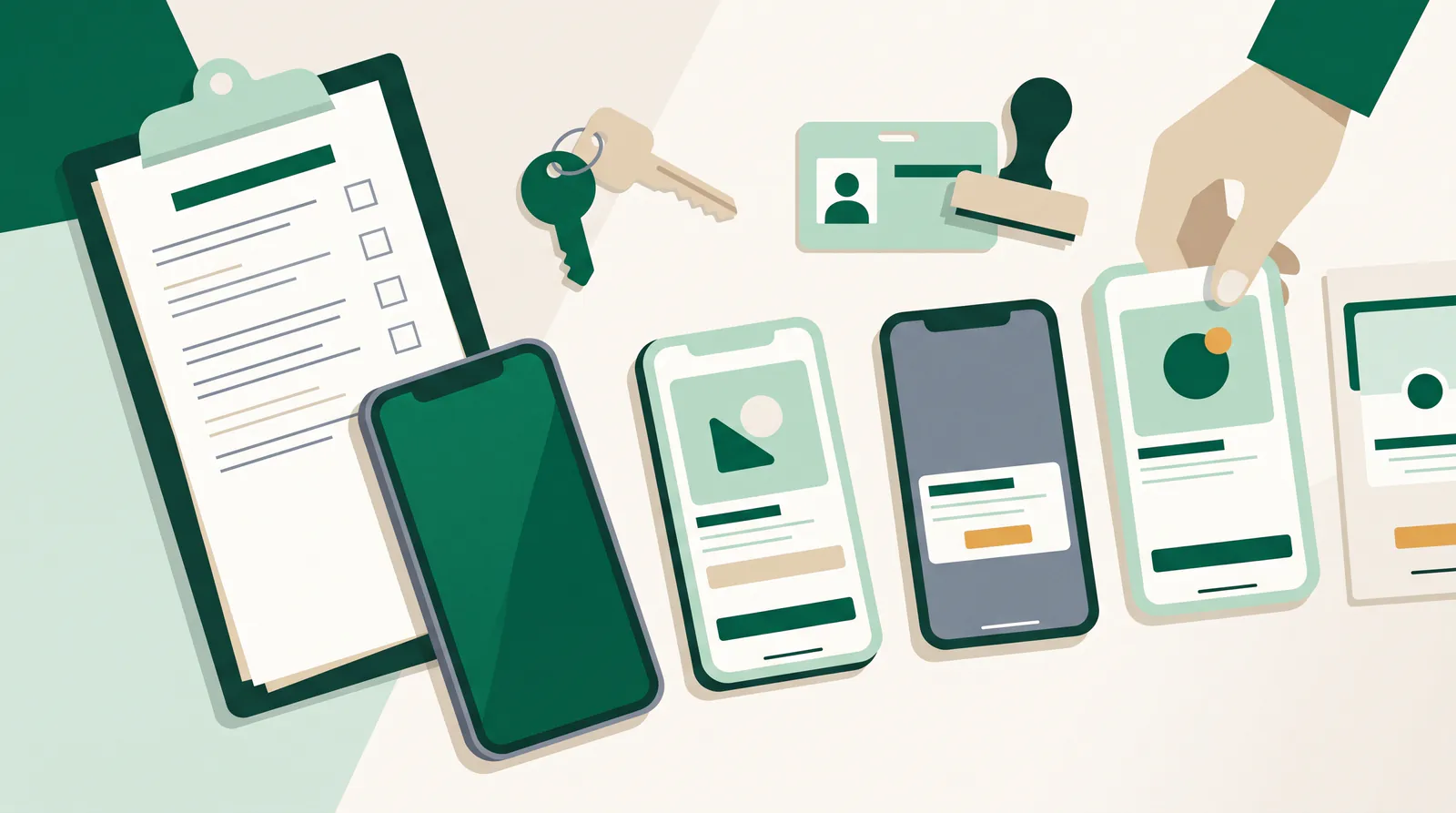
A working app is the prerequisite, not the result. Between the last feature and the download button lie tasks that have little to do with programming: creating company accounts and having them verified, generating signing keys and storing them securely, writing store listings in every supported language, creating screenshots in several device formats, filling in privacy details, answering the age rating questionnaire, providing test accounts.
Our rule of thumb: for a first release, allow one to two weeks for this block if everything goes smoothly. The most common reason for delays is not the review process but opening the accounts – especially the identity verification for company accounts.
Which accounts and documents you need
- Apple Developer Program – company membership, currently around 99 US dollars per year. An account in the company's name requires a verified company identifier; in our experience, obtaining it takes the longest.
- Google Play Console – a one-off registration fee in the low double-digit dollar range, plus an identity or company verification.
- Legal notice and support contact – both have to be reachable, not just filled in.
- Privacy policy at a fixed address – it is linked and checked in both stores.
- Signing keys and access – belong to the company, not the service provider. Settle this in the contract before development starts.
The last point is more serious than it sounds. We have taken over projects several times in which the store account was registered to the previous service provider. That is not a technical problem but a negotiation problem – and it can be avoided with one sentence in the contract.
Another thing to clarify early: the revenue model. If you sell digital content or subscriptions within the app, the route as a rule goes through the platforms' payment systems – with a share you have to factor into your pricing. This does not apply to services provided outside the app, such as appointments, deliveries of goods or on-site services. The distinction seems technical, but it decides your margin – and should therefore be settled before development, not after.
What submissions actually fail on
- A login without a test account. Anyone who requires sign-in and doesn't provide the reviewers with a working account will be rejected. Reliably.
- Third-party sign-in without Apple's alternative. Anyone who offers sign-in via social networks usually also has to offer Apple's own sign-in option.
- Incomplete data disclosures. Both stores require a declaration of which data is collected and what it is used for. If the declaration differs from the app's actual behavior, it gets noticed.
- Digital content bypassing the store's payment system. Anyone who sells digital goods within the app can hardly avoid the platforms' payment systems – with a noticeable impact on the calculation.
- Permissions without a reason. Location, camera, contacts: every permission needs an understandable explanation at the moment it is requested.
- Placeholders and test content. A “Lorem ipsum” in the help text is enough for a rejection.
- The pure website wrapper. An app that only displays a website and offers no value of its own is regularly rejected by Apple.
Web app, native app – or both?
This decision is made before development and determines both effort and reach. A web app can be used immediately via a link, without installation, without a review process and without store fees – but without store visibility and with limitations on device interfaces. A native app costs more, but in return offers push notifications, offline use and the trust that comes with a store listing.
Our own app Festino is deliberately both: it can be played directly in the browser and is also available on the Google Play Store. The reason is pragmatic: someone who wants to start a game quickly at a party won't install anything. Someone who uses the app regularly wants it on their home screen. The same logic applies to many business applications – first the link, then the store.
How long does the review take?
As a rule, both stores today take somewhere between hours and a few days. In our experience the first submission takes longer than later updates, and every rejection restarts the clock. So never schedule a marketing date for the day of the planned approval. A buffer of two to three weeks between the first submission and the public announcement has proven itself – it costs nothing and spares you the most unpleasant scenario: a campaign that is running while the app is still under review.
The store listing decides the installs
An underestimated part of the work: the listing itself is a sales page, and most users only see the top part of the screen. In concrete terms, this means that the name and the short description have to be understandable without context, and the first two screenshots have to show the benefit, not the sign-in screen.
- A name with a function. Pure fantasy names without an explanatory addition won't be found. A brief hint at the benefit in the name field has a noticeable effect.
- Screenshots with captions. Screenshots without explanatory text get skipped. Three to five well-captioned images beat ten raw ones.
- The first two lines of the description. Hardly anyone reads anything below them without expanding the text.
- An honest category and age rating. Incorrect details don't lead to more reach, but to queries in the review process.

Using test phases properly
Both platforms offer ways to distribute an app to selected people before publication. We consider this the most important and least used step. The reason is trivial: on your development device the app is installed, signed in and filled with test data. On a stranger's device it starts from zero – and that is exactly where people drop off.
Our recommendation: at least ten people outside the project team, real devices, no instructions. Watching someone open the app for the first time teaches you more in twenty minutes than any test report. On Android, a staged rollout is also advisable, so that a new version initially reaches only some of the users and can be stopped if there are problems.
What comes after the launch – and is usually forgotten
- Operating system cycles. New major versions appear every year; adjustments are mandatory, not optional.
- The stores' minimum requirements. Both platforms regularly require apps to be built against more recent system versions. Miss this, and at some point you can no longer submit updates.
- Reviews and replies. Publicly visible responses to criticism noticeably influence the install rate.
- Store optimization. Title, subtitle, screenshots and the first lines of the description decide installs – there is often more impact here than in additional features.
- Crash and usage analytics. Without measurement, you learn about problems from reviews. That is the most expensive channel.
These ongoing tasks are exactly what our Managed Digital Office covers. An app is not a project with an end date but a product with running costs.
What does the route into the store cost?
The fees themselves are negligible: an annual membership in the low three-digit range at Apple and a one-off registration in the low double-digit range at Google. What matters is the effort for preparing the release, the store material and guiding the app through the review process. For the app development itself, the orders of magnitude from our article Having an MVP developed apply; publishing comes on top as a separate, manageable item.
Conclusion
The store is not a destination but a sales channel with house rules. Those who know the rules early publish without drama; those who only read them in the first rejection letter lose weeks. And those who only want to find out whether their idea holds up are best off publishing it as a web app first and going into the store afterwards. You can find more projects under case studies & apps and the scope of our services under services.
Frequently asked questions
Do we really need our own developer account?
We strongly recommend it. The app should appear under your company name and the accounts should belong to you. Publishing via someone else's accounts creates a dependency that is difficult to undo later.
How long does the review on the App Store and the Play Store take?
Usually a few hours to a few days. The first submission takes longer than later updates, and every rejection extends the process. Allow two to three weeks of buffer before the public announcement.
What is the most common reason for rejection?
Missing or non-working test accounts for apps that require sign-in, followed by incomplete information on data collection and placeholder content in the submitted version.
Let's talk for 30 minutes
We review your project free of charge and without obligation – an honest assessment, not a sales pitch.
Book a callMore articles
AI agents in mid-sized companies in 2026: what really works
An opinion piece from project work: which AI agents hold up in mid-sized companies in 2026, which are pure marketing and how to get started sensibly.
Optimizing Google and Meta ads with AI: how it gets concrete
Why platform automation alone isn't enough: how company knowledge from your CRM and knowledge base makes Google and Meta campaigns genuinely better.