Google Ads Cost: Cost per Click and Budget
· DigifyNow
Google Ads has no base fee. You usually pay per click, and an auction sets the price on every search. Your bid, the quality of your ad and landing page, and your competitors' bids all count. You cap spending with a daily budget per campaign. To set a monthly budget, start from your goal: divide the leads you want by the share of clicks that turn into leads, then multiply by the cost per click. Management, landing page and tracking cost extra.
How much does Google Ads cost? Exactly as much as you set as your budget. The account itself is free, and with Search campaigns you only pay when someone clicks your ad. An auction decides the price of each click on every single search. Your bid counts, the quality of your ad and landing page counts, and so does what your competitors bid. A click budget on its own isn't enough, though. Management, a landing page and conversion tracking cost extra.
How does Google Ads cost work?
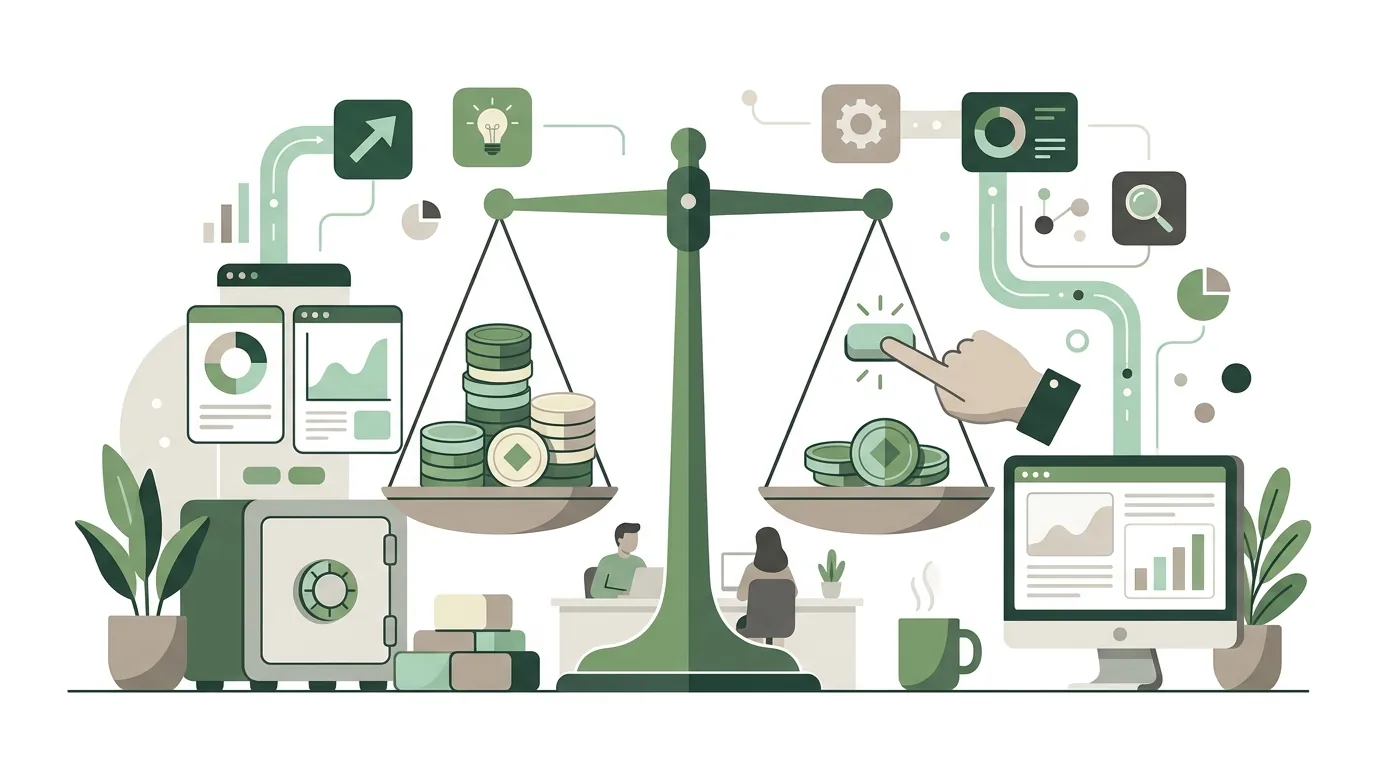
You only pay once a campaign is running and people click on an ad. By default, Google bills Search campaigns on a cost-per-click (CPC) basis. Every individual search triggers an auction between all advertisers whose keywords match the query. Your bid isn't the only thing that decides your position. Google calculates an Ad Rank from your maximum bid, your expected click-through rate, ad relevance, landing page experience and the context of the search: device, location and time of day. That's how the Google Ads Help Center describes it (as of October 2026).
This leads to something that surprises a lot of business owners: you usually don't pay your maximum bid. Your actual cost per click is the amount needed to beat the Ad Rank of the competitor directly below you. So your price depends on everyone else in the auction and changes with every search. That's also why nobody can quote you a fixed cost per click in advance, not Google and not any agency or freelancer.
What is the average cost per click on Google Ads?
There is no single number that applies to everyone. The pages that rank at the top for this question quote widely different ranges. The reason is the auction: your competitors in your market decide how high click prices go. In industries with high customer value, such as legal, finance or real estate, many advertisers bid aggressively because a single client justifies an expensive click. For niche terms with only a few advertisers, the price stays low.
- Competition: The more accounts bid on the same search terms, the more you have to pay to beat the Ad Rank below yours.
- Quality: If your ad and landing page quality is higher, you reach the same Ad Rank with a lower bid.
- Keyword match type: With broad match keywords, your ad also shows on related searches. That means more auctions, including expensive ones.
- Location and time: Big cities and business hours are often more competitive than rural areas in the evening.
For your own keywords, Keyword Planner in your Google Ads account gives you estimated bid ranges. These estimates come from past auctions and are not a guarantee. You'll only see your real cost per click in the reports after a campaign has run for a few days.
Google Ads cost per month: how does Google bill you?
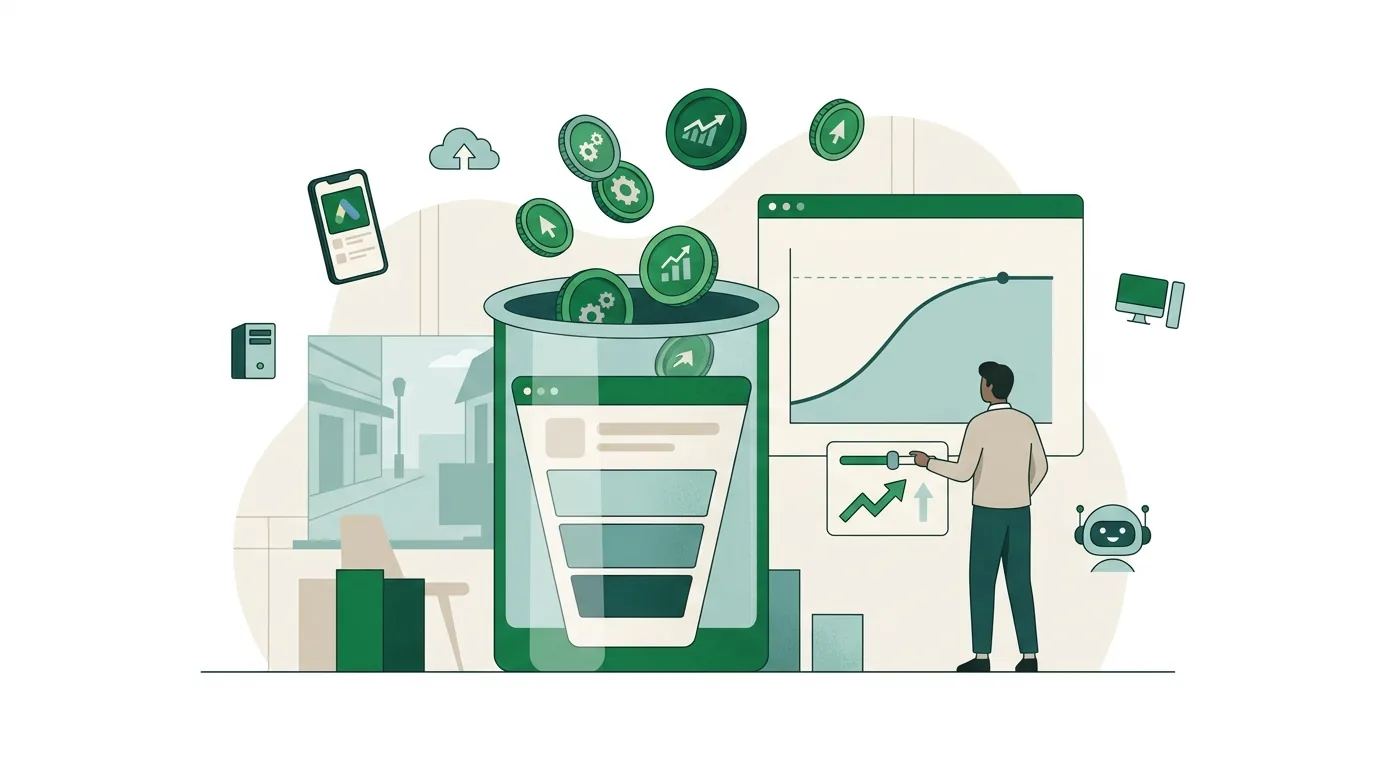
You set an average daily budget for each campaign. On individual days with high demand, Google may spend more, and correspondingly less on other days. There's a cap for the month: 30.4 times your daily budget, which is the average number of days in a month. The source is Google's AI Overview for this search, which draws on business.google.com (as of October 2026). Several of the pages cited there give the same factor. Google won't charge you more than this cap in a calendar month.
You can pay automatically or manually. With automatic payments, Google charges you after the end of the month, or earlier once you hit a set payment threshold. With manual payments, you prepay, and your ads stop as soon as the balance runs out. A common mistake: the daily budget gets changed mid-month, but people keep calculating the cap in their heads with the old figure. So check your actual monthly cost in the billing section, not by multiplying daily budget by days.
How much should you spend on Google Ads?
Work out your budget from your goal, not from gut feeling. The calculation has four steps:
- Set your goal: How many leads, calls or orders do you need per month?
- Estimate your website's conversion rate: How many visitors to a landing page send an inquiry? If you have no data of your own, use a conservative assumption and check it after launch.
- Calculate clicks: Your target number divided by this rate gives you the clicks you need.
- Calculate the budget: Required clicks times the estimated cost per click from Keyword Planner gives you your monthly budget. Divide that by 30.4 to get your daily budget.
There are two limits you should know about. First, if the budget is so small that you only get a handful of clicks per week, the data won't teach you anything, because you can't tell chance from real impact. Second, automated bid strategies like Maximize conversions or Target CPA need recorded conversions to learn from. Without them, they're bidding blind. In that case, narrow down your keywords and location rather than cutting the budget.
Example: emergency service campaign for a heating contractor in the Westerwald
A typical scenario we use as a template (not a client case): a heating contractor near Hachenburg wants emergency service calls, not general visitors. Here, five settings control how the cost comes about, not the size of the budget. One: keywords like "emergency heating repair" as phrase match instead of broad match. Two: a negative keyword list with "training", "jobs", "DIY" and "spare parts". Three: the location option "Presence" with a radius the technicians actually drive to. Four: an ad schedule that raises bids in the evening and on weekends, because that's when emergency service is in demand. Five: tracking counts only calls from the ad and submitted forms as conversions, not page views. This shows why estimates made without your own account aren't worth much: the same keywords land you in completely different auctions depending on radius and time of day.

What costs come on top of the click budget?
Click costs are only one part of it. In projects, the other line items are often forgotten, even though they're exactly what decides what happens after someone pays for a click.
| Cost component | What drives it | When it occurs |
|---|---|---|
| Click budget | Competition, quality, keyword match types, location | Ongoing, billed by Google |
| Campaign management | Number of campaigns, how often they're reviewed, reporting | Ongoing, as internal staff time or through a service provider |
| Landing page | Dedicated landing page or existing page, forms, load time | One-time, plus adjustments |
| Conversion tracking | Which actions are counted (form, call, purchase), consent banner, CRM integration | One-time, plus maintenance when the website changes |
| Ad assets | Copy, images and videos, especially for Display and Performance Max | One-time and with every revision |
The item missing most often is conversion tracking. Without tracking, you see clicks and costs, but not which search terms brought in leads. How to analyze campaign data with AI, and which data you need for it, is covered in our article on how to optimize Google and Meta Ads with AI.
Why is Google Ads so expensive?
Often it's not the market but settings that spread money across searches with no buying intent. These are the causes we find in accounts again and again:
- Broad match keywords without negative keywords: Your ad also shows on searches like "jobs", "free" or "how to". The cause is a missing negative keyword list.
- Location option "Presence or interest": Your ad also reaches people who are only interested in your area but aren't actually there. For a local trade business, "Presence" is usually the right fit.
- Search Partners and Display Expansion: Both can be switched on for Search campaigns and are often preselected when you create one. Then part of your budget ends up outside Google Search.
- Landing page doesn't match the ad: Quality drops, and you need a higher bid for the same Ad Rank.
- Automated bidding without clean conversions: If tracking counts the wrong actions, such as every page view, the bid strategy optimizes for exactly those actions.
- Performance Max without guardrails: The campaign distributes the budget on its own across Search, YouTube, Display and Gmail. Without exclusions and good signals, it's hard to see where the money goes.

How much does it cost to be at the top of Google?
The top ad position isn't sold at a fixed price. It's auctioned off again on every search. To show up there, you need the highest Ad Rank in that particular auction, meaning the right combination of bid and quality. With the Target impression share bid strategy, you can set a goal for the absolute top of the page. On competitive terms, though, that drives up your cost per click, because you're trying to win every auction. Whether you even need the top spot is something to measure against your conversions, not your gut.
By the way, you can't buy the organic results below the ads. Those are decided by your website's content and technical setup, and no Google Ads budget changes that. Still, good pages are the foundation for both channels: whatever web development does for load time and clear forms also helps a campaign's landing page.
Is Google Ads worth it, and when is it not?
Google Ads is a good fit when your customers are already searching for what you offer: "emergency heating repair Koblenz", "tax advisor Hachenburg", a specific spare part. In that case, ads capture existing demand. They can also be switched on and off quickly, which helps with seasonal business or short-term needs.
It's usually not worth it for a new product nobody is searching for yet, because then there are no auctions. Nor with very thin margins, where just a few clicks cost more than a job brings in. Or with a website where visitors find no form, no phone number and no clear next step. And not when nobody checks the account regularly, because search terms, negatives and bids shift with the market. If you'd rather query campaign numbers by chatting with an AI assistant, our post on the Meta Ads MCP shows an example of that kind of connection. For Google campaigns, Google offers its own interface, the Google Ads API.

Manage it yourself or hire someone?
There are three realistic ways to handle campaign management. Compare all three on the same points: time required, control over settings and access to the data.
| Option | Internal time required | Control over settings | Where it hits its limits |
|---|---|---|---|
| Google Smart campaign | Low, Google largely controls keywords and bids itself | Limited, many options aren't visible | Hardly any influence on search terms and negatives |
| In-house management in Expert Mode | Ongoing, for search terms, negatives and bids | Full | Requires a learning curve and fixed time slots for reviews |
| Outside management | Low, but coordination and approvals needed | Depends on the contract, the account should be in your company's name | Costs extra on top of the click budget, without account access you lose visibility |
Whichever option you choose: the Google Ads account and the tracking should belong to your company. If a provider runs the account under their own manager account, the data you've built up is lost when you switch. Which access levels exist and what to look for when choosing someone is covered in our post Google Ads freelancer: hiring, costs, mistakes.
When outside help makes sense
Outside help is worth it when you're paying for clicks but nobody can tell which search terms bring in leads. Or when tracking is missing or unclear, the landing page doesn't match the ad, or nobody in-house has dedicated time for the account. With its Google Ads management, DigifyNow handles setup, tracking and ongoing maintenance of campaigns. If needed, we also build the right landing page or a lead funnel. For a first conversation, it helps to have: access to the account or exports from it if one already exists, your target region, a rough idea of what a job is worth to you, and the page where leads should arrive. With a free assessment of your project via our contact page, we'll figure out whether Google Ads suits your case and which cost drivers make the difference for you.
Frequently asked questions
How much does Google Ads cost?
Google Ads costs as much as you set as your budget. There's no base fee, and the account is free. With Search campaigns, you pay per click. On every search, an auction sets the price based on bid, ad quality and competition. Some Display and Video campaigns bill per impression or per view. Management, landing page and tracking cost extra and aren't billed through Google.
How much does a click cost on Google Ads?
There's no fixed cost per click. You pay the amount needed to beat the Ad Rank of the competitor directly below you. That's usually less than your maximum bid. In competitive industries like legal or finance, clicks are considerably more expensive than for niche terms. Keyword Planner in your account shows estimates for your keywords, and the reports show the real figure after a few days of running.
How much does Google Ads cost per month?
You decide that yourself through the daily budget per campaign. On individual days Google may spend more, but in a calendar month no more than 30.4 times the daily budget. Google's AI Overview gives this factor, citing business.google.com (as of October 2026). If you change the budget mid-month or pause campaigns, only the billing section in your account reliably shows what was actually spent.
What is the cost difference between Google Ads and SEO?
With Google Ads, you pay for every click, and your visibility ends as soon as the budget stops. With SEO, you pay for content and technical work, not for individual clicks. In return, it takes longer for rankings to move, and they can't be planned. Ads capture existing demand in the short term; SEO makes sure people find you over the long run.
How do I know if my Google Ads costs are too high?
Divide your costs for a period by the number of real leads or sales. That gives you your cost per conversion. If it's higher than the contribution margin of a job, the campaign is too expensive. Then check the search terms report first. It shows whether money is going to searches with no buying intent, such as "jobs" or "how to".