Meta Ads MCP: Setup in Claude and ChatGPT
· DigifyNow
The Meta Ads MCP is a server that Meta itself runs at https://mcp.facebook.com/ads. Through it, Claude, Claude Code, ChatGPT or Perplexity can access your ad accounts. You add the URL as a connector (in Claude Code: claude mcp add --transport http meta-ads https://mcp.facebook.com/ads) and sign in with Facebook Login for Business. Before that, set in Meta Business Suite what the agent may do in each ad account, including a budget cap.
What do you need before setting up the Meta Ads MCP?
By the end of this guide, your AI assistant will be connected to your Meta ad accounts. You can then ask it how much a campaign spent last week, have it compare ad sets, or have it draft new campaigns. Under the hood this runs on the Model Context Protocol (MCP): the assistant calls tools that Meta provides on its own server. The Meta Ads MCP has been in open beta since April 29, 2026. According to Meta, you need neither developer credentials nor any coding skills to use it. If you first want to figure out where AI actually adds anything to your campaigns, start with our article on how to optimize Google and Meta ads with AI.
You need three things up front. First, a Facebook account that has access to the relevant ad accounts in your business portfolio, because sign-in runs via OAuth through Facebook Login for Business. Second, someone with full control of the portfolio who decides what AI agents are allowed to do. Third, a supported client: according to Meta's help center, those are ChatGPT, Claude, Claude Code and Perplexity. All of them use the same server URL, https://mcp.facebook.com/ads. You only need your own Meta app if you want to connect a different agent. Meta describes the process in its own words on Meta's getting-started page for the Ads MCP server.

How do I set up the Meta Ads MCP in Claude?
In claude.ai and Claude Desktop, you add the Meta Ads MCP as a custom connector. These steps apply to the Pro and Max plans. Labels may change with new versions. How connectors work in Claude in general is covered in our guide to setting up Claude MCP for Desktop, Web and Code.
- In claude.ai or Claude Desktop, open "Customize" and then "Connectors".
- Click "+ Add" and choose "Add custom connector".
- Give it a name, for example "Meta Ads".
- Enter https://mcp.facebook.com/ads as the URL, including https, and click "Continue".
- Check the sign-in: log in through Facebook Login for Business with the account that has access to the ad accounts in your business portfolio, then click "Continue".
- Finish by clicking "Add".
On the Team plan, a regular member can't be the first to add the connector. An owner has to add it first under "Organization settings" in the "Connectors" section. The Free plan allows exactly one custom connector. If that slot is already taken, remove the old one or switch plans. The most common mistake we see happens at step 5: if you sign in with a personal profile that has no role in the portfolio, you get a connection but no ad accounts. Anthropic explains the interface itself in its help article on custom connectors using remote MCP.
How do I connect Claude Code to the Meta Ads MCP?
Claude Code is Anthropic's command-line tool. To use the Meta Ads MCP there, you don't need your own Meta app; a single command is enough to register the server, and the sign-in happens afterwards in your browser.
- Open a terminal in the folder where you use Claude Code.
- Run: claude mcp add --transport http meta-ads https://mcp.facebook.com/ads
- Start Claude Code with claude and run /mcp in the session. Select the meta-ads server there and start the sign-in.
- Sign in through Facebook Login for Business in the browser window, then return to the terminal.
- Only with your own Meta app: add --client-id followed by your Meta app ID to the command from step 2, plus --callback-port 8080 or another free port.
- Only with your own Meta app: enter the redirect URI http://localhost:8080/callback in the app, using exactly the port from step 5.
Access tokens don't belong in a .mcp.json file or in a Git repository. The .mcp.json file is created when you add a server for the whole project with --scope project, and it usually gets committed along with the code. Anyone who can read the repository would then also have access to your ads. Without a scope flag, claude mcp add creates the server in the local scope, meaning only for you and this project. The Claude Code documentation on MCP explains how the scopes and the OAuth sign-in work.

Does the Meta Ads MCP work with ChatGPT?
Yes. Meta's help center lists ChatGPT as a supported client, and the server URL is again https://mcp.facebook.com/ads. You don't need your own Meta app. The principle is the same as in Claude: in ChatGPT's settings you create a connector for a remote MCP server, enter the URL and sign in through Facebook Login for Business. Exactly where that option lives, and whether you can use it at all, depends on your plan and workspace. In company workspaces, an admin may have to enable it first. That's why we deliberately don't name specific menu items here. Check OpenAI's current help pages for your plan.
Two points apply to every client. The permissions you set in Meta Business Suite apply to ChatGPT just as they do to Claude, so you don't have to configure them again for each assistant. And when you search for this topic, you'll come across a project called MetaMCP. That is not a Meta product, and it's not the server this guide is about. Never enter any address in a client other than Meta's. How an MCP server is built in principle, and where its limits are, is explained in our article MCP server explained: architecture, examples, costs, limits.
How to check that it works
Start by testing with read-only requests. Ask the assistant to list your ad accounts. If the connection is working, the client shows a tool call from the Meta connector, and the answer contains the account names you know from Ads Manager. If an account is missing, either the signed-in Facebook account has no role there, or the account hasn't been enabled for AI agents in Business Suite.
Next, cross-check a number, for example a campaign's spend over a fixed, completed date range. If the figure differs from Ads Manager, the cause is usually the date range or the ad account's time zone. So use exact dates in your question instead of "last week". In Claude Code, claude mcp list in the terminal shows whether meta-ads is connected. Within a session, /mcp shows the status and sign-in.
Finally, have it create a test campaign with an unmistakable name. It has to show up as paused in Ads Manager, because campaigns, ad sets and ads created through the Meta Ads MCP start out paused. Don't activate the test campaign; delete it afterwards.
What can't the Meta Ads MCP do, what do you need to protect, and is it worth it for a small business?
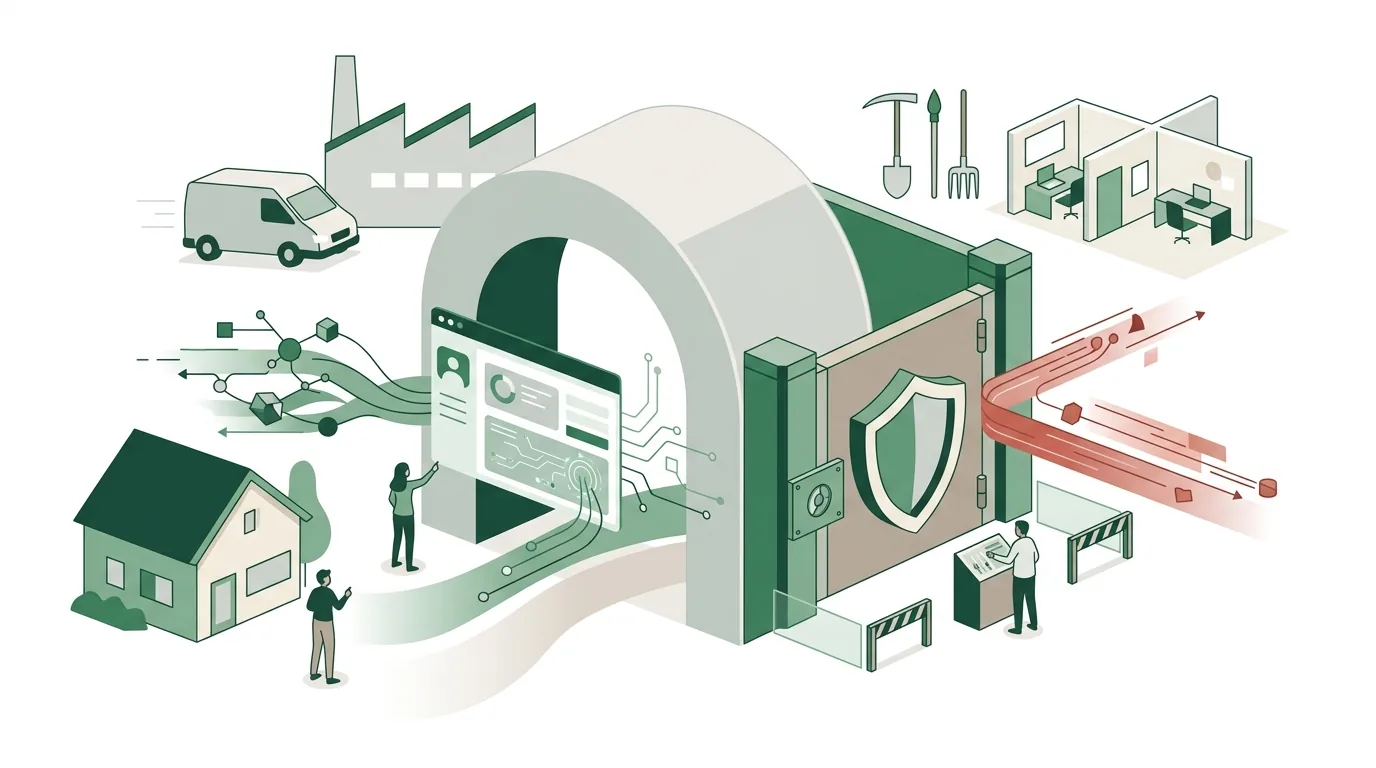
The most important safeguard sits with Meta, not in the chat window. Anyone with full control of the business portfolio can go to Settings in Meta Business Suite, then "Integrations" and then "MCP server for ads", and define for each ad account and each catalog which actions AI agents are allowed to take. You can also set a budget cap there. Set this up before the first connector goes live.
- New campaigns, ad sets and ads start paused. Money only starts flowing after ads_activate_entity, and according to Meta the client asks for confirmation first.
- ads_update_entity also changes objects that are already running, and there is no paused intermediate step.
- For boosting Instagram posts, Meta doesn't mention a paused state. Assume costs can start right away.
- The audience tools upload or delete hashed personal data. The tool does not check whether you're allowed to use that data for this purpose.
For small and mid-sized businesses with a handful of employees and no in-house IT, the setup isn't a big project: one URL, one sign-in, and the permissions in Business Suite. The real effort comes in day-to-day use, because someone has to read every suggestion before it's approved. It pays off if you run your campaigns yourself and pull numbers regularly. It's the wrong choice if an agency manages your accounts or nobody has time to review approvals. If the assistant should be built firmly into your workflows, we set up an AI assistant with defined roles and approvals. We also help with training your team to work with AI. The EU AI Act requires deployers to take measures to support the AI literacy of their staff; it does not prescribe a specific level of competence.
Frequently asked questions
What is the Meta Ads MCP?
The Meta Ads MCP is a server that Meta runs based on the Model Context Protocol. It lives at https://mcp.facebook.com/ads and gives AI assistants tools for ad accounts: pulling metrics, creating campaigns, editing or activating objects. It is currently available as an open beta. According to Meta, ChatGPT, Claude, Claude Code and Perplexity are supported.
Can the AI spend money through the Meta Ads MCP without my approval?
Newly created campaigns, ad sets and ads start paused. Spending only begins with the ads_activate_entity tool, and according to Meta the client asks for confirmation first. ads_update_entity is different: this tool also changes objects that are already running. For boosting Instagram posts, Meta doesn't mention a paused state. That's why you should set a budget cap in Business Suite.
Do I need my own Meta app for the Meta Ads MCP?
Not for ChatGPT, Claude, Claude Code and Perplexity; there, the server URL plus sign-in through Facebook Login for Business is enough. You only need your own app for other agents. In Claude Code you then add --client-id with your app ID plus --callback-port, and enter the redirect URI http://localhost:PORT/callback with the same port in the app.
Is MetaMCP the same as the Meta Ads MCP?
No. MetaMCP is not a Meta product, even though the name sounds similar. Meta's official server is at https://mcp.facebook.com/ads, and sign-in runs through Facebook Login for Business. A server at any other address does not access your ad accounts this way, and the permissions you set in Business Suite don't apply to it either.