How to Build an AI Agent: Steps, Limits, Risks
· DigifyNow
An AI agent is a language model that works in a loop. It reads a task and picks one of several predefined tools, such as "query the CRM" or "draft a reply." Your software runs the call, the model reads the result and decides on the next step. To build an AI agent, you scope one single workflow, describe each tool with an input schema and permissions, decide which actions a human approves, and test with real cases.
What is an AI agent, and how is it different from a chatbot?
A chatbot answers text with text. An AI agent takes action: it calls tools, so it might read a customer record, suggest an appointment or create an email draft. The technical term is tool calling. The model is given each tool with a name, a plain-language description and its parameters in JSON Schema format. It can't execute anything on its own. All it returns is a structured call, for example "find_customer" with a specific customer number as the parameter. Your application runs that call and hands the result back to the model. This back-and-forth creates the loop of observe, decide and act. A fixed workflow is something different: there, the order of the steps is programmed in advance, while with an agent the model decides the order itself. Everything the agent "knows" during a task has to fit into its context window, and that window is limited depending on the model. Long tasks with lots of intermediate results will eventually hit that limit. From our project work at DigifyNow: a fixed workflow with a single AI step is often more robust than a full-blown agent.
How do I build an AI agent, step by step?
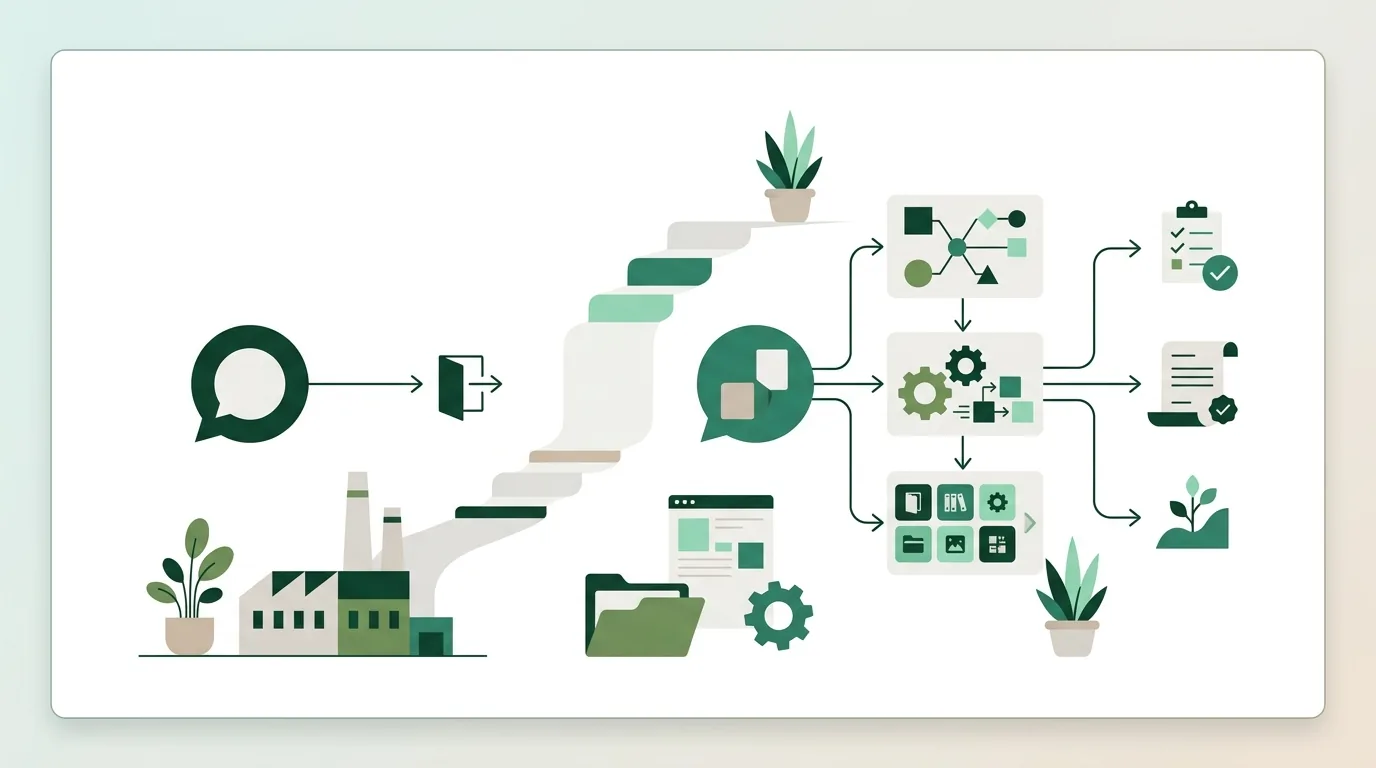
If you want to build an AI agent, start with the workflow, not the model. At DigifyNow, we work in this order:
- Pick exactly one workflow, for example triaging incoming inquiries. Collect real, anonymized example cases along with the result you want, including difficult and unusual ones. This collection becomes your test benchmark later on.
- Define the tools: only a few at first, each with a unique name, a clear description and a JSON Schema for its parameters. For triage, something like "read_inquiry", "find_customer" and "suggest_category" is enough. In the first phase, the agent gets read-only access.
- Write the system prompt: the agent's role, the tasks it may perform, the actions it must never take, and what it does when it's unsure, namely hand off to a human instead of guessing.
- Set approval levels: reading runs automatically. Writing, sending or deleting only happens after a person has confirmed it.
- Build in hard limits: a fixed cap on loop iterations per task, a timeout per tool call and a token budget per task.
- Test against the example cases and log every tool call with its input and result. Only then does a pilot start with a small group of users.
We build the first usable version as an MVP, meaning the smallest feature set that supports the chosen workflow. At DigifyNow, we measure an MVP in weeks, not months. Whether an agent fits that timeframe depends mostly on how easily your existing systems can be reached through an API; we can only give a firm timeline after reviewing those systems. Which workflows work well in practice is covered in our AI agent examples from small and mid-sized businesses.
When is an AI agent worth it, and when isn't it?
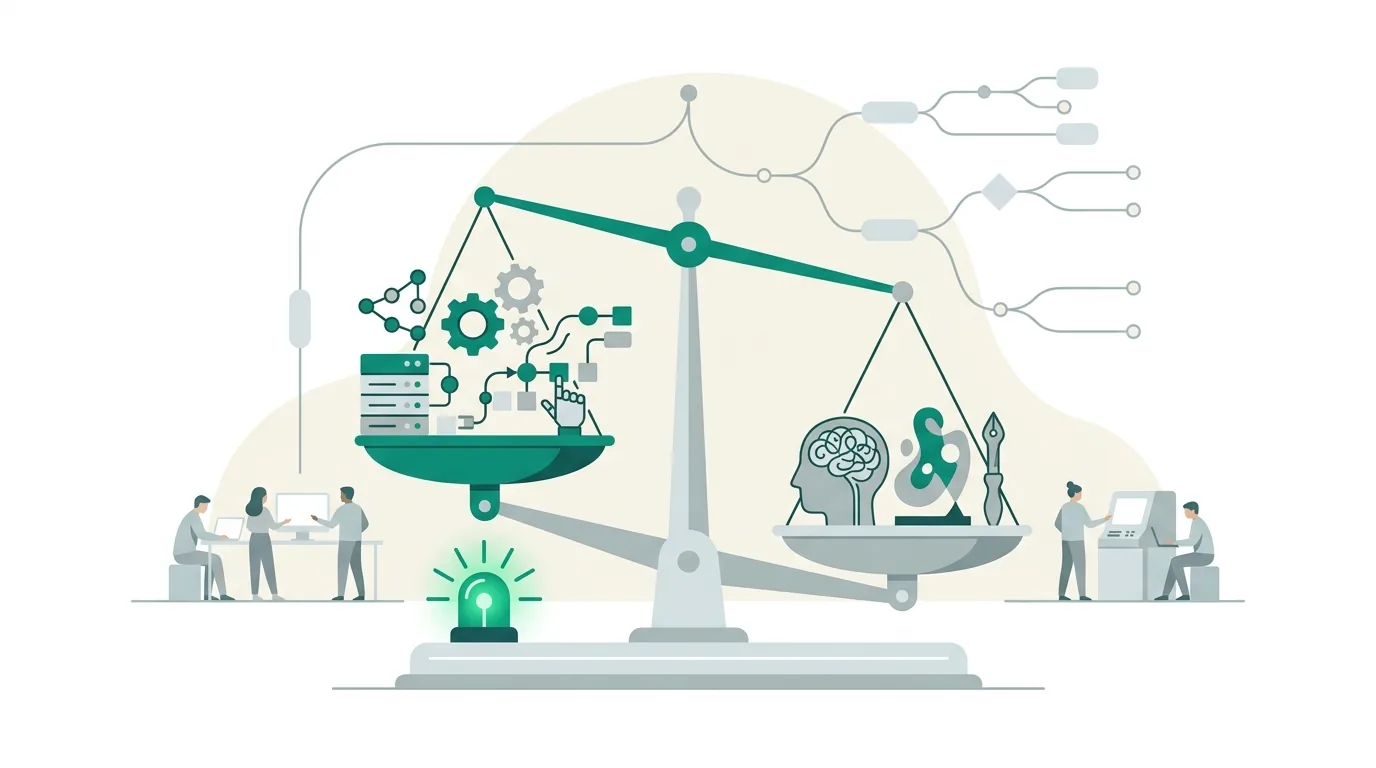
An agent is a good fit when the inputs are unstructured and the path to the result changes from case to case. Typical examples are free-text emails, PDFs with varying layouts, or tasks where a different system has to be queried depending on the content. It isn't worth it for rules you can state clearly. "Invoices above a set amount go to approval" is an if-then condition. That takes a few lines of code and always produces the same result for the same input. A language model, on the other hand, can answer the same input in different ways. Volume matters too: if a task only comes up rarely, it hardly justifies the development, testing and ongoing maintenance. The third boundary is decisions with legal effect on people, such as approving a loan or rejecting an applicant. Those shouldn't be left to an agent alone. It can prepare them, but a person should make the call. Which requirements apply in your case is something to clarify with your data protection officer or legal counsel.
What data and integrations does an AI agent need?
An agent is only as useful as the systems it can reach. For that, it needs APIs to your CRM, ERP, calendar or ticketing system, usually REST APIs. It should connect through its own service account, for example via OAuth with narrowly defined scopes, so it only has the permissions the workflow actually requires. For connecting tools there is also the open standard Model Context Protocol. It lets you describe a tool once and reuse it across different agents; how that works is explained in our article on MCP server architecture and limits. Company knowledge such as manuals or price lists is usually added through retrieval-augmented generation (RAG). The documents are split into chunks and indexed as vectors, and for each request only the relevant chunks end up in the context. The most common bottleneck is legacy systems without an API. Then you're left with CSV exports or direct database access, and both are more error-prone. If personal data goes to an external model provider, you need a contractual basis with that provider. Whether your setup meets the requirements is something to clarify with your data protection officer.
What typically goes wrong with AI agents?
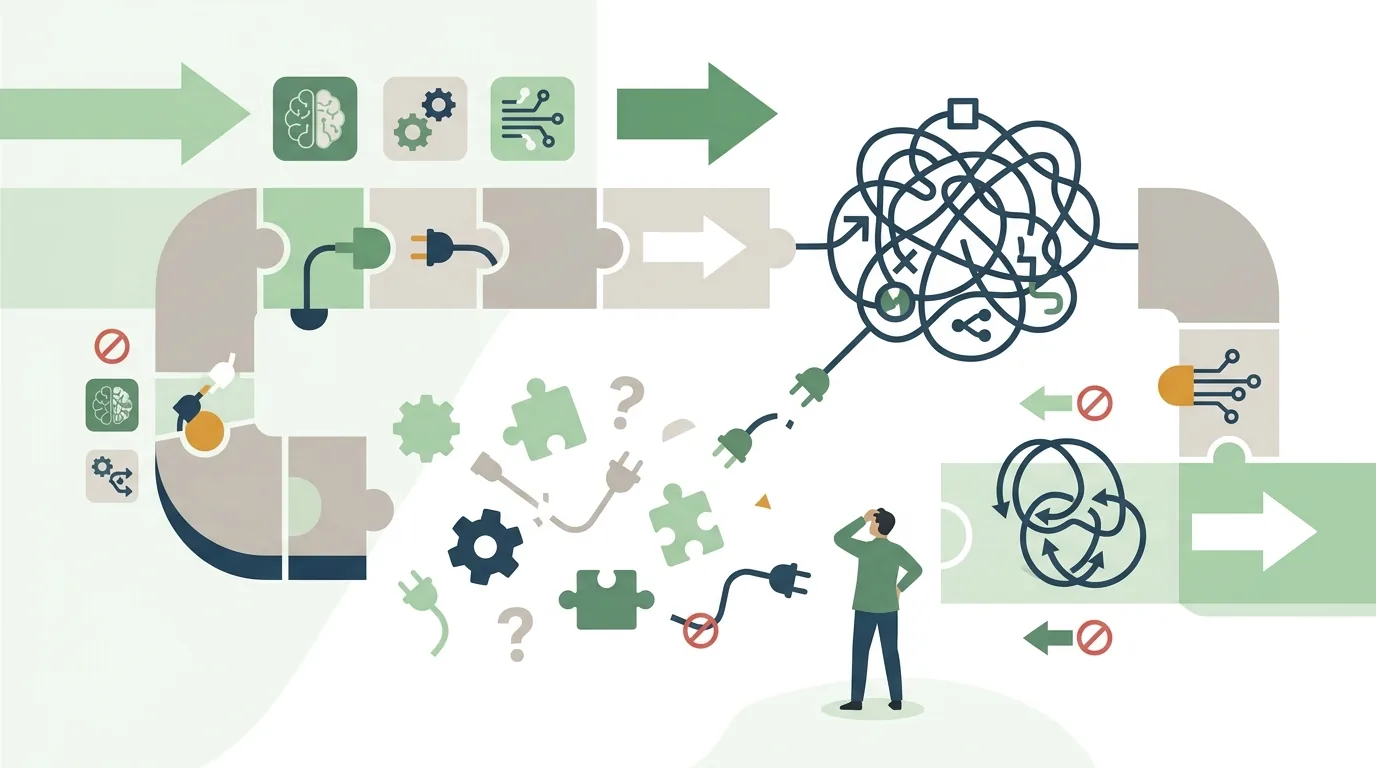
In our experience, most problems aren't in the model itself. They show up at the handoffs between the model, the tools and the data. The most common failure patterns and their causes:
- Made-up values: if a piece of information is missing from the context, the model fills the gap with something plausible. The fix is to validate required fields and formats before a call is executed.
- Infinite loops: a tool returns an error, and the agent keeps retrying. Without a cap on iterations, costs and wait times keep climbing.
- Prompt injection: an incoming email or web page contains hidden instructions that the agent treats as a command. That's why outside content must never trigger the same permissions as the system prompt.
- Wrong tool: two tools have similar descriptions, and the model mixes them up. Unique names and clearly separated descriptions help.
- Cost spikes: on every loop iteration, the full history so far is sent again. Long tasks therefore get disproportionately expensive.
- Silent behavior changes: the provider updates the model, and the answers come out differently. So pin a specific model version and rerun the example cases after every switch.
None of these errors can be ruled out entirely. But with a log of every tool call, you can trace them after the fact. We describe similar patterns, such as hallucinated packages and missing authorization, in our article on AI software development in practice.
What does the EU AI Act require when a company uses AI agents?
The EU AI Act has been revised by an amending regulation, and its obligations apply in stages. On AI literacy, the amended version requires providers and deployers of AI systems to take measures to support the development of AI literacy among their staff. That also covers other people who deal with the operation and use of AI systems on their behalf. A specific level of literacy for individual people does not have to be guaranteed. A mid-sized company that uses an agent in customer service counts as a deployer in this sense. The Act's transparency obligations now apply as well; they cover, for example, systems that interact with people or generate synthetic text, images, audio or video. For providers of such systems that were already placed on the market before the obligations took effect, a transition period for labeling is still running. Things get stricter if an agent has to be classified as a high-risk system; whether that's the case for, say, pre-screening job applicants has to be assessed for the specific use. The high-risk rules only kick in at a later stage. More on what the AI Act requires regarding AI literacy is in our overview AI for small and mid-sized businesses. At DigifyNow, we train and support the employees who work with the agents. That's one building block, but it doesn't replace a legal assessment. Whether your specific use meets the requirements and which deadlines apply to you is something to clarify with your legal counsel.
Build an AI agent with a no-code builder or have it developed?
For a prototype, no-code builders are often all you need. One workflow, a few users, data from standard systems with ready-made connectors: that's a quick way to test whether the idea holds up. A builder usually only hits its limits once the agent goes into production. At that point you need permissions per user role, a searchable log, automated tests against example cases, pinned model versions, and connections to in-house systems that have no ready-made connector. To be honest: if your workflow runs reliably in a builder, you don't need us for it. Having it developed pays off when the agent needs to access your own data and systems. For Mundo Marketing, for example, we built a custom back office with a CRM. A data foundation like that, with a clean API, is something agents can be connected to later. When custom software makes sense in general is covered in our article on custom software for small and mid-sized businesses. For an overview of our work on AI adoption and automation, see the services of DigifyNow. The first step is a free assessment of your project.
Frequently asked questions
How much does an AI agent cost?
There's no flat price, because the cost is made up of three parts. The one-time part is development, including integrations and testing. On an ongoing basis you add the model's usage fees, which are charged per processed token, plus maintenance whenever the model or your systems change. An agent with many loop iterations uses considerably more tokens per task than a single request, because the history is sent again every time.
Can I build an AI agent without coding?
For a prototype, yes. Builders offer tool blocks and ready-made connectors for common systems. It gets difficult with in-house systems that have no connector, with permissions per user role and with automated testing. Those parts usually require programming. That's why many companies test the idea in a builder first and then have a production version developed that connects to their own APIs.
How long does it take to develop an AI agent?
A firm timeline can only be given once the systems have been reviewed. It depends most on how easily the data can be reached: an existing REST API with a service account is connected faster than a legacy system whose data first has to be opened up through CSV exports or direct database access. Add to that the number of example cases for testing and the number of tools with write permissions.
Does an AI agent need its own trained model?
Almost never. An agent consists of a pretrained standard model, a system prompt, defined tools and, where needed, RAG for company knowledge. Fine-tuning, by contrast, adjusts a model's weights using your own examples. That requires prepared training data, and you have to repeat it after every model change. It's only worth it for very specialized formats that can't be achieved through instructions.