Custom Software Development: When It Pays Off
· DigifyNow
Custom software is built around one company's workflows. You decide what it does, and you pay for development and maintenance yourself. It pays off when your workflow sets you apart from competitors or when several programs are currently held together with Excel. It doesn't pay off for accounting, payroll or email. At DigifyNow we start with an MVP that covers only the core workflow, and we expand it only after real users have worked with it.
What is custom software, and when is it not worth it?
Custom software is a program built around the workflows of one specific company, so the company doesn't have to bend itself to fit an off-the-shelf product. The technology isn't the difference: both kinds run in a browser, on a phone or on a server. The difference is who sets the requirements. With off-the-shelf software, the vendor decides the feature set and spreads the development cost across many customers. With custom software, you decide, and you alone pay for development and ongoing maintenance.
That also tells you when it isn't worth it. For accounting, payroll, email or a standard inventory management system, mature products already exist, and their vendors handle regulatory changes for you. One example from the German market is the requirement to be able to receive e-invoices in B2B transactions in formats such as XRechnung or ZUGFeRD. Rebuilding something like that yourself and keeping it current over the years is something we at DigifyNow almost never recommend. Your own solution makes sense when your workflow is what sets you apart from competitors. The same goes when three programs are currently stitched together with Excel spreadsheets, or when an off-the-shelf product only fits if your team works around it every day.
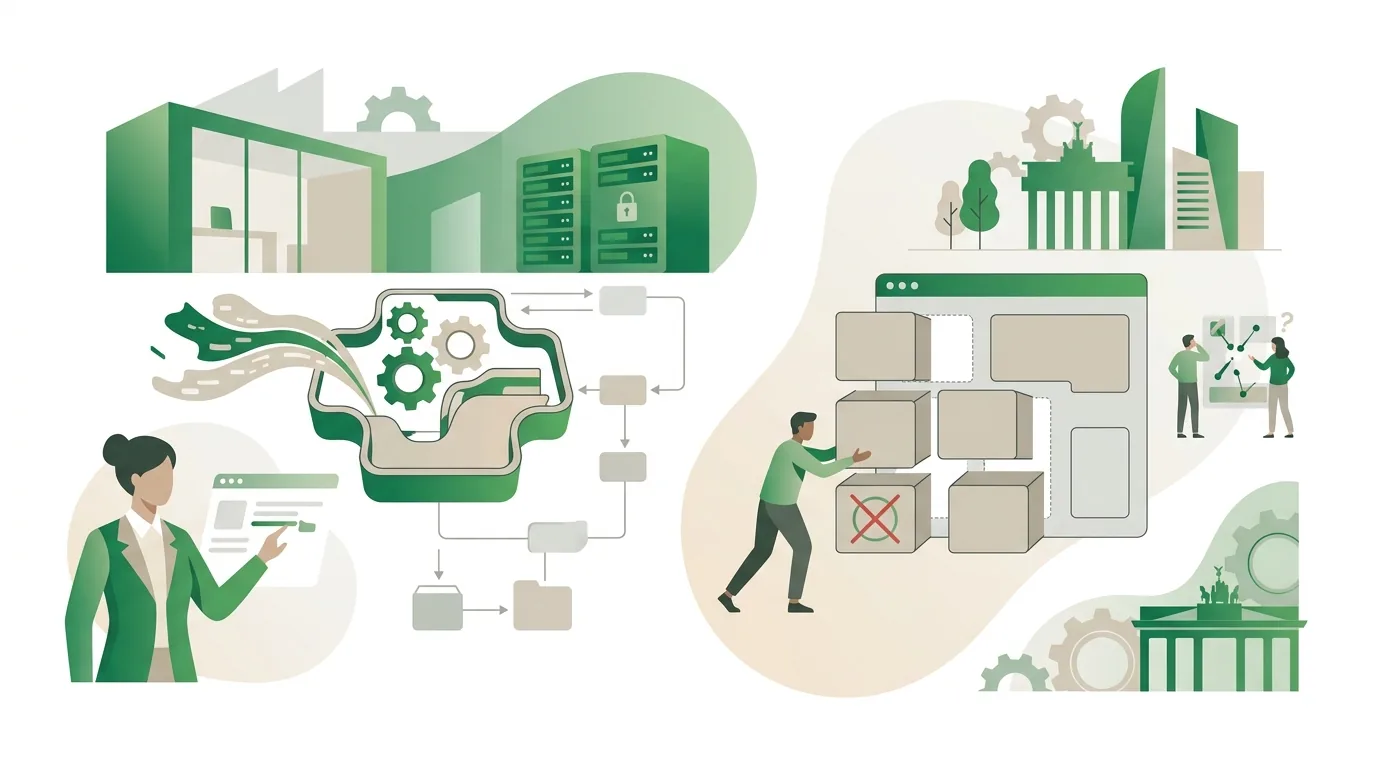
Custom software solutions: what are the building blocks?
When people look for custom software solutions, they usually picture the user interface. But custom software solutions that hold up in day-to-day work are made of several layers, and each one has to be planned, built and then run over time:
- User interface (frontend): a web app in the browser, a native app for iOS and Android, or both. Apps for the App Store and Google Play are reviewed by the respective store before every release.
- Business logic (backend): the rules of your business, such as approval levels, pricing calculations or how an order moves from one status to the next.
- Database: where customers, orders and documents live, including backups and a permissions model that defines who can see what.
- Integrations (APIs): connections to your existing systems, usually via REST with JSON. For sign-in there are open standards such as OAuth, which let systems grant each other access without passing passwords around.
- Operations: hosting, security updates for the libraries in use, and monitoring that reports outages.
- Data protection: if a service provider processes personal data on your behalf, the GDPR requires a data processing agreement. Whether your business meets the requirements overall depends on your own processes.
For Mundo Marketing, DigifyNow built a custom back office with a CRM. That wasn't just a data entry form; it was exactly this combination of interface, logic, data and ongoing operations.
Buy off-the-shelf software or have it custom built?
If you need software for your business, you have three options: buy it, have it built, or combine the two. The third is often overlooked, even though in practice it's frequently the most sensible. You keep an off-the-shelf product for the general part and have only the missing piece custom built. The two connect through the off-the-shelf product's API. So before you commit, check two things. First: does the existing product have a documented API? Second: can you export your data in an open format such as CSV or JSON? If not, you're locked in to the vendor, and every future extension gets hard.
| Criterion | Off-the-shelf software | Custom software | Off-the-shelf + extension |
|---|---|---|---|
| Who decides the features? | The vendor | You | The vendor for the core, you for the extension |
| Cost structure | Ongoing license, often per user | Development plus ongoing maintenance | License plus development of the extension |
| Regulatory changes | Handled by the vendor | You have to commission them | Mostly the vendor |
| Who owns further development? | The vendor | You, if the contract says so | Shared |
| A good fit when … | the workflow is standard for your industry | the workflow is what sets you apart | only part of the workflow is missing |
If an existing program has no API at all, a software robot is sometimes placed in front of it to operate the user interface. When that holds up and when it doesn't is covered in our article RPA: When Software Robots Make Sense for Small Businesses.
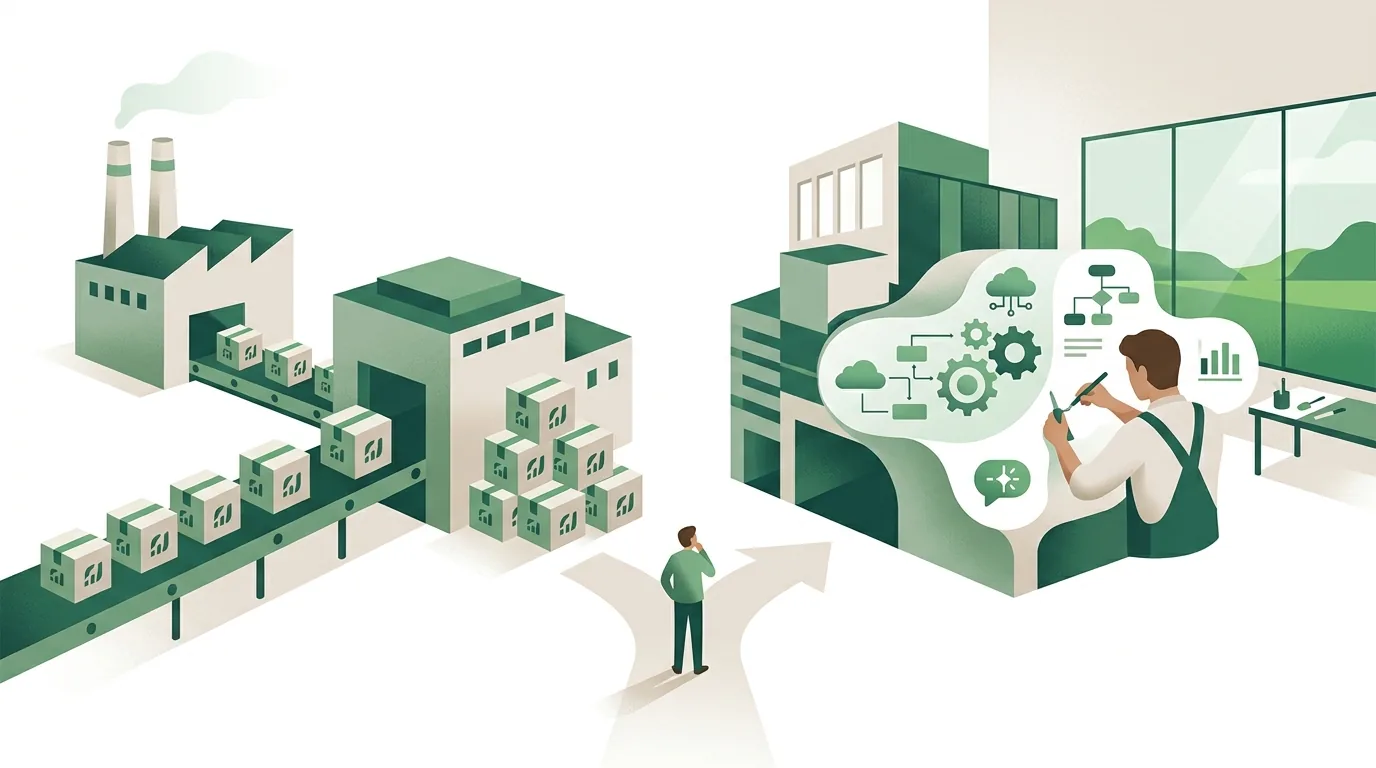
What does a software development agency do, and how do you spot the right one?
A software development agency plans, builds and maintains programs for clients who don't have their own development team. Whether the partnership works usually only becomes clear after launch. That's why you should settle a few points before you sign:
- Rights to the code: computer programs are protected by copyright. Under German law, rights pass automatically to the employer for employed developers, but not for outside contractors. The rights therefore have to be written into the contract.
- Access to the source code: is the code in a Git repository you can access at any time, or only on the developer's side?
- Who is doing the work? You should know the people working on your project and whether any parts are subcontracted.
- Operations after launch: who installs security updates, who responds to outages, and how is that billed?
- References you can verify: products you can try out yourself tell you more than logos on a website.
At DigifyNow, Jesper Schmidt, Christian Schiebl and Miles Pandel work on the projects directly. Our party game app Festino, a product of DigifyNow, is one you can install yourself from the App Store and Google Play. The kinds of projects we take on are listed in our services for apps, web apps and AI adoption.
How does a software project with DigifyNow work, from MVP to production system?
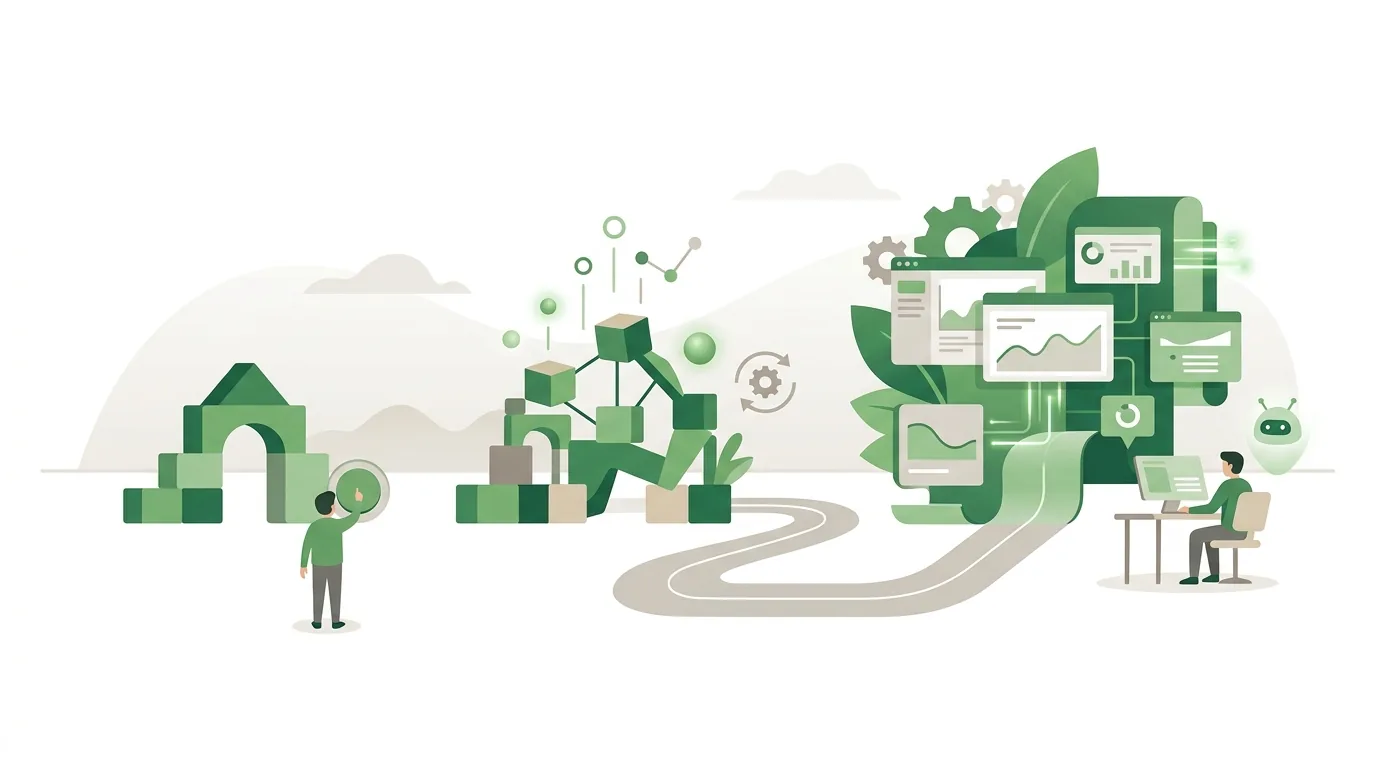
We don't build everything first and show it to you at the end. We start with the smallest version real users can actually work with. That's the MVP (minimum viable product). The process in stages:
- Free assessment: you describe your project. We tell you honestly whether custom software makes sense or whether an existing product will do.
- Define the core workflow: which single process has to work first? Everything else goes on a list for later.
- Build the MVP: only the core workflow gets built, so the first usable version is ready in weeks rather than months. How long it actually takes depends on how many integrations are needed and how clean the legacy data is; that is not a delivery date for any particular project.
- Test with real users: your employees work with the MVP. What they actually need determines the next step.
- Expand in short iterations: new features are added in small steps. We number versions using Semantic Versioning (major, minor and patch), so changes stay traceable.
- Ongoing operations: updates, monitoring and training. If you want, we connect AI assistants or automations.
If an AI assistant is part of the software, the EU AI Act comes into play. It requires providers and deployers of AI systems to take measures that support the AI literacy of their staff; they are not required to guarantee any particular level of literacy. There are also transparency obligations for systems that generate text, images or audio, and stricter rules for high-risk applications. Whether your system falls under these depends on what it's used for. That's best clarified before you build, and it is not a promise of legal compliance.
The MVP is deliberately incomplete. If you expect a finished ERP system after a few weeks, you'll be disappointed. In return, you find out early whether the basic idea works in daily use, before most of the budget is spent. You can request the first step, a free assessment of your project, directly from us.
Why do custom software projects fail?
Most of the problems we see in our project work aren't technical. They have organizational causes that you can spot in advance:
- Too much scope at the start: a long requirements document delays the first usable version by months. By then the requirements have often changed again.
- Nobody owns it internally: without one person who answers questions quickly, development stalls.
- Data migration is underestimated: old Excel files contain duplicates, inconsistent date formats and free text in number fields. Cleaning them up often takes longer than the import itself.
- No budget for operations: libraries and runtimes such as Node.js only receive security updates for a limited period. After that an upgrade is due, and it has to be planned for.
- Users aren't involved: a program designed at the CEO's desk is one employees will happily work around with Excel again.
- Only one developer knows the system: without documentation and access to the repository, the whole system depends on one person.
We publish updates from our projects and products in our news from real project work.
Frequently asked questions
How much does custom software cost?
Nobody can responsibly quote a fixed price without requirements. The cost depends mainly on four things: the number of user roles and workflows, the number of integrations with existing systems, the scope of data migration, and the effort for ongoing operations. An MVP that covers only the core workflow costs a fraction of a complete system. That's why we at DigifyNow start there and then estimate stage by stage.
How long does custom software development take?
An MVP with a clearly defined core workflow takes weeks; a comprehensive system with several modules is more likely months. A firm timeline for a specific project can only be given once scope, integrations and data are clear. The work happens in iterations, and each stage is already usable. Usually, missing answers and messy legacy data slow things down more than the coding itself.
Who owns the source code of custom-built software?
Computer programs are protected by copyright. Under German law, rights pass automatically to the employer for employed developers, but not for contractors you hire. If you hire an agency, usage rights and handover of the source code must be stated explicitly in the contract. You should also have access to the Git repository. Without these, further development depends on the original contractor.
Web app or native app: which makes more sense for a business?
A web app runs in the browser, needs no store review and can be updated for all users instantly. For internal tools such as a back office or CRM, it's almost always enough. A native app for iOS and Android is more worthwhile if you rely heavily on the camera, push notifications or offline use, or want to reach end customers through the App Store and Google Play. The trade-off is that every update goes through the store's review.