App Development: Process, Platform, Partner
· DigifyNow
App development runs in five phases: assessing the idea, a concept with a clickable prototype, an MVP with only the core feature, testing and store submission, then ongoing operation. Before that, you choose a platform: native app, cross-platform or web app. That choice decides whether you have to pass App Store and Google Play review. New personal Google Play accounts must also run a closed test with a minimum number of testers before going live.
What does the app development process look like?
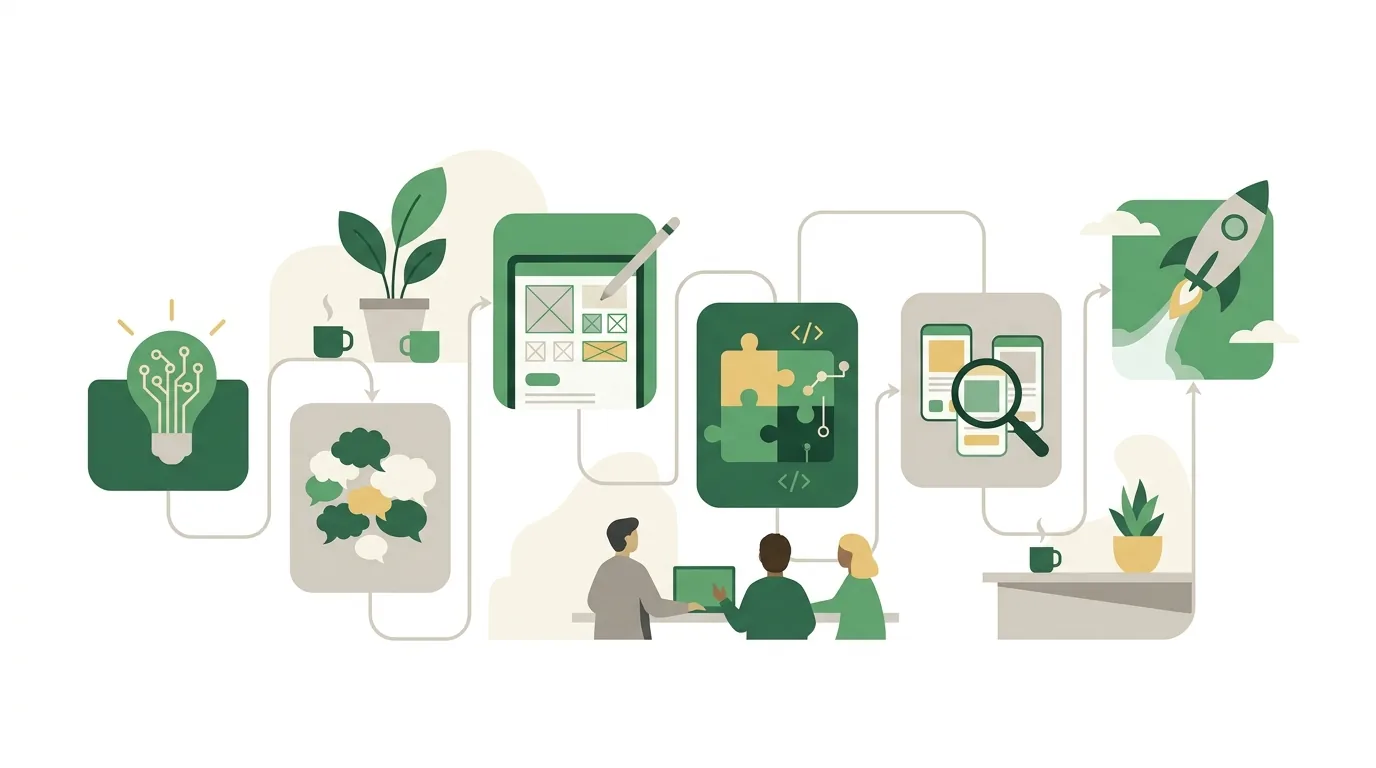
When you have DigifyNow develop an app, the project goes through five phases. The order has nothing to do with paperwork. Each phase answers one question, and if you get that answer wrong, you pay for it later in rework.
- Assessment: a free conversation about your goal, your user groups and the systems you already run. It ends with the question of whether you actually need an app at all.
- Concept and clickable prototype: we define the screens, the data model and the integrations. Future users click through the prototype before a single line of code is written.
- MVP: we build the core feature, and only the core feature. It contains just what's needed for the first real-world use. How long that takes for your project only becomes clear after the assessment, because every integration and every data migration from a legacy system extends this phase.
- Testing and submission: on iOS, testing runs through TestFlight with internal and external testers; on Android, through the testing tracks in the Google Play Console. After that comes the review by the stores.
- Operation: fixing bugs, adding features and updating the app for the new versions of iOS and Android that both vendors release every year.
The most common way this process fails is trying to squeeze every wish into the first version. The MVP turns into a major project, and real user feedback only arrives months later. A practical test against that: cut every feature without which a user could still complete the core task, and move it to a list for later versions. Which factors drive the effort in each phase is covered in our article on what drives app development cost.
Native app, cross-platform or web app: which one do I need?
Your platform choice determines how many codebases have to be maintained, whether the app has to pass store review and which device features it can use. A web app runs in the browser and needs no store approval. On current iOS versions it can also receive push notifications on the iPhone, but only after the user has added it to the home screen.
| Option | Codebases | Store review | A good fit when | Limitation |
|---|---|---|---|---|
| Native app | one each for iOS and Android | yes | you need deep hardware access, such as Bluetooth or sensors | double the maintenance effort |
| Cross-platform | one for both systems | yes | the app needs to be in both stores | very specialized device features need extra code |
| Web app / PWA | one | no | employees or customers access it via a link | limited background operation, especially on iOS |
One thing you should know: under its App Review Guidelines, Apple rejects apps that are essentially just a wrapped website. If you want a store app, it needs genuine app functionality. For internal tools, a web app is often enough, the kind we also build in our web app development in the Westerwald.
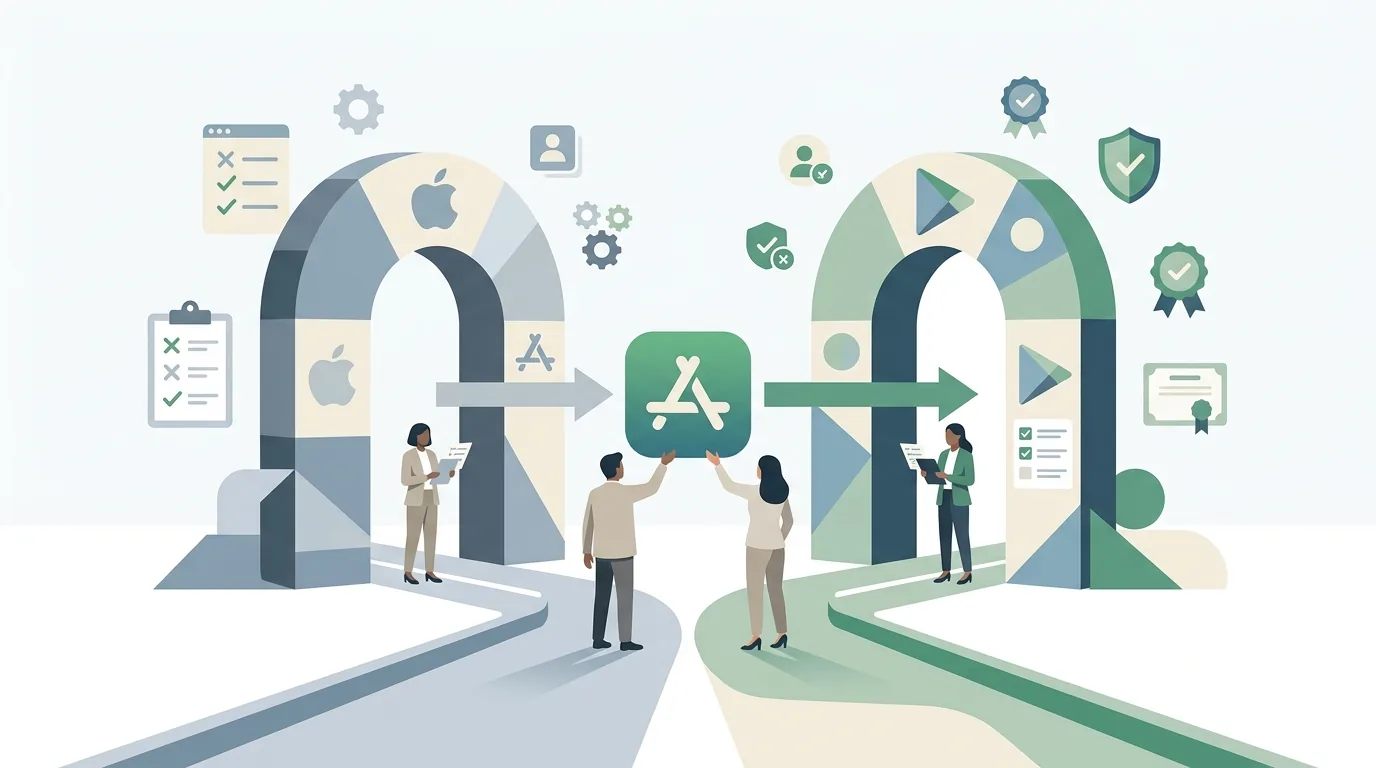
What do the App Store and Google Play require before you publish?
Both stores check technical and content requirements. In practice, these are the points where submissions get stuck most often:
- Closed testing on Google Play: newly created personal developer accounts must run a closed test with a minimum number of testers over a set period before going live. The current figures are listed in the Play Console Help. If you're short on testers, your launch slips.
- Target API level: Google regularly raises the minimum Android version an app has to target. Miss the deadline and you can no longer submit updates.
- Account deletion: if users can create an account in the app, Apple's App Review Guidelines require that they can also delete that account within the app.
- Data disclosures: Apple requires App Privacy details, Google requires the Data safety section. Both have to match how data is actually processed, including by embedded services such as analytics or crash reporting.
- D-U-N-S Number: if you want to publish as a company rather than as an individual, you need one for both stores. Getting it takes more than a few minutes, so start early.
If the app includes AI features, such as an assistant or generated text and images, the transparency obligations of the EU AI Act come into play as well. Users must, for example, be able to tell that they're talking to an AI system. What that means for your app specifically is something to clarify with your legal counsel.
Whether an app gets approved is decided by Apple and Google, not by the developer. A separate article describes how we prepare the path to publishing in the App Store.
App development in the Westerwald: what does a local partner bring?
If you're having an app developed in the Westerwald, the biggest advantage of a local partner is meeting in person where the app will actually be used. DigifyNow is based in Unnau. Hachenburg, Bad Marienberg and most of the Westerwaldkreis district are close enough that a workshop in your warehouse, your office or on your job site isn't a travel project.
That matters most for apps that support operational workflows: inspection reports, time tracking, job status updates. Whether a technician can operate the app wearing gloves, or whether there's any signal in the basement, you can see on site in an hour. On a video call, you often only notice after rollout. Dead zones are not unusual in the rural Westerwald. An app for field work then needs an offline mode that stores data locally and syncs it later. That requirement has to go into the concept, because adding it afterwards is expensive.
What proximity doesn't do: it doesn't replace expertise. A local provider with no published apps will help you less than an experienced team located farther away. The programming itself doesn't depend on location anyway.
How do I spot a good app developer in the Westerwald?
Whether an app developer in the Westerwald or anywhere else is the right fit for you can be checked with a few questions before you sign. The answers can be verified; marketing promises can't.
- Published apps: ask to see store listings you can download yourself. Our party game app Festino, a product of DigifyNow, is available in the App Store and on Google Play, for example.
- Source code and accounts: clarify whether the code lives in a repository you have access to, and whether the store listings run under your own developer account.
- Operation after launch: ask who handles the yearly updates for new iOS and Android versions.
- An honest no: a good developer will also tell you when a web app or off-the-shelf software is enough.
- Point of contact: talk to the people who will build your app, not just to sales.
How our team in Unnau works and what kinds of apps we build is shown on our page about us as an app developer in the Westerwald.

App development agency in the Westerwald or freelancer: which fits?
A single freelancer can deliver a clearly scoped app well. The risk is depending on one person. If they're unavailable or take on another project, your app stalls, and that's exactly when the next iOS update lands. An app development agency in the Westerwald spreads the knowledge across several people. At DigifyNow, Jesper Schmidt, Christian Schiebl and Miles Pandel work on the projects, so concept, development and operation don't hinge on a single person.
An agency isn't automatically worth it. If you only need a small extension to an existing app whose developer you know, switching is usually unnecessary. On the other hand, a team makes a lot of sense when the app has to connect to other systems, such as a CRM or an inventory management system. That's where backend, integrations and user interface meet. One example is the back office with CRM we built for Mundo Marketing. Either way, make sure you receive the source code and the access credentials. That way you can switch partners later.
When is it not worth developing your own app?
Not every project needs its own app. We regularly advise against one in these cases: first, when off-the-shelf software already covers the workflow and only a few settings are missing. Second, when your customers would rarely open the app. People asked to install an app just to book a single appointment often give up before they do. A form on your website is the better solution there. Third, when nobody in the company can maintain the content or evaluate feedback.
Your own app is also never finished. Apple and Google release new operating system versions every year and change their requirements. An app without maintenance eventually gets pulled from the store or breaks on new devices. If you don't want to budget for that, look at a web app. How to use a small first version to test whether more is worth it is covered in our article on the cost and timeline of an MVP.
Frequently asked questions
How long does it take to develop an app?
Three things mainly determine the timeline: the scope of the first version, the number of integrations with other systems, and store review. An MVP with only the core feature is a matter of weeks, not months. For new personal Google Play accounts, a mandatory closed test before going live adds to that. For a specific project, the timeline can only be estimated after the assessment.
Do I need a Mac to build an iOS app?
For development, yes. Apple's development environment Xcode only runs on macOS, and the App Store build is created there too. As the client, you don't need a Mac yourself. For testing, an iPhone with the TestFlight app is enough; you use it to install pre-release versions.
Can I build an app myself without coding skills?
For simple forms or lists, no-code builders can do the job. The limit is custom business logic, offline operation and integrations with existing systems such as a CRM or inventory management. You're also locked into the builder: you usually can't export the source code and keep developing it elsewhere.
Who owns the source code when I have an app developed?
The contract decides that. Without an explicit agreement, you as the client often receive only usage rights, not the source code automatically. Agree in writing that you get the code and access to the repository, and that the store listings sit in your own developer account. For the legal review, talk to a lawyer.