App Development Cost: What Drives the Price
· DigifyNow
The cost of developing an app is the effort in person-days multiplied by a day rate. The main drivers are the number of workflows and screens, integrations with ERP, CRM or payment providers, roles and permissions, offline support, the platforms and what it takes to run the app after launch. You only get a reliable figure after a scope estimate. That's why DigifyNow first narrows the scope down to an MVP and lists recurring costs like store accounts, servers and mandatory updates separately.
What drives app development cost?
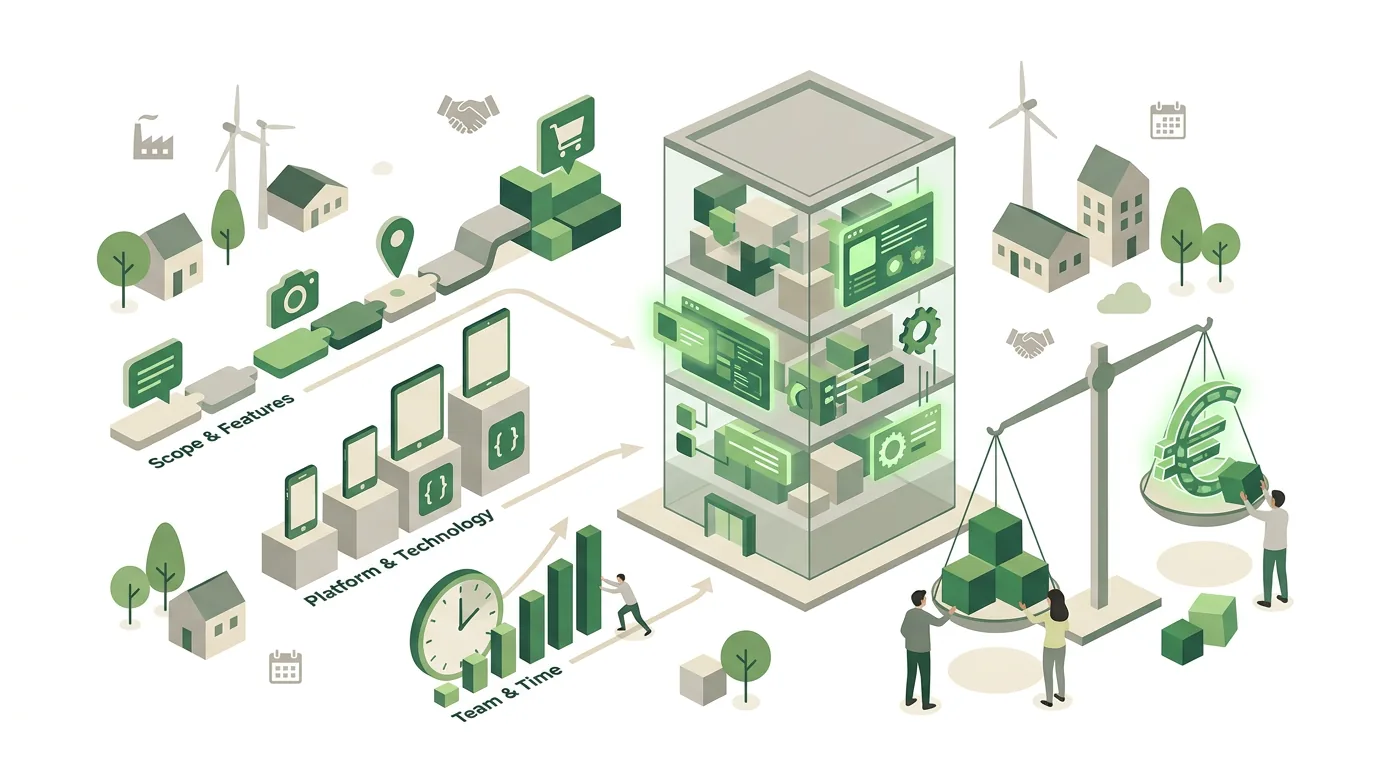
If you search for "app development cost," you mostly find price ranges so wide they're useless. There's a reason for that: an app isn't an off-the-shelf product. What you pay for is working time, and a handful of clearly identifiable factors determine how much of it a project needs. At DigifyNow, we estimate every project along these factors before we put any number on the table:
- Number of screens and workflows: a login, a list and a detail view are a very different job from dozens of forms with nested logic.
- Integrations: every connection to an existing system (ERP, CRM, inventory management, payment provider) needs coordination, test data and error handling, for example for expired credentials or timeouts.
- User accounts and roles: as soon as employees, customers and admins are allowed to see different things, the permission model grows with them, and every role has to be tested.
- Offline support: storing data locally and syncing it later is one of the most labor-intensive building blocks there is, because conflicts have to be resolved when two devices have changed the same record.
- Platforms: iOS, Android and web, separately or together, plus tablet layouts.
- Backend and admin interface: content has to be maintained and data managed somewhere, and that is often a sub-project of its own.
What rarely drives the price is the design of individual screens. Costs climb where data flows and edge cases have to be handled. We explain what an integration looks like technically in our article on the API with an everyday example.
How do you get a reliable app cost estimate?
You can't derive a solid number from a two-sentence idea. It comes from a scope that has been broken down into parts. This is how we work at DigifyNow, and it's how any serious provider should work:
- Pin down the goal and the users: who uses the app, in what situation, and which task should run faster or with fewer errors afterwards?
- Write out the workflows: every path from opening the app to a completed task, including the cases where something goes wrong.
- Break features into work packages: estimate each package in person-days on its own, not the app as a whole.
- Flag uncertainties: undocumented APIs, unclear data quality or open questions about permissions get a contingency or are cleared up beforehand in a short test.
- List recurring costs separately: accounts, hosting, maintenance and mandatory updates don't belong in the development price but on a line of their own.
- Agree on a billing model: fixed scope with a change request process, or time and materials with a budget cap.
Our first step is a free, no-obligation assessment of your project, where we go through exactly these points. A quote with a number only comes after that. Anyone who names a flat price without knowing your workflows is either working from a template builder or padding the price generously.
Example: what drives the cost of a field service app?
A typical project for a mid-sized company: technicians should see their jobs on a smartphone, capture photos and signatures and close out the job without typing up paper notes in the evening. The table shows which feature triggers which cost driver and how to keep it small. We've deliberately left out amounts, because they depend on the specific scope.
| Feature | What drives the effort | How to keep it small |
|---|---|---|
| Job list | Pulling data from the existing ERP via an API; assigning jobs to the right technician | Read-only at first; writing back only in a later phase |
| Photos and signature | Storage, compression, linking to the job, uploads on weak connections | An upload process with retries instead of custom sync logic |
| Working without a connection | Local data storage and conflict resolution during sync | Check whether it's enough to buffer only the job completion offline |
| Roles | Technician, dispatcher and admin see different things | Start with two roles, add more when there's a real need |
| Platforms | iOS and Android, possibly a tablet in the office | Shared codebase; office view as a web interface |
| Operation | Error reports, new device generations, store requirements | Agree on a support plan from the start |
What goes wrong most often in this example: the ERP API is less well documented than expected, or the master data is inconsistent. Both only show up on the first test call, which is why we clarify them before the scope is fixed.
What ongoing costs come after an app launches?
An app isn't finished once it's published. Apple and Google change their requirements regularly, and if you don't keep up, at some point you lose the ability to submit updates. Plan for these items from day one:
- Apple Developer Program: the membership has to be renewed every year; if it lapses, the app is no longer offered in the App Store.
- Google Play Console: a one-time registration, but Google sets a minimum target API level and raises it regularly. Apps that don't keep up can no longer publish updates and are hidden from users on newer Android versions.
- Apple SDK deadlines: Apple sets the date from which submitted apps must be built with a specific Xcode and SDK version. That forces a new build even when nothing has changed functionally.
- Servers, database and email delivery: ongoing hosting costs, depending on the number of users, the data volume and storage for files such as photos.
- Commissions: for digital content and subscriptions sold in the app, Apple and Google require you to use their own payment system and keep a commission. Both offer reduced rates for smaller developers; the current terms are in the stores' developer guidelines. Physical goods and in-person services are not covered by this.
On top of that come bug fixes and small adjustments. At DigifyNow, we agree on a fixed support plan for this, so that this kind of work doesn't have to be renegotiated every time.
Native, cross-platform or web app: which costs less?
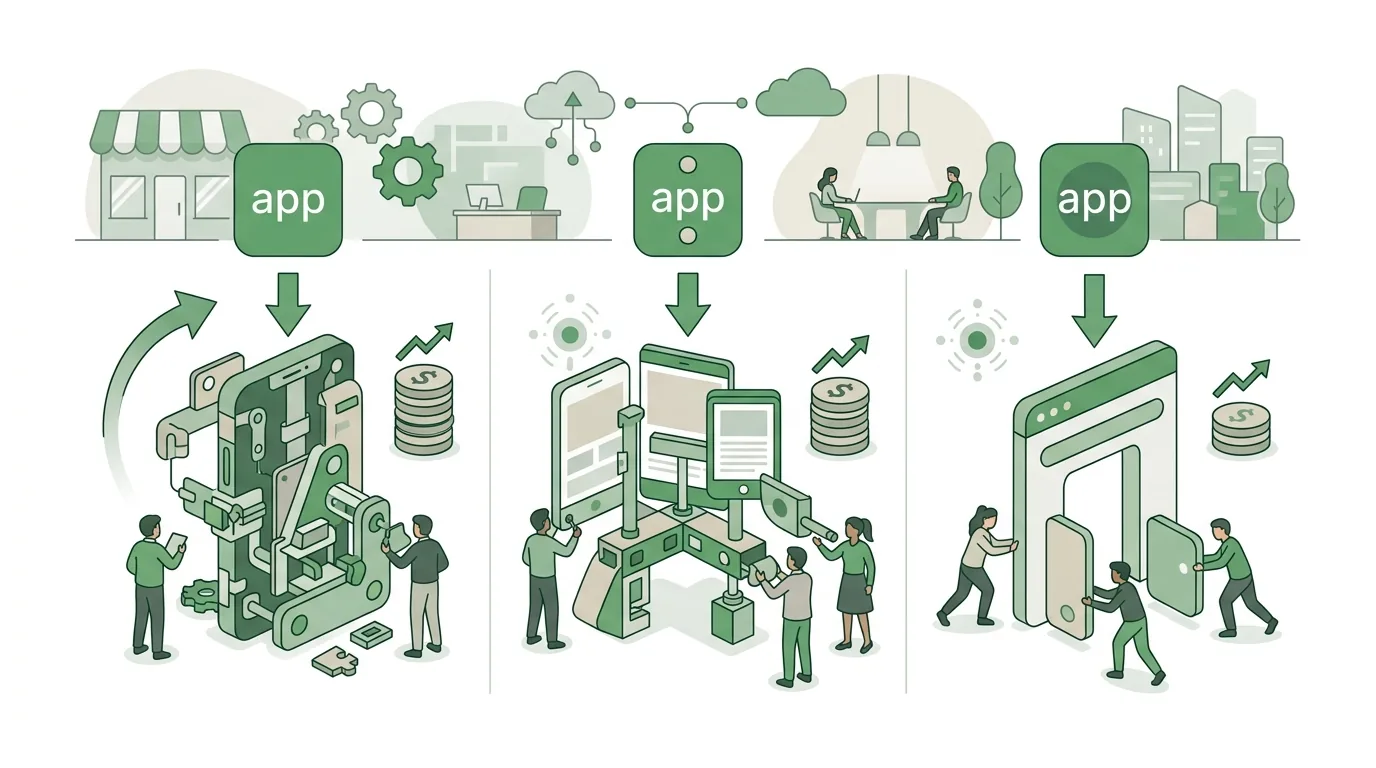
A native app is written separately for iOS in Swift and for Android in Kotlin. That means two codebases, two test cycles and double the maintenance. Most mid-market projects don't need that. At DigifyNow, we usually use a shared codebase for both stores, as with our party game app Festino, a product of DigifyNow, which is live in the App Store and Play Store. Native development pays off mainly when you need deep access to device features, such as Bluetooth hardware, complex camera processing or background processes with tight timing requirements. We go deeper into which platform fits which project in our article How to develop an app: process, platform, partner.
The web app goes one step further. It runs in the browser, needs no store review and no developer account, and an update reaches all users immediately. For internal tools like a back office, a job overview or a customer portal, it's often the more sensible choice. There are limits, though: push notifications on the iPhone only work with newer iOS versions and only if the web app has been added to the home screen. If you depend on push, check this early. There's more on our page about web app development in the Westerwald region.
Does AI lower the cost of app development?
AI tools today write usable code for interfaces and standard features, and we use them in development too. But the effort shifts rather than disappears: clarifying requirements, connecting integrations, checking permissions properly, testing and running the app is still work done by people. In fully generated apps we keep seeing the same mistakes, such as databases without row-level access rules or secret API keys sitting in the shipped app code, where anyone can read them. Fixing gaps like these after the fact costs more than avoiding them from the start. What AI actually delivers when building apps is covered in our article Build an app with AI: what works, what doesn't.
It's a different story when the app itself contains an AI feature, for example an assistant that generates text or images. Then the EU AI Act belongs in the cost estimate: it contains transparency obligations for systems that generate synthetic content and stricter rules for applications classified as high-risk. In addition, providers and deployers of AI systems are expected to support the AI literacy of the employees who work with them. For your budget, that means labeling, documentation and review steps are work packages of their own that belong in the estimate. Whether your project falls under these rules and what exactly needs to be done is best clarified with your legal counsel; we build the technical implementation.
When is a custom app not worth it?
We regularly tell prospects that they don't need an app. That's not modesty, it's experience: an app nobody installs still costs maintenance every year. Typical cases where we advise against it:
- Users only come by occasionally. Hardly anyone downloads an app for that; a good mobile website is enough.
- There's an established off-the-shelf product that covers most of the workflows, and its license costs less than building and maintaining your own.
- The process inside the company hasn't been worked out yet. Software cements processes; an unclear process doesn't get better as an app.
- Nobody in the company owns the app, answers user questions or decides on new features.
- The budget only covers the initial build, not running the app for the first few years.
Whether custom software or a ready-made subscription product fits better is something we've worked through in a separate article on custom software vs. SaaS. If an app still makes sense, we almost always recommend starting small.
How does an MVP reduce app development cost?
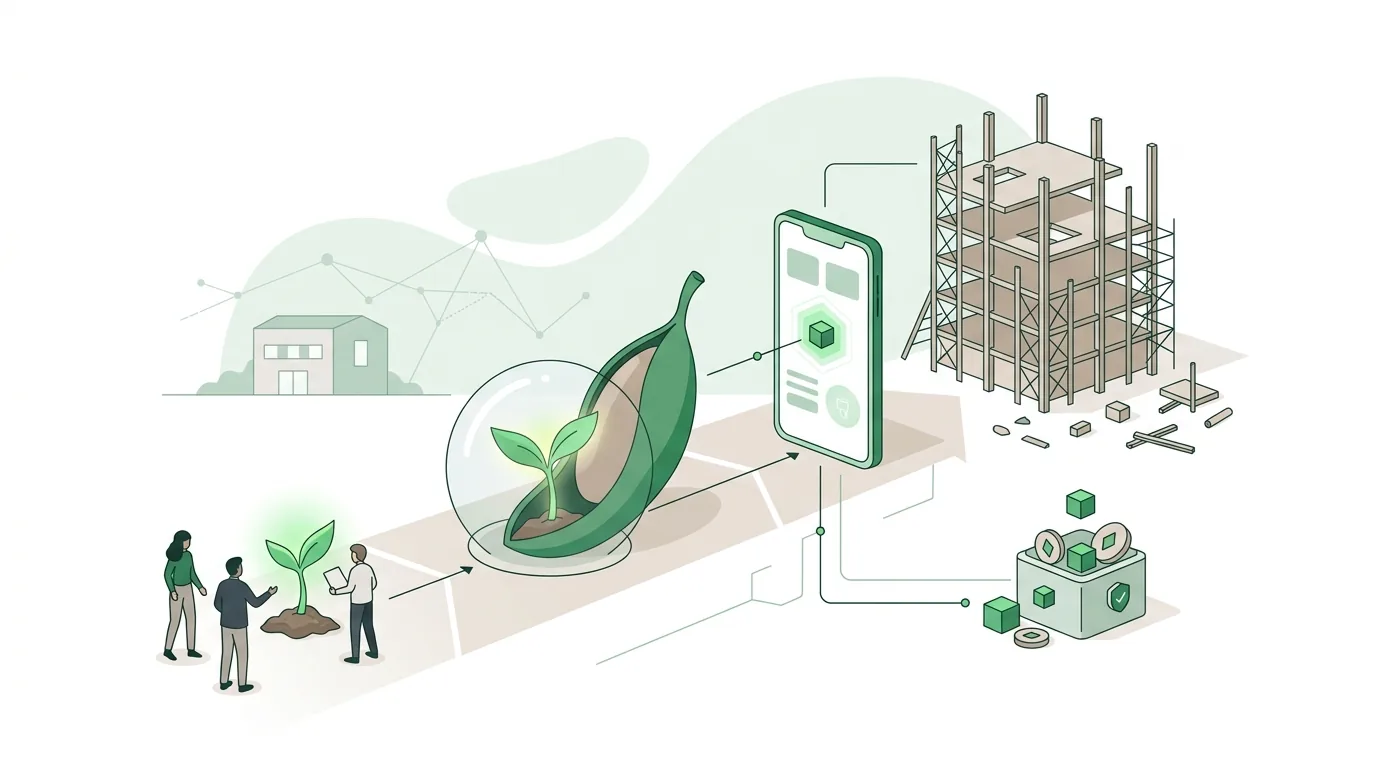
An MVP (minimum viable product) is the smallest version of an app that does a real job for real users. It's not a clickable mockup but a working application with a reduced scope that's in use after a few weeks. How long it takes in a given case depends on the scope and the integrations; a commitment for a specific project only comes after the scope estimate. The cost advantage doesn't come from individual features getting cheaper, but from cutting features before anyone has built them.
In practice, we write down every feature you want together with you and sort them into three groups: essential for the first rollout, important for later, and nice to have. Only the first group goes into the MVP. After a few weeks in use, it becomes clear which of the other features are needed at all. Often some of them are dropped entirely. What an MVP doesn't do: it doesn't replace clean architecture. If the data model is off from the start, every later extension gets more expensive. Details on process and timeline are in our article on MVP development with cost and timeline; for an overview of what we offer, see our page on app development.
App development in the Westerwald: what does a local developer bring?
Code can be written from anywhere, and DigifyNow works across Germany. Still, app development in the Westerwald with a team from the region has a tangible advantage: the most expensive mistakes in a software project don't happen in the code, they happen when requirements are gathered. Once you've stood in the workshop, the warehouse or the office, you see how a process really runs, not just how it's described in the requirements document.
Our office is in Unnau. From there, Hachenburg, Bad Marienberg, Montabaur, Koblenz and the Siegerland are easy to reach. An on-site kickoff workshop and an acceptance session together with the future users are standard for us; in between, we coordinate by video call. What a regional provider doesn't automatically bring is quality. So check references you can actually get your hands on: in our case, for example, the custom back office with CRM for Mundo Marketing and the Festino app, a product of DigifyNow, in both stores.
How do I spot a good app developer in the Westerwald?
Whether you hire an app developer in the Westerwald or elsewhere, the criteria are the same. A few questions to ask in the first meeting:
- Who owns the source code when the project ends? Get the usage rights and the handover of the repository confirmed in writing.
- Whose developer account does the app appear under? The Apple and Google accounts should be in your company's name, not the contractor's.
- Who takes care of the recurring store obligations, such as new SDK versions and target API levels?
- Is there a published app you can download yourself? An app in the store is stronger proof than a portfolio screenshot.
- How are changes to requirements billed: by effort, by package, or not provided for at all?
One point is often overlooked: for newly created personal developer accounts, Google requires a closed test with a minimum number of testers over a minimum period before publishing. Organization accounts are exempt. That's another reason to set up the account in the company's name. We describe how publishing works in practice in our article on getting an app into the App Store. For an overview of how we work, see our page App developer Westerwald.
App development agency in the Westerwald or freelancer: which fits better?
A single freelancer can be fast and flexible, especially for a clearly defined job. The risk is depending on one person: illness, vacation or a new full-time job, and your app grinds to a halt. With an app development agency in the Westerwald like DigifyNow, knowledge is spread across several people. In our case, that's Jesper Schmidt, Christian Schiebl and Miles Pandel, who look after projects together, so if in doubt someone else knows the code.
A larger agency, on the other hand, brings project managers, designers and testers, but also more layers of coordination. For a small or mid-sized business with an MVP-sized budget, many people involved are often more burden than help. What matters is less the size of the company than three things you can verify: whether documentation and source code are handed over to you, whether a second developer could take over the project, and whether there's an agreed response time for bugs in production. Settle this before signing the contract, not when the first store deadline is approaching. The services we offer around apps, web apps and AI are listed on our services page.
Frequently asked questions
How much does it cost to develop an app?
You only get a serious figure after a scope estimate, because the price is person-days times a day rate. The drivers are the number of workflows, integrations, roles, offline support and platforms. An MVP is smaller than a full app because features are cut before they're built. Anyone quoting a flat price without a requirements conversation is guessing or working from a template builder.
What are the yearly ongoing costs of an app?
Ongoing costs include the annual Apple Developer Program membership, servers and database, email delivery and maintenance. Then there are mandatory updates: Google regularly raises the minimum target API level, and Apple sets deadlines for new SDK versions. For digital sales inside the app, the stores keep a commission; for physical goods, they don't.
Is a web app cheaper than an app in the store?
Usually yes, because only one codebase is maintained, no store review is needed and updates go live immediately. A web app runs in the browser and can be added to the home screen. Compared with a store app, push notifications on the iPhone are only available with restrictions, and deep device features such as Bluetooth can only be used to a limited extent.
How long does it take to get an app into the store?
After development, Apple and Google check the app in their review; if it's rejected, another round follows. New personal Google accounts first have to run a closed test with a minimum number of testers and a minimum duration; organization accounts don't. Setting up the account in the company's name saves you this step.