What Is an API? Definition, Example, Pitfalls
· DigifyNow
An API is an agreed set of rules that lets two programs talk to each other. One system sends a request to a specific address called the endpoint. It usually goes over HTTPS, with a method such as GET or POST and an access key. The other system replies with structured data, usually JSON, plus a status code that shows success or an error. Before you commission an integration, check three things: Do both systems have a documented API? What data do they expose? What rate limits apply?
What is an API? The definition
API stands for Application Programming Interface. Strictly speaking, "API interface" repeats itself, because the I already stands for interface, a bit like "ATM machine." People say it anyway, and they always mean the same thing: a fixed set of rules. Those rules decide which requests one program may send to another, what format the data has to be in and what comes back. A user interface is built for people. An API is built for software. There are several kinds. Operating systems and code libraries have APIs that are only called from inside a program. But when a small or midsize business talks about connecting its online store, CRM and accounting software, it almost always means a web API. A web API runs over the internet and uses the HTTP protocol, with its standard methods and status codes. The most common style is REST, a term computer scientist Roy Fielding coined in his doctoral dissertation. GraphQL is another option, and so is SOAP, an older style based on XML. The usual data format is JSON: plain text made of field names and values that both programs and people can read. A CSV export that someone downloads and uploads by hand is not an API in the strict sense. It's a file-based interface: there's no fixed request and no direct response.
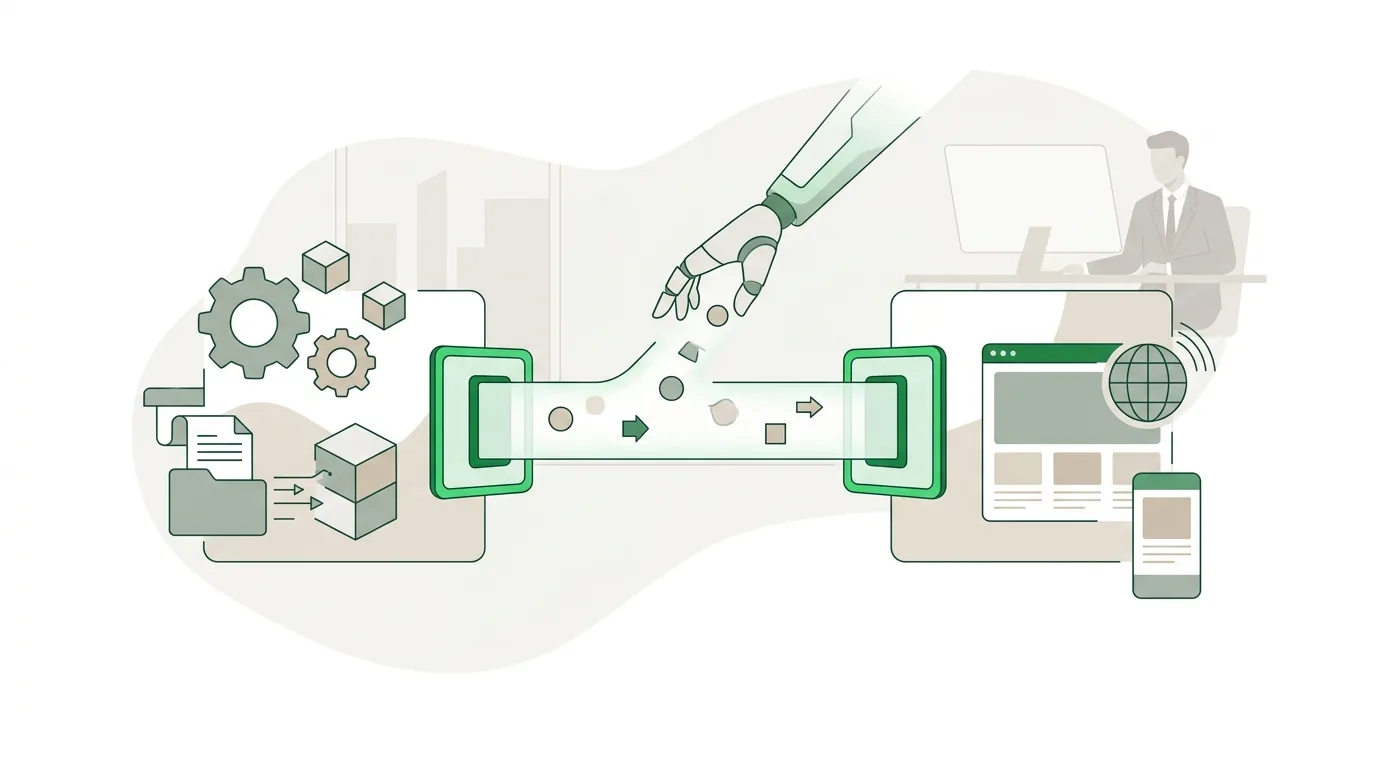
How an API works: what happens during a request?
Think of an order form with fixed fields. If you fill it out wrong, it comes back to you with a note. A web API works the same way. A request has four parts. The endpoint is the address, for example …/customers/acme-inc. The method says what should happen: GET reads data, POST creates something, PUT or PATCH changes something and DELETE removes it. The header carries extra information, above all the access key, often in a line like "Authorization: Bearer …". When you change data, the body carries the data itself, almost always as JSON. The response contains a status code with a short status message and usually more JSON, for example {"id": "acme-inc", "name": "Acme Inc."}. Status codes show you quickly where a problem lies. HTTP sorts them into classes: success messages, client errors and server errors. A client error means the request itself was faulty. A server error means the other side has a problem. Knowing the difference saves time when you troubleshoot, because you can see right away which side to look at.
| Status message | Class | Meaning | Typical trigger in practice |
|---|---|---|---|
| OK | Success | Request succeeded, data is in the response | Normal read access |
| Created | Success | Record was created | POST of a new order |
| Bad Request | Client error | Request is malformed | Required field missing, wrong date format |
| Unauthorized | Client error | No valid authentication | Token expired or wrong key |
| Forbidden | Client error | Authenticated but not permitted | Key only has read access |
| Not Found | Client error | Endpoint or record does not exist | Record deleted, wrong URL |
| Too Many Requests | Client error | Rate limit exceeded | Too many requests in a short time |
| Internal Server Error | Server error | Error on the other side | Outage at the provider |
What does an API integration example look like?
Here's a typical case from a small or midsize business. An online store should hand every paid order to the inventory management system automatically, and the tracking number should flow back. Without an integration, someone types each order in by hand, typos included. With an API, it runs in five steps. First, the store sends a webhook as soon as a payment comes in. A webhook is a short HTTP message to an address we define, and it contains the order number. Reputable providers sign this message, and our service checks the signature before it does anything else. Second, our service uses GET to pull the full order with line items, shipping address and tax rates. Third, it maps the fields, because "sku" in the store might be called "item_number" in the inventory system. Fourth, it creates the order there with POST. If the inventory system answers "Created," the order is marked as transferred. Fifth, once the warehouse ships, a PATCH writes the tracking number back to the store. The webhook is the trigger, and the API supplies the data. The alternative to a webhook is polling, where a service checks for new orders at fixed intervals. Polling is simpler, but it eats into your rate limits and data arrives with a delay. If you're planning your own frontend for Shopify, you face the same question on a larger scale. Disclosure: DigifyNow is an official Shopify Partner agency, which makes us a Shopify partner.
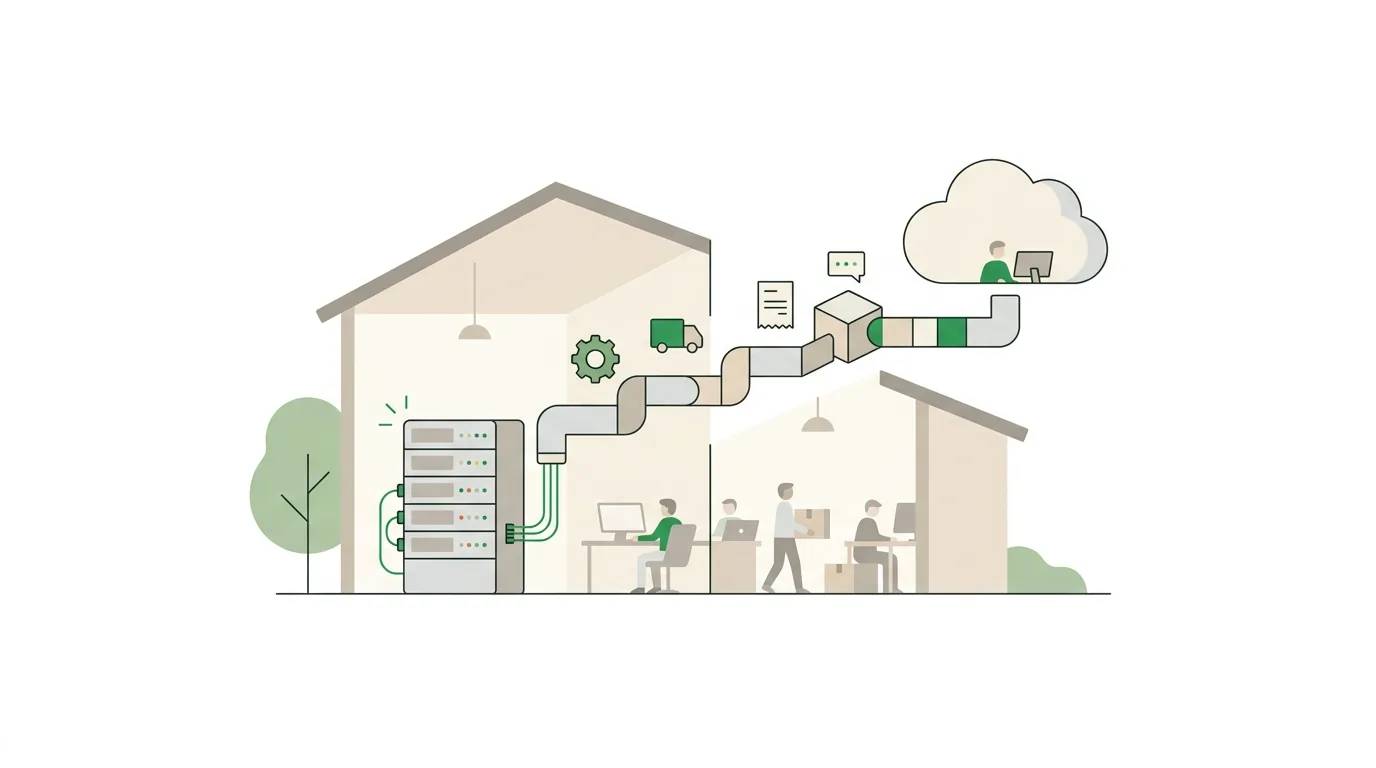
How to build an API integration: what steps are involved?
For a small or midsize business, building an API integration rarely means inventing a new API. It means writing a small service that connects two existing APIs. At DigifyNow, we follow these steps:
- Define the data flow: Which system is the source of truth for each field? How often do you sync, in real time via webhook or at fixed intervals?
- Review the other side's documentation: Is there a machine-readable description in OpenAPI format, a test environment (sandbox) and published rate limits?
- Set up authentication: either an API key or OAuth with short-lived access tokens and a refresh token. The provider tells you how long a token is valid in the expires_in field when it issues the token. Keys live only on the server, never in app or browser code.
- Map fields and align formats: dates in one consistent format with a time zone, amounts as decimals instead of floating-point numbers, required fields checked before sending.
- Build error handling: on "Too Many Requests" and server errors, retry with increasing wait times and respect the Retry-After header, where the other side states how long to wait. Important: in HTTP, GET, PUT and DELETE are idempotent, so repeating them doesn't change the result. POST is not idempotent. An idempotency key in the header makes sure a repeated POST request doesn't create a duplicate order, as long as the other side supports it.
- Log and monitor: every failed transfer lands in a list with the reason and can be resent. Otherwise nobody notices that nothing has come through since Tuesday.
In practice, the API calls themselves almost never take the longest. The data flow, the field mapping and the error handling do. If you want to think about your workflows on a bigger scale, read our article on business process automation for small businesses.
Why do API integrations fail in practice?
Most problems don't show up on day one. They show up weeks later, when the integration "somehow isn't working right anymore." The most common causes:
- Expired tokens: OAuth access tokens have a lifetime that the provider states in the expires_in field. If there's no automatic renewal with a refresh token, suddenly all you get back is "Unauthorized."
- Missed pagination: many APIs return only one page with a limited number of records per request; the cap is in the provider's documentation. You reach the next page with a page parameter or a cursor that comes with the response. If you don't page through, you silently sync only part of the data.
- Rate limits: during a large initial import or at peak times, the other side answers with "Too Many Requests." Without retry logic, records get lost.
- Version changes: providers deprecate API versions and shut them off after a notice period. If you don't follow the announcements, you only notice when things break, often through a sudden "Not Found."
- Duplicate records: a timeout doesn't mean nothing arrived. If a POST request is repeated without an idempotency key, you get duplicate orders.
- Mismatched data models: a customer with several shipping addresses doesn't fit into a system that only knows one. That's a business question, not a technical one.
That's why every integration also needs someone who watches it while it runs. Build it once and forget it doesn't work.

When is a custom API integration not worth it?
Not every connection between two programs needs custom code. At DigifyNow, we advise against it in four cases. First, if one of the two applications already offers a ready-made integration with the other, that's usually cheaper to run than custom development. Second, if you're only moving a few records a month, a manual export is often good enough. Third, some older industry software has no API at all. Then your options are file exchange, direct database access if the vendor allows it, or a software robot that operates the user interface. A separate article covers when RPA works better than an API and why bots break when the interface gets updated. Fourth, some providers only unlock their API on higher-tier plans or limit calls heavily. Clarify that before you start planning. On the legal side: if personal data flows to an external service that processes it on your behalf, the GDPR calls for a data processing agreement. Whether one exists and whether it fits is your company's decision, not the technology's. If data exchange is the core of your business, on the other hand, it's worth comparing custom software vs. SaaS.
Frequently asked questions
What is a REST API?
REST is a style for building web APIs, described by Roy Fielding in his doctoral dissertation. Every resource, such as a customer or an order, has its own address. You work with it using the HTTP methods GET, POST, PUT, PATCH and DELETE. Each request contains everything needed, and the server doesn't remember any state from one request to the next. With GraphQL, by contrast, you use a single endpoint to request exactly the fields you need.
How do APIs and webhooks work together?
With an API, your system actively asks for data (pull). With a webhook, the other system reaches out on its own as soon as something happens (push), for example when a new payment comes in. The webhook often contains only an ID. You then fetch the full data through the API. In practice, the two usually work together: the webhook as the trigger, the API as the data source.
What is an API key and where should it be stored?
An API key is a long string of characters a program uses to identify itself to an API. It usually goes in the header of every request. It belongs on the server, for example in an environment variable or a secrets store. In an app or in browser code, anyone who inspects the code can read it. Unlike an OAuth token, whose lifetime is stated in the expires_in field, an API key often doesn't expire on its own.