Marketing Automation: Tools and Examples
· DigifyNow
Marketing automation is software that handles repetitive marketing and sales steps according to fixed rules. Every rule has three parts: a trigger (a form, a purchase, a click or a date), a condition checked against the contact record (consent, customer status) and an action (an email, a task for sales, a field update). Which tool fits depends on where your contact data lives. Without documented consent and clean data, you only automate mistakes.
What is marketing automation?
In short, marketing automation is software that carries out marketing and sales steps on its own as soon as a defined event happens for an individual contact. Behind it there is always the same rule made of trigger, condition and action. Whether it works depends on whether the data that rule relies on is correct.
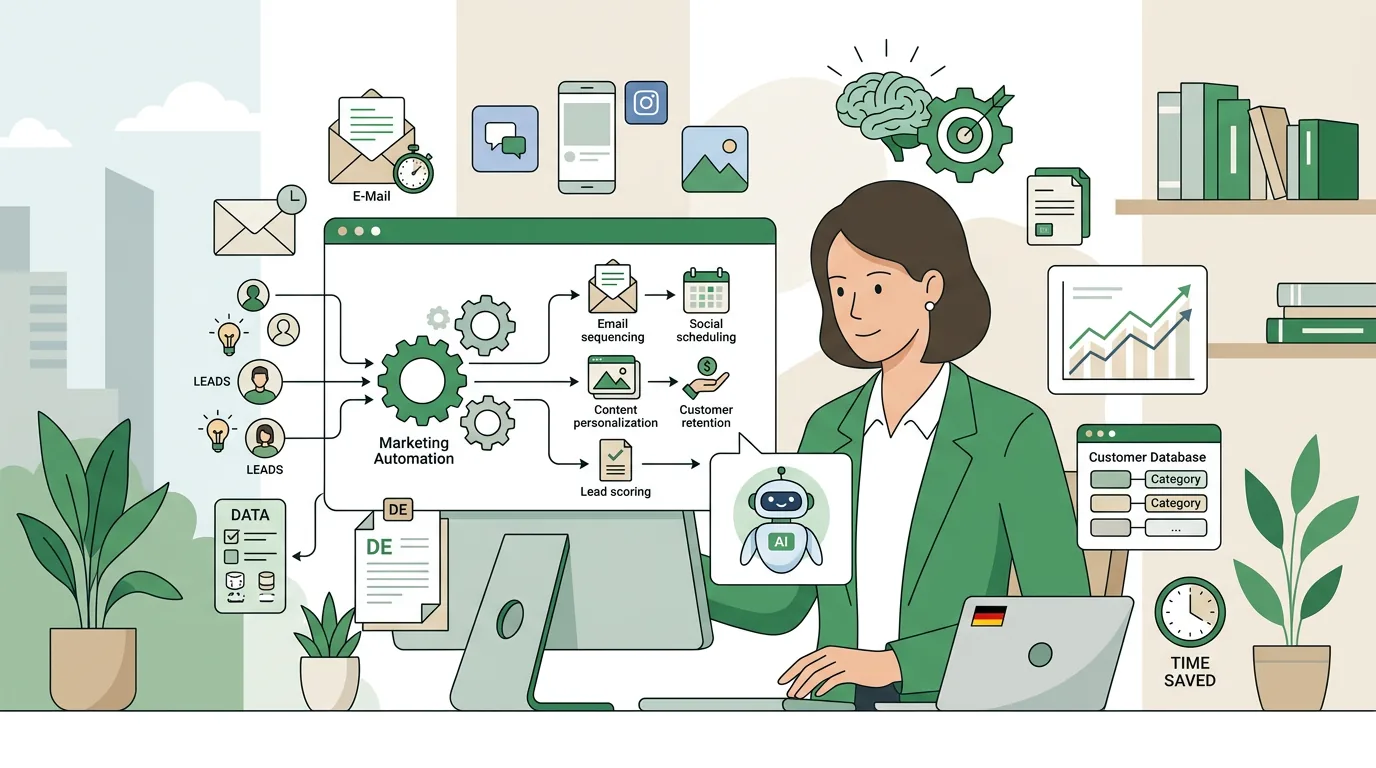
With marketing automation, software takes over recurring marketing and sales steps based on rules you set up in advance. Every rule has three parts. The trigger is an event, such as a completed contact form, a finished purchase, a click in an email or a date being reached. The condition checks attributes of the contact: Is there consent on file? Is this an existing customer? Which industry is the contact in? Only then does the action follow. That can be an email, a task for sales, an entry in the CRM or a waiting period before the next step.
Here is an everyday example from a machinery manufacturer: A prospect downloads a data sheet. The system creates a contact record, sends the document once the prospect has confirmed their email address, and then waits a few days. If the prospect has visited the pricing page in the meantime, the responsible field sales rep gets a task with the name and activity history. If not, a second email with an application example goes out. Nobody has to maintain a list for this. But it only pays off once you have hundreds of these cases. If you get just a handful of inquiries a month, a phone call is faster than any rule.
What are some marketing automation examples?
The following six workflows are the ones small and mid-sized businesses use most often. Each one lists its trigger and action so you can see which data you need:
- Welcome after sign-up: The trigger is a confirmed newsletter sign-up (double opt-in). The action is a welcome email that tells the reader what they will receive from now on and how often.
- Following up on inquiries: The trigger is an inquiry through the form. The action is a confirmation of receipt to the prospect and a task with a deadline for sales. As soon as the contact replies, the sequence ends.
- Abandoned cart: The trigger is a cart that has not been checked out after a set amount of time. The action is a reminder. For this to work, the online store has to pass events to the marketing tool, and the buyer must have consented to marketing.
- Review request after purchase: The trigger is the delivery status "delivered". The action is a request for feedback. If a complaint is currently open, the request is not sent.
- Re-engagement: The trigger is a date, meaning a certain period without a purchase or an opened email. The action is one last message. After that, the contact moves to a dormant list.
- Appointment and contract reminders: The trigger is a date field in the CRM, such as a maintenance appointment or the end of a contract. The action is a reminder to the customer and a task for the inside sales team.
In all six cases, the rule depends on a data field. If the field is missing or nobody maintains it, the rule never fires. Or it fires for the wrong contact.
Which marketing automation tools are there, and how do you compare them?
Don't start your comparison with feature lists. First figure out where your contact and customer data lives today and where it should live going forward. That gives you four groups of tools. The table below describes all four using the same criteria. The products named are examples of their group, not a ranking. Features and pricing plans change, so check each vendor's current documentation before you decide. Disclosure: DigifyNow is a partner of Make and has a referral code there.
| Tool type | Examples | Where contact data lives | A good fit when … | Hits its limits when … |
|---|---|---|---|---|
| Marketing automation platform | HubSpot, Brevo, ActiveCampaign, Mailchimp | In the platform itself; a CRM is connected via API or sync | marketing has its own team or a dedicated person and email is the main channel | sales works in a different system and two-way sync hasn't been set up properly |
| CRM with automation | Salesforce, Microsoft Dynamics 365, Pipedrive | In the CRM, together with quotes and sales deals | marketing and sales should work from the same record | you need extensive campaign logic that the CRM only covers with add-on modules |
| Workflow tool | Zapier, Make, n8n | Not in the tool; it connects store, CRM, forms and email delivery service | the systems are already in place and data just needs to flow between them | the logic grows across many steps and nobody can keep track of which connection triggers what |
| Custom software | Custom development built on existing systems | Wherever you decide, often in your own CRM or back office | workflows are so specific that off-the-shelf tools only fit with workarounds | the workflow isn't settled yet; software built for an unclear process has to be rebuilt later at high cost |
Among the workflow tools there is one difference that matters for data protection. Zapier and Make run as cloud services. According to the vendor documentation (as of October 2026), n8n can also be run on your own server. In that case you decide where the data is processed, but you are also responsible for updates and uptime yourself.
How can I automate my sales process?
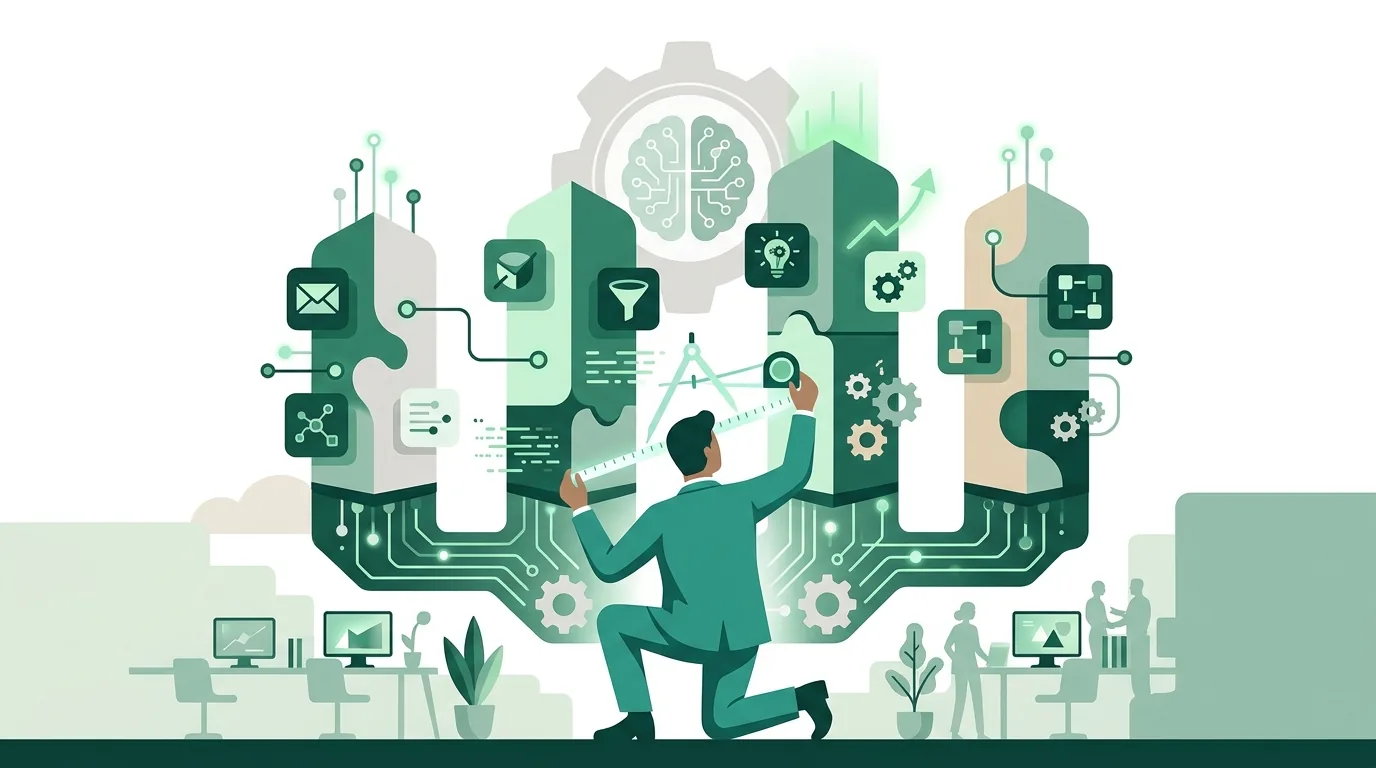
In sales, automation is mostly about the handoff: when a contact moves from marketing to a salesperson, and what information the salesperson gets along with it. That takes four steps:
- Define the handoff criteria: Write down when a lead counts as "sales-ready", for example after an inquiry through the form, when the company is in a target industry, or after a visit to the pricing page. Lead scoring assigns points for this. You set the threshold, not the tool.
- Unify the record: Marketing and sales need the same contact ID. Otherwise you get duplicates, and a customer receives a promotional sequence while sales is in the middle of negotiating a quote with them.
- A task for the salesperson, not an email: The handoff creates a task in the CRM with a deadline and an owner. A notification email to the team, on the other hand, gets lost easily.
- Build in stop rules: As soon as a contact replies, becomes a customer or unsubscribes, the system ends all running sequences.
If you don't have a CRM yet or aren't sure what belongs in it, first sort out the core data: contact, company and deal. What a CRM does and how it is structured is explained in our article on the topic. Without that foundation, any sales automation lacks the data it needs to work with.
Why does marketing automation fail?
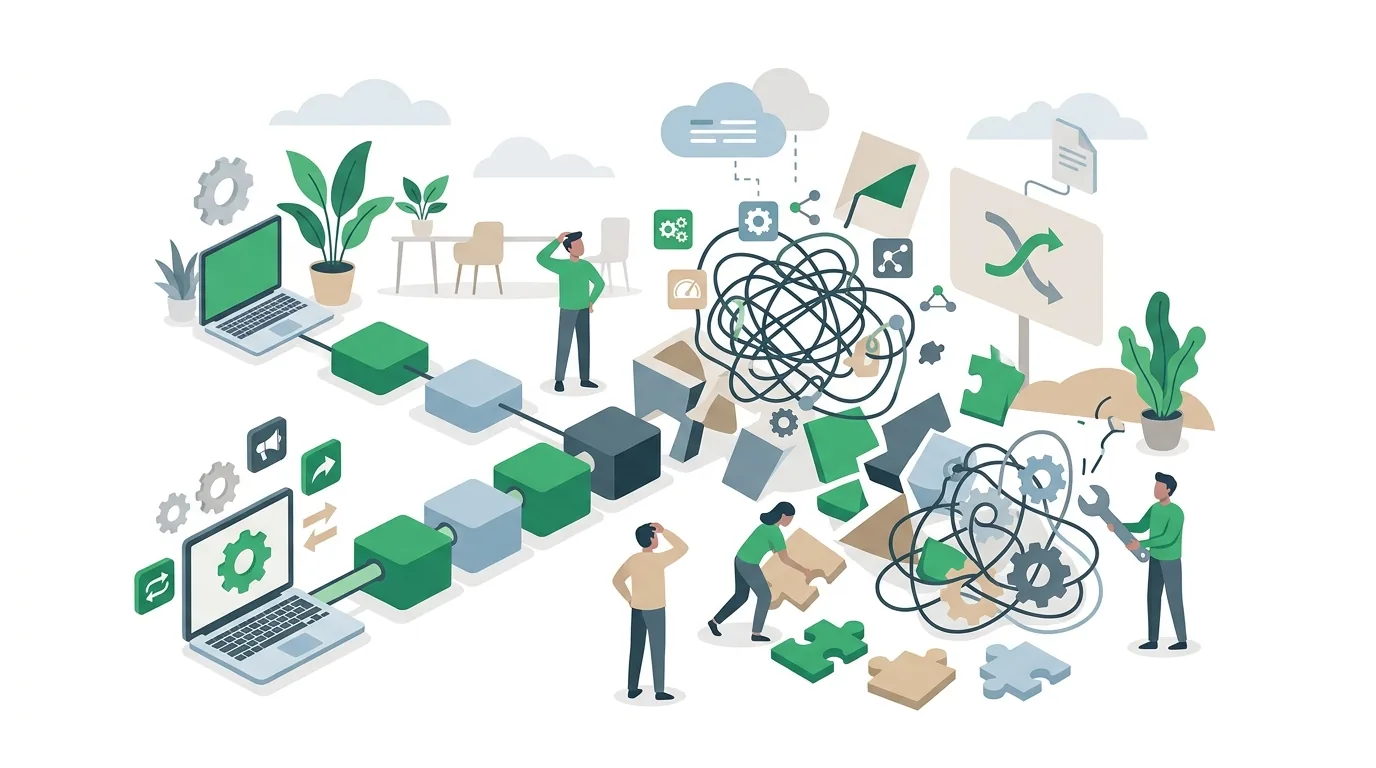
It's rarely the tool. The most common causes lie in the data, the rules and who is responsible:
- No provable consent: If you simply load imported trade show or business card lists into a sequence, you are sending marketing emails without proof of consent. Consent is usually documented through the double opt-in process. Whether your approach holds up legally overall is something you should have checked for your specific case.
- The sequence keeps running after a reply: If the tool doesn't evaluate replies or isn't connected to the mailbox, a customer who replied long ago still gets the next promotional email.
- Duplicate triggers: When a form fires twice or a workflow tool reprocesses an event after an error, you end up with duplicate contacts and duplicate emails. The fix is a check for whether the event has already been processed.
- Missing sender authentication: SPF, DKIM and DMARC records let receiving servers verify that your sending domain is allowed to send the email. If they are missing, receiving servers are more likely to flag the emails as suspicious. How a message is filtered and where it is placed is always the receiving server's decision, not yours or your tool's.
- Nobody owns it: Rules that nobody reviews after setup end up sending outdated offers months later or linking to deleted pages.
On consent, the rule in Germany is this: under Section 7(2) No. 2 of the German Unfair Competition Act (UWG), email marketing without prior express consent counts as an unreasonable nuisance. Section 7(3) UWG sets out an exception for existing customers. It only applies when four conditions are all met at the same time: the address was obtained in connection with a sale, you are promoting your own similar goods or services, the customer has not objected, and the customer is informed of their right to object both when the address is collected and in every email (statutory text, as of October 2026). For automation, this means the condition "consent or existing-customer exception on file" has to exist as a field in the record. Otherwise the rule has nothing to check.
Which workflows are generally suited to automation, and when the effort doesn't pay off, is covered in more detail in our article on business process automation for SMBs.
How much does marketing automation cost?
A reliable figure can only be given for a specific project. What drives the cost, however, can be listed. Many platforms price their licenses by the number of stored contacts, emails sent or workflow steps executed. As your list grows, the license gets more expensive, even if nothing about your workflows changes. Integrations take setup time, especially when the online store, CRM and ERP need to exchange data in both directions. Data cleanup is often underestimated: merging duplicates, clarifying missing consent, standardizing fields. Then there is content, because every sequence needs copy that someone writes and keeps up to date. And finally there is ongoing operation: someone has to review rules, read error messages and adjust workflows. You get to a solid number by describing your workflows, systems and data, and deriving the scope from that.
Marketing in the Westerwald: what's different in the region?
Technically, marketing automation works in the Westerwald exactly the same as anywhere else. What's often different is the starting point. Many businesses sell through personal relationships, trade shows and referrals. Their contact lists are small and live in Excel spreadsheets or in one employee's inbox. The first step then isn't a tool but a shared record with documented consent. For small B2B lists, automated letter mailing often complements email better. DigifyNow is based at Grenzweg 9a in Unnau and works mainly in the Westerwald, Koblenz and the Siegerland region. How we support businesses in the region is described on the page about our service areas in the Westerwald.
How DigifyNow implements marketing automation
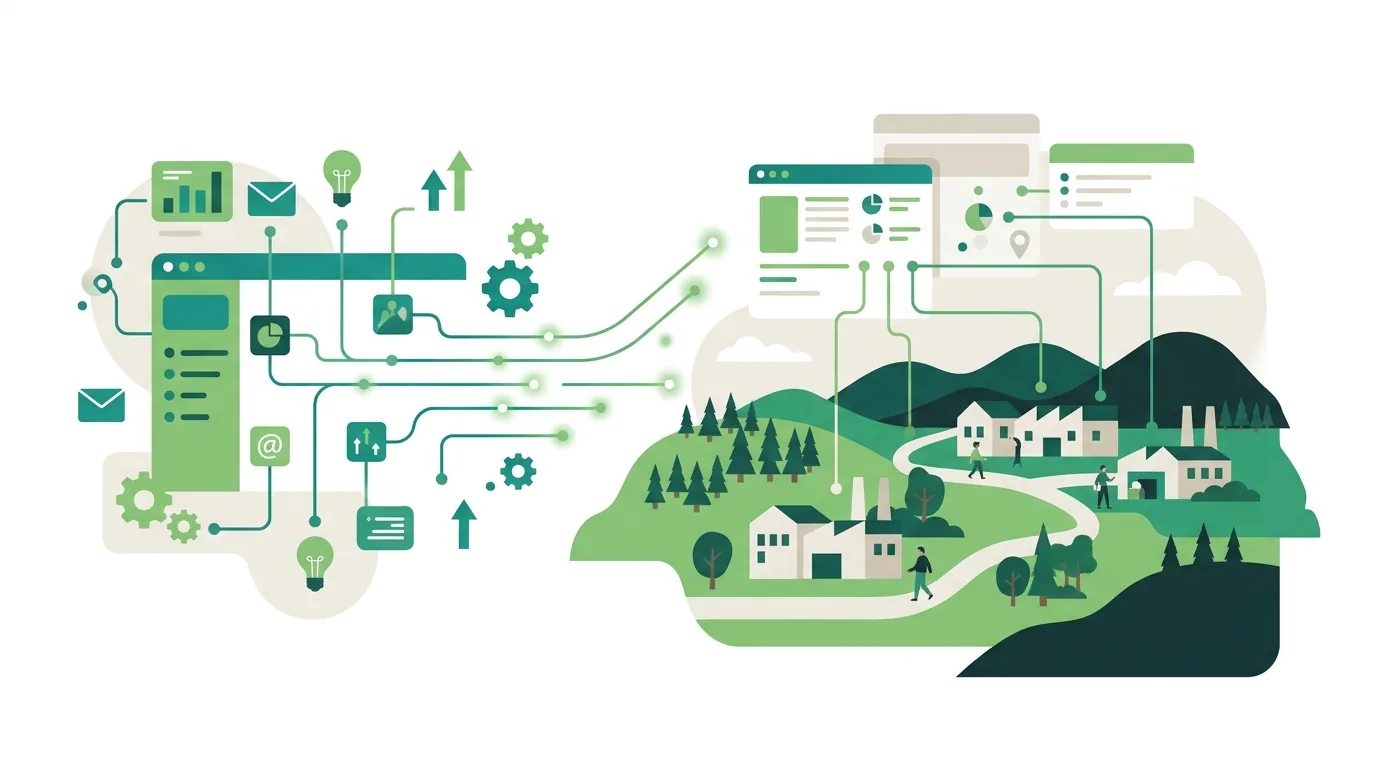
DigifyNow starts with the workflow, not the tool: Which trigger starts what, where does the data live, who handles which step? Then we set up the automation in your existing systems. If off-the-shelf tools only fit with workarounds, we build it custom. What we offer as an agency for email marketing, lead generation and automation is described on our marketing page.
An example from our projects: For Mundo Marketing, we built a custom back office with a CRM. Contacts and deals live in one dedicated system there instead of scattered lists. That shared record is exactly what the rules in the examples above require before a single email goes out automatically. How the project is structured is described in the case study on the back office for Mundo Marketing.
For some tasks we have built our own tools. EmailFlow OS is a product of DigifyNow for email outreach. It manages contact lists and sequences for reaching out to new contacts. LetterFlow is a product of DigifyNow for automated letter mailing: an event or a list triggers a printed letter without anyone preparing it by hand. More on the postal route is on our direct marketing page. AI Ad Studio is also a product of DigifyNow and helps with creating ads. For restaurants and hospitality there is Tablify, likewise a product of DigifyNow: digital menus, vouchers and analytics via QR code. Whether any of these fits your project depends on the workflow. Sometimes the answer is a tool you already have.
When outside help is worth it
Outside help is worth it when several systems such as your online store, CRM and email delivery service need to exchange data, when contact data from different sources needs to be merged, or when nobody in-house has time to set up and maintain rules. For a single newsletter with a welcome email, the tool's own guide is usually enough. For a conversation, have the following ready: a list of your systems, the two or three workflows that take the most manual work today, and the approximate number of your contacts. Through our contact page you can request a free, no-obligation assessment of your project.
Frequently asked questions
What is marketing automation, in simple terms?
Marketing automation is software that carries out marketing and sales steps on its own according to defined rules. Every rule consists of a trigger, a condition and an action. An example: A prospect downloads a data sheet (trigger) and has consented to marketing (condition). A few days later they receive an application example by email, and sales gets a task (action). Unlike a newsletter, this runs individually for each contact.
What's the difference between marketing automation and a newsletter tool?
A newsletter tool sends one email to an entire list at a time you choose. Marketing automation sends messages individually as soon as an event happens for that particular contact, such as a form, a purchase or a date. It also checks conditions and can trigger actions beyond email, for example a task in the CRM. Many newsletter tools now include basic automations.
Do I need a CRM for marketing automation?
Not necessarily, because marketing platforms store contacts themselves. But as soon as sales is supposed to take over leads, both sides need to work from the same record. Otherwise a customer receives promotional sequences while a quote is being negotiated with them. Two separate contact lists without syncing are the most common cause of duplicates and double outreach.
Can I send automated emails to existing customers without consent?
Only if all four conditions under Section 7(3) of the German Unfair Competition Act (UWG) are met: the address was obtained in connection with a sale, you are promoting your own similar goods or services, the customer has not objected, and you clearly point out the right to object when collecting the address and in every email. If even one of these is missing, you need consent under Section 7(2) No. 2 UWG. If in doubt, have your case checked.
Can AI take over marketing automation?
AI can draft copy, categorize inquiries or summarize replies. It does not replace the rule of trigger, condition and action, and it doesn't decide whether consent is on file. AI makes sense as a single step whose output a person reviews before anything is sent. Under the EU AI Act, anyone operating AI systems must take measures that support the AI literacy of the employees involved. They are not required to guarantee a particular level of literacy.