What Is CRM? Definition, System and Example
· DigifyNow
CRM stands for Customer Relationship Management. A CRM system is a shared database where each customer exists exactly once as a contact and a company. Quotes, calls, emails and meetings are attached to that record as deals and activities. Each deal moves through set stages, such as inquiry, quote and order. Every stage has an owner and a follow-up date. Everyone on the team sees the same status, and follow-up no longer depends on one person's inbox.
What is CRM? A plain-English definition
CRM is short for Customer Relationship Management, which means managing your relationships with customers. The term covers two things that often get mixed up: a way of working and a piece of software. The way of working means that everything your company goes through with a customer or prospect is recorded in one place. It isn't scattered across people's heads, inboxes or Excel sheets. The software that supports this is the CRM system. The textbooks distinguish between operational, analytical and collaborative CRM. Operational CRM supports day-to-day work in sales, service and marketing. Analytical CRM evaluates the data you've collected, for example revenue per customer segment. Collaborative CRM connects the channels customers use to reach you, such as phone, email and web forms. For most small and mid-sized businesses, only operational CRM matters at first. Analysis only pays off once the data in the system is clean and complete. In our project experience at DigifyNow, that takes months rather than weeks. If you start with reports, you end up analyzing the gaps.
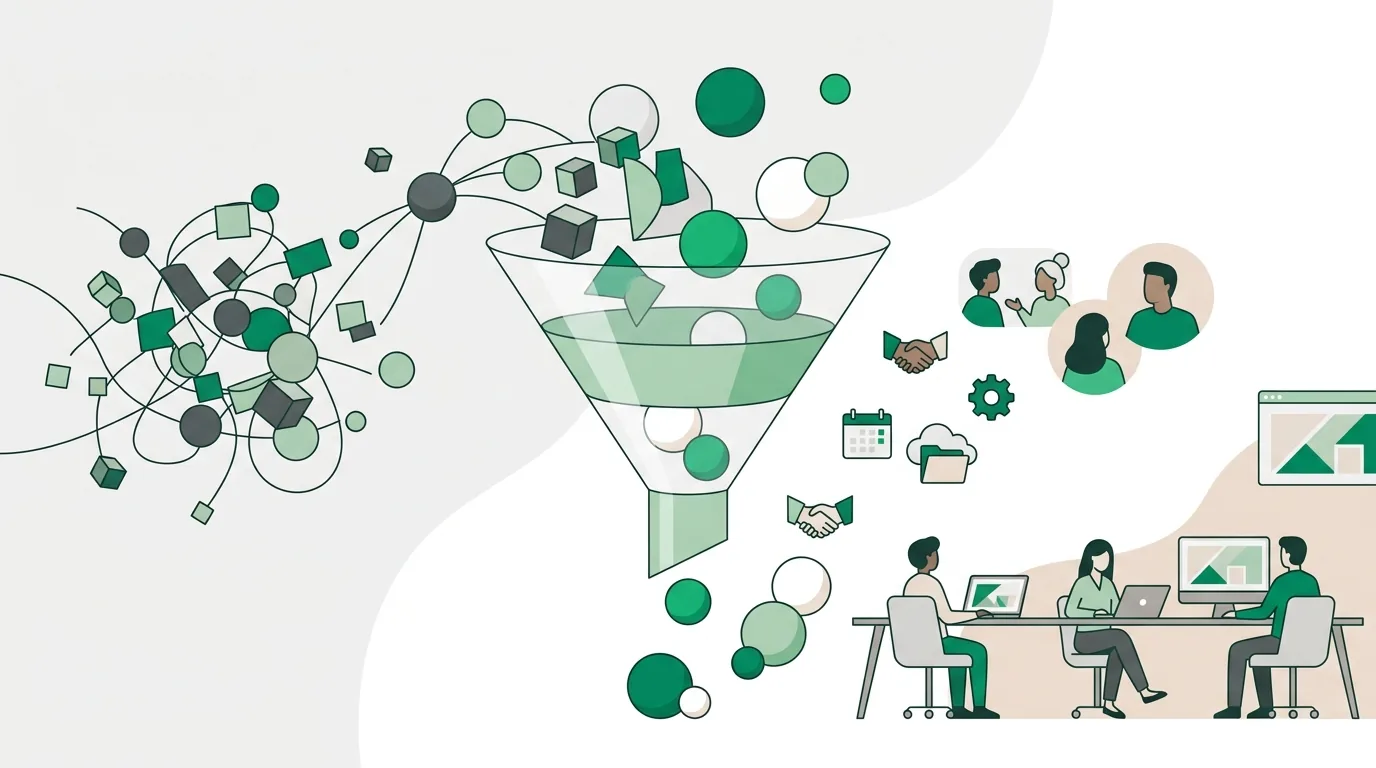
What is a CRM system and how is it structured?
Technically, a CRM system is a database with a user interface on top. Whether you buy one or have one built, the core almost always consists of the same objects, linked by relationships. A contact belongs to a company, a company has several deals, and a deal has several activities. Once you understand this structure, you can judge any CRM a vendor demos for you.
- Contact: a person with a name, phone number, email address and role. Common exchange formats are CSV files and vCard, the format for electronic business cards.
- Company (account): the business that several contacts belong to, with its address, industry and customer number.
- Deal (opportunity): a specific sales opportunity with a value, a stage and an expected close date.
- Activity: a call, email, meeting or note with a date and an author. Meetings can be synced with Outlook or Google calendars using the iCalendar format.
- Task or follow-up: who has to do what, and by when.
- Pipeline: the defined sequence of stages a deal moves through.
If one of these layers is missing, you notice quickly. Without a company object, several contacts at the same customer end up in the system as separate, unconnected records. Nobody can see that the purchasing manager and the managing director work for the same company. Two technical features also decide whether your data stays accurate over time. The first is required fields: a deal can't move to the next stage until they're filled in. The second is a duplicate check that looks for existing records by email address or customer number when someone creates a record or imports data. Without a duplicate check, the same customer exists several times as soon as you import your first old address list.
A CRM system in simple terms: what happens to a new inquiry?
The easiest way to understand a CRM system is to follow a single inquiry. A prospect fills out the contact form on your website. Without a CRM, it lands as an email with whoever reads it first. They might forward it, and they might forget about it. With a CRM, the form creates a contact automatically and checks the email address to see whether that person already exists. It then creates a deal in the inquiry stage. That deal is assigned an owner and a follow-up with a fixed deadline. When your colleague calls back, they log the call as an activity and move the deal to the quote stage. If the deal sits untouched, it shows up on a task list on its due date. It stays there until someone works on it or deliberately closes it. There's no more magic to it than that. A CRM doesn't call customers and doesn't write quotes. It shows what's open and who's responsible. Whether the customer buys in the end is still up to your sales team, not the software.

CRM system example: what does it look like in a small or mid-sized business?
Take a trades business that writes quotes for bathroom remodels. A typical pipeline setup, the kind we at DigifyNow sketch out in conversations again and again, looks like this:
- Inquiry: contact and deal created, callback set as a follow-up with a deadline for the owner.
- Site visit: on-site appointment logged as an activity, photos and measurements attached to the deal.
- Quote: quote total entered as the deal value, follow-up set in case there's no reply.
- Order: deal won and handed off to scheduling and accounting, for example via an interface to the order management software.
- Lost: reason as a required field, such as price, timing or no longer needed.
The handoff at the order stage only works if both programs can exchange data. Our article on what an API is explains how that works technically. Without that connection, addresses are maintained in two systems and drift apart over time.
A real example from our own work is the custom back office with CRM for Mundo Marketing. There, customer data and internal processes live in one system instead of several separate tools. In a system like this, the stages and fields follow the company's process, not the other way around. That's exactly why you should know your own stages before you look at any software. Our post on process analysis with a template shows how to write down your process beforehand.
CRM software: off-the-shelf or custom-built?
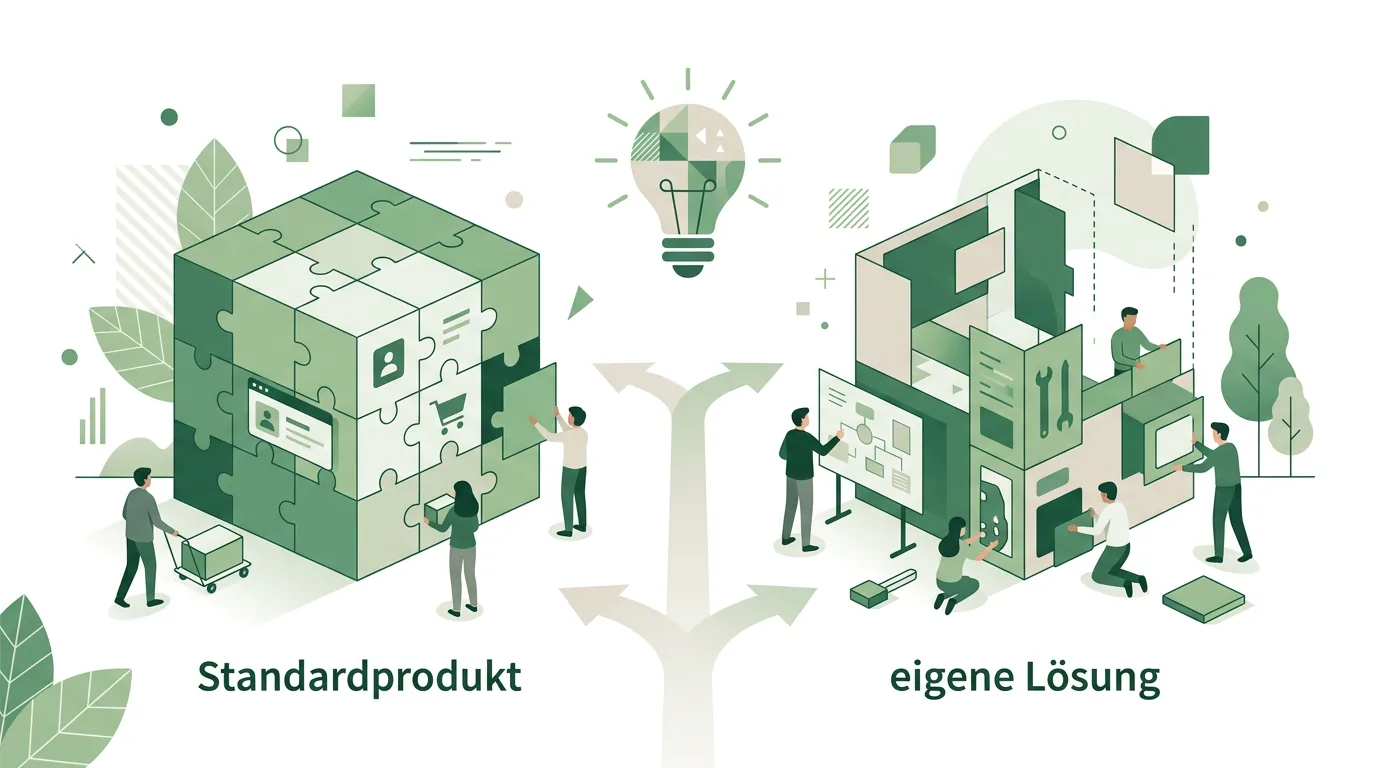
CRM software comes in two broad forms. Off-the-shelf software is rented as a cloud subscription per user and is ready to go quickly. It's a good fit if your sales process is a classic one: lead, quote, close. DigifyNow builds custom CRM software as a web app. It runs in the browser and contains exactly the objects, fields and stages your business needs. Interfaces connect it to inventory management, accounting or your calendar. That isn't automatically worth it. If you have a small sales team and a standard process, a subscription usually serves you better, and we'll tell you so. A custom solution becomes interesting in three cases: the CRM has to be tightly integrated with other internal processes, off-the-shelf systems only fit with lots of add-on modules, or the data needs to live on infrastructure you choose yourself. Our comparison of custom software vs. SaaS covers how to weigh this in detail. Our post on having a CRM system built covers the effort a custom build involves.
For a custom build, DigifyNow usually starts with an MVP. That's a first usable version with contacts, companies, deals and a pipeline, which your team tries out in daily work before special cases are added. How long this takes for a specific project depends on the cost drivers: the number of interfaces, the volume and condition of your existing data, special cases in the pipeline, and who runs the system afterward. We can only give a timeline for a specific project after an assessment. Our post on building an MVP: cost and timeline explains how a first version like this is planned.
Either way, a CRM only reflects what your team enters. If only management uses the system, it only shows management's contacts. That's why team onboarding and clear rules on who maintains which fields are part of any rollout. If you'd like your project assessed, you can do that through our contact page for a free, no-obligation assessment.
What can AI do in a CRM, and what does the EU AI Act require?
Many CRM systems now offer AI features, and DigifyNow also connects AI assistants to customer data. The mechanism is always the same. The assistant reads a deal's activities, meaning notes, emails and call logs, and turns them into a summary or a draft follow-up email. The result is only as good as those entries. If the notes from the last phone call are missing, the AI summarizes an outdated status, and it still sounds convincing. That's why a person should review every draft before it goes to a customer.
Legally, this touches the EU AI Act in its amended form. It requires providers and deployers of AI systems to take measures that support the AI literacy of their staff. It doesn't require them to guarantee a specific level of competence for any individual employee. There are also transparency obligations for systems that generate synthetic text, images, audio or video, and separately phased rules for high-risk systems. An assistant that drafts emails, which an employee then reviews and sends, is a different thing from a system that makes decisions about customers on its own. Whether any obligation applies to your specific use, and which one, depends on the purpose and belongs in a legal review. Our page on AI assistants for businesses describes how to introduce an assistant in your company.
What are the legal rules for customer data in a CRM?
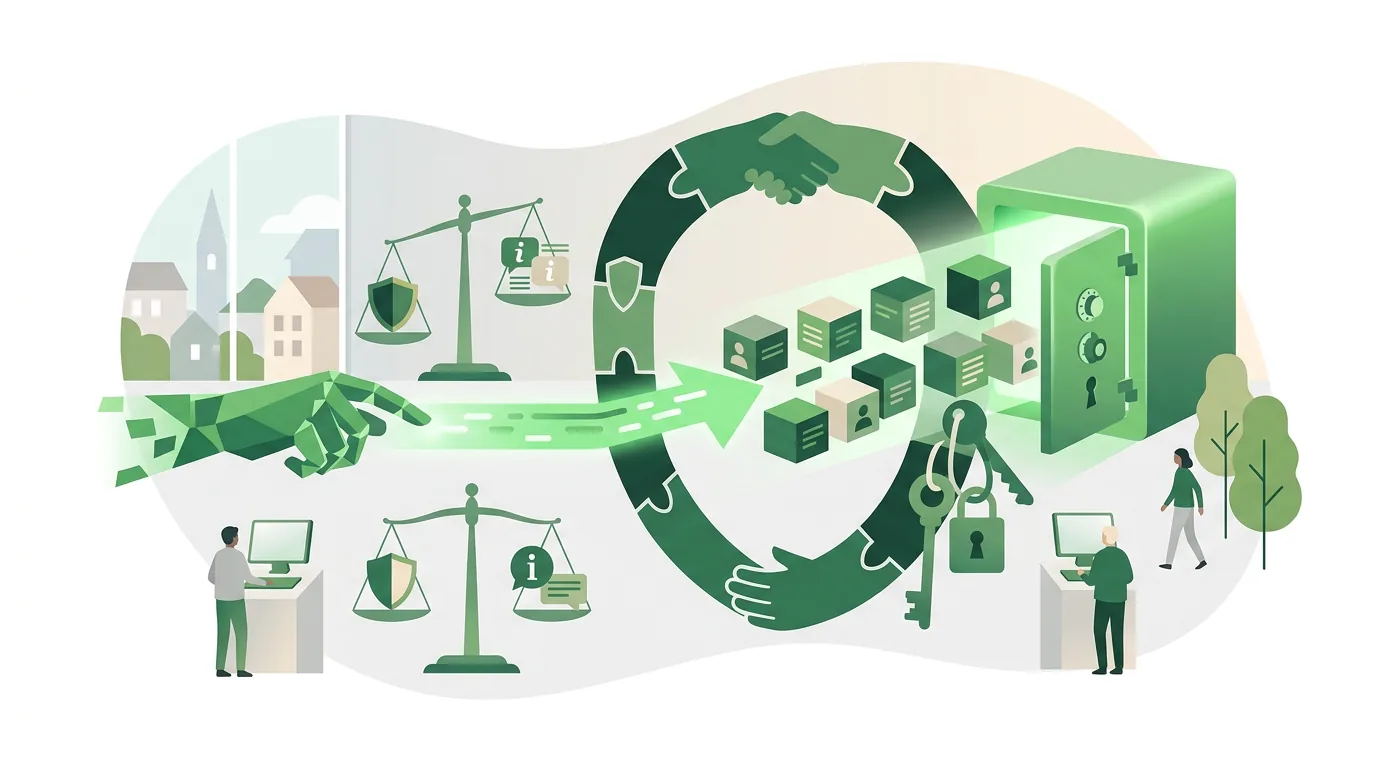
A CRM stores personal data, so the GDPR applies. Whether your business complies depends on how you run the system, not on which product you choose. Still, you should know a few requirements, because they directly determine what a CRM has to be able to do technically. Every piece of stored data needs a legal basis. For existing customers, that's often the performance of a contract. Data subjects have a right of access, so the system has to be able to pull together all the data on one person. There's also a right to erasure, but it can conflict with retention obligations under commercial and tax law, for example for business correspondence. A usable CRM therefore needs deletion and restriction as separate functions. Restricted data stays stored but no longer appears in day-to-day work. If an outside provider hosts the system, you need a data processing agreement. Assessing your specific case is a job for your data protection officer or lawyer, not for a blog post.
Frequently asked questions
What is CRM in simple terms?
CRM stands for Customer Relationship Management. It means a shared customer database where each contact is created once, with every call, email, quote and meeting attached to it. Unlike an Excel sheet, a CRM has owners, stages and follow-ups that come due automatically.
How many employees do you need before a CRM is worth it?
There's no fixed threshold. As soon as more than one person talks to the same customers, one of them won't know what the other promised. A solo business owner with a few regular customers often gets by with a calendar and an address book. With several salespeople, a shared system becomes practically unavoidable.
Can you move existing customer data into a CRM?
Yes. The usual route is an import as a CSV file or in vCard format. What matters is the cleanup beforehand: duplicates are identified by email address or customer number, and fields such as salutation and country are standardized. An import without this cleanup carries the old errors straight into the new system.