Business Process Automation: What Pays Off
· DigifyNow
You can automate a process if it has a clear trigger, rules you can write down and digital input data. An event such as a webhook, a schedule or a new incoming email starts a fixed sequence of steps. Those steps pass data between your systems through APIs. Unclear cases go to a person for approval. Start with a frequent, rule-based process, log every run and decide who gets notified when something fails.
Which business processes can you automate?
Industry doesn't decide whether a process can be automated. Structure does. When we at DigifyNow walk through a process with a client, we check for five traits. If any one of them is missing, business process automation usually turns out expensive, fragile or both.
- A clear trigger: someone submits a form, an invoice arrives or an order gets a new status. Without a defined starting point, no system knows when to start.
- Rules you can write down: for example, "If the amount exceeds a set limit, management has to approve it." If a rule only exists in one employee's head, someone has to write it out first.
- Digital, structured input data: an XML record, a database field or a PDF with a fixed layout. Phone notes and handwritten slips don't count.
- Enough volume: something that happens twice a year is faster to do by hand than to specify, build and maintain as an automation.
- Systems with an interface: a REST API, webhooks or at least a clean CSV import.
In our projects, the typical candidates are web form inquiries that need to go into the CRM, quote and appointment confirmations, incoming invoices, mail merge letters and handoffs between sales and accounting. If there's no existing software to build on, automating a process sometimes means building a dedicated tool. Whether you should customize an off-the-shelf product or build your own is covered in our article on custom software vs. SaaS.
How does process automation work under the hood?
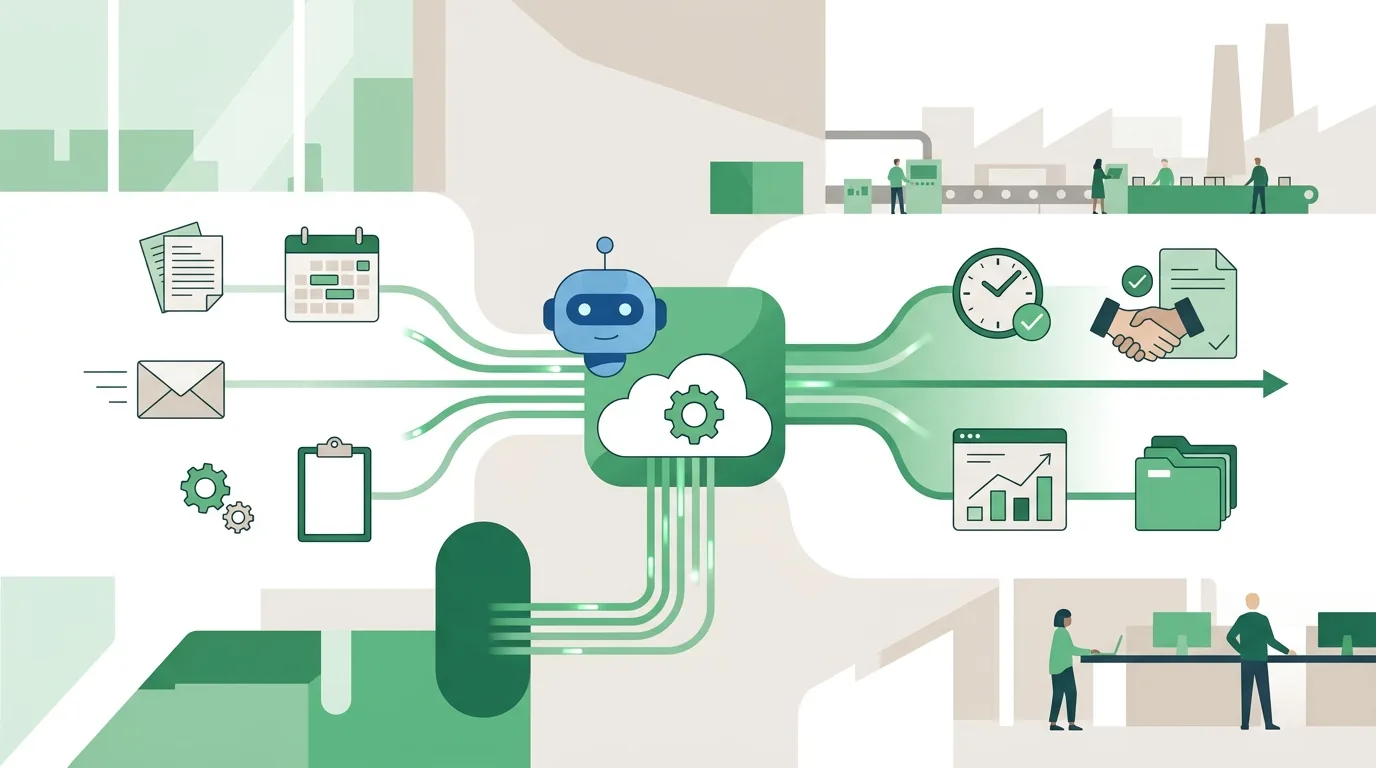
Every automation has three parts: a trigger, a processing step and a destination. The trigger can be a webhook, which is an HTTP POST request that a system sends automatically to a URL you registered beforehand whenever a certain event happens. It can also be time-based, such as a cron job that runs every night, or a mailbox that is checked for new messages over IMAP at regular intervals. During processing, the data is validated, transformed and matched against your rules. At the end, the automation writes the result through an API into the destination system, such as the CRM, the accounting software or the email platform.
In day-to-day operation, automations rarely break because of the logic. They break on three technical issues. First, APIs have rate limits. If you send too many requests in a short time, you get a "Too Many Requests" error back. The server often includes a Retry-After header that says how long to wait before trying again. An automation that ignores this value and keeps firing just stays blocked longer. Second, access tokens, for example ones issued through OAuth, expire after a period set by the provider. If they aren't renewed automatically, the connection stops working. Third, many providers redeliver a webhook if the first delivery appears to have failed. Without a check against an event ID, the same invoice gets created twice. This safeguard is called idempotency, and at DigifyNow we build it into every connection.
When is it not worth automating a process?
Not every annoying task should be automated. We regularly advise against it in first conversations, and usually for the same reasons:
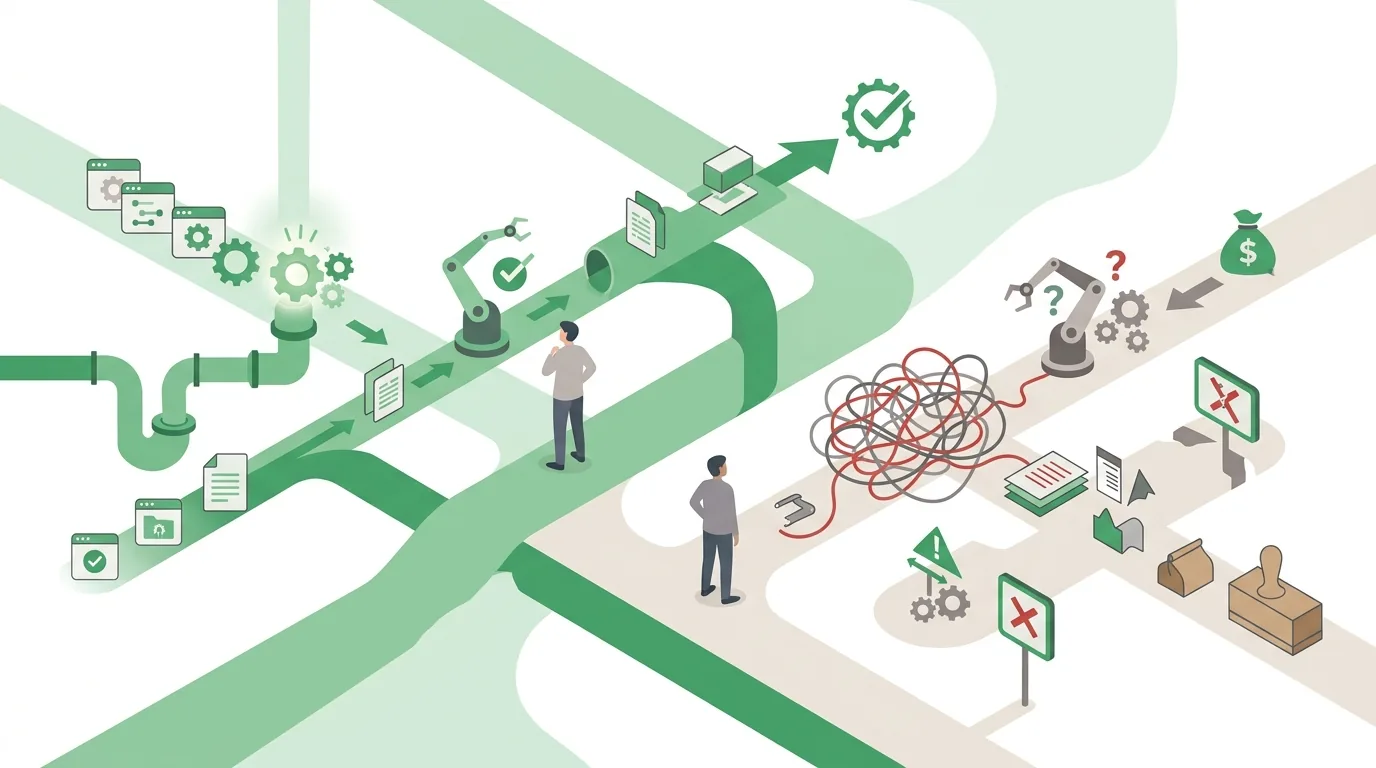
- The process isn't settled: three employees handle it in three different ways. An automation would lock in one of those versions, and the argument about which one is right moves into the project.
- Too many exceptions: if a large share of cases needs special handling, the rule set grows faster than the time you save.
- No interface in the source system: automations that scrape screen content or imitate clicks often stop working after the next interface update.
- Nobody owns it: when a password expires or the vendor retires an API version, orders pile up and nobody notices.
- Too little use: setup, testing and maintenance end up costing more than the manual work.
Sometimes the honest answer is that your existing software can already handle the step and nobody has turned the feature on. Then a settings change solves the problem and there's nothing to build. When software robots can still serve as a bridge is covered in our article on RPA for small businesses with software robots.
How does DigifyNow go about automating a process?
We don't start with a tool. We start with the process as it actually runs today. If it still lives on paper or in scattered spreadsheets, the first step is often to digitize your business processes. Our approach has six steps:
- Map the process: together with the people who do it every day. We document every step, every system involved and every exception, including the ones that only come up once a month.
- Pick a first slice: one trigger, one destination and clear rules, instead of rebuilding the entire order process in one go.
- Check the interfaces: we read the API documentation and clarify access, rate limits and whether there's a test environment. This is often where it becomes clear whether the project can be done as planned.
- Build with logging and an error path: every run is logged with a timestamp. If a step fails, a named contact person gets a notification.
- Run in parallel: at first, the automation runs alongside the existing process until the results match.
- Hand over and maintain: we document which data flows where and keep the connection up to date when vendors change their APIs.
If the automation grows into its own application, we plan it as an MVP, meaning the smallest version that already supports the process in daily work. The timeline for a specific project only becomes clear once scope, interfaces and the state of the data are known. One example of a larger scope is the custom back office with CRM for Mundo Marketing, where processes that used to be spread across several tools now run in one system. For recurring tasks, we've also built our own products. LetterFlow, a product by DigifyNow, for example, generates letters from templates and data records and sends them off for mailing automatically. The first step for your own project is a free assessment through our contact page.
What role does AI play in automating workflows?
Traditional automation needs structured data. A language model, on the other hand, can also handle unstructured input. It can read a free-text customer inquiry and assign it to a topic, or pull the invoice number and amount out of a PDF without a fixed layout. That makes processes automatable that used to fail at the input stage.
The catch is that a language model works with probabilities. The same input can produce different outputs, and a field read incorrectly looks just as plausible as one read correctly. That's why at DigifyNow we put a rule-based check after every AI step. For example, we check whether all required fields are filled in, whether the net amount plus sales tax adds up to the gross amount, and whether the customer number exists in the CRM. If the check fails, the case goes to a person for approval. There's a legal limit as well: the GDPR restricts decisions that are made solely by automated means and have legal effects on a person. How to build that kind of approval step into an agent is explained in our article on how to build an AI agent. So your team can judge AI output on its own, we offer AI coaching for employees.
If you use AI in a business process, you are a deployer of an AI system under the EU AI Act. Deployers take measures to support the development of AI literacy among their staff; they are not required to guarantee a specific level of competence. On top of that, there are transparency obligations for systems that generate content and stricter rules for high-risk systems, which take effect in stages. Invoice checking or inquiry routing usually doesn't fall into the high-risk category, while AI-assisted decisions about job applicants are more likely to. If you're unsure whether and from when your use case is affected, get legal advice.
What do e-invoicing, GoBD and data protection require from automated processes?
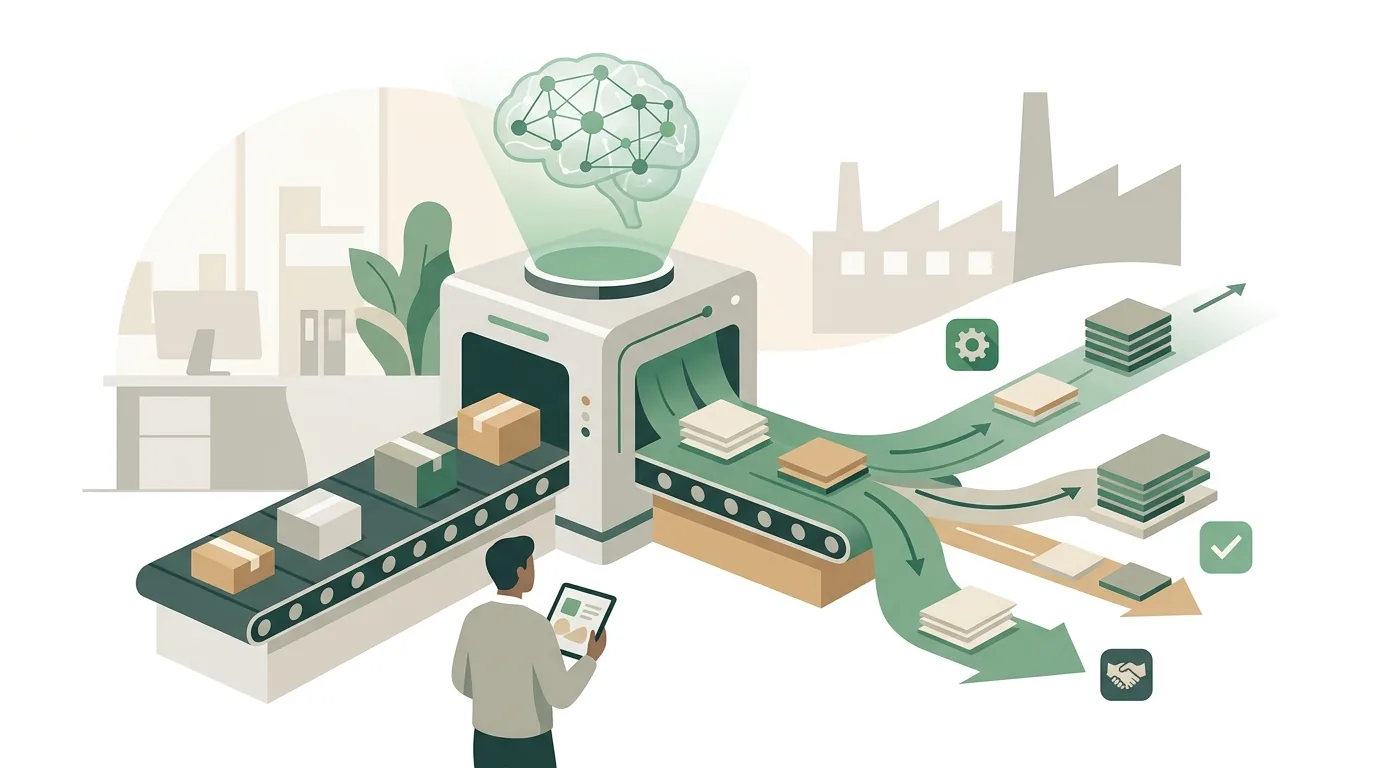
For many companies, e-invoicing is an obvious place to start. An e-invoice is a machine-readable data record, for example in the XRechnung or ZUGFeRD format, not just an image of an invoice. Because the invoice number, amounts and line items arrive as fields, they can be checked and processed further without text recognition. A scanned PDF, by contrast, has to be read out first, and that's exactly where reading errors happen. Which deadlines for receiving and issuing e-invoices apply to your company is best clarified with your tax advisor.
Under the GoBD, the German principles for proper bookkeeping, documents processed automatically must also be stored in a way that is traceable and unalterable. In practice, this means the automation must not overwrite a document but has to log changes, and the retention periods of the German Fiscal Code (Abgabenordnung) also apply to data no human ever touched. If an external service in the automation processes personal data, the GDPR requires a data processing agreement with that provider. Whether your specific process meets these requirements is something to clarify with your tax advisor and your data protection officer. From us, you get the documentation showing which data flows through which system.
Frequently asked questions
How much does it cost to automate business processes?
The effort depends mainly on the number of systems involved, the quality of their interfaces, the state of the data and the number of exceptions, plus ongoing operation. A single connection from a web form to the CRM is a small project. A custom back office is more of an MVP project with its own planning. We don't quote flat prices, but we do offer a free assessment.
What's the difference between API automation and RPA?
With RPA (robotic process automation), a software robot clicks through a program's user interface the way a person would. API automation exchanges data directly through the interface. RPA works even without an API, but it often breaks when the user interface changes. That's why we build on the API wherever one exists.
What happens when an automation fails?
A well-built automation retries failed steps, usually with increasing gaps between attempts (exponential backoff), and respects the wait time a server specifies in the Retry-After header. If it still doesn't succeed, the case lands in an error queue and a named contact person is notified. Without that error path, tasks sit there unnoticed.
Do I need custom software to automate processes?
Usually not. In many cases it's enough to connect your existing systems through their APIs or webhooks. Custom software only pays off when data from several tools has to be brought together or when no off-the-shelf product covers a process, as with the back office with CRM for Mundo Marketing.