How to Digitize Business Processes: Examples
· DigifyNow
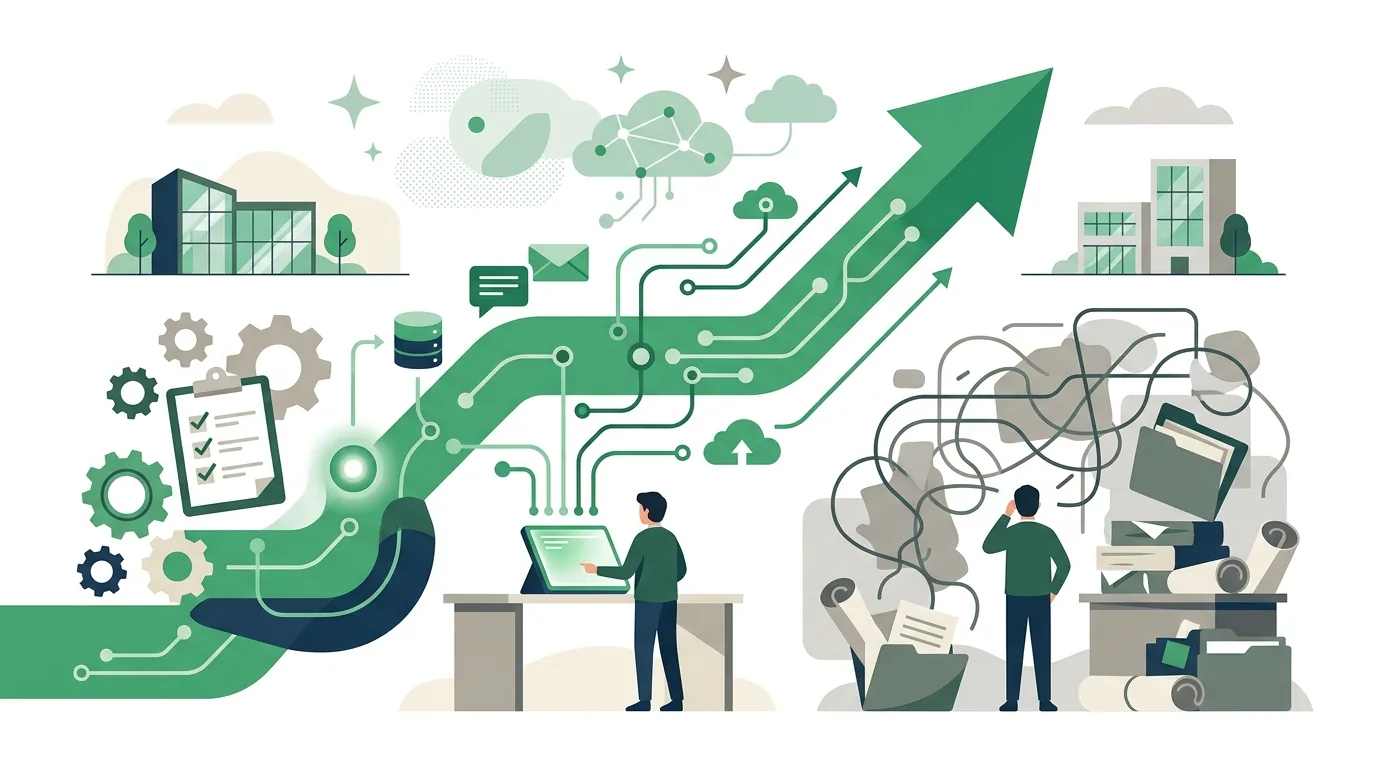
To digitize a business process, you rebuild a workflow as a data flow: who enters which data, when, in which field, and who approves it? Start by mapping the current workflow and marking every point where data gets retyped from paper, Excel or email. Then replace free text with required fields, define statuses and roles in one system, and only after that automate.
How do I digitize business processes, step by step?
Start with exactly one workflow that happens often and involves several people. A process that runs once a quarter rarely justifies the effort. This is how we usually approach it at DigifyNow:
- Map the current workflow: Talk to the people who actually do the work, not just to management. Write down every step with its trigger, the person involved and the result.
- Mark the hand-offs between media: every point where someone retypes, prints, photographs or forwards data by email. This is where information gets lost and typos creep in.
- Define the data model: Which fields does the task really need? What is required, what is optional, and which values are allowed (a dropdown instead of free text)?
- Define statuses and roles: for example new, under review, approved, done. Plus: who is allowed to set which status?
- Pilot with a small group: a few weeks of real use, running in parallel with the old way, then refine.
- Switch off the old way: As long as paper and the system run side by side, nobody keeps the system fully up to date.
The last step is the one skipped most often. That is exactly where many digitization projects fail, not on the technology. By the way, a scan sitting as a PDF in a folder does not count as a digitized process: the document is electronic, but without additional text recognition (OCR) the information in it stays unreadable for software. A workflow is only digitized once the data sits in defined fields, every step has a responsible role, and the current status can be looked up without calling around the office.
What are examples of digitizing business processes at small and midsize companies?
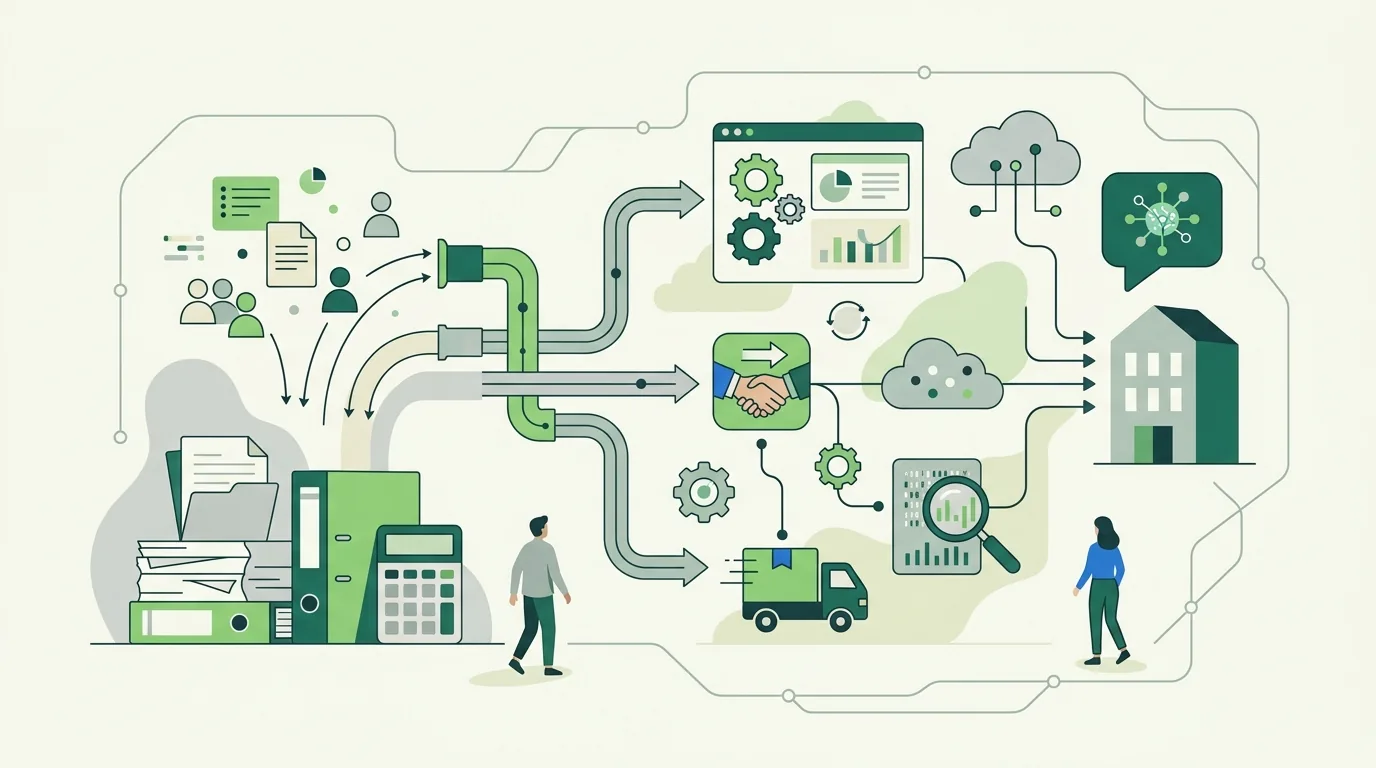
Good candidates share three traits: they happen often, they follow fixed rules, and today the same data gets copied by hand more than once. Typical examples from small and midsize businesses:
- Site measurements and job intake in the trades: Instead of notes lying around in the truck, the technician fills out a form on a tablet, with photos and required fields. The office sees the job immediately without retyping it.
- Incoming invoices: Receipts go into a shared inbox or an entry form, get assigned to the person responsible for the cost center and are approved via status, instead of traveling through the building as a paper stack.
- Vacation and absence requests: one request with dates and a named backup, one approval by the team lead, one calendar everyone can see.
- Inspection and maintenance logs: checklists with fixed inspection points, date, signature and photo, retrievable per piece of equipment.
- Customer inquiries and sales: every inquiry lands as a record in a CRM with contact person, status and next action, instead of in someone's personal inbox.
- Receiving goods: check deliveries against the purchase order with a barcode scan and record discrepancies directly in a field.
For Mundo Marketing, DigifyNow built a custom back office with a CRM where customer data and workflows come together in one place. The case study on the back office for Mundo Marketing shows what that looks like in practice.
Which processes should you not digitize, at least not first?
Not every workflow gets better when you pour it into software. To be honest, in first conversations at DigifyNow we regularly advise against tackling certain processes first. The most common sources of failure and what causes them:
- Rare workflows: Something that only happens occasionally creates more maintenance effort than benefit. A good checklist is enough.
- Processes without fixed rules: If every case is decided differently, you end up with a form full of dozens of optional fields that nobody fills out.
- Unclear ownership: Software cannot assign a role that nobody in the company holds. The dispute just moves into the system.
- Copying broken workflows one to one: If paper requires several approvals for a minor item, the digital version usually doesn't need them either. Clean up first.
- No one responsible for the data: Without someone maintaining master data, customer and product lists go stale fast.
Another warning sign is when the main motivation is "we need to become more digital." Without a concrete workflow that demonstrably costs time or produces errors today, there is no yardstick to measure the project against.
What rules apply when digitizing receipts and invoices?
For companies operating in Germany: as soon as a process touches tax-relevant records, the GoBD apply, the principles for the proper keeping and retention of books and records in electronic form, set out in a circular from the German Federal Ministry of Finance (BMF). Retention periods are laid down in the German Fiscal Code (Abgabenordnung) and differ by type of record: books and annual financial statements must be kept longer than accounting vouchers, business and commercial correspondence for a shorter period. Documents received electronically must generally be kept in their original format; a printout does not replace them. If you want to scan paper receipts and then destroy the originals (substitute scanning), the GoBD require a procedural documentation describing who scans and checks what, when and how. For invoices, there is also the structured e-invoice, for example XRechnung or ZUGFeRD, which can be read by machines instead of merely displayed. Software can provide fields for document date, status and archive path. Whether your workflow meets the requirements, however, depends on how it is actually followed day to day. That is a question for your tax advisor, not your software partner.
Excel, off-the-shelf software or a custom solution: what should you use to digitize processes?
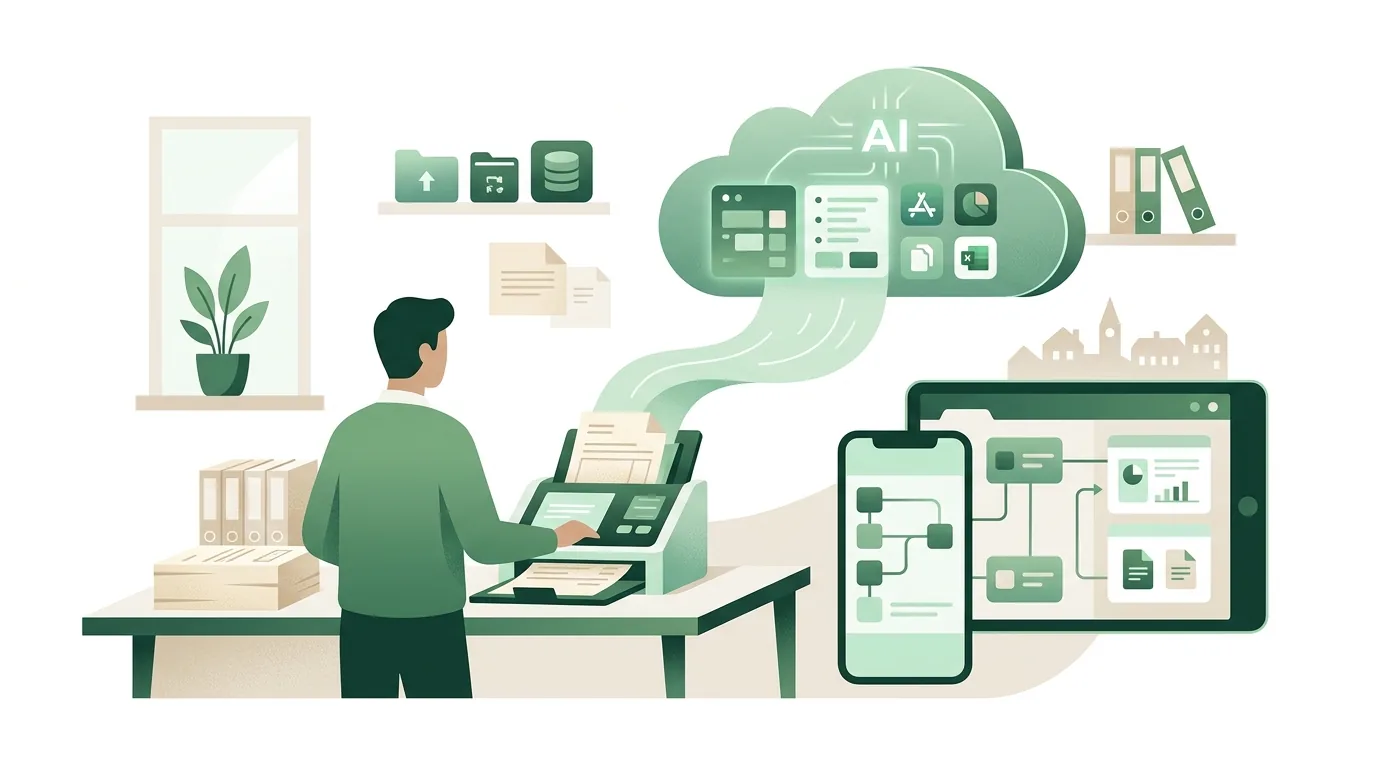
Excel works as long as one person maintains the file. As soon as several people work on it at the same time, versions circulate by email, or permissions are needed (who is allowed to approve?), a spreadsheet hits its limits. Off-the-shelf software fits when your process is standard for your industry, such as payroll or financial accounting. Building your own there almost never pays off. A custom solution makes sense when your workflow is what sets you apart from competitors, or when you currently connect several tools with copy and paste. The trade-offs in detail are covered in our comparison of custom software vs. SaaS. DigifyNow usually builds such solutions as a web app: a data model with required fields, a status model with roles, an interface for office and mobile use, and integrations with existing systems such as accounting or email. We start with a first usable version (MVP) for a single workflow, not with the whole system. What decides whether it pays off is covered in our article on custom software for SMBs. And once the data flows cleanly, the article on business process automation for SMBs shows which steps you can then hand over to the software. If you have a specific workflow in mind, the contact page gets you a free, no-obligation assessment of your project.
Frequently asked questions
Which process should a small business digitize first?
One that happens regularly, involves several people and currently requires retyping data. Typical candidates are job intake, incoming invoices or absence requests. Rare special cases are a poor place to start, because the maintenance effort outweighs the benefit.
How long do I have to keep digitized receipts?
For companies in Germany, the periods are set in the German Fiscal Code (Abgabenordnung) and depend on the type of record: books and annual financial statements longer than accounting vouchers, business and commercial correspondence shorter. Documents received electronically must generally be kept in their original format. Your tax advisor will clarify the details for your company.
Is scanning paper documents enough?
For filing, yes; for a digital process, no. A scan is an image from which software cannot read any fields without additional text recognition. If you want to destroy the originals afterwards, the GoBD also require a procedural documentation for substitute scanning.