AI Tools for Business: Selection and Limits
· DigifyNow
AI tools for business fall into three groups: chat assistants like ChatGPT, Claude, Copilot or Gemini for writing and analysis; AI features in software you already use; and automation platforms like n8n or Zapier that build a language model into workflows through an API. Three questions decide: What task should it solve? Where do your inputs go, and is there a data processing agreement? Does it connect to your systems? Test with real cases a person signs off on.
Which AI tools do businesses actually use day to day?
Most lists of the "best AI tools" just name individual products. When you're choosing, it makes more sense to start with the task. Each task calls for a certain kind of tool, and each kind has its own limits. These are the uses we see most often in small and midsize businesses:
- Drafting and editing text: cover letters for quotes, job postings, replies to customer emails. You use a chat assistant for this. A person always reads the draft before it goes out.
- Summarizing documents: bid packages, contracts, long email threads. You upload the file to a chat assistant and ask specific questions about deadlines, obligations or deviations.
- Translation: product copy, instructions and correspondence with overseas suppliers. A translation tool like DeepL or a chat assistant handles this. Technical terms are best pinned down in a glossary.
- Meeting notes: a transcription tool turns the recording into text, and a language model pulls out tasks and decisions. Everyone in the meeting has to know it's being recorded.
- Automating workflows: an incoming request gets categorized, the data lands in the CRM, and sales gets a draft reply. This takes an automation platform that calls a language model as one of its steps.
- Writing and reviewing code: a coding assistant in the development environment suggests functions and tests. It only pays off for teams that maintain their own software.
- Generating images and video: product shots and ad variations. The transparency obligations of the EU AI Act can apply to generated content.
Start with a task that comes up often, whose result you can check quickly and where a mistake costs little. Writing, summaries and translation usually fit the bill. Automated workflows come later, because they need integrations, rules and someone who owns the day-to-day operation. Which examples work in smaller companies and where they run into limits is covered in AI for small business: use cases, limits, getting started.
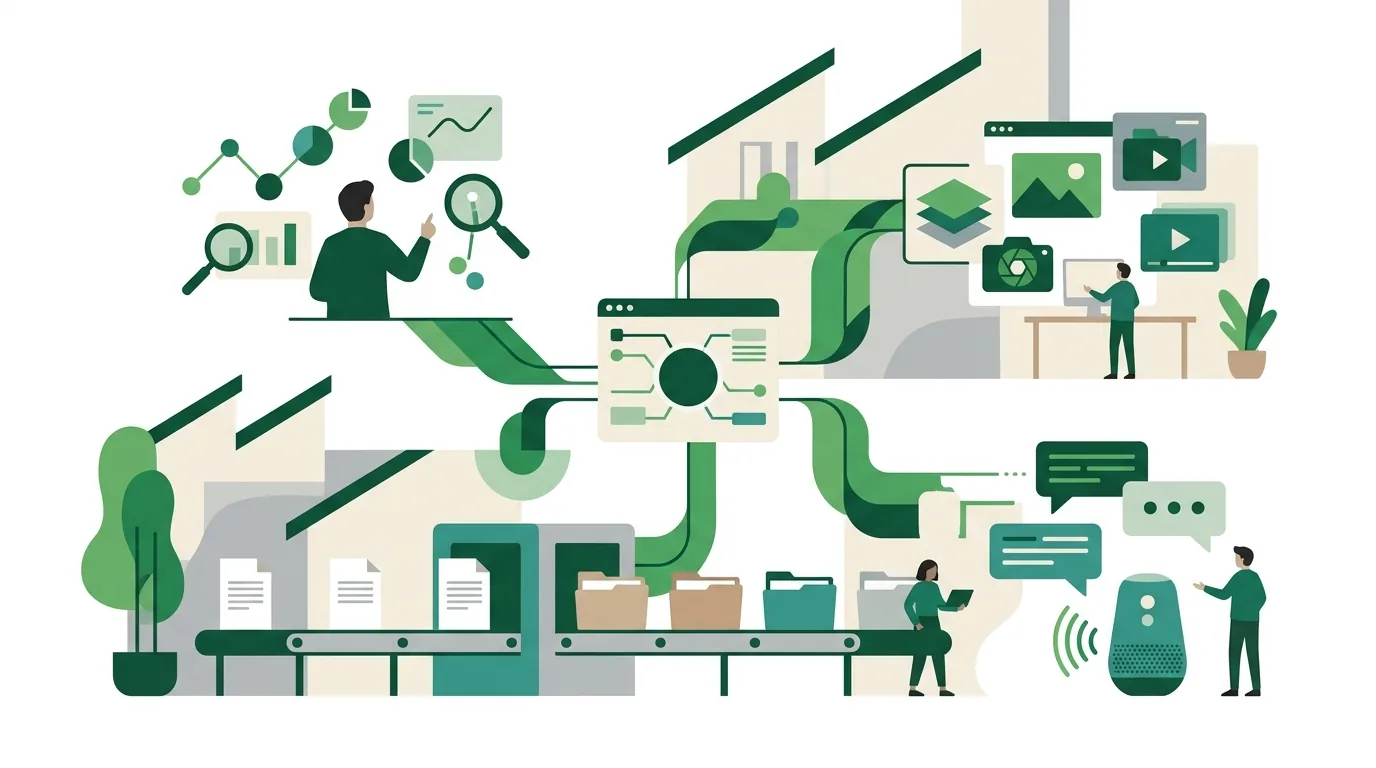
AI tools compared: which tool for which job?
| Tool | Type | A good fit if … | Limit |
|---|---|---|---|
| ChatGPT (OpenAI) | Chat assistant, plus an API for your own applications | you need writing, analysis and file summaries without setting anything up | Only knows what's in the prompt or in connected sources; answers have to be checked |
| Claude (Anthropic) | Chat assistant, plus an API for your own applications | you work with long documents or want to connect your own systems via the Model Context Protocol | Same as ChatGPT: no built-in fact-checking, and connected systems need carefully assigned permissions |
| Microsoft 365 Copilot | AI features inside the Microsoft 365 apps | your company already runs on Microsoft 365 | Requires that environment; what it can see depends on your existing file permissions |
| Google Gemini | AI features in Google Workspace plus a standalone assistant | your company runs on Google Workspace | Requires that environment if it's meant to work inside your docs and email |
| DeepL | Translating and editing text | you regularly produce text in several languages | Doesn't run workflows and isn't connected to your business systems |
| GitHub Copilot | Coding assistant in the development environment | you employ your own developers | Someone has to review and test the suggested code |
| n8n | Automation platform, runs in the cloud or on your own server | data needs to stay on your own infrastructure or the logic is complex | If you self-host, servers, updates and backups are on you |
| Make | Visual automation platform as a cloud service | business teams want to build workflows without coding | No self-hosting; billed by workflow usage |
| Zapier | Cloud automation platform with many ready-made app integrations | you want to connect common cloud apps quickly | No self-hosting; workflows with lots of branches get hard to follow fast |
Disclosure: DigifyNow is a Make partner and earns a referral commission there. In the table, Make is rated on the same criteria as every other tool. If you want to build a language model into your own software, you'll find OpenAI's APIs in the OpenAI developer documentation. How Claude and other assistants access your systems through a standard interface is described in the Model Context Protocol specification. Running n8n on your own server is explained in the n8n documentation. Which platform fits which marketing workflows is compared in Marketing automation: tools and examples.
How to choose AI tools for business: the criteria that matter
Features are rarely the problem; all the major assistants write usable text. Whether a tool holds up in daily operations comes down to these points:
- Data flow: Where are your inputs processed and stored? Does the vendor train its model on them, and can you turn that off? The answer is in the contract and privacy terms, not on the product page.
- Data processing: If the tool processes personal data on your behalf, the GDPR requires a data processing agreement (DPA). Whether your use is permissible overall depends on what data you enter and how you work. Clarify that with your data protection officer or legal counsel.
- User management: You need company accounts instead of personal ones, central permission management and sign-in through your existing company account (single sign-on). Otherwise former employees keep their access.
- Integration: Is there an API or ready-made connections to your CRM, ERP and email? Without integration, an assistant is just a window you paste text into.
- Logging: Can you trace who entered what, when, and which action it triggered? With automations, every bit of troubleshooting depends on it.
- Exit: Can you export workflows, prompts and data? Once you've built hundreds of workflows on one platform, switching isn't easy anymore.
What the GDPR says about processing on your behalf is set out in the text of the General Data Protection Regulation. In practice, review three of the vendor's documents together: the data processing agreement, the list of subprocessors and the statement of which country the data is processed in. If an agreement only covers business plans, it doesn't cover an employee's free account.
What is an AI agent?
An AI agent is a language model that doesn't just answer but calls tools itself and uses the result to plan the next step. Tools might be a CRM search, a calendar lookup or creating a draft. The agent runs in a loop: read the task, pick a tool, check the result, then the next tool or the answer. With a chat assistant, a person decides every step; with an agent, the model decides within the limits you set. That's why an agent needs three things a chat doesn't: a fixed list of allowed tools with precisely defined inputs, a maximum number of steps, and human approval before any action that can't be undone, such as sending something or posting a booking.
AI agent example: invoice processing step by step
Here's how a single agent handles incoming supplier invoices, from the inbox to a proposed booking:
- Trigger: An email with a PDF attachment arrives in the invoice inbox.
- Extraction: The model fills supplier, invoice number, invoice date, amount and purchase order number into a fixed field schema. If a required field is missing, it becomes a case for review.
- Duplicate check: If the invoice number and supplier already exist in the system, the agent stops and flags the duplicate.
- Purchase order lookup: Using the PO number, the agent reads the order and goods receipt in the ERP, with read-only access.
- Matching: It compares the amount and line items with the purchase order. If something doesn't match, it opens a review case and explains why.
- Draft booking: If everything matches, a proposed booking is created as a draft. Nothing is posted until accounting approves it.
- Logging: Every tool call is recorded with timestamp, input and result.
Typical sources of error: poorly scanned documents get misread, which is exactly why the match against the purchase order exists. And a structured e-invoice such as the German XRechnung format is read directly as a file, without a language model, because the fields are already machine-readable.
AI agent examples from small and midsize businesses
- Inquiry to quote: The agent assigns a customer inquiry from the inbox to a product group, looks up the customer in the CRM and writes a draft quote from the price list. Sales has to review and send it.
- Scheduling: The agent reads the meeting request, finds open slots in the calendar and proposes three times in a draft email. The appointment only goes on the calendar once the customer confirms.
- Support triage: The agent gives each ticket a category and a priority, attaches relevant sections from the manual and routes it to the right person. It doesn't reply to the customer itself.
- Delivery date lookup: The agent answers internal questions about an order's delivery date by checking the order and shipping status. It can't change anything.
- Lead research: The agent enriches new CRM contacts with publicly available company information and flags missing required fields. It isn't allowed to reach out.
All these examples have one thing in common: the agent prepares, a person decides. Read-only actions like a search or a lookup can be approved early on. Actions that write to a system should always go through an approval step at first. More cases with the right approval levels are described in AI agent examples: what works in small business.
Building AI agents: what does it take?
Whether you have AI agents built or build them yourself, it takes more than a prompt. First, you scope exactly one workflow: where does it start, where does it end, and which cases are out of scope? Then each tool gets fixed input fields, usually described as a JSON schema, and only the access rights the workflow actually needs. On top of that come approval points, a loop limit and a log of every tool call. You test with real cases from your operations, including flawed ones, not made-up examples. A common problem is prompt injection: an incoming email contains text the model carries out as an instruction. Narrow tool permissions and approvals help against this; a line in the prompt isn't enough. The individual steps are explained in How to build an AI agent: steps, limits, mistakes.
Going digital: is an off-the-shelf tool enough, or do you need custom software?
An off-the-shelf AI tool is enough as long as the task gets done at a single workstation and doesn't need to touch your systems, for example writing, translation or summaries. An automation platform is enough if every program involved has ready-made integrations and the workflow has only a few branches. Custom software for your company's digital transformation only pays off once at least one of these applies: the business logic doesn't fit any standard product; a legacy system has no interface a platform could talk to; many employees work in the same interface; or the data isn't allowed to leave your own infrastructure. For tasks a standard tool already handles, custom software doesn't pay off. You'd be paying for development and maintenance of something you can buy ready-made. The trade-off in detail is covered in our article on custom software vs. SaaS (in German).
How much do AI tools for business cost?
There's no honest flat number. Costs are made up of several components, and every tool bills them differently:
- Per-user licenses: Chat assistants and office features usually cost a fixed amount per seat per month. The total grows with the number of users.
- Usage: If you call a language model through the API, you pay for the amount of text processed, measured in tokens. Long documents and agents with many steps use more.
- Executions: Automation platforms often bill by the number of workflow runs or steps. A workflow that fires on every incoming email adds up.
- Setup and integrations: Connecting to your CRM, ERP or a legacy system is usually the largest single line item.
- Operations: Monitoring, bug fixes, updates and, if you self-host, the server. This is the item people most often forget when planning.
- Training: Employees need to know what data they're allowed to enter and how to check the results.
You only get a reliable figure once it's clear which workflow runs how often, how many people use the tool and which systems get connected. Vendors publish their current pricing themselves.
Where AI tools fall short
- Binding facts without a source: Language models produce text that sounds plausible but don't check it. Made-up standards, court rulings or product data show up precisely when the information isn't in the input.
- Exact calculations: Cost estimates, measurements and prices belong in a spreadsheet or a program. At most, the model should kick off the calculation.
- Current internal data: Whatever isn't connected, the tool doesn't know, such as inventory levels, open invoices or delivery dates.
- Personal accounts at work: Anyone using their own account puts company data into a tool the company has neither a contract for nor control over.
- Workflows without an owner: An automation nobody monitors breaks at the next API change, often without the business team ever seeing an error message.
What the EU AI Act requires when you use AI tools
If you use AI tools in your business, the EU AI Act treats you as a deployer. The regulation requires providers and deployers to take measures that support the AI literacy of their staff and of other people operating or using AI systems on their behalf. They don't have to guarantee a particular level of literacy for anyone. In practice, that means deciding which data may go into which tool, training employees to check results, and documenting what you've done. There are also transparency obligations for systems that generate synthetic images, video, audio or text, and separate rules for high-risk systems listed in the regulation's annexes. The deadlines for these are staggered and were adjusted by an amending regulation. What counts is the version in force of the AI Act text. Whether your specific use falls under one of these obligations is a legal question you should clarify with your legal counsel.
What DigifyNow offers
DigifyNow, based in Unnau in Germany's Westerwald region, introduces AI in small and midsize businesses. It starts with the question of which workflow is even suited to it. That might turn into, for example, an AI assistant for business that accesses your own documents and systems, or AI workflow automation with approval points and logging. So employees know what they can enter and how to check results, there's AI coaching for teams. One of our own products is AI Ad Studio, a product of DigifyNow for creating ad creatives. All other services, from web apps to custom software, are listed in the overview of DigifyNow services.
When outside help is worth it
For writing, translation and summaries, a company account with a chat assistant and clear rules about what data can go in are usually enough. Outside help is worth it when an AI tool needs to connect to your CRM, ERP or a legacy system, when an agent writes to your systems, or when nobody in-house can take over operations. Have these ready: a description of the workflow, a few real example cases, the list of programs involved and the name of the person responsible on the business side. On the contact page you can request a free, no-obligation assessment of your project. It's about whether the workflow is worth automating, and with which tool.
Frequently asked questions
Which AI tools can businesses use for free?
Many chat assistants have a free tier. But it's usually meant for individuals and often offers neither central user management nor a data processing agreement. For company data, a business plan with clear contract terms is a better foundation than a free personal account. Whether the terms fit is set out in the vendor's contract documents.
What's the difference between an AI assistant and an AI agent?
An AI assistant responds to an input, and a person decides every next step. An AI agent calls tools itself, such as a CRM search or the calendar, and uses the results to plan its next steps. That's why an agent needs a fixed tool list, a maximum number of steps and approval before any action that can't be undone.
Do I need a data processing agreement to use ChatGPT or Claude at work?
If employees enter personal data, such as customer names or email content, and the vendor processes it on your behalf, the GDPR requires a data processing agreement. Whether the vendor offers one for your plan and whether your use is permissible overall is something to clarify with your data protection officer.
Is n8n, Make or Zapier better for AI automation?
It depends on how you want to run it. n8n can run on your own server, in which case updates and backups are on you. Make and Zapier are cloud-only and bill by executions. Zapier comes with many ready-made app integrations, Make with a visual interface for workflows with branches. DigifyNow is a Make partner.