AI for Small Business: Use Cases, Limits, Start
· DigifyNow
AI for small business works best where there's a lot of text, the same tasks keep coming back, and a person checks the result before it goes out. Typical cases: sorting inquiries, drafting quotes, searching manuals and reading invoices. Start with a single process. Test the model on real, anonymized cases, each paired with the answer an experienced employee would give, and teach your team to review the output. Only expand once that test holds up.
Where does AI for small business actually pay off?
At DigifyNow, we ask the same three questions before every AI project. First: is the work text-heavy? Language models read, summarize, sort and write. They're not built for columns of numbers or machine control. Second: does the task come up often enough? A process that only happens a few times a year doesn't justify the setup. An inquiry that lands several times a day is a much better fit. Third: is it acceptable for the first result to contain mistakes, because a person reviews it anyway? Language models are probabilistic. The same input can produce different outputs, and every now and then the model makes up details that sound plausible. That's why, when we bring AI into small and mid-sized businesses, we almost always use it as a drafting engine, not as the final authority. If the answer to all three questions is yes, there's usually a good candidate. If not, classic rule-based automation is often the better choice. Our article on automating business processes explains when that's the case.
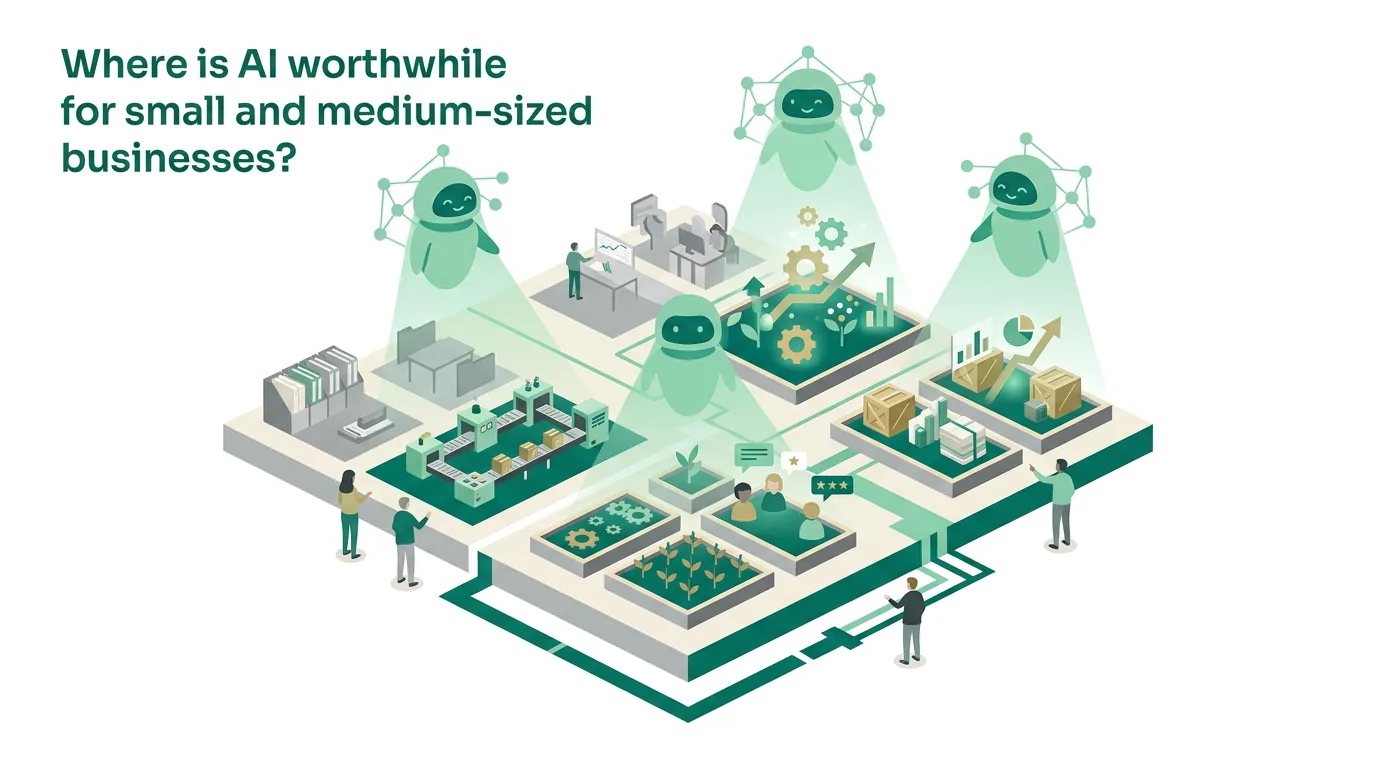
AI for small business: which use cases work in practice?
The use cases below are typical for small and mid-sized businesses because they work with data you already have and can be double-checked at any time. What they all have in common: the AI makes a suggestion, and an employee makes the call. The table shows what goes in, what the model does with it, and where the human review happens. If you want to build one of these with your own tools and approval steps, our guide on how to build an AI agent walks through the technical steps.
| Use case | Input | What the AI does | Where a person reviews |
|---|---|---|---|
| Sorting the inbox | Emails to a shared inbox | assigns category and urgency, suggests who should handle it | Spot checks of the assignments |
| Quote draft | Customer inquiry plus price list | drafts the text with matching line items | Prices and quantities before sending |
| Knowledge assistant | Manuals and work instructions as PDFs | answers questions and cites the source | Employee opens the cited passage |
| Invoice capture | Incoming invoices | extracts invoice number, amounts and vendor | Accounting before booking |
| Meeting minutes | Transcript or notes | summarizes decisions and action items | Attendees before distribution |
| Job posting | Bullet points about the role | writes the posting text | Hiring manager |
There's one caveat with invoice capture: if the invoice arrives as a structured e-invoice, for example in the XRechnung or ZUGFeRD format, the data is already machine-readable. In that case you don't need AI to extract it; a simple parser does the job.
This article deliberately sticks to the question of whether and where AI fits into your business. If you want the AI to call tools on its own and complete several steps by itself, you'll find cases from sales, accounting and customer service in AI agent examples for small business. And if you're wondering what AI can do when you're building your own software, read our article on AI software development in practice.
When is AI not worth it for a business?
To be honest, we advise against AI on a lot of the requests we get. The reasons come up again and again, and it's almost always the task, not the model, that's the problem:
- Exact calculations such as cost estimates or payroll: language models predict words; they don't calculate reliably. That's what deterministic code is for.
- Legally binding information for customers: once a made-up deadline or contract clause is out the door, you can't take it back.
- Rare tasks: if something only happens a handful of times a year, building and testing the setup takes more time than the task will ever consume.
- Messy data sources: if several versions of a work instruction contradict each other, the assistant will quote one one time and the other the next.
- No one in charge: if nobody maintains the knowledge base, it goes stale, and the answers go wrong along with it.
- Automated individual decisions about people, such as rejecting applicants without human review: the GDPR puts tight limits on decisions like that. On top of that, the EU AI Act lists employment and personnel selection as a high-risk area.
That doesn't mean AI has no role at all in these areas. It can explain the result of a calculation or help structure a draft contract. But the calculation itself and the final sign-off stay with a person or with deterministic code.
What data does an AI project need?
Most applications don't need any custom training. We work with retrieval-augmented generation, or RAG: your documents are split into short chunks and stored in a searchable index. For every question, the system pulls the most relevant chunks and hands them to the model as context. That way the answer can cite its source, and a new work instruction is available as soon as it's uploaded. Nothing needs to be retrained. Format matters, though. Searchable PDFs, Word files and wiki pages work right away. Scanned documents without a text layer first have to go through optical character recognition (OCR), and tables or handwritten notes lose information in the process. On data protection: if an external model provider processes personal data on your behalf, you need a data processing agreement, and the server location has to be clarified. We'll show you which providers and hosting options are available. Whether using them is permissible in your business, however, is something to settle with your data protection officer. It depends on what data you actually feed in.
A common mistake when setting up the data: old and new versions of the same instruction sit side by side in the same folder. RAG then retrieves both, and the model blends them. So before importing, every file gets an owner, and outdated versions are archived instead of being loaded in.
What does the EU AI Act require of small and mid-sized businesses?
This section is based on the EU AI Act as amended by the amending regulation that has applied since this summer; we checked the status in October. If you use an off-the-shelf model inside your own business, you're usually a deployer, not a provider. That keeps your obligations fairly manageable, but they don't disappear. Here's what matters for small and mid-sized businesses:
- AI literacy: providers and deployers take measures to support the development of AI literacy among their staff and other persons dealing with the operation and use of AI systems on their behalf. They don't have to guarantee a specific level of competence for anyone.
- Transparency: the transparency obligations, such as telling people they're interacting with an AI system, already apply. Providers of systems that generate synthetic audio, image, video or text content and were already on the market before the date of application have a transition period for labeling that content, which ends later this year.
- High-risk rules: not in effect yet. They apply first to systems in the areas listed in Annex III, such as employment and personnel selection, and later to AI in products covered by the harmonization legislation listed in Annex I.
| Rule | When it applies | What it means for a small or mid-sized business using AI |
|---|---|---|
| AI literacy | already applies | support training and review rules for everyone who works with the system |
| Transparency obligations | already apply | clarify whether customers need to know they're interacting with AI |
| Labeling synthetic content from legacy systems | transition period ends later this year | affects providers whose content generators were already on the market before the date of application |
| High-risk under Annex III | not yet; first of the high-risk stages | only relevant if AI helps make decisions, for example in hiring |
| High-risk under Annex I | not yet; after the Annex III systems | only relevant for AI in regulated products |
High-risk systems, such as AI used to screen job applicants, are rare in small businesses. When they do come up, they bring far more obligations than an assistant that sorts emails: risk management, documentation and human oversight become part of the package. We'll explain what the rules require. How you implement them in your business remains a job for you and your legal counsel.
How do you introduce AI in a small business, step by step?
At DigifyNow, bringing AI into a small or mid-sized business follows fixed stages. Each stage ends with a result you use to decide whether to keep going. It starts with a free assessment of your project, with no strings attached:
- Assessment: we walk through your workflows and pick a single process based on the three criteria: text-heavy, frequent and reviewable.
- Test set: you put together real, anonymized cases from everyday work, such as inquiries, documents or emails, each with the answer an experienced employee would give. The set should include the hard and unusual cases too, not just the easy ones.
- Pilot: we build the application and run it against the test set. We count how many results are usable without correction and what kinds of errors show up.
- Training: the team learns where the model gets things wrong and how to review results. The EU AI Act calls for supporting the development of exactly this kind of AI literacy.
- Operation: one designated person maintains the knowledge base. Spot checks continue, because providers update their models and the behavior can change along the way.
If the pilot goes poorly, it's often down to the data, not the model. That's a useful result too, because it costs less than a rolled-out assistant nobody trusts. We describe how the training works in practice under AI coaching for teams. How to roll out an internal assistant in detail is covered in the article on introducing an AI assistant in your company.
What does an AI pilot look like in a small business?
Here's an example of how we'd set up a pilot for sorting a shared inbox. First, you define the categories, such as inquiry, complaint, invoice, job application and other, plus who is responsible for each one. Then an experienced employee pulls real emails from the past few months, removes names and customer numbers, and labels each one with the correct category. That's the test set. Before the model runs, you write down what counts as passing the pilot and which errors are expensive: a complaint that sits unnoticed under other is worse than an inquiry that lands with the wrong colleague.
The test run almost always turns up the same problem cases: emails where the actual content is only in the attachment, forwarded threads where the model evaluates the oldest message instead of the newest, and emails with two requests at once. For each of these, you decide whether to adjust the rule or whether such emails always go to a person. Only once the agreed criterion is met does the system run in day-to-day work, at first as a suggestion alongside the existing routing. If it later grows into a larger application with user management and a connection to your CRM, that's a software project; you'll find which DigifyNow services fit in the overview of our services.
Frequently asked questions
How much does AI cost for a small business?
There's no flat price. Costs consist of the one-time setup, meaning integration, data preparation, testing and training, plus ongoing usage fees. Most model providers bill by tokens, with input and output priced separately. A document assistant working with long contexts therefore uses more than a simple email sorter.
Do I need to train my own AI model?
In almost every small and mid-sized business case, no. With retrieval-augmented generation (RAG), an off-the-shelf model receives relevant passages from your documents with every request. Unlike fine-tuning, new knowledge is available as soon as the document is uploaded, and the answer can cite its source.
What does the AI literacy requirement in the EU AI Act mean?
Under the amended EU AI Act, providers and deployers take measures to support the development of AI literacy among their staff and other persons working with AI systems on their behalf. They don't have to guarantee a specific level of competence for anyone. So it's about support, for example through training and clear review rules, not about a certificate.
How long does an AI pilot project take?
It depends on the process and the state of your data, so we don't make a fixed commitment. A pilot for a single workflow is much smaller than an MVP for custom software, because it only tests one task against a test set and doesn't need user management or ongoing operation. Most of the time usually goes into preparing the data.