
Introducing an AI assistant in your company: use cases, costs, data sovereignty
How SMEs introduce an AI assistant on European infrastructure: use cases in sales, service and knowledge, costs and the approach we take in practice.
By 2026, AI assistants have arrived in German companies – unfortunately, mostly as unconnected ChatGPT tabs in each employee's browser. The real lever only appears when an assistant knows your data, your tools and your processes. In this article we show how we at DigifyNow use AI assistants for SMEs, what they actually do and what decides whether the effort pays off.

What a good AI assistant for a mid-sized company should be able to do
- Access internal documents (contracts, offers, knowledge base)
- Carry out actions: create appointments, draft emails, update CRM entries
- Answer in several languages – in your company's tone of voice
- Run on European infrastructure, without your data flowing into model training
- Fit seamlessly into your existing managed digital services

Three typical areas of use
1. Sales & offers
An assistant that knows your product catalog drafts an offer on request, which a salesperson checks and completes instead of starting from an empty document. Combined with our marketing pipeline, inquiries do not sit waiting until someone has time for the offer.
2. Customer service & first-level support
The assistant answers recurring questions directly – with a reference to the document the answer comes from. Complex cases are escalated cleanly to people.
3. Internal knowledge work
Onboarding, research, reporting: an internal assistant answers the question “Does anyone remember where that document is?” with a source. For us, the basis for this is a second brain – a structured Obsidian vault from which the assistant answers with sources. How to build this basis is described in the article Obsidian as a second brain in your company, and there are more details about the assistant on our page AI assistant for companies.
What does an AI assistant cost – and what are the running costs?
The costs have two parts: the one-off setup (concept, connection to your data sources, testing) and ongoing operation made up of hosting, use of the language model and maintenance. How high both turn out depends mainly on how many data sources are connected and how well they are maintained. We do not quote a flat price; after the free assessment you receive an offer for your scope. Whether the assistant pays off depends on how often the task it prepares comes up.
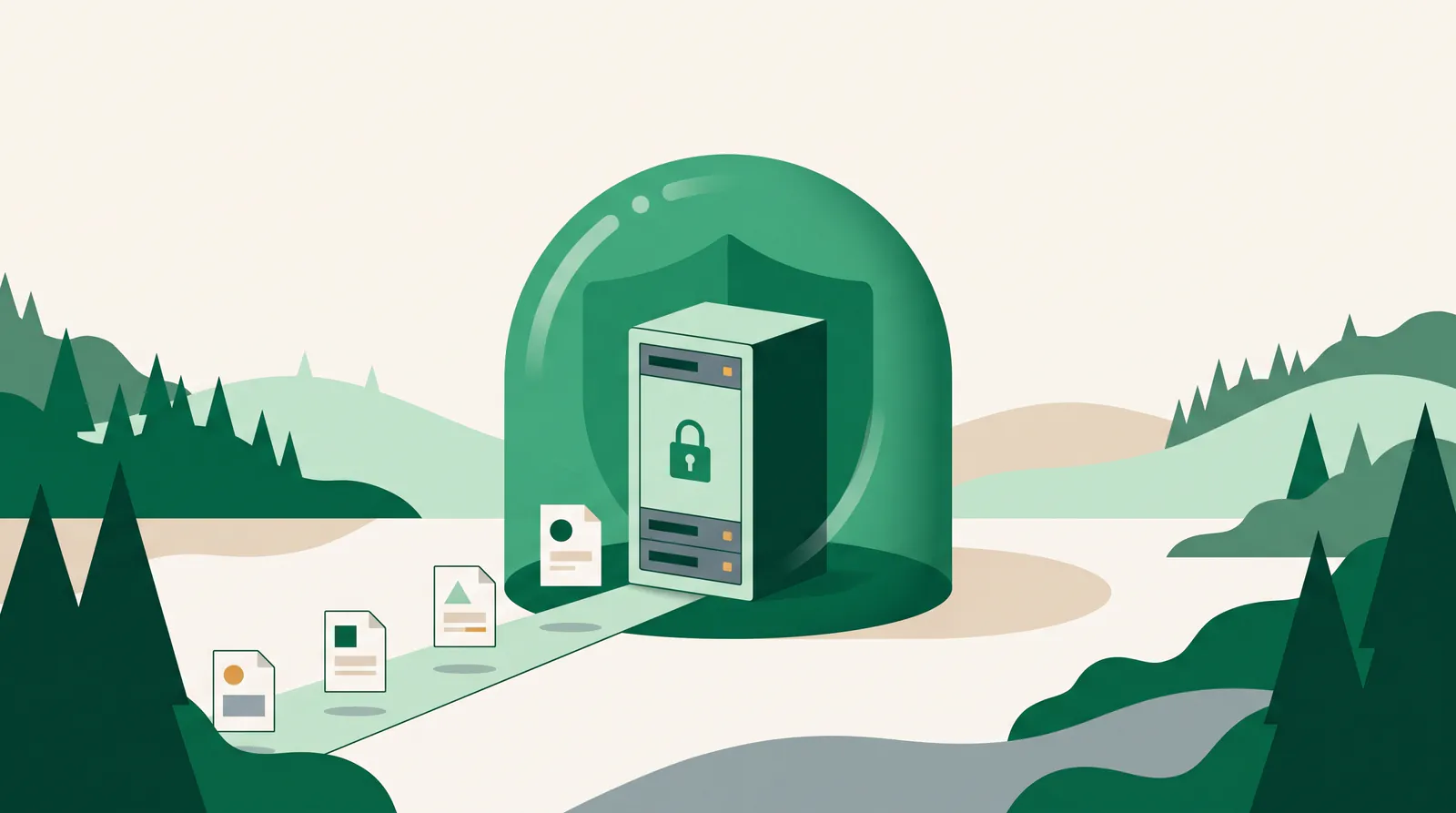
GDPR, data sovereignty, vendor lock-in
By default, we host AI assistants on European infrastructure and use models with which your data is not used for training. We set out the legal framework transparently in our terms and conditions and our privacy policy.
How we proceed
- Discovery (1 week): prioritize use cases, map data sources
- Pilot (2–3 weeks): one clearly defined, measurable use case
- Rollout: connection to further tools, training for your team
- Operation: via our Managed Digital Office – including updates and monitoring
You can find an overview of ongoing projects – including our own platforms AI Ad Studio and LetterFlow – on the case studies & apps page.
Let's talk for 30 minutes
We review your project free of charge and without obligation – an honest assessment, not a sales pitch.
Book a callMore articles
AI agents in mid-sized companies in 2026: what really works
An opinion piece from project work: which AI agents hold up in mid-sized companies in 2026, which are pure marketing and how to get started sensibly.
Having an app developed and publishing it on the App Store
From idea to App Store and Play Store: accounts, the review process, common reasons for rejection and costs – with experience from our own app Festino.