
Setting up Obsidian as a second brain in your company
A practical setup for companies: how to set up Obsidian as a second brain, structure your knowledge so that AI can use it and which mistakes to avoid.
Anyone who wants to set up Obsidian as a second brain in their company will find almost nothing online but guides for individuals: colorful graphs, fifty plugins, a productivity system as an end in itself. That doesn't work in companies. What does work – and what we consider overrated after a good number of rollouts – is set out in this article. First, our position in brief: in 2026 Obsidian is the most interesting knowledge tool for mid-sized companies, but not because of its features – because of its file format.
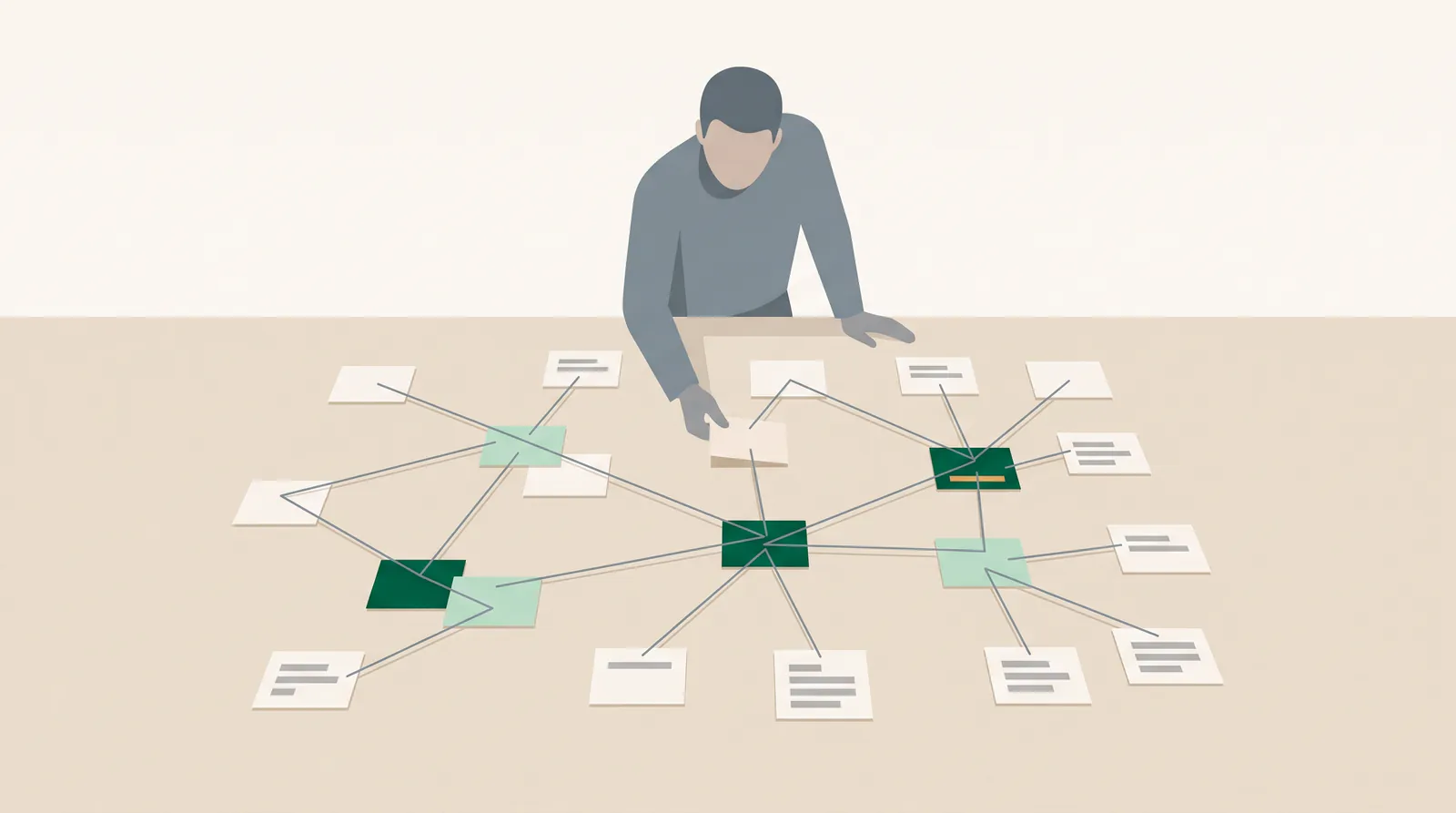
Why Obsidian of all things – and not Confluence or Notion?
Obsidian stores everything as ordinary Markdown files in a folder on your own storage. No proprietary database format, no API dependency, no export project when you switch providers. That is exactly the point that turns a nice note-taking tool into a strategic asset: your company knowledge is available in a format that every language model, every search tool and every script can read directly.
By contrast, we consider classic company wikis to have largely failed – not technically, but culturally. They are filled once, quietly go out of date and after twelve months nobody trusts them any more. The difference with Obsidian is unspectacular but decisive: notes are created where the work is happening anyway, and they are written faster than a wiki page can be created.
What does “second brain” even mean in a company context?
For an individual, a second brain is a memory aid. For a company it is something else: a machine-readable representation of what your team knows but has not documented anywhere. Customer history, pricing logic, the reasons behind decisions, standard answers, supplier terms, experience from completed projects. In other words, exactly the knowledge that today is scattered across email inboxes, people's heads and folder structures.
The practical test is not “Have we documented this?”, but: could a new colleague answer this question on her own – or an assistant with access to the vault? As long as the answer is “only Mr. Meier knows that”, the knowledge is a risk and not an asset.

What does a setup look like that is still alive after three months?
Structure: few folders, many links
The most common wrong decision is a folder hierarchy four levels deep. We recommend five to seven top-level folders and nothing else:
- 01 Customers – one file per customer, linked in all project and meeting notes
- 02 Projects – ongoing projects with status, owner and open decisions
- 03 Knowledge – reusable explanations: processes, pricing logic, technical terms
- 04 Meetings – minutes, always with the date in the file name
- 05 Templates – the templates that hold everything together
- 99 Archive – nothing is deleted, but a lot disappears from view
Depth comes from links, not folders. A meeting note refers to the customer file, and the customer file automatically collects all backlinks. That is the one Obsidian mechanism that really carries the weight.
Templates: the real lever
Without templates everyone writes differently, and the vault becomes worthless for analysis. Four templates are enough to start with: customer file, project note, meeting minutes and decision note. What matters is not the headings but the properties at the top of each note – customer, status, owner, date, type. These fields are what an assistant or an analysis can later read reliably.
Particularly underrated: the decision note. Half a page per relevant decision – context, options, choice, reasoning. It takes five minutes and, a year later, answers the most expensive question in the company: “Why do we actually do it this way?”
Storage and synchronization
For teams we recommend synchronizing via your existing company file storage or a Git repository rather than the manufacturer's sync service – not for reasons of price, but because it keeps versions, backups and access within your existing processes. Bear in mind one honest limitation: Obsidian has no permission concept. Anyone who can see the folder can see everything in it. Personnel data, salaries and draft contracts therefore belong in a separate vault or not in it at all.
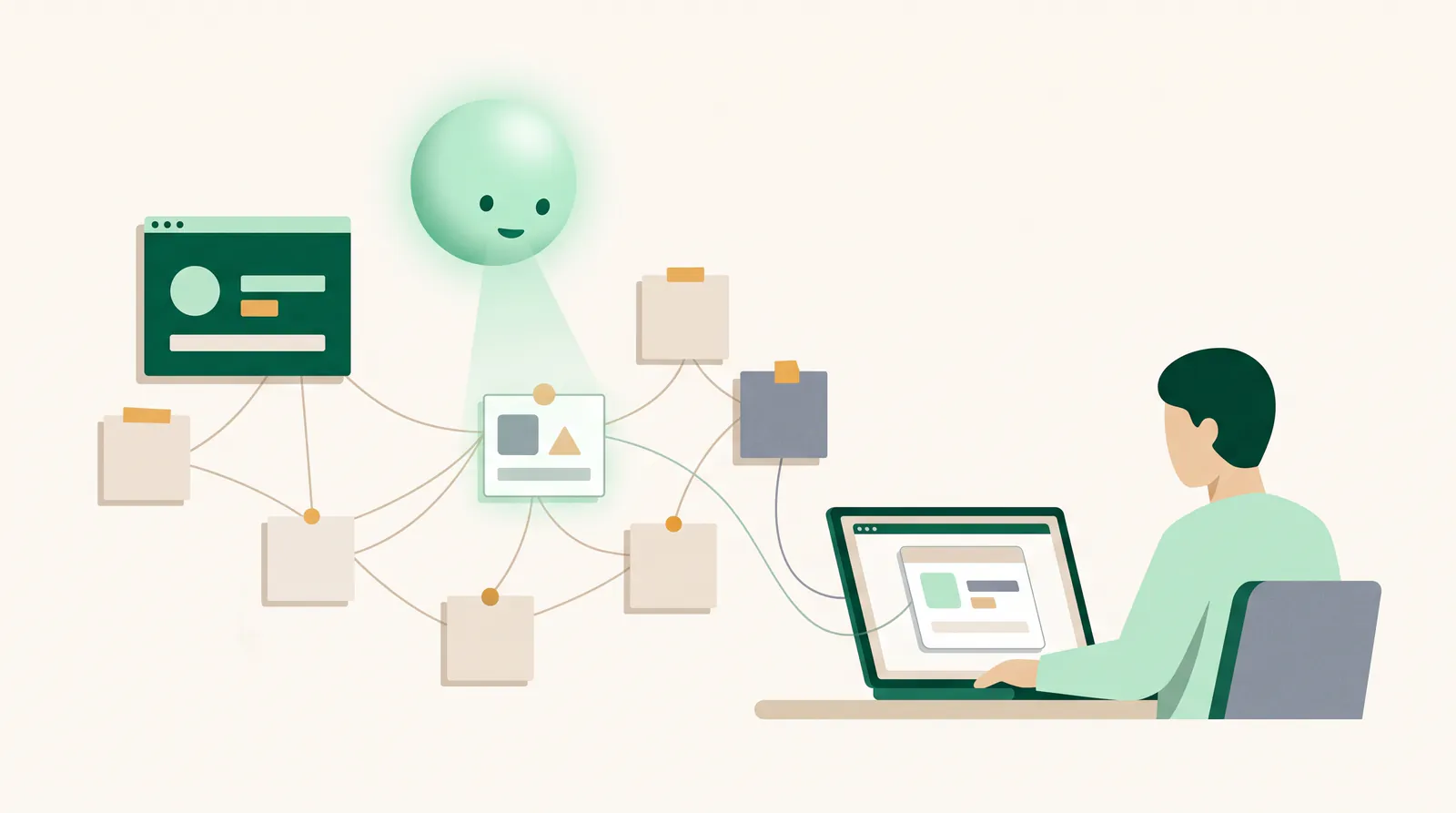
Where does AI come in?
This is where order turns into benefit. An assistant that indexes your vault answers questions with sources at note level: “What terms did we agree with this supplier?”, “What did we promise the customer about the interface in the spring?”, “Summarize all open decisions in project X.” That is exactly what we built our infrastructure for – details on our page AI assistant for companies.
The technical reason why this works better with Obsidian than with a wiki: Markdown files can be split cleanly into sections, the properties at the top provide filter criteria, and changes can be detected via the file system. Indexing therefore runs incrementally instead of as a nightly full import – and the answers stay up to date.
Which mistakes do we see most often?
- Big-bang migration. Importing all old documents at once creates a data graveyard. Start empty and only bring over what is actively needed.
- Collecting plugins. Every community plugin is a dependency that breaks with updates. In company vaults we get by with a handful.
- Tags instead of structure. Forty tags that nobody assigns consistently are no substitute for properties.
- No owner. Without a person who maintains the templates and shows them during onboarding, the vault runs wild within a quarter.
- Scanned PDFs without a text layer. Readable for people, invisible to every search and every assistant.
- The vault as a second inbox. Notes are not task management. Tasks belong in the system your team already works in.
How do you get your team to actually use the vault?
That is the real question, and guides almost never answer it. Technically, a second brain can be set up in an afternoon. Whether it is still alive after a quarter is decided by three things – and none of them is technical.
First: writing has to be faster than not writing. If a meeting note takes more than two minutes, it won't get written. That is why templates are not an obsession with order but a speed tool: whoever opens a template fills in fields instead of inventing a structure.
Second: there has to be a noticeable return. As long as notes only go in and never come back out, it feels like bureaucracy. This is exactly where the AI connection accelerates adoption: when a question in the chat is answered with a reference to your own note from last week, the benefit is immediately tangible. That is why we deliberately switch on the assistant early, not only after the vault has been “completely” filled.
Third: a recurring slot in the calendar. Fifteen minutes a week in which someone reviews open decisions, merges duplicates and archives outdated notes. Without this rhythm, every knowledge store runs wild – regardless of the tool. A simple rule has also proven itself: if the same question has been asked twice by email, it becomes a note in the “Knowledge” folder.
What we don't recommend: obligations, usage quotas or reports on who writes how much. A second brain that is monitored gets fed, not used. The lever is to make it the most convenient option – not the mandatory one.
What does the rollout cost – and who maintains it all?
The software itself requires a license for internal use in companies, but costs only a few euros per person per month and is therefore hardly relevant compared with wiki or document management licenses. The effort lies elsewhere: in structure, templates, migration decisions and training. For a team of ten to thirty people we usually work with a clearly defined rollout project; on request, we take over ongoing maintenance and the AI connection as part of our Managed Digital Office.
Who is it not worth it for?
We advise against it if your knowledge sits almost entirely in a specialist system – for example a well-kept CRM or an ERP system. Then the right answer is to make that system easier to analyze instead of opening a second store. For teams of fewer than five people with very short lines of communication, the effort is also rarely justified. A second brain solves a scaling problem, not a tidiness problem.
Conclusion
Obsidian in a company is not a productivity hack but an infrastructure decision: you bring your company knowledge into an open, machine-readable format before you let AI loose on it. Those who reverse this order and buy the assistant first get fast answers based on chaos. We show what such a connection looks like in practice under services and with concrete projects under case studies & apps.
Frequently asked questions
Do we need the manufacturer's sync service for a company setup?
No. A vault is a normal folder and can be synchronized via your existing company file storage or a Git repository. We prefer this route because it keeps versions, backups and access rights within your usual processes.
Where is the data stored with Obsidian, and what does that mean for data protection?
The data is stored wherever you put the vault. That is precisely the advantage: if it is stored on your own or on European infrastructure, the notes do not leave your environment. It is important to separate sensitive areas, because Obsidian itself has no access rights within a vault.
What happens if we want to replace Obsidian later?
You keep plain Markdown files in a folder structure. There is no export, because there is no proprietary format. In our view, this absence of lock-in is the strongest argument for getting started.
Let's talk for 30 minutes
We review your project free of charge and without obligation – an honest assessment, not a sales pitch.
Book a callMore articles
AI agents in mid-sized companies in 2026: what really works
An opinion piece from project work: which AI agents hold up in mid-sized companies in 2026, which are pure marketing and how to get started sensibly.
Having an app developed and publishing it on the App Store
From idea to App Store and Play Store: accounts, the review process, common reasons for rejection and costs – with experience from our own app Festino.