Process Map: Structure, Example, How to Build
· DigifyNow
A process map, also called a process landscape, shows all of a company's main processes on one page in three rows: management processes on top, core processes in the middle running from customer requirement (left) to delivered result (right), support processes at the bottom. To build one, start from the customer, name the main processes and give each a trigger, an end result and a named owner. Draw handoffs as arrows. Details belong on lower levels, not on the map.
What is a process map?
A process map at the top level, often called a process landscape, is the highest level of a company's process documentation. It doesn't show how a workflow runs in detail. It shows which workflows exist at all and how they connect. Most companies use a level model: at the top the map itself, below it the main processes such as order fulfillment, then the subprocesses such as preparing a quote, and at the bottom work instructions or checklists. A notation like BPMN with roles and decision points only pays off at the subprocess level. The map itself gets by with boxes and arrows. The idea goes back to Michael Porter's value chain. He distinguished between primary activities, which create value for the customer directly, and support activities, which make that possible in the first place. The process map adds a third group: management processes. At DigifyNow, a map like this is often the first sheet on the table when a small or midsize business wants to know where software or AI could make a difference for them at all.
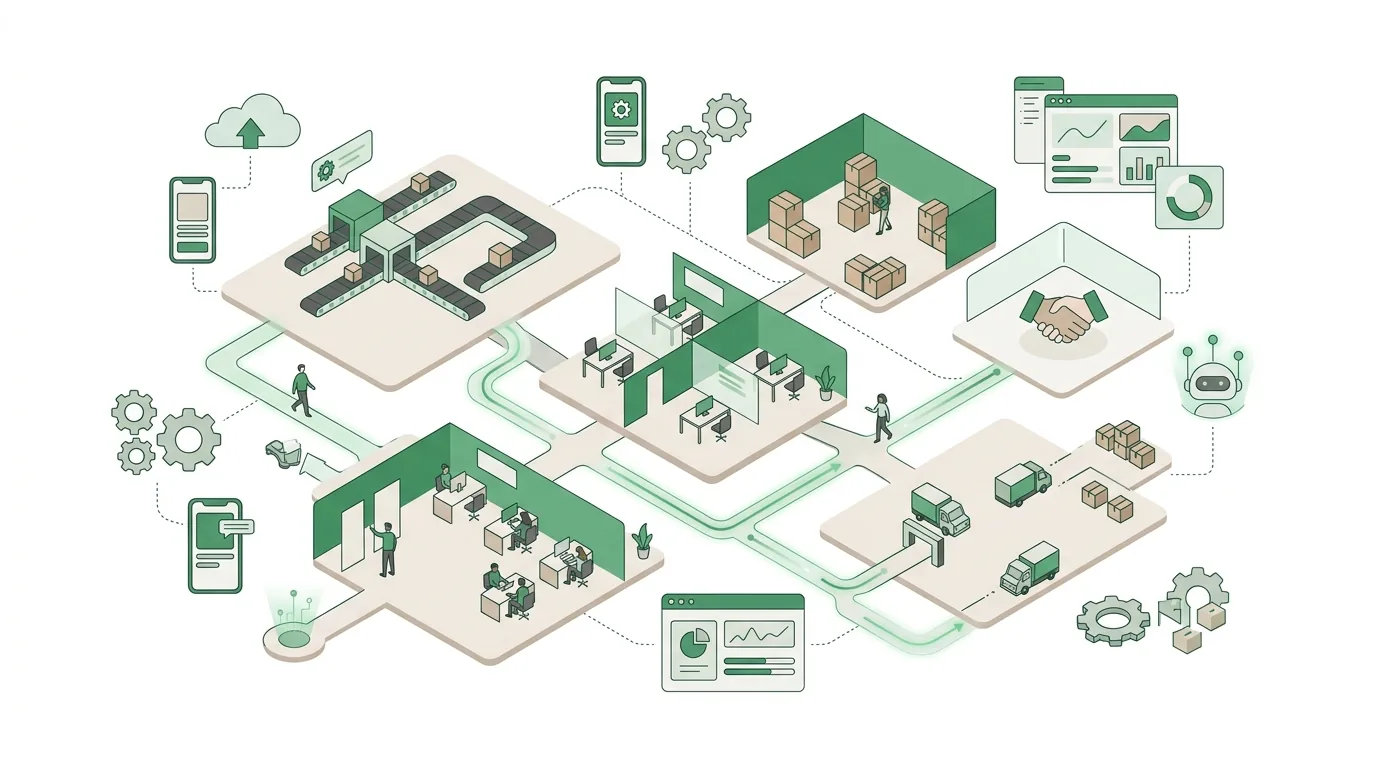
Which process types belong on a process map?
Almost every process map sorts the main processes into three groups. The sorting follows one simple question: Would the customer notice, and pay for it, if this process disappeared? If yes, it's a core process. If the customer only benefits indirectly, it's a support process. And everything that sets direction and rules belongs to the management processes.
| Process type | Position on the map | Typical examples | Test question |
|---|---|---|---|
| Management processes | Top row | Strategy and goals, budget planning, management review, internal audit | Does the process set direction, goals or rules for other processes? |
| Core processes (value-creating processes) | Middle row, left to right | Sales, order fulfillment, production or service delivery, installation, customer service | Would the customer notice directly if the process failed? |
| Support processes | Bottom row | Purchasing, HR, IT, accounting, maintenance | Does it enable core processes without being a customer deliverable itself? |
Purchasing is a common point of debate. In a trading company it's a core process; in a service business it's more of a support process. So the classification depends on the business model, not on the department.
How to create a process map step by step
A first usable process map comes out of a workshop with leadership and the people who actually know how the work gets done. If you only invite department heads, you get your org chart back, not your processes. Here's how we at DigifyNow approach it when we build a process map with a company:
- Start with the customer: What triggers an order (inquiry, tender, purchase order), and what's the result (delivery, sign-off, invoice)? Those are the left and right edges of your core processes.
- Name the core processes in between as verb plus noun, for example 'Prepare quote' instead of 'Sales'. A name without a verb is almost always a department, not a process.
- Add the support and management processes. If the map no longer fits legibly on one page, you're probably mixing main processes and subprocesses. Consolidate them.
- For each process, record the triggering event, the end result and a responsible process owner: one person, not a department.
- Draw the handoffs as arrows: Which process hands what to which? This is where media breaks show up, for example when an order arrives by email and someone types it into the ERP by hand.
- Review the map with a few employees who weren't in the workshop. Anyone who can't find their own work on it usually points you to a forgotten process.
A whiteboard or a slide is all the tooling you need. You don't need specialized software for the map. What goes wrong most often: people start with the support processes because everyone knows them, and then lose the thread back to the customer. That's why the order above is deliberate.
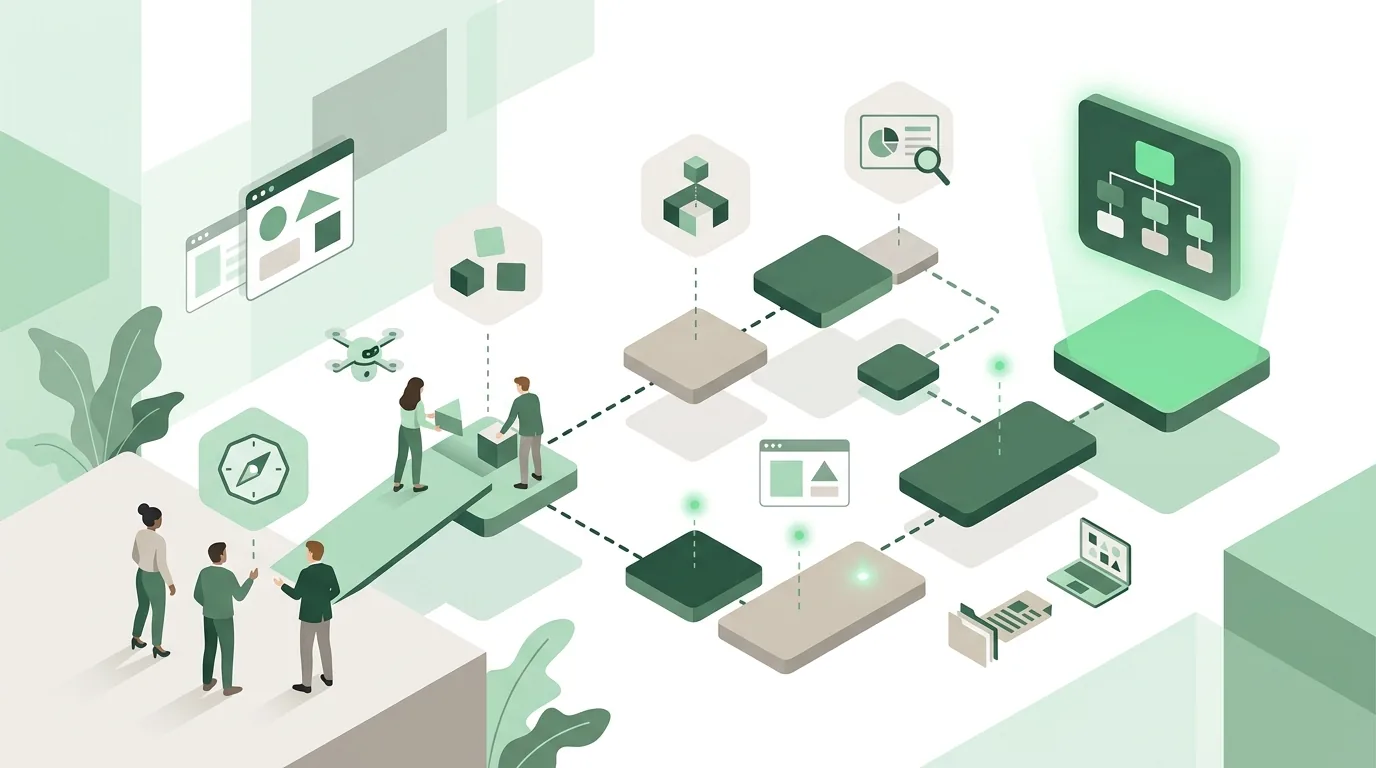
What does a process map example look like?
The classic layout fits on a landscape page. On the left is a vertical bar labeled 'Customer: requirements', on the right a second one labeled 'Customer: satisfaction' or 'delivered result'. This makes it visible that the core processes form a chain from customer to customer. The layout comes from process-oriented quality management, which describes processes through the PDCA cycle of Plan, Do, Check, Act. Between the two bars sit three rows. On top are the management processes, often drawn as a roof. In the middle the core processes run as a chain of arrows from left to right, for example 'Handle inquiry', 'Prepare quote', 'Plan order', 'Deliver service', 'Invoice', 'Follow up'. At the bottom the support processes sit side by side as the foundation. What doesn't belong in an example like this: roles, forms, system names and decision diamonds. If you draw those in at the top level, you end up with a map that has to be updated with every small change, so before long nobody maintains it. Those details go into the process descriptions of the subprocesses.
What does a process map look like for a small or midsize business?
Take a typical metal fabrication shop, assembled freely here for illustration, that builds custom stairs and railings. Its process map looks like this:
| Row | Processes | Process owner |
|---|---|---|
| Management | Business planning, set costing guidelines, review quality | Leadership |
| Core | Take inquiry → On-site measurement → Cost out quote → Engineering → Fabrication → Installation → Sign-off and invoice → Warranty | Sales, engineering, shop supervisor, installation lead, office |
| Support | Purchase materials, maintain machines, schedule staff, accounting, IT | Purchasing, shop floor, office |
The value is in the arrows. Between 'Measurement' and 'Quote', shops like this often send handwritten sketches to the office. Between 'Installation' and 'Invoice', there's frequently no sign-off record that triggers the invoice. These handoffs are exactly where a process analysis starts. For a service business the chain looks different. In the back office with CRM that DigifyNow built for Mundo Marketing, for example, the focus was on the handoffs between customer inquiry, account management and billing.
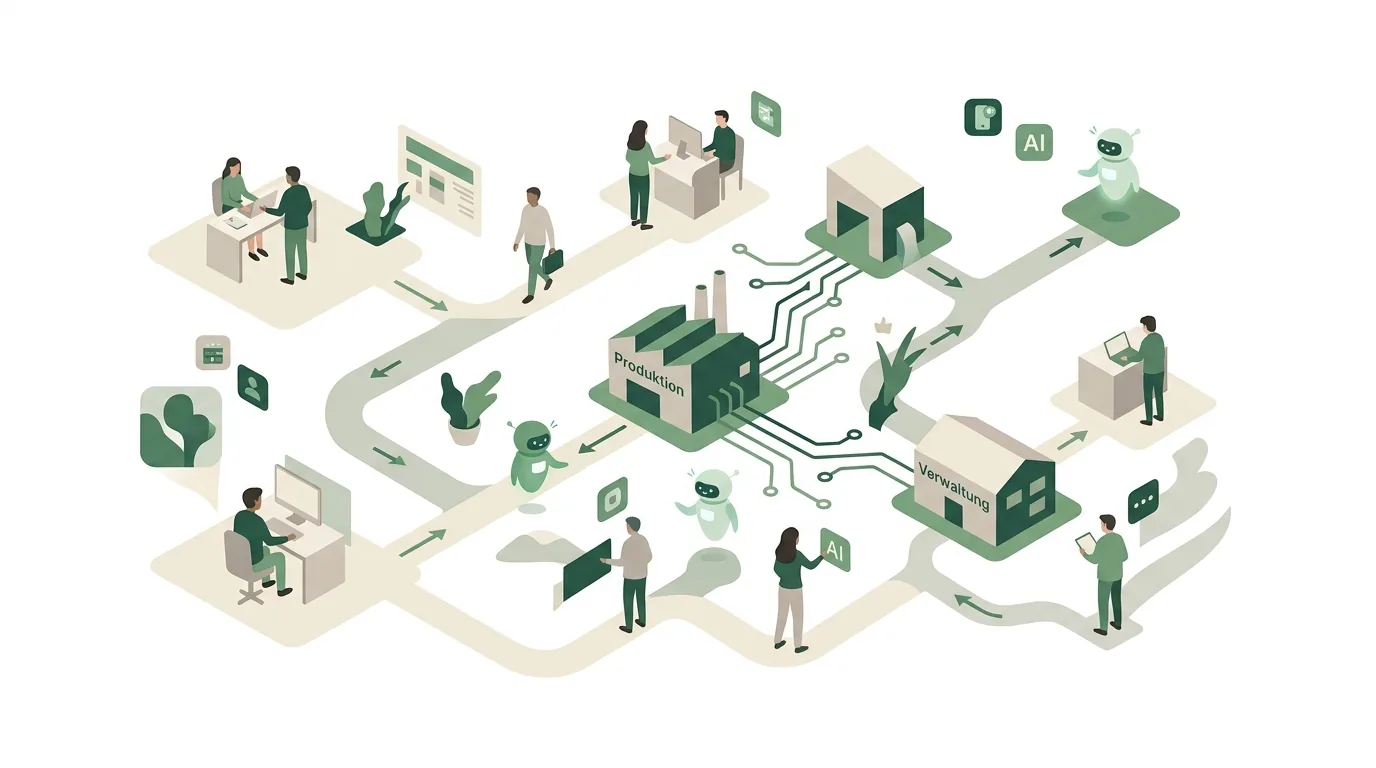
Is a process map required for quality management certification?
Not as a specific drawing. Common quality management standards require a company to determine its processes, including inputs and outputs, their sequence and interaction, responsibilities, resources and metrics. How you present that is up to you. But the process map has become the standard answer to the question of sequence and interaction, and auditors usually ask for it. Check the exact wording of your standard's requirements in the standard itself or with your certification body, not in a template. None of this applies to companies without certification. The map is still worth it as soon as several people work on an order one after another, or when you plan to introduce software: without it, nobody knows exactly at which handoff the new system is supposed to receive the data. Whether your map is sufficient in an audit is decided by the auditor case by case. No template can promise you that.
When is a process map useless, and what comes next?
A process map is an overview. On its own, it doesn't improve a single workflow. In practice it usually fails for one of these reasons:
- Org chart instead of processes: The boxes are labeled 'Sales', 'Engineering', 'Administration'. The cause is that it was drawn from a department mindset rather than from the customer.
- Too much granularity: Dozens of boxes on one page because subprocesses slipped onto the top level. Nobody can read it anymore.
- No process owners: Without named owners, the map ends up in a drawer after the audit.
- To-be instead of as-is: The map shows how things should run. For digitization decisions, though, you need the actual workflow.
- One-off project: Without a fixed review date, for example at the annual management review, it goes stale with the first reorganization.
For very small businesses where everyone does everything, a formal map is often overkill. A list of workflows is enough. At DigifyNow we use the map as a selection tool. We mark the few handoffs with the most media breaks and look only at those in detail. Afterward it becomes clear whether to digitize the workflow first, whether you should automate processes, or whether custom software pays off.
How to document a marked handoff is covered in our article on process analysis with a template and example: it works in six steps with a ten-column template and explains why process mining needs at least a case ID and a timestamp from the system for each transaction. If those two fields are missing, for example because orders only run through email, the only option is to capture the process in interviews.
If custom software makes sense for a handoff, DigifyNow first builds a lean, usable version, an MVP. How long that takes depends mainly on the number of integrations, the state of the legacy data and the feature scope; what drives the timeline in a specific case is covered in the article MVP entwickeln lassen: Kosten und Dauer (in German). You only get a binding timeframe after the free, no-obligation assessment of your project.
If an AI assistant is supposed to work at a marked handoff, the EU AI Act comes into play. It requires deployers of AI systems to take measures that support the AI literacy of their staff; it doesn't require them to guarantee a specific level of literacy for every individual. Whether your business meets all its obligations depends on the specific use case and isn't something the process map answers.

Frequently asked questions
How many processes belong on a process map?
As many as fit legibly on one page while covering all main processes. No standard prescribes a fixed number. The test is the level: a main process has its own trigger and its own result; a subprocess is just one step within it. If steps like 'Review quote' sit next to 'Order fulfillment', subprocesses have crept onto the map and you should consolidate.
Is a process map required for quality management certification?
Not as a specific format. Quality management standards require processes to be determined along with their sequence and interaction; the form of presentation is left open. The process map is simply the usual way to show those interactions, unlike a plain process list, which doesn't make handoffs visible. Whether a given presentation is sufficient in an audit is up to the auditor.
What software should I use to create a process map?
For the map itself, any program that can draw boxes and arrows will do: a presentation slide, a whiteboard or a diagramming tool. Dedicated modeling software only pays off for subprocesses, when you describe workflows in BPMN with roles and decisions. More important than the tool are fixed process owners and a regular review date.