RPA: When Software Bots Work for Small Business
· DigifyNow
RPA (robotic process automation) is software that operates an application through its user interface, the same way a person would. It finds fields using selectors or image recognition, reads values, types and clicks according to fixed rules. That pays off for stable, rule-based processes in legacy systems that have no interface. If a screen changes, multi-factor authentication kicks in or exceptions come up, the bot stops. If the system has an API, the API is the more robust choice.
What is RPA and how does a software robot work?
RPA stands for robotic process automation. It has nothing to do with a robotic arm. It's a program that operates an application through its user interface, exactly where someone on your team would otherwise be clicking. The bot might open your inventory management system, look for the "Customer number" field, enter a value and read off the result. It finds the right field through selectors. In web applications, these are CSS or XPath expressions that point to the page's HTML structure. In Windows programs, it's the tree of UI elements that Microsoft exposes through its accessibility interface, UI Automation. If the application only runs through Citrix or Remote Desktop, the bot just sees an image. Then it has to rely on image matching and text recognition (OCR), and that's the most fragile setup of all. There are two modes of operation: attended bots run on an employee's computer and are started by that employee. Unattended bots run without supervision on a dedicated server or virtual machine, usually on a schedule. For decision-makers, one point matters most: RPA doesn't change the systems involved. The bot is a layer on top. That's why getting started is quick. But it also means any change to the interface can hit the bot.
RPA software: what are the building blocks?
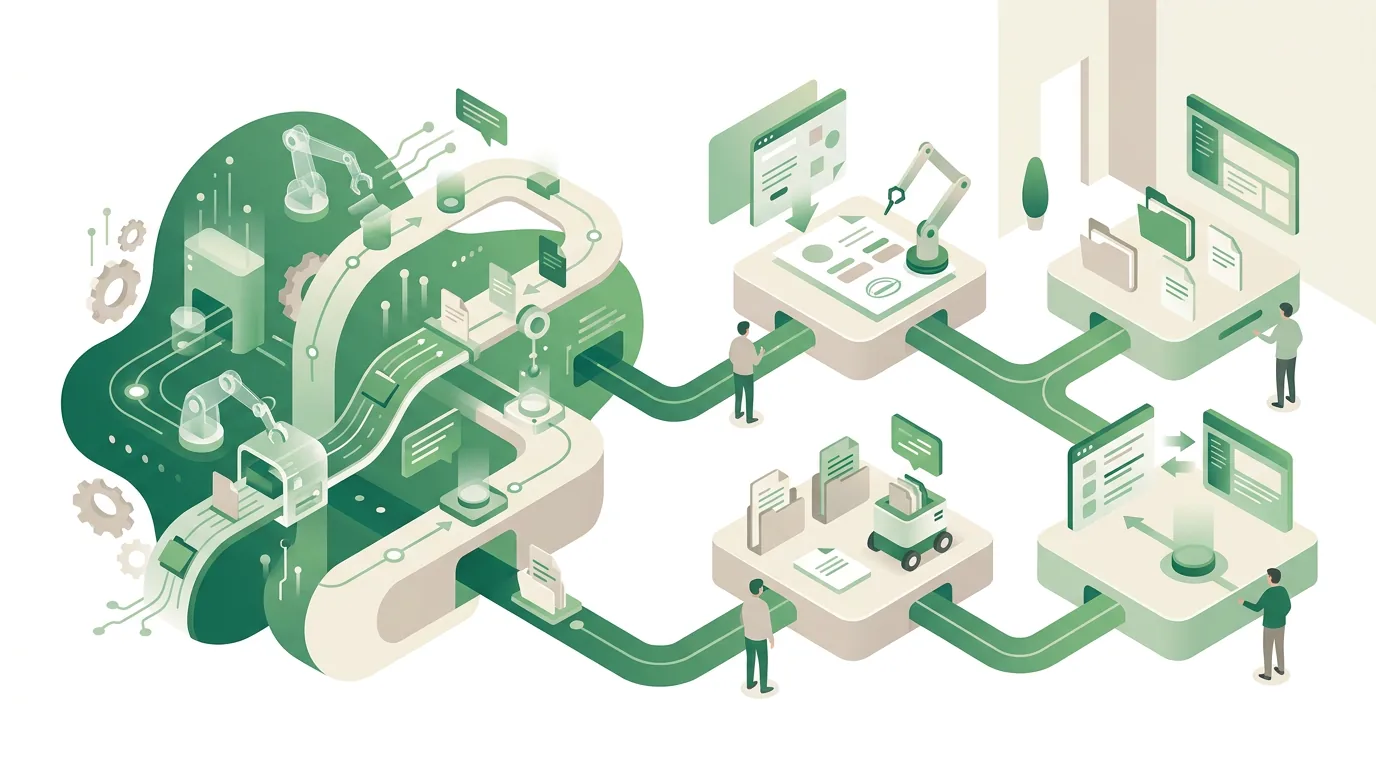
RPA software almost always consists of more than the bot itself. If you're comparing RPA offerings or planning your own RPA solution, ask about these five building blocks:
- Designer or recorder: This is where the process gets recorded or built as a flowchart. Recordings often produce rigid selectors that you have to make more robust by hand.
- Runtime environment: This executes the bot. For desktop applications, it needs a logged-in, unlocked Windows session. If the screen is locked, there's no interface for the bot to operate.
- Orchestration: schedules, queues for work items, and retry rules in case a step fails.
- Credential management: The bot account's passwords are stored encrypted in a vault, not in plain text inside the workflow.
- Logging: Every step is recorded with a timestamp, and when something fails, a screenshot is captured as well.
One point tends to get lost when companies roll out RPA: the bot needs its own technical user account in the target system. If it runs under an employee's account, nobody can tell later whether a booking was made by a person or by the bot. Especially for transactions that affect your accounting, you want to be able to trace who entered what. On top of that, many software vendors license per named user, so a bot account can mean an additional license in the target system.
Which RPA tools are out there, and which one fits a small business?
RPA tools fall roughly into three groups. They differ less in their feature sets than in how they're run day to day. The first group is desktop tools, often already included in office suites, that employees use to record their own workflows. Getting started is easy. The downside is that the bots end up scattered across individual computers, and when a colleague leaves the company, nobody knows what their workflow actually does. The second group is enterprise platforms with a central orchestrator, dedicated bot servers and a role model. They're built for many processes running in parallel. With only a handful of workflows at a small or midsize business, the effort to run the platform is usually greater than the work the bot takes off your plate. The third group is automation in code: browser control with open-source libraries like Playwright or Selenium, combined with direct API calls. That's how DigifyNow works. We first check whether the target system has an interface, such as a REST API, database access, a CSV import or webhooks. Only the part that has no interface gets driven through the UI. The code is version-controlled in Git, the selectors are kept in one place, and when something fails, an alert goes out instead of the work item quietly sitting there. So when choosing a tool, one question matters more than any feature list: who will look after the bot a few years from now, once the interface has changed?
Which RPA examples actually work at small and midsize businesses?
The RPA examples that hold up in daily use follow fixed rules, have few exceptions and run on an interface that rarely changes. Typical cases from our project work:
- Pulling orders from a customer portal: The bot logs in, downloads the export file and imports it into the ERP. This only works if the portal doesn't require a push confirmation on a phone.
- Syncing master data between two legacy systems, for example transferring item prices from the inventory system into an industry-specific program that has no import function.
- Checking status on supplier or government portals, such as shipment tracking or processing status, once a night, with a list of discrepancies waiting in the morning.
- Compiling monthly reports: transferring values from several screens into an Excel template and saving it as a PDF in the right folder.
- Incoming invoices: This used to be the textbook case for text recognition on PDFs. But businesses in Germany now have to be able to receive e-invoices in structured formats like XRechnung or ZUGFeRD. These invoices contain machine-readable XML data that can be read directly. A bot with OCR is just a detour for that now.
When a process deals with free text, such as customer inquiries by email, classic RPA hits its limits. Cases like these are better suited to language models. Our AI agent examples from small businesses show what that looks like.
When does RPA not work?
A bot rarely fails because of the process itself. It usually fails because of its environment. These are the failure patterns we see most often, each with its cause:
- UI update: The vendor moves a field or changes its identifier, and the selector can't find anything anymore. Web applications that generate new element IDs on every page load are especially affected.
- Multi-factor authentication: A bot can't approve a push notification on a phone. Time-based one-time codes from an authenticator app can be generated technically. But then the second secret also sits with the bot, and the second factor effectively protects nothing.
- CAPTCHAs: They're built precisely to detect automation. Getting around them often violates the portal's terms of use.
- Display scaling: With image recognition over Citrix, all it takes is someone changing the Windows scaling or the resolution, and the stored image templates no longer match.
- Unexpected dialogs: An update notice, a cookie banner or a message that the password is about to expire blocks the workflow.
- Lots of exceptions: If a person frequently has to make a decision, a large share of the cases ends up back on someone's desk anyway.
There's also a point that has nothing to do with technology: if you automate a clunky process, what you get is a fast clunky process. A thorough process analysis before the first bot shows which steps you can cut instead of automating them.
RPA, API or AI: which fits which process?
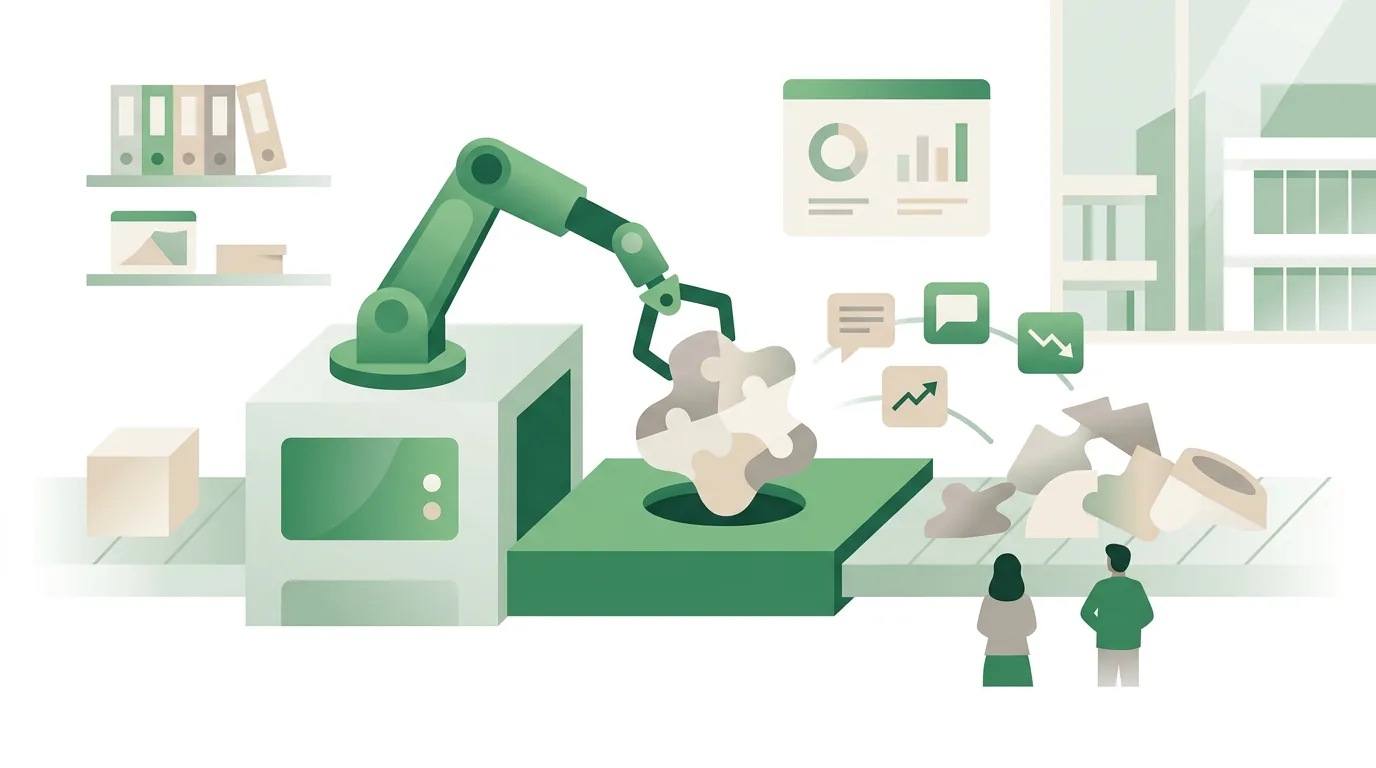
RPA is one tool among several. Which one fits depends mainly on whether the data is structured and whether the system offers an interface. A separate article explains how an API works with requests, JSON responses and status codes.
| Approach | How it works | Fits when | Weak spot |
|---|---|---|---|
| API integration | Systems exchange data directly via REST interfaces or webhooks, without a user interface | Both systems have a documented interface | Depends on the API version and the vendor's usage limits; send too many requests and the vendor throttles you, so you have to retry later |
| RPA | Bot operates the user interface through selectors or image recognition | Legacy system without an interface, fixed rules, stable screens | Breaks on UI changes, multi-factor authentication and pop-ups |
| AI assistant or agent | Language model reads free text, classifies it and calls defined tools | Unstructured input such as emails or documents | Results can be wrong, so approvals are needed |
| Custom software | A new system removes the manual hand-off between systems entirely | The process is core business and should run long term | Higher upfront effort, maintenance over years |
In practice, DigifyNow often combines these approaches. For example, an AI reads an order from an email, a person approves it, and the entry into the system goes through the API. Only if there's no API does a bot handle that last step. For more on choosing, see our article on which processes small businesses can automate.
As soon as an AI system is part of a chain like this, the EU AI Act comes into play. It requires deployers of AI systems to take measures to support the AI literacy of the staff involved in operating and using them. Under the amended version, they don't have to guarantee a specific level of literacy for each individual person. Whether a purely rule-based bot with no AI component counts as an AI system at all depends on the regulation's definition and has to be assessed case by case. In practical terms: if you introduce the AI step, plan AI training for your employees right along with it.
How do you start an RPA project at a small business?
The starting point isn't the tool. It's a single, clearly defined process. Here's how we approach it at DigifyNow:
- Map the process: every click, every screen, every exception, plus how often the task comes up per week and how long it takes by hand.
- Check for interfaces: ask the vendor about API documentation, import functions and database access. Only what's left over is a case for RPA.
- Build a proof of concept with a fixed timebox; in our article on proofs of concept, that's two to four weeks: one process, real test data and criteria set in advance for when to pull the plug.
- Set up the bot account: a dedicated technical user, only the permissions the process needs, password in the vault.
- Define operations: name an owner, send error alerts to a fixed address, and have updates to the target systems announced in advance.
Our article on the process and criteria of a proof of concept explains how the test run is set up and how to tell it has failed. If the test shows that the interface changes too often or too many exceptions come up, a small custom application with interfaces is often the more stable route. At DigifyNow, it starts as an MVP with the smallest feature set that closes the gap between systems. How big that scope is for a specific project and which interfaces it needs gets clarified in a free, no-obligation assessment. One more note for companies in Germany: if an attended bot runs on employees' workstations and logs what they do, it counts as a technical system on which an existing works council has a say. So bring the works council in early, not just before go-live.
Frequently asked questions
RPA vs. AI: what's the difference?
RPA executes fixed rules: click here, copy this field, enter it there. An AI model, on the other hand, interprets input such as free text or images and delivers results that are correct with a certain probability. That makes RPA predictable, but it can't do anything with unstructured data. AI can, but it needs approvals because it can be wrong.
What are attended and unattended bots?
An attended bot runs on an employee's computer and is started by that employee, for example at the push of a button during a customer call. An unattended bot runs without supervision on a server or virtual machine, usually on a schedule, such as overnight. Unattended operation requires a permanently logged-in Windows session and a dedicated bot account.
Does an RPA bot need its own computer?
For desktop applications, it needs its own Windows session that isn't locked. That's usually a virtual machine. If it shares the session with a person, the two get in each other's way over the mouse and keyboard. Pure browser automation, by contrast, can run without a visible screen, in what's called headless mode on a server.
Is RPA the same as an Excel macro?
No. A VBA macro automates steps within an Office application and uses its internal commands. RPA works across applications through the user interface, for example from a web portal into the ERP and then into Excel. Macros are more robust for tasks within a single file. RPA is the tool when several programs without a shared interface are involved.