
Shopify with a custom frontend: a shop without app subscription fees
Shopify with a custom frontend instead of app subscriptions: what your own code replaces, what should stay, what it costs and when it pays off.
A Shopify shop with a custom frontend is the most effective way to run an online shop without ongoing app costs – while keeping the most convenient checkout on the market. We don't recommend this step to everyone, but when the monthly app bill has become a recurring annoyance and the theme holds back every design idea, it is usually overdue. This article shows what is really replaced, what it costs and where the limits are.

Why does a Shopify shop become so expensive over time?
Hardly any shop starts out expensive. It becomes expensive gradually. One app is added for the product filter, a second for bundles, a third for multilingual content, plus a landing page builder, a pop-up tool, a reviews app and at some point an app that is supposed to fix the loading time of the other apps. Each one costs little on its own; together, in our experience, mid-sized shops quickly end up at several hundred euros a month – permanently, regardless of revenue and without you owning any of it.
The second, less often mentioned price is technical: every app hooks into your pages with its own JavaScript. What looks harmless on a developer's computer costs loading time on a mobile device with a mediocre connection – and therefore conversions.
What does “a custom frontend” mean technically?
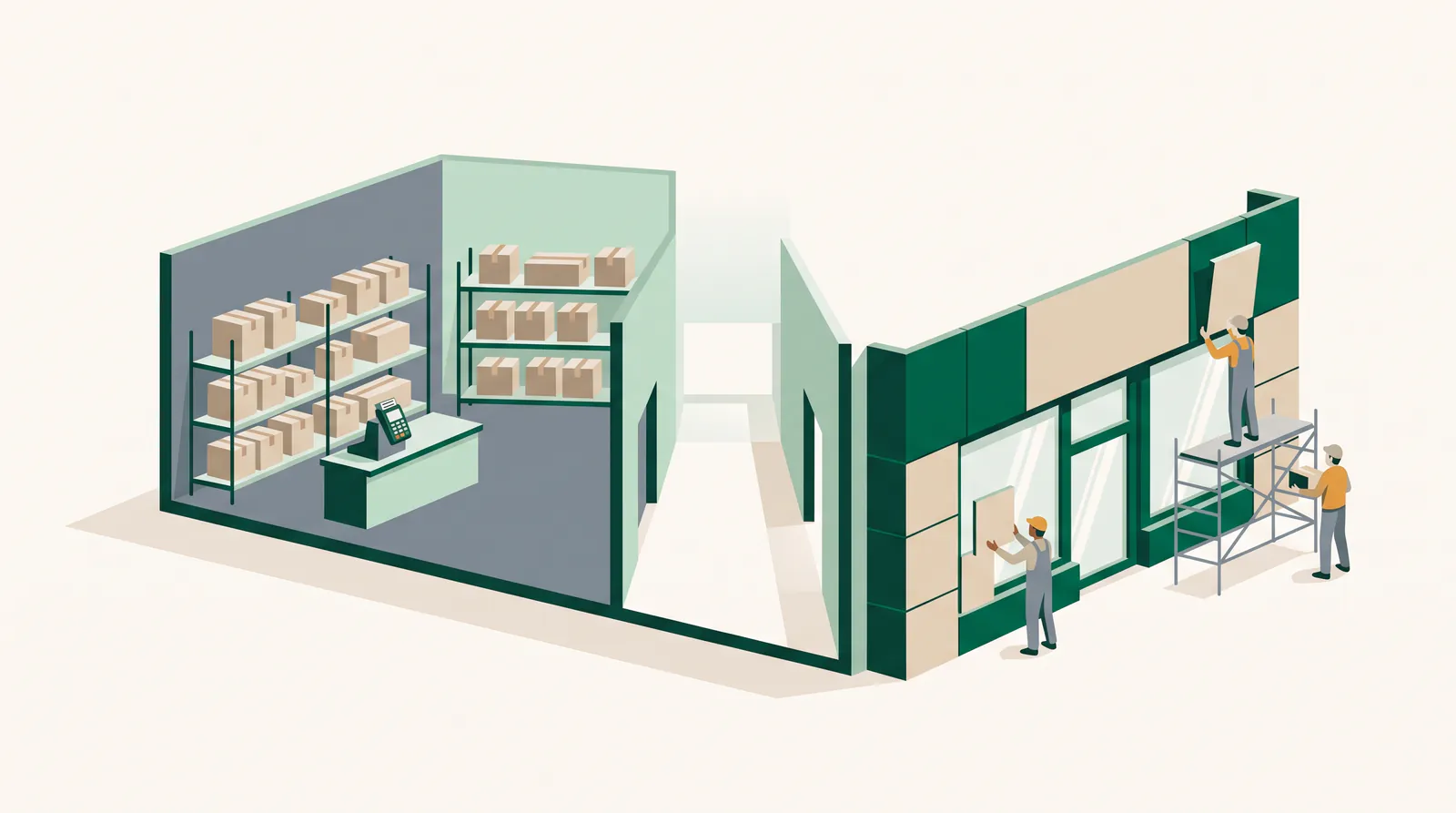
You keep Shopify for what it is unbeatable at: product management, inventory, orders, payment processing and checkout. What you replace is the presentation layer. Your shop is developed as a separate application that obtains product and cart data via the Storefront interface and hands the customer over to the Shopify checkout for payment.
In practice this means: your team continues to manage products in the familiar Shopify backend, orders continue to arrive in the same overview, and your accounting notices no difference. It's just that everything the customer sees now belongs to you.
Which apps does your own code replace – and which not?
Sorted honestly. We generally build these functions ourselves, and afterwards they no longer incur a subscription fee:
- Product filters, sorting and search via your own indexes
- Mega menus, category landing pages and content modules
- Bundles, configurators, tiered pricing and accessory logic
- Multilingual and country-specific content
- Size charts, availability displays, wish lists
- Displaying reviews (collecting them often stays with the service provider)
- Pop-ups, banners and promotion logic
And here we deliberately advise against reinventing the wheel:
- Payment processing and checkout. No home-built checkout beats the conversion optimization and fraud checks you get here for free.
- Accounting, tax logic and invoices. Constantly shifting regulations, thankless subject matter.
- Shipping carrier integrations. Established integrations that rarely cause trouble.
- Subscription and installment logic. Technically feasible, but deeply intertwined with payment and cancellation processes – here we always check case by case.
What does it cost – and when does it pay off?
For a custom frontend based on an existing Shopify shop, we are usually in the range of €8,000 – €25,000, depending on the scope – above all on the number of page types, the complexity of the product logic and how much editorial freedom your marketing team should keep. On top of that comes ongoing operation, which we cover through our Managed Digital Office.
The calculation is unspectacular: add up your current app subscriptions, subtract what you will need anyway, and you have the monthly saving. For shops that pay three-figure amounts per month for apps, the break-even point is often in the range of one to two years – although, in our view, the time saved when running campaigns weighs more heavily than the saving.
What do you gain apart from money?
- Loading time. Without third-party app JavaScript, the frontend becomes noticeably faster – the most direct lever on mobile conversion.
- SEO control. Your own URL structure, clean structured data, real landing pages instead of builder sprawl.
- Design freedom. Your shop no longer looks like 20,000 other shops with the same theme.
- Content and shop merge. Guides, configurators and product worlds can finally be designed as one interface.
- Independence. No more feature standstill because an app won't play along.
What do you lose? The honest downside
The theme editor goes away. Anyone who is used to clicking together homepage blocks themselves needs a replacement – we solve this with editorial building blocks, but that has to be planned and paid for from the start. Likewise: some marketing apps from the Shopify ecosystem require a standard theme and don't work in a custom frontend without adjustments. And you need a partner for maintenance – a custom frontend doesn't maintain itself.
We therefore consider the switch to be wrong if your product range is small and standardized, if you sell mainly via marketplaces or if nobody in the company is responsible for the shop. In these cases a good theme with three carefully chosen apps is the more economical decision – and we say so in the initial call.
What does the technology look like in concrete terms?
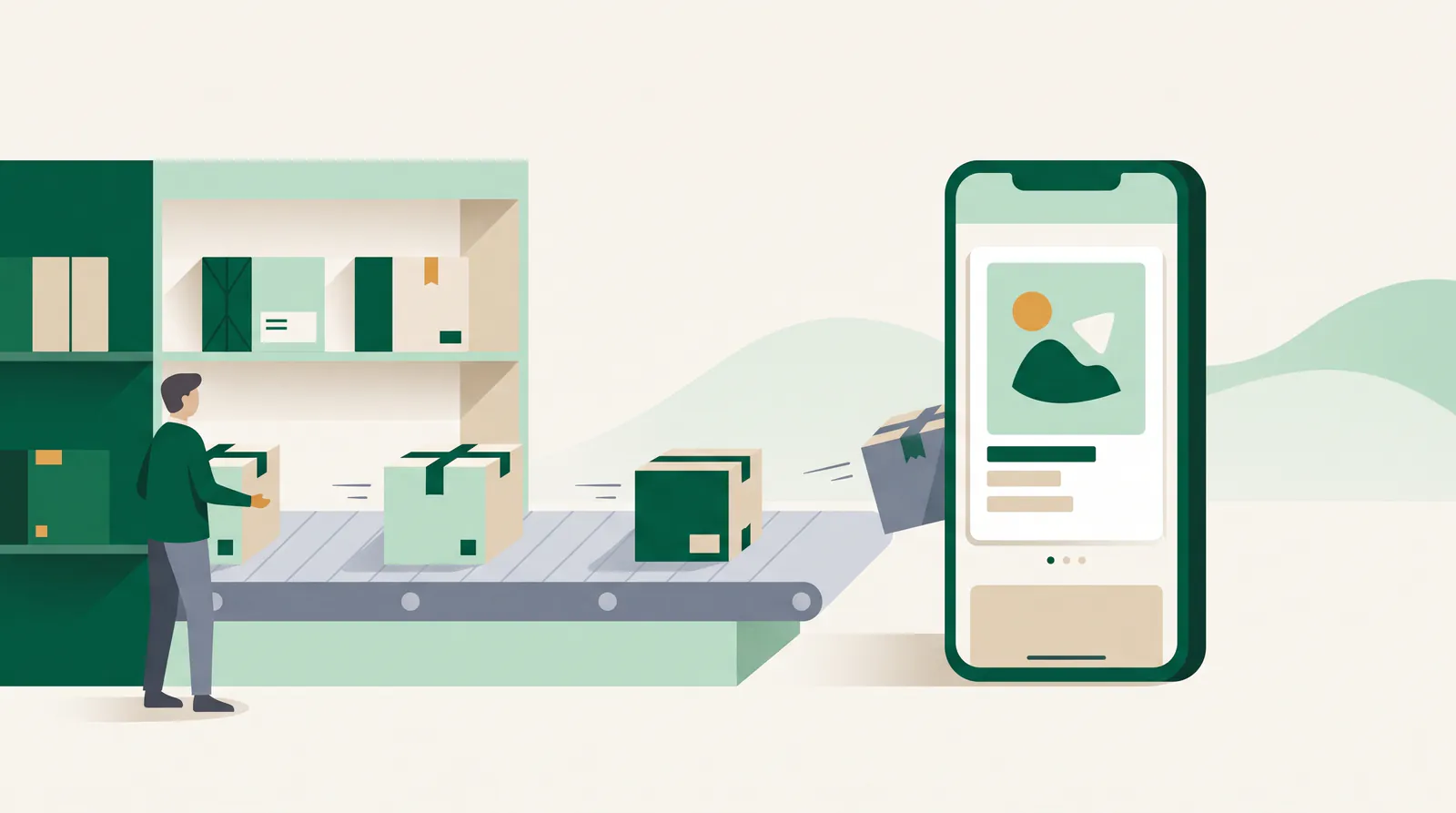
Without the jargon: your shop becomes a standalone application that retrieves product data via Shopify's Storefront interface. Pages for products and categories are generated in advance and sit as finished files with the delivery service – which is why they appear practically without delay. Dynamic parts such as availability, prices for logged-in customers or the cart are loaded at the moment the page is requested.
The difference is particularly clear with multiple languages and several countries. What is an additional app with its own limits in a standard theme becomes a question of URL structure in a custom frontend: separate paths per language, correct marking of the language versions for each other, country-specific currencies and shipping information. For shops that sell across borders, this alone is often the reason for switching.
For content that doesn't come from the product catalog – guides, homepage blocks, campaign pages – we recommend a lean content management system instead of maintaining it in the code. This is the item shops most often forget when comparing offers, and the one that later decides how happy the marketing team is.
Two details that matter more in practice than any framework debate: images must be delivered in modern formats and in several sizes, and the product data must be marked up in a structured way – price, availability, reviews. The former determines loading time on mobile devices, the latter how you appear in search results.
Three questions you should ask every provider
- Who will maintain the homepage in future? If the answer is “we will, on request”, every campaign becomes a ticket. Ask to be shown how editing works without developers.
- What happens to the existing URLs? There has to be a complete list of old addresses with their targets, not just the promise “we'll set up redirects”.
- What does operation look like after launch? Who updates dependencies, who responds to changes to the interface, and how quickly? A custom frontend without a maintenance agreement is a risk with an expiry date.
How such a project runs with us
- Inventory: list of apps, costs, actual usage, product data model
- Scope: which page types, how much editorial freedom, which apps stay
- Implementation in stages: product detail page and category first, then content and special logic
- Parallel operation and switchover: including redirects, so that rankings are preserved
- Operation: updates, monitoring and further development through our Managed Digital Office
The point about redirects sounds technical, but it is the most common reason for slumps in revenue after a relaunch. Old URLs must point permanently to the new ones, otherwise you lose visibility that took a lot of effort to build – a mistake that can be avoided with an hour of care.
Conclusion
A custom frontend is not a prestige project but a business decision: you exchange permanent rental costs and technical dependence on others for a one-off investment and responsibility. If your shop is growing, this exchange almost always pays off. If it isn't, we would rather tell you beforehand. You can find an overview of our work on shops and platforms under services and case studies & apps.
Frequently asked questions
Do we keep the Shopify checkout?
Yes. That is exactly the core of the approach: product management, orders and payment stay with Shopify, and only the interface is custom developed. Your team continues to work in the familiar backend.
Will we lose our Google rankings when we switch?
Not if the switch is done properly. What matters are permanent redirects for all old addresses, the same or greater depth of content and correct structured data. In practice, visibility tends to get better rather than worse thanks to the faster loading time.
Can we still maintain content ourselves afterwards?
Yes, provided this is planned from the start. We build editorial building blocks for the homepage, categories and landing pages so that your marketing team can work without developers. Without this groundwork, a custom frontend would indeed be a step backwards.
Let's talk for 30 minutes
We review your project free of charge and without obligation – an honest assessment, not a sales pitch.
Book a callMore articles
AI agents in mid-sized companies in 2026: what really works
An opinion piece from project work: which AI agents hold up in mid-sized companies in 2026, which are pure marketing and how to get started sensibly.
Having an app developed and publishing it on the App Store
From idea to App Store and Play Store: accounts, the review process, common reasons for rejection and costs – with experience from our own app Festino.