Software Development Cost: What Drives It
· DigifyNow
Software development cost is the effort multiplied by the day rate. Four things drive the effort: the scope of features, including roles and edge cases; the number and quality of integrations; the amount and condition of the data you need to migrate; and running the system after launch. You only get a reliable number once the features are written down and prioritized. An MVP cuts everything that isn't part of the core workflow first.
What is software development, and what are you actually paying for?
Software development means turning a business workflow into a program that runs that workflow. The program might be a web app in the browser, a mobile app on a smartphone or a service running in the background. You aren't buying code as a product. You're paying for working time, and that time is spread across several phases: requirements first, then concept and UI design, then programming, testing, data migration and go-live. If you only think about the programming, you'll underestimate everything else. Coordination, testing and fixing edge cases often take as much time as the coding itself. Our article on the custom software development project process explains how these phases fit together in a project and where acceptance comes in. For cost, this means you can estimate each phase on its own. If a quote shows only a total with no breakdown, you can hardly check it.
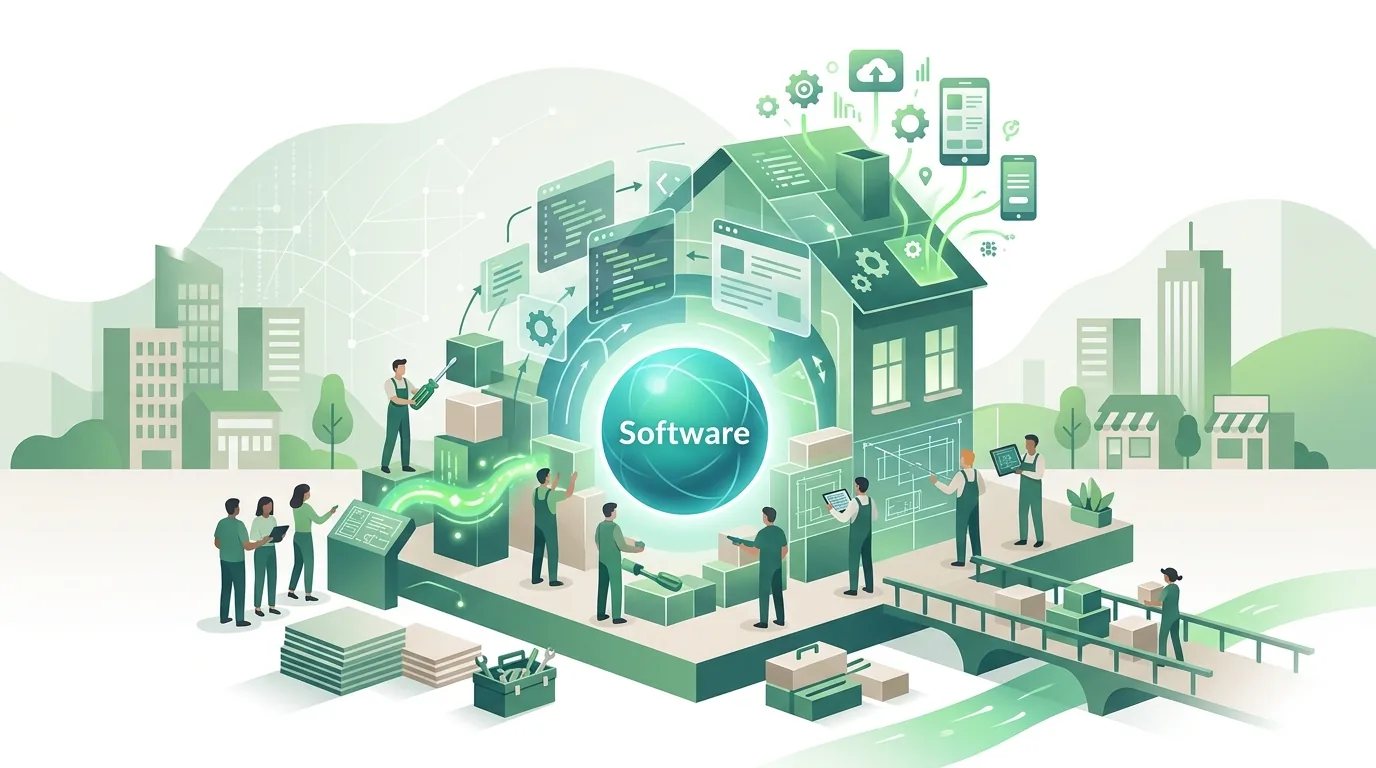
What drives software development cost?
Software development cost doesn't grow with the number of screens. It grows with the number of rules, exceptions and connections. A simple form is quick to build. It gets expensive once the form needs different required fields for each customer, triggers an approval by a manager and has to pass the result to accounting. These are the drivers that decide the effort:
- Feature scope and edge cases: Every exception in the workflow (partial delivery, cancellation, credit note) needs its own logic and its own tests.
- Roles and permissions: If field sales, inside sales and management see different data, every query has to check who is asking. If that check is missing, you have a security hole, not a cosmetic flaw.
- Integrations: If the other system has a documented API, connecting to it is predictable. If there's only a CSV export or no access at all, the effort goes up, and so does the risk.
- Data: Legacy records with duplicates, inconsistent spellings or the wrong character encoding have to be cleaned up before migration.
- Platforms: Web app, iOS and Android are three separate target environments. Every additional platform brings its own tests and its own update cycles.
- Non-functional requirements: Offline capability, multiple languages, change logging or accessibility affect almost every feature.
How an API is built technically and where it trips you up day to day, for example with expired tokens, is covered in a separate article. For data migration, the effort depends on the condition of the legacy data, not its volume.
How much extra do AI features add to software cost?
AI features are a cost item of their own. Language models are usually billed by usage, so running costs grow with every request, not with the number of users. A feature that generates a summary on every page view uses more than one that only runs when someone clicks a button. On top of that come obligations under the EU AI Act. They take time, so they belong in the budget from the start:
- Transparency for generated content: Transparency obligations already apply to AI systems that generate text, images, audio or video. For systems that were already on the market before, a short transition period for labeling is running. If you run existing software with text generation, plan the review now.
- AI literacy of staff: Providers and deployers of AI systems have to take measures to support the AI literacy of the people who work with the system. They don't have to guarantee a specific level of literacy. Training time is still a line item in the budget.
- High-risk systems: Stricter rules will apply later to systems in certain areas, phased in by type of system. That means documentation and review work that goes well beyond labeling.
Whether any of these obligations apply to a specific system, and which ones, is a legal question, not a technical one. For the cost estimate, it's enough to start with two questions: does the software generate content, and in what area will it be used?
What costs come after launch?
Going live doesn't mean the software is paid off. It needs ongoing funding, and these items are missing from many first budgets:
- Hosting and infrastructure: Server or cloud service, database, backups and monitoring. The cost depends on load and data volume.
- Security updates: Frameworks and libraries get patches all the time. If you skip them for years, you'll have to catch up on several version jumps at once later.
- Platform maintenance for apps: New iOS and Android versions require changes, and the app stores have their own developer accounts and fees.
- Licenses and third-party services: Email delivery, mapping services, payment providers or AI models are usually billed monthly or by usage.
- Support and further development: User questions, small changes and new requirements that come up in day-to-day operation.
So don't just ask about the development effort. Ask about the running costs over several years as well. A quote that leaves this part out isn't cheaper, it's just incomplete. For apps, our article on app development cost lists the app store items one by one.

Fixed price or time and materials: which pricing model fits?
How you're billed doesn't change the effort. It changes who carries the risk when the effort turns out different from the estimate. With a fixed price, the vendor builds in a buffer, and every change to the agreed scope becomes a change order. With time and materials, you pay for the actual time and can change course, but you carry the volume risk yourself.
| Criterion | Fixed price | Time and materials | Fixed price per phase |
|---|---|---|---|
| Prerequisite | Complete written specification before work starts | Prioritized list of requirements, regular check-ins | Clearly scoped first phase, such as an MVP |
| Who carries the volume risk | The vendor, through a buffer in the price | The client | The vendor per phase, renegotiated afterward |
| Changes during the project | Only through a change order | Any time, at the cost of extra hours | Between phases without a change order |
| Fits when | Scope is small and stable | Requirements only become clear during the build | You want to test a core first before expanding |
| Typical mistake | Gaps in the specification lead to disputes at acceptance | No budget cap, no interim reviews | First phase scoped too large |
Under German law there's also the question of a contract for work (Werkvertrag) versus a service contract (Dienstvertrag). Under a contract for work, the vendor owes a result that gets formally accepted; under a service contract, the vendor owes the work itself. Which type of contract you have depends on what the contract actually says, not on its title.
Off-the-shelf software, low-code or custom development: what costs what?
Before you budget for custom development, it's worth comparing the alternatives. All three routes can be judged by the same criteria: upfront cost, running cost, flexibility and dependency.
| Criterion | Off-the-shelf software (SaaS) | Low-code platform | Custom development |
|---|---|---|---|
| Upfront cost | Setup and data migration | Building the application on the platform | Concept, development, testing, data migration |
| Running cost | License, usually per user per month | Platform license, often per user | Hosting, updates, maintenance |
| Flexibility | Only within the vendor's settings and extensions | High within the platform's building blocks | Open, within budget and technical limits |
| Dependency | On the vendor, its pricing and its roadmap | The application only runs on the vendor's runtime | On the development partner, if source code and documentation aren't handed over |
| Hits its limits when | Your own workflow differs from the standard | Offline use, many users or complex logic are needed | The workflow is standard and an existing product covers it |
If an off-the-shelf product covers most of the workflow, custom development is usually the wrong choice. You'd be paying for something that already exists. The detailed trade-off is in our article Custom software or SaaS, and the limits of platform solutions are covered in Low code: when it's enough.
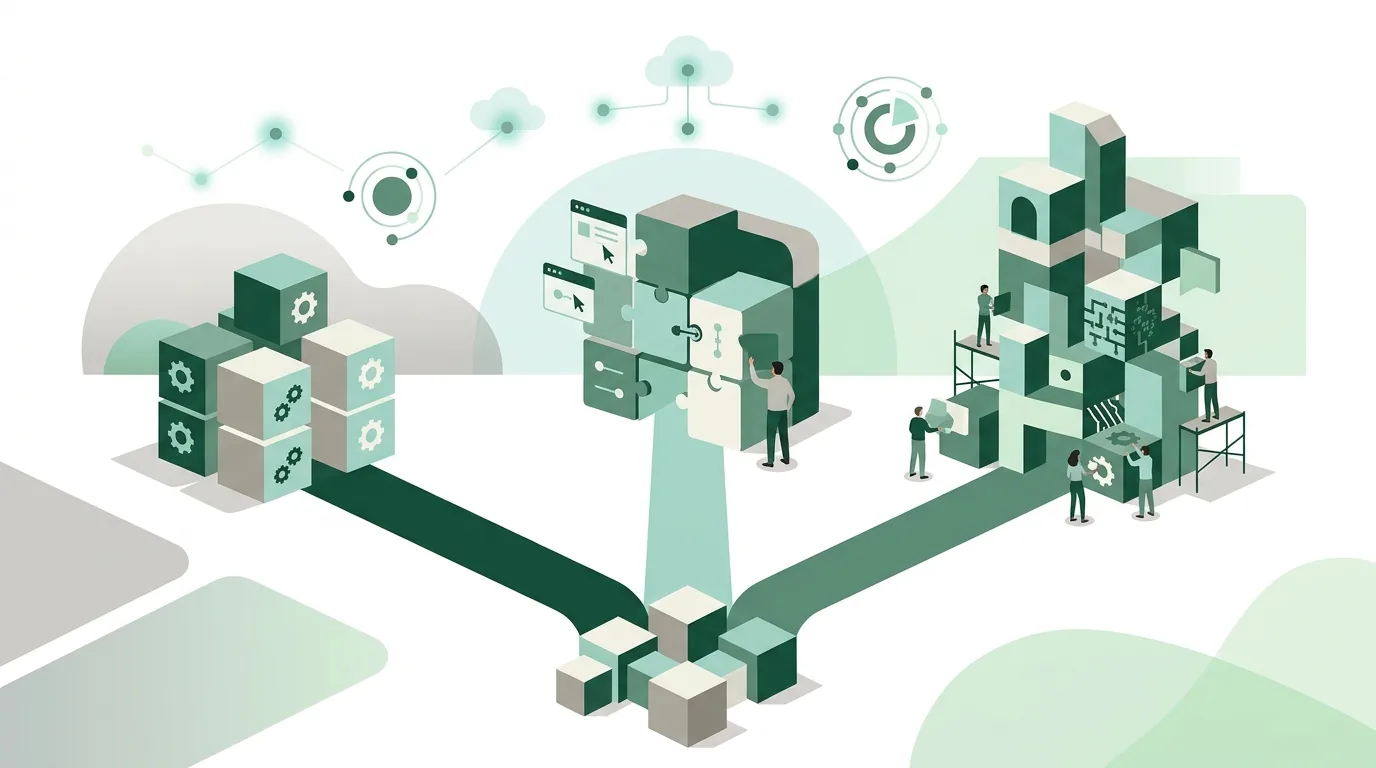
How do you get a reliable software cost estimate?
A number you can rely on comes together in steps. Each step reduces the uncertainty:
- Describe the workflow: Who does what today, with which tool, and where are paper or Excel involved? Without this current state, you're estimating in the dark.
- Write the requirements as a list: one feature per entry from the user's point of view, such as "Field sales enters an order offline."
- Prioritize: must have, should have, nice to have. Everything except must-haves comes out of the first version.
- Check integrations and data: Is there a documented API? What condition is the legacy data in? This is where the biggest unknowns sit.
- Estimate each feature with a range: An estimate with a lower and upper bound shows where the uncertainty is. A single number hides it.
- Add operations: Hosting, updates, support and third-party licenses over several years.
If too much is still open after checking integrations and data, a small MVP or proof of concept costs less than a big estimate with a big buffer. How to scope it is covered in our article MVP development: cost and timeline.
Where do software costs get out of hand?
Budgets are rarely blown because of bad programming. Usually it comes down to decisions made too late:
- Requirements are added after the build starts: Every new rule can change parts that were already built and tested.
- The business team isn't available: Questions go unanswered, developers guess, and things get rebuilt later.
- The API behaves differently from its documentation: Fields are missing, rate limits slow things down, test access arrives late.
- Legacy data isn't looked at until go-live: Duplicates and broken special characters then show up under time pressure.
- No acceptance criteria: Without written criteria, "done" is a matter of opinion, and rework turns into a dispute.
- Source code and access stay with the vendor: Switching then means a new team has to get up to speed, which a clean handover would have avoided.
Software development in the Westerwald: local agency or nationwide?
If you're looking for a software development agency in the Westerwald region, you usually want short trips for on-site workshops and acceptance meetings. Location doesn't change the cost drivers: scope, integrations, data and operations decide the effort the same way everywhere. Being close saves travel and makes it easier to map the current workflow right there in your business. The rest of the work runs over video calls and shared work-in-progress anyway.
DigifyNow is based in Unnau in the Westerwald and focuses on the Westerwald, Koblenz and Siegerland, but also works anywhere in Germany. DigifyNow builds custom apps, web apps and software for small and mid-sized businesses. Projects usually start with an MVP, which by our project planning takes four to eight weeks depending on scope, and is then expanded into a production system. One example from our projects is the custom back office with CRM for Mundo Marketing. A fixed price or date for a specific project only comes out of the requirements list and the integration check. For an overview, see Software and web app development in the Westerwald and the services of DigifyNow.
When outside help pays off
Outside help pays off when your workflow differs from common off-the-shelf software, when several systems need to be connected, or when legacy data in poor condition has to be migrated. If an existing product does the job, that's usually the better route, and any honest advisor should tell you so. Prepare a short description of your current workflow, a list of the systems involved and their export options, and a first prioritization of features. With these documents you can request a free, no-obligation assessment of your project. It looks at which route fits and which points are still open for the estimate.

Frequently asked questions
Why do quotes for the same software vary so much?
Usually the vendors didn't understand the same thing. One prices only the core workflow, another includes permissions, integrations, data migration and testing, and a third adds a risk buffer for a fixed price. You can only compare quotes once they're all based on the same requirements list and show the effort for each phase separately.
Is a fixed price safer for software development?
A fixed price shifts the volume risk to the vendor, but only for the scope agreed in writing. Anything missing from the specification becomes a change order. That's why a fixed price is only safe when the scope is small and stable. With open requirements, a fixed price per phase, for example for an MVP, is usually the more honest choice.
How much does maintaining custom software cost?
There's no fixed percentage. Maintenance cost depends on the number of libraries and third-party services, the number of platforms (web, iOS, Android) and how often connected systems change. For apps, add changes for new operating system versions and the app store fees.
Who owns the source code after development?
The contract decides that, not payment alone. Put in writing that you receive the source code, documentation and all access to hosting, the repository and third-party services. Without that handover, every later change depends on the original vendor, and switching means extra time for a new team to get up to speed.