Low Code: When It's Enough and When It Isn't
· DigifyNow
With low code, you build an application from prebuilt components. You click together the data model, forms and workflows, and add scripts only for special cases. The result is usually not source code you own. It's a configuration that only runs on the vendor's platform. That works well for internal form, approval and list apps. If you need customer access, offline use, complex logic or a large number of users, check whether custom development makes more sense.
What is low code, and how does it work under the hood?
Low code refers to platforms where you build applications mostly in a visual interface. You set up a data model, drag and drop forms together and map workflows as flowcharts. Under the hood, this usually doesn't produce standalone source code. The platform stores a configuration instead: metadata that its own runtime environment interprets when the app runs. That's why the app only runs where that runtime runs, which is usually the vendor's cloud. The "low" in the name covers the places where you still write code: formulas, scripts in JavaScript or a vendor-specific language, and calls to external REST APIs.
In practice, this means the first screens and approval steps are often in place within a few days. Costs climb as soon as a requirement no longer fits the platform's building blocks. From then on you're working against the tool, not with it. We see this exact situation in first conversations at DigifyNow. A low-code app worked fine internally until customers needed access, field technicians had to work offline, or a second company with its own permissions had to be added.
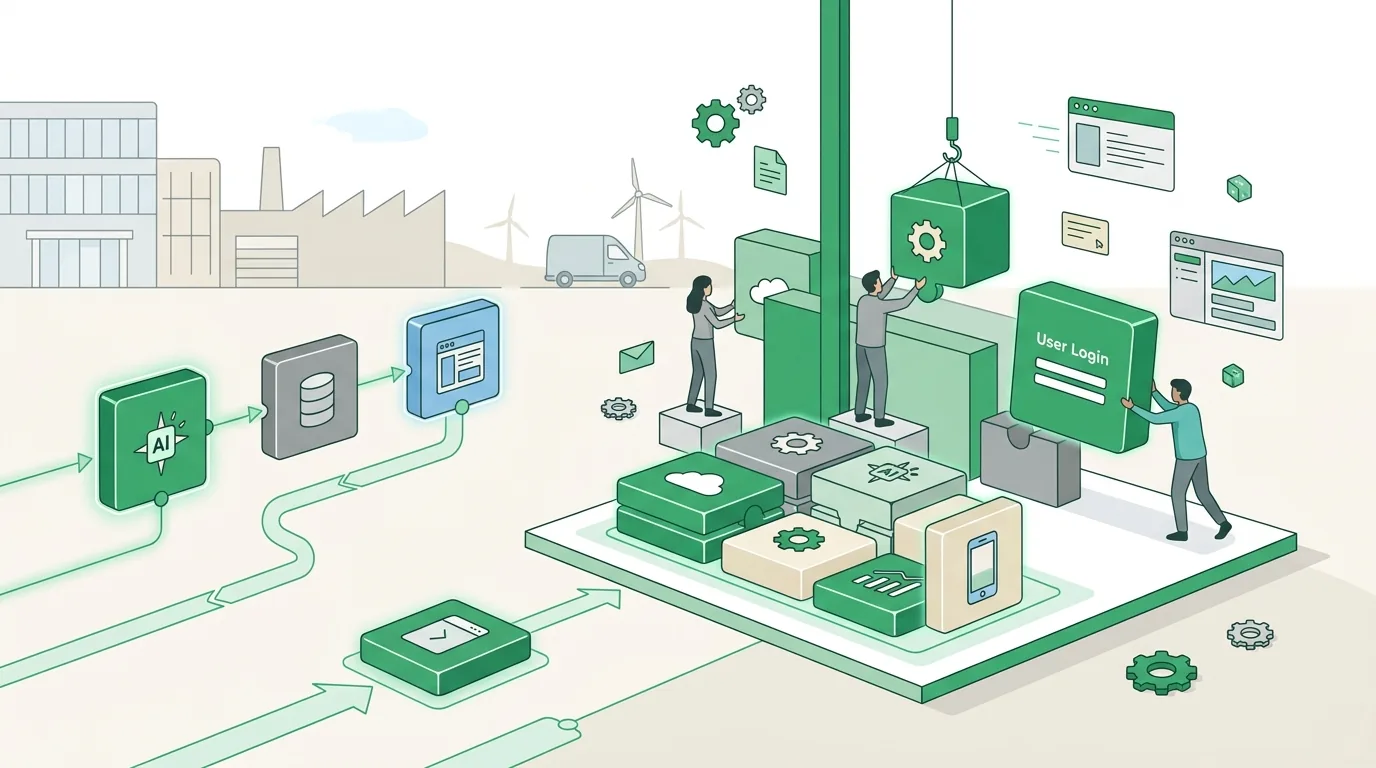
No-code vs. low-code: what's the actual difference?
The two terms often get lumped together, but they describe two different levels. No-code is built for business users who don't know how to program. If the builder doesn't offer something, you simply can't do it. Low code is built for technically skilled users or developers and lets you add your own logic through scripts and APIs. Both are clearly different from custom development, which produces real source code that you can run on any server you like.
| Feature | No-code | Low code | Custom development |
|---|---|---|---|
| Who builds it | Business team | Business team with IT, or developers | Development team |
| Custom logic | Only through prebuilt components | Components plus scripts and API calls | Fully programmable |
| Output | Configuration on the platform | Configuration plus code snippets | Standalone source code |
| Hosting | Vendor only | Mostly with the vendor, sometimes on your own servers | Your choice: own server, cloud, app stores |
| Switching vendors | Data can be exported, app logic can't | Data can be exported, app logic usually can't | You take the code and the data with you |
The most important point is in the last row. You can almost always get your data out as CSV or JSON. The workflows, screens and rules you built usually stay behind.
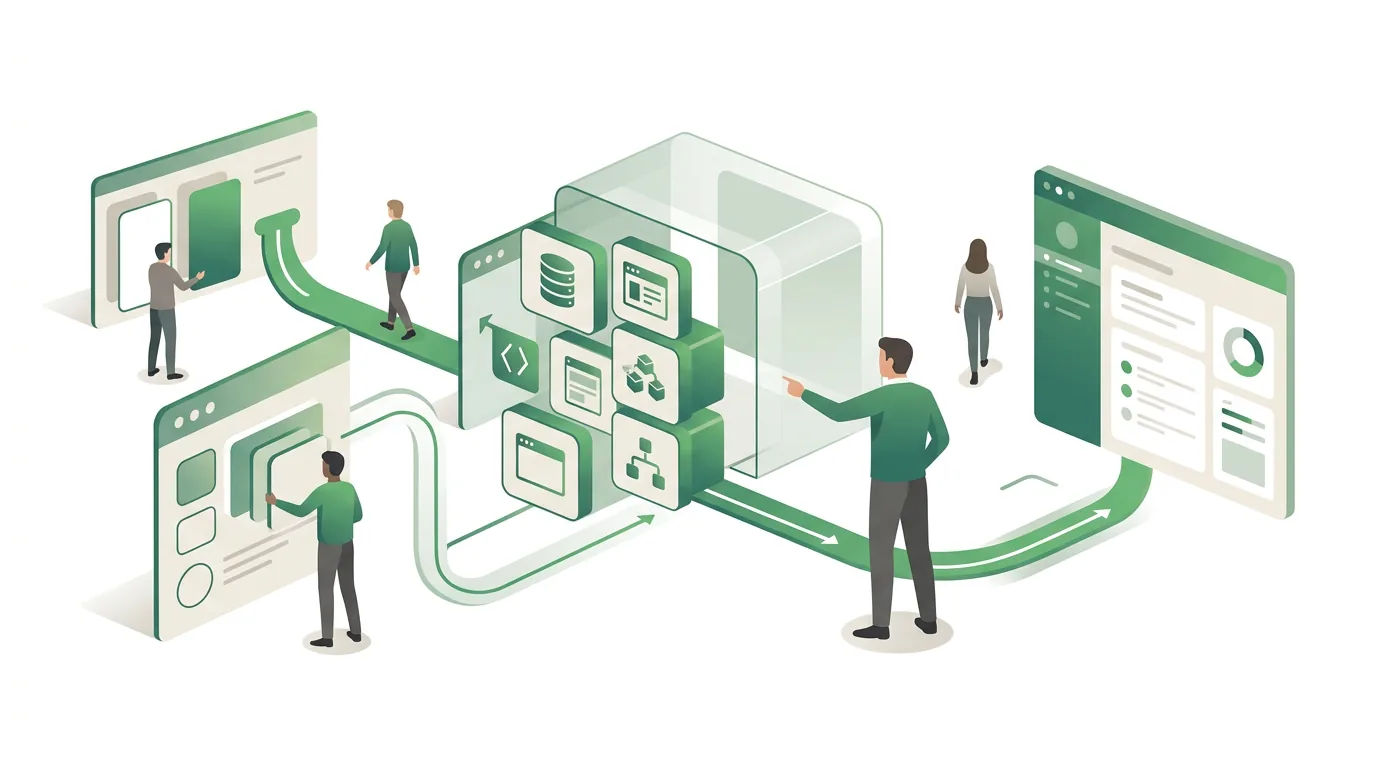
What can a low-code tool do, and where does it hit its limits?
A low-code tool almost always ships with the same basic components: tables or a relational data model, a form and list designer, a workflow editor for approvals and notifications, a roles-and-permissions model, and connectors to common systems like email, calendars or accounting. That's often enough for a PTO request form, a shop-floor inspection checklist or an overview of maintenance contracts. Things get difficult at these points:
- Per-user licensing: If external customers or a lot of seasonal workers need access, the license count grows with them. The math that worked for a small inside-sales team no longer adds up.
- Platform limits: Depending on the license tier, there are caps on records, API calls per day or workflow run time. Processes that sync thousands of records overnight run into those caps.
- Offline use: Many platforms need a constant connection. Field technicians in a dead zone can't save anything.
- Complex logic: Pricing rules with lots of exceptions turn into flowcharts nobody understands after a while, because there's no version control and no automated testing in the usual sense.
- Vendor UI updates: If the vendor changes components or retires connectors, you have to adapt on their schedule, not yours.
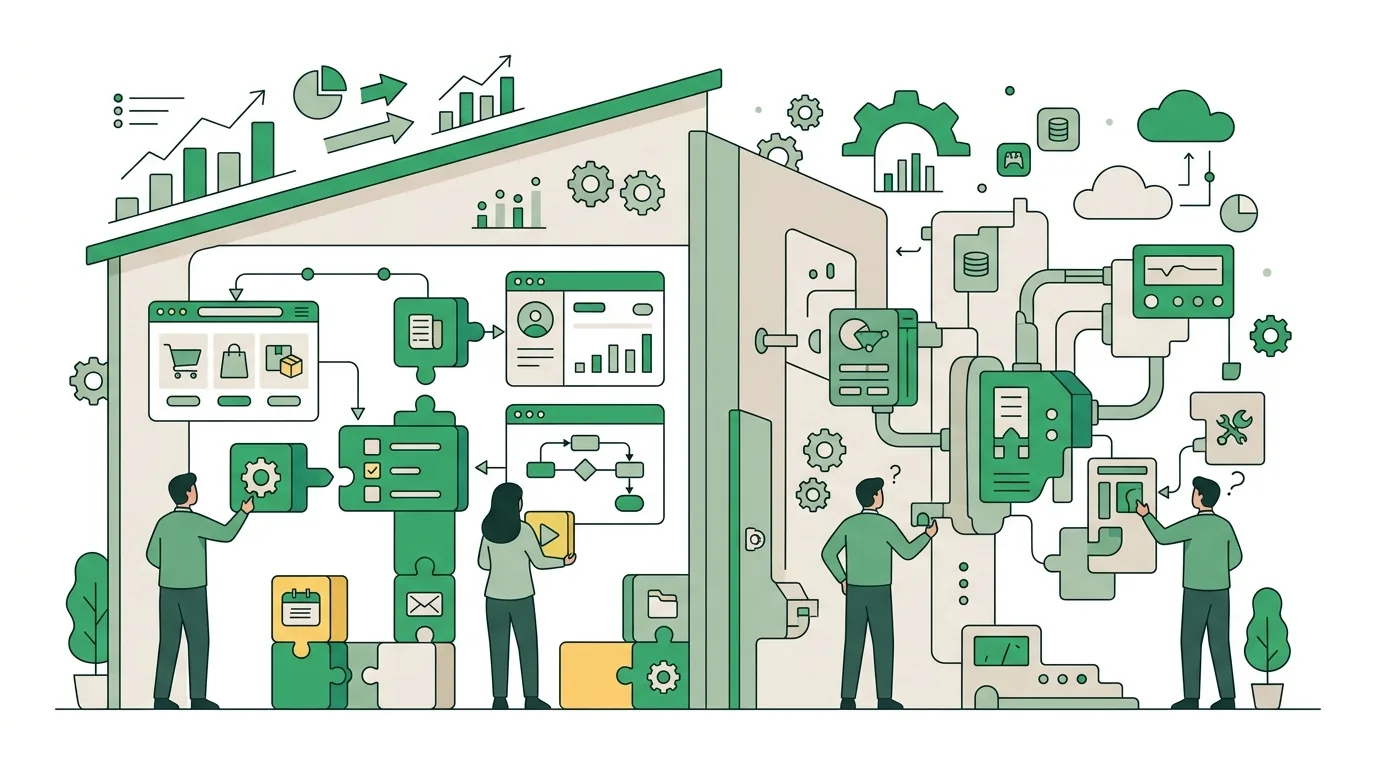
Which low-code tools are out there, and which one fits a small business?
Low-code tools fall roughly into four groups: platforms tied to an office or groupware suite; integration and workflow tools that mainly connect systems to each other; database front ends for internal table-based apps; and large enterprise platforms for corporate IT departments with their own developers. Which group fits depends less on the feature list than on four questions: Who uses the app, where is the data stored, who maintains it a few years from now, and how do you get out again?
If a tool processes personal data, you'll usually need a data processing agreement with the vendor under the GDPR. If the vendor is based outside the EU, the rules on transfers to third countries also apply. Whether your use meets these requirements depends on how you run the tool, though, and no vendor can promise that for you. In cases like this, DigifyNow doesn't recommend a specific product off a list. We look at your process and tell you honestly whether a builder you may already have through your office license can handle the job, or whether your requirements will clearly outgrow it and a dedicated web app is the more stable foundation. This assessment is free and comes with no obligation.
What applies when a low-code tool includes AI features?
Many low-code platforms now offer AI components, such as an assistant that generates forms from a description, or a workflow step that summarizes text or drafts replies. As soon as you use components like these in your operations, you're a deployer of an AI system under the EU AI Act. Under the currently applicable, amended version of the regulation, that means:
- AI literacy: Providers and deployers take measures to support the AI literacy of their staff and of other people who work with the system on their behalf. They don't have to guarantee a specific level of literacy for every person.
- Transparency: The transparency obligations for systems that generate synthetic audio, image, video or text content already apply. For systems that were already on the market before then, the regulation gives providers a short transition period.
- High-risk rules: These kick in later and in stages, depending on which group of high-risk systems an application belongs to. A typical form or approval tool usually doesn't fall under them, but a system used for screening job applicants, for example, can.
In practice, this means you should document which workflows in your low-code app use AI components, who operates them and who reviews the results. Whether your specific use meets the requirements depends on how you run it and can't be promised across the board. If you want to train your staff to work with tools like these, DigifyNow offers AI coaching for teams.
When is low code not worth it, and what's the alternative?
Low code is the wrong choice if the application itself is your product or what sets you apart from competitors. The same applies if customers need to find it in the App Store, if it has to work offline, or if your business logic has lots of exceptions. If you expect your user count to grow, per-seat licensing often costs more than expected, too. Then there's the lock-in. Even if you can export all your data when you switch vendors, nobody hands you the rebuilt app logic. You build the forms, workflows and rules all over again on the new platform.
The alternative is lean custom software. DigifyNow first builds an MVP that contains only the core features, then expands it in short iterations. We keep the MVP deliberately small so it can be tested in day-to-day work after a few weeks. How long it takes in a given case depends on scope, integrations and the state of your data, and is only set after we've assessed the project. One example is the back office with CRM we built for Mundo Marketing. We ran the numbers on when this is more cost-effective than an off-the-shelf tool in our comparison of custom software vs. SaaS. AI coding assistants shift the line further. They speed up routine work but don't replace code review. What AI software development actually delivers, and where it falls short, is covered in a separate article.
Frequently asked questions
Is low code cheaper than custom development?
Usually at first, yes, because screens and workflows come together faster. Over time, though, you pay license fees, often per user per month. With many users, external customers or growing logic, that can flip. So calculate over the full planned lifespan of the app with realistic user numbers, not just up to the first prototype.
Can I move a low-code app to another vendor later?
You can usually export your data as CSV or JSON. Forms, workflows and rules, on the other hand, are stored in the vendor's proprietary format and have to be rebuilt when you switch. So before you start, check which export options the platform documents, and write down which logic sits in which workflow.
Do you still need developers for low code?
For simple form and approval apps, often not. Once you need APIs connected via REST and OAuth, permissions split across multiple companies, or data synced overnight, yes. Then someone has to write scripts, test them and keep them current through platform updates. Without someone in that role, the app becomes a risk as soon as the person who built it leaves.