MCP Server: How It Works, Examples, Costs
· DigifyNow
An MCP server is a program that gives an AI application like Claude access to functions (tools), data (resources) and templates (prompts) from an external system. The host, such as Claude Desktop or Visual Studio Code, creates a separate client for each server. The two exchange JSON-RPC messages: locally over stdio, remotely over Streamable HTTP with OAuth. For small businesses it mostly pays off when the vendor already offers a server. Give the server only the permissions it actually needs.
What is an MCP server and how does it work?
An MCP server is a program that lets an AI application access an external system, such as a CRM, a file folder, a database or an ad account. MCP stands for Model Context Protocol. It's an open-source standard introduced by Anthropic. The official introduction to the Model Context Protocol compares it to a USB-C port: one connector for many devices. Anthropic has since handed the protocol over to the Agentic AI Foundation under the umbrella of the Linux Foundation, so it no longer belongs to any single vendor.
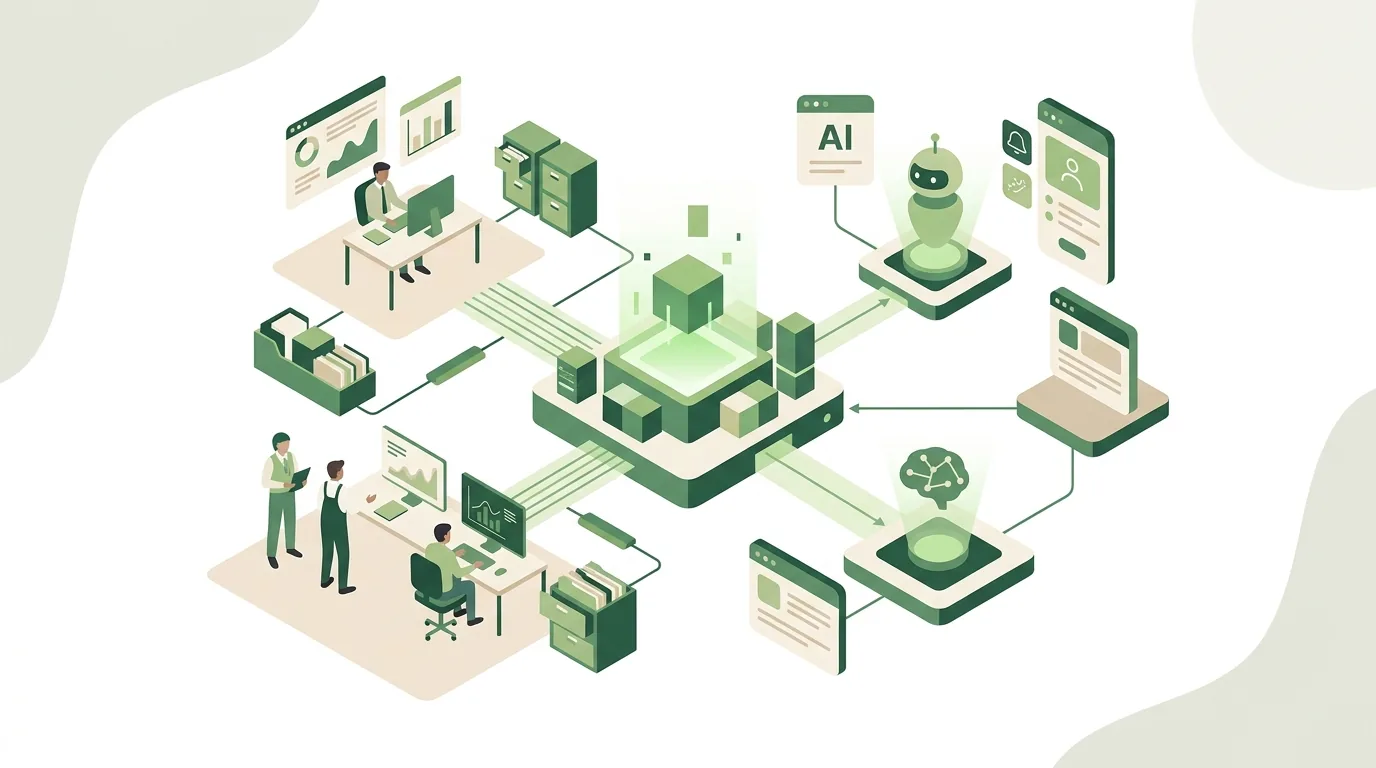
Three roles work together. The host is the application you work in, such as Claude Desktop, Claude Code or Visual Studio Code. For every server you connect, the host creates its own MCP client. The server delivers what the AI needs. According to the MCP specification (modelcontextprotocol.io), every message between client and server follows the JSON-RPC format. If the server runs on the same machine, the two communicate over stdio, meaning standard input and output, with each message on its own line. A remote server is reached by the client over Streamable HTTP. In a newer version of the spec, this transport replaced the earlier combination of HTTP and Server-Sent Events. For authentication, the spec describes a flow based on OAuth. The MCP architecture documentation covers this in more detail.
| Building block | What it is | Example |
|---|---|---|
| Tools | Executable functions the model can call | Look up a contact, add a note |
| Resources | Data made available as context | Customer list, project document |
| Prompts | Templates for recurring tasks | Call prep, weekly report |
How do I use MCP servers with Claude?
According to the official documentation, Claude is one of the clients that support MCP, along with ChatGPT, Visual Studio Code and Cursor. How you connect an MCP server depends on the product. In Claude Desktop and the web app, you add remote servers as a connector. In Claude Code, you set up servers from the command line. Exactly which options you have can vary by plan, account type and the permissions your organization has enabled.
Once the server is connected, Claude sees the tools it offers, each with a name and description. Under the hood, the client queries the tools/list method for this, and a call goes through tools/call, as laid out in the MCP specification. For every question, the model decides whether it needs a tool and which one. It sends the required parameters to the server, which carries out the action and returns the result. Whether Claude asks for your confirmation before a call is something you set in the client. For tools that create, change or delete anything, keep that confirmation turned on.
For a step-by-step walkthrough of a real setup, see our article on Meta Ads MCP setup in Claude and ChatGPT. Here we're only covering the principle: Claude is the host, and the server is interchangeable. The same server generally works in any other MCP-capable client too. So setting up a server doesn't lock you into one AI vendor.
What does a real-world MCP server example look like?
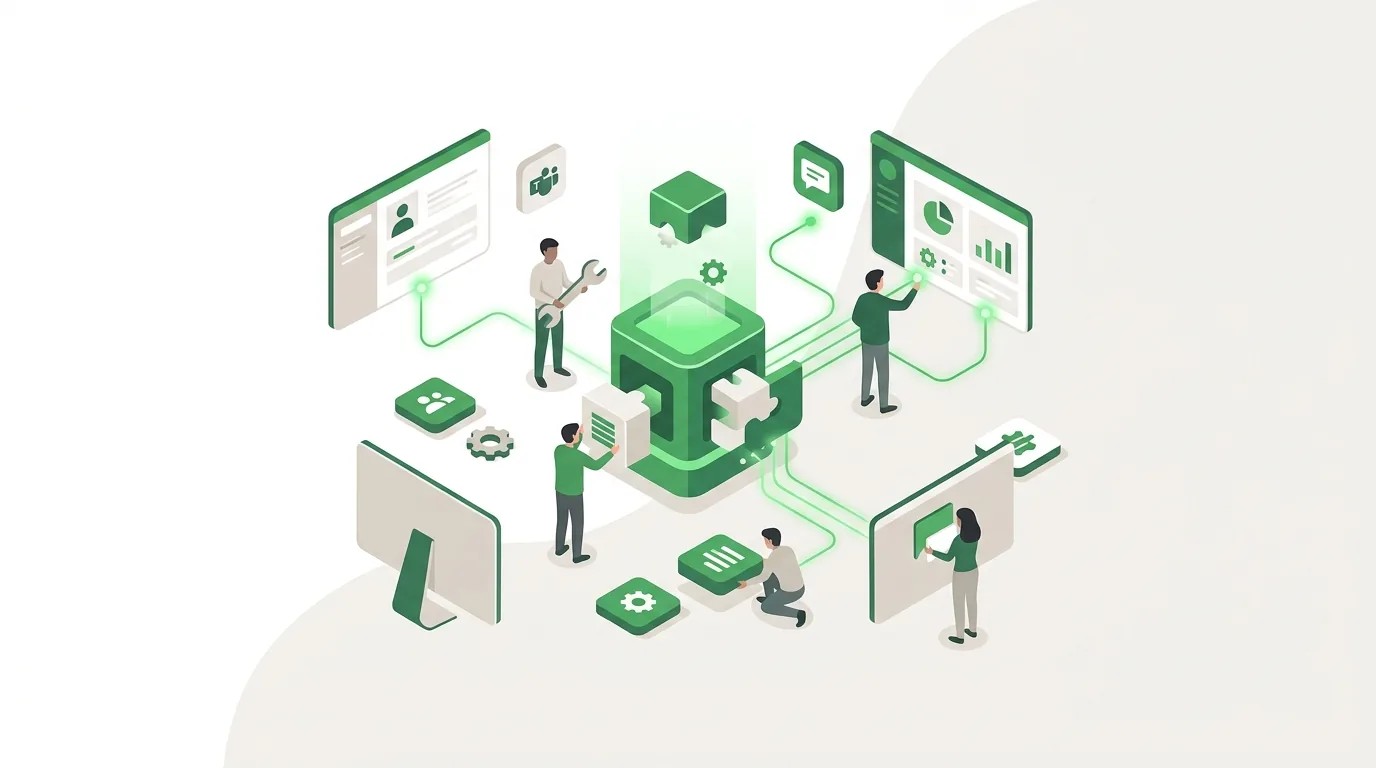
Behind an MCP server there's often an API. MCP makes that API usable for AI clients in a uniform way. Take a hypothetical example: a trades business keeps its customers in a CRM that already has an API. A server for that CRM could offer three tools: look up a contact (parameter: name or company), fetch a customer's open jobs, and attach a note to a job. Add a resource listing the stages of the sales pipeline and a prompt called call prep that bundles these queries. For what data a system like this holds at its core, see our post What is CRM.
Day to day, it looks like this: an employee asks Claude what's still open for the Miller account. The model first calls look up a contact, then fetch open jobs, and turns the JSON response into a readable overview. Each of these calls is a separate JSON-RPC message. If the CRM reports a missing login or too many requests, the server has to pass that back to the model as a clear error instead of returning an empty result. Otherwise the AI might answer that nothing is open for that customer. The CRM access key stays with the server, not in the chat history. The employee doesn't have to open the CRM or build a filter. She should still double-check the answer before taking it into a customer conversation. How requests, responses and status codes fit together in an API is covered in our article API: definition, example, practice.
Where do I find MCP servers, and how do I spot good ones?
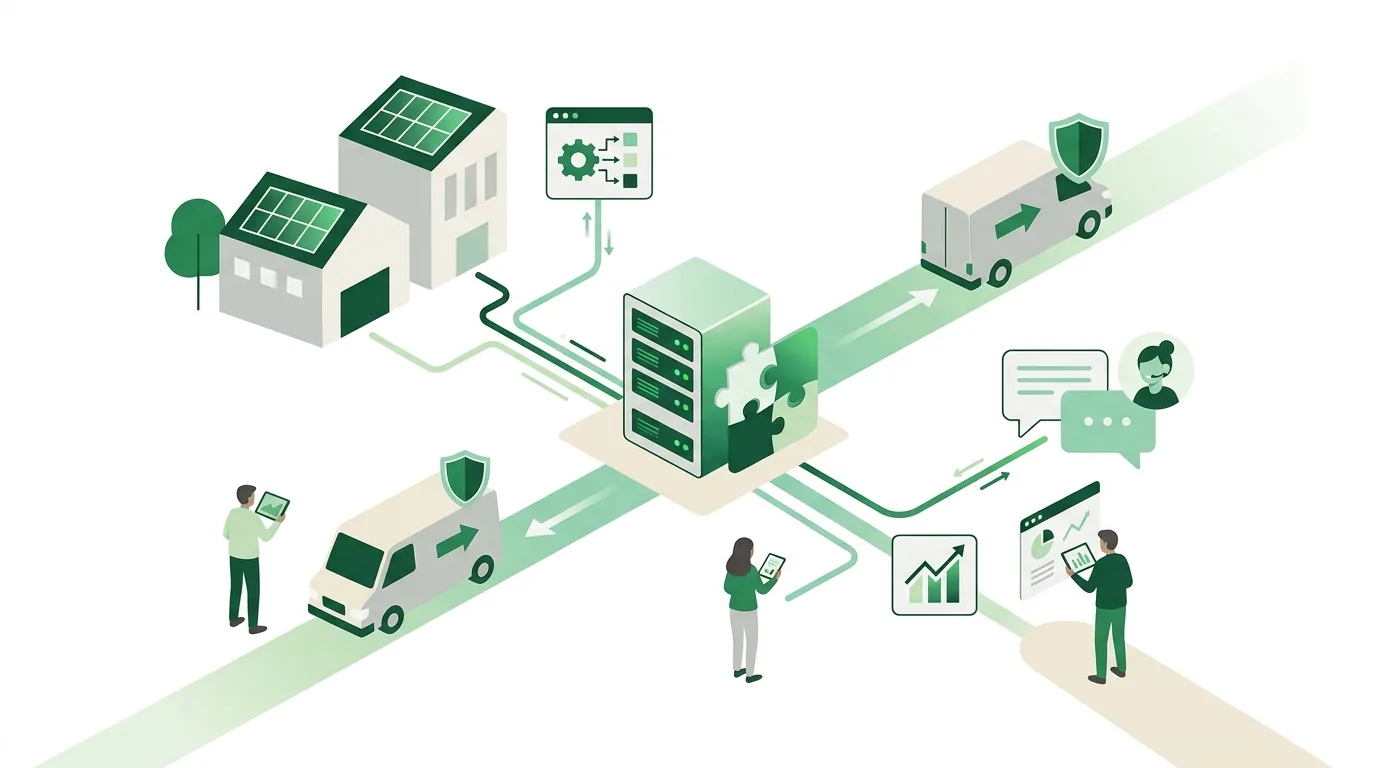
You'll usually find MCP servers in four places: from the vendor of the software in question, if it offers an official server; in the project's official MCP Registry; in community directories and code repositories; and in the connector listings of AI clients. One thing to keep in mind about directories: being listed there doesn't mean anyone has reviewed the server's code or behavior. Before you connect a server from one of these collections, check these five points:
- Publisher: Does the server come from the vendor of the target system, or from a personal project with no identifiable maintainer?
- Transport: A local server runs over stdio with your user permissions on your machine. With a remote server over Streamable HTTP, your data goes to whoever operates it.
- Authentication: Does the server use OAuth, or do you have to paste a long-lived key into a config file?
- Scope: Does the server only read, or does it also offer tools for changing and deleting?
- Maintenance: When was the server last updated, how many issues are open, and does it still match the target system's current API?
MCP server list: which servers are out there?
Nobody can maintain a complete MCP server list, because new servers keep appearing all the time. A good starting point is the modelcontextprotocol/servers repository on GitHub. It contains reference servers from the MCP project which, according to the README, are mainly meant to show how the protocol works, not to serve as production-ready solutions. On top of that, more and more software vendors offer their own servers. The table shows typical examples of both kinds.
| Server | Publisher | What it provides | What to watch for |
|---|---|---|---|
| Filesystem | MCP project (reference server) | Reading and writing files in shared folders | Only share the folders that are truly needed |
| Git | MCP project (reference server) | Reading and editing local Git repositories | Allow write commands only with confirmation |
| Fetch | MCP project (reference server) | Fetching web pages and converting them to readable text | Pulls outside text into the conversation, prompt injection risk |
| Memory | MCP project (reference server) | Persistent knowledge store as a graph of entries and relationships | Review stored content regularly |
| Time | MCP project (reference server) | Current time and time zone conversion | Low risk, good for trying things out |
| GitHub MCP Server | GitHub | Access to repositories, issues and pull requests | Use a token with the fewest permissions possible |
| Meta Ads MCP | Meta | Reporting on and managing ad campaigns | Only activate new campaigns after approval |
How do I build my own MCP server?
Building your own MCP server makes sense when none exists for your system yet, for example for industry-specific software or a custom-built back office. The MCP project provides official SDKs for common programming languages, including TypeScript and Python. Here's the process we follow:
- Narrow down the job: Pin down three to five concrete questions the AI should answer, and derive the tools from them.
- Check the API: Does the target system have an API, and what permissions does the technical access allow? Without an API, the server turns into a patchwork job.
- Describe the tools: Each tool gets a name, a description and parameters, which the MCP specification defines as JSON Schema. The model reads this description. If it's vague, the model will call tools incorrectly.
- Pick the transport: stdio if only one person uses the server on their own machine. Streamable HTTP with OAuth if several employees access the same server.
- Test with real questions: Run through edge cases too, such as empty results, expired credentials, or API errors due to missing permissions or too many requests.
- Plan for operations: Log calls and update the server whenever the target system's API changes.
A local, read-only server is a manageable project. A remote server with authentication, multiple users and write access, on the other hand, is a full-fledged software project that also has to be run and maintained over the long term.
What does an MCP server cost, and is it worth it for small businesses?
The protocol is open source, so you pay no license fees for the standard itself. The costs of an MCP server come from elsewhere: the AI client subscription, possibly API fees for the target system, hosting for remote servers, development if you need a custom server, and ongoing maintenance. We deliberately don't quote fixed amounts. The effort depends mainly on whether a ready-made server already exists or one has to be built.
For a business with a handful of employees and no in-house IT, the math is usually straightforward. If the vendor of your CRM or ad account offers an official server, the effort comes down to setup, assigning permissions and a short walkthrough for the team. If there isn't one, it becomes a development project. That's worth it when the same question comes up every week and answering it today means opening three different programs. For a one-off report it isn't worth it; an export will do. If you're unsure, test the idea in a short proof of concept with a read-only server. At DigifyNow, our ongoing technical support can take care of updates, credentials and permissions if nobody on your team has the time.
What goes wrong with MCP servers, and where are the limits?
We see the same mistakes in project after project, and almost every one has a clear cause:
- Too many permissions: The server gets the admin key because it's quicker. Then the AI can do everything that key can do. A separate account with read-only access is the better choice.
- Prompt injection: A server that fetches web pages, emails or outside documents brings someone else's text into the conversation, and the model may follow instructions hidden in it. Servers like that shouldn't run in the same session as servers with write access.
- Too many servers at once: Every tool description ends up in the model's context, and tools with similar names get mixed up.
- Keys in plain text: Credentials sit in config files that get synced to other devices via a cloud folder.
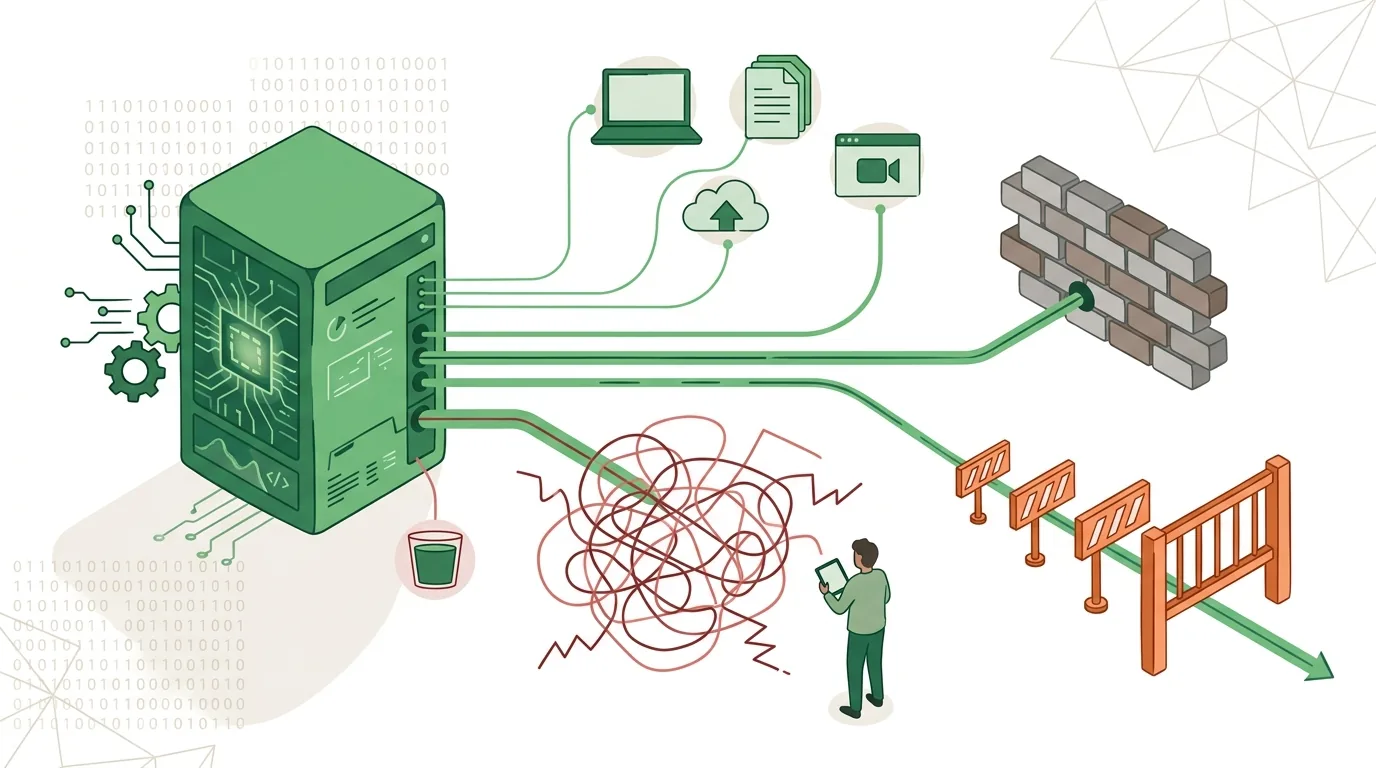
- Broken protocol messages: A local server writes log output to standard output instead of standard error. The client then receives text that isn't valid JSON-RPC, and the connection drops. JSON-RPC defines its own error objects with a code and message for cases like this, for example for unparseable JSON or invalid parameters.
- No one in charge: The target system changes its API, and the server returns errors or, without anyone noticing, wrong data.
MCP connects systems, but its results are only as reliable as the model and the data behind it. For processes that should run the same way every night without a human involved, it's the wrong choice. For those, classic automation via APIs and webhooks is more predictable. Customer, payment and HR data deserve special protection. Whether processing that data through a server is permissible depends on how you set up your business, not on the protocol.
If you have employees working with AI clients and MCP servers, you're deploying AI systems as defined by the EU AI Act. In its current, amended version, the Act's AI literacy provision requires deployers to take measures that support the development of their staff's AI literacy. It doesn't require them to guarantee any particular level of competence. In practice, that means explaining to your team what a server is allowed to do, when a confirmation is required and why answers get double-checked. If you'd like a structured onboarding for that, you'll find it in our AI coaching for employees.
Frequently asked questions
MCP server vs. API: what's the difference?
An API is the interface of a single system, each with its own endpoints and its own format. An MCP server often sits on top of such an API and translates it into tools, resources and prompts following one uniform standard. That way, any MCP-capable client can use the system over JSON-RPC without someone having to build a separate integration for every AI application.
Does MCP only work with Claude?
No. Anthropic developed MCP but handed the protocol over to the Agentic AI Foundation under the Linux Foundation. According to the official documentation, besides Claude the protocol is supported by ChatGPT, Visual Studio Code and Cursor, among others. So a server can generally be used with several clients without being rebuilt for each one.
Does an MCP server run locally or in the cloud?
Both are possible. A local server runs on the same machine as the client and communicates over stdio. It operates with the permissions of the logged-in user. A remote server runs on its own server or with the provider and is reached over Streamable HTTP. For authentication, the MCP specification describes a flow based on OAuth. If several employees need to use the same server, you'll usually need the remote option.
Do you need coding skills to use MCP servers?
Usually not for a ready-made server with a connector in a client like Claude. In that case, setting it up in the client and logging in to the target system is enough. Building your own server, on the other hand, is software development: defining tools with parameters as JSON Schema, connecting the API, handling error cases like missing permissions or too many requests, and maintaining the server afterward.