Create an Online Store: Options, Costs, Pitfalls
· DigifyNow
There are four ways to create an online store: a website builder, a hosted ecommerce platform, self-hosted open-source software or a custom build. What matters is who handles servers, updates and security, and how products, payments, shipping and inventory work together. Most of the work goes into product data, payment provider approval, shipping rules and legal pages, not design. Hiring help pays off when you need integrations or a data migration. For a small catalog, a site builder is often enough.
What are the ways to create an online store?
If you want to create an online store today, your first decision is the operating model, not the design. The operating model determines who runs the server, who installs security updates and how far you can adapt processes to the way your business works. The table compares the four common options using the same criteria. For a closer look at individual platforms, see our ecommerce platform comparison by criteria and limits and our article on WooCommerce vs Shopify for small businesses.
| Option | Examples | Who handles servers and updates | Good fit for | Where it stops |
|---|---|---|---|---|
| Website builder with store features | Wix, Jimdo, store offerings from Strato and IONOS | The provider | Small catalog, few variants, store as an add-on to the website | Customization is limited to the builder's options. Integrations with inventory management are often limited, and moving away means exporting and rebuilding |
| Hosted ecommerce platform (SaaS) | Shopify | The provider | Store as the main sales channel, growing catalog, extensions through an app marketplace | You are tied to the platform's data model and fee structure. Custom logic runs through apps or your own development |
| Open source, self-hosted | WooCommerce (on WordPress), Shopware | You or your service provider | A lot of control over code, data and hosting | Updates, backups, security and plugin compatibility remain your job |
| Custom build or headless frontend | Custom frontend on top of a commerce backend, custom order logic | Shared, depending on the setup | Special ordering workflows, product configurators, B2B pricing or deep integration with existing systems | Longer development time and ongoing maintenance of your own code |
For context: DigifyNow is an official Shopify Partner agency. The table compares operating models, not the prices or plans of individual providers. The only binding source for which features a given plan includes is that provider's own documentation.
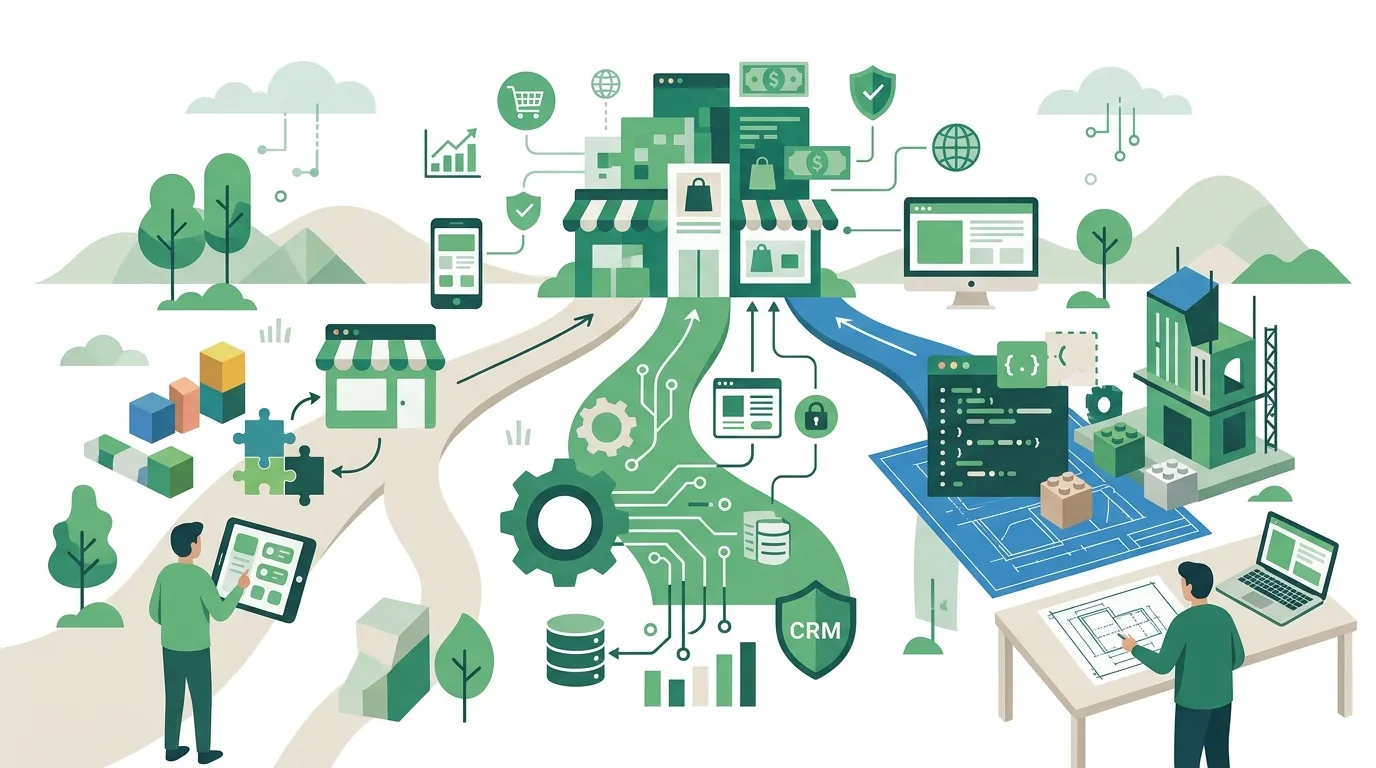
How to create your own online store without hiring anyone
If you want to build your own online store yourself, you go through the same steps no matter which platform you pick. Most delays happen at steps 1, 3 and 5, because that is where data or approvals from outside are missing.
- Prepare your product data: SKU, title, description, price, tax rate, variants (size, color), shipping weight and images in a consistent format. Ideally as a spreadsheet you can import.
- Choose the platform and domain: Make clear who owns the domain and the store account. Both should be registered to your company, not to a service provider.
- Set up your payment provider: Payment processors verify businesses before activating the account, for example through the commercial register, the managing director's ID and the bank account. This review takes lead time.
- Create shipping rules: shipping zones, rates by weight or order value, and rules for bulky items. Misconfigured zones show international customers no shipping costs or the wrong ones.
- Add legal pages and required information: legal notice (Impressum), privacy policy, terms and conditions, cancellation policy and a clearly labeled order button. Have the content reviewed by a lawyer, because a template inside the site builder does not replace that review.
- Check taxes: tax rates per product and, when selling to other EU countries, the VAT rules of the destination country. Clarify this with your tax advisor.
- Run test orders: every payment method, every shipping zone, one cancellation and one refund before the store goes public.
Doing it yourself works well as long as the store stands on its own. It hits its limits once inventory is supposed to come in automatically from an inventory management system or orders are supposed to flow into accounting: then you need an integration with field mapping and error handling, and that is development work, not a setting in a menu.
Can you create an online store for free?
Yes, but "free" almost always covers only part of it. With open-source software such as WooCommerce or the Community Edition of Shopware, you pay no license for the software itself. Hosting, domain, SSL certificate, paid themes and extensions, backups and the time spent on updates still add up. With site builders, free starter tiers are usually limited to a subdomain of the provider, a provider branding notice or a reduced feature set. What exactly that means is spelled out in each provider's plan terms. No option is free of transaction costs: payment providers charge fees per payment. Stripe's documentation, for example, shows how this works. A free start is fine for a test or a very small catalog. For a store meant to sell long term, factor in the ongoing costs from day one.
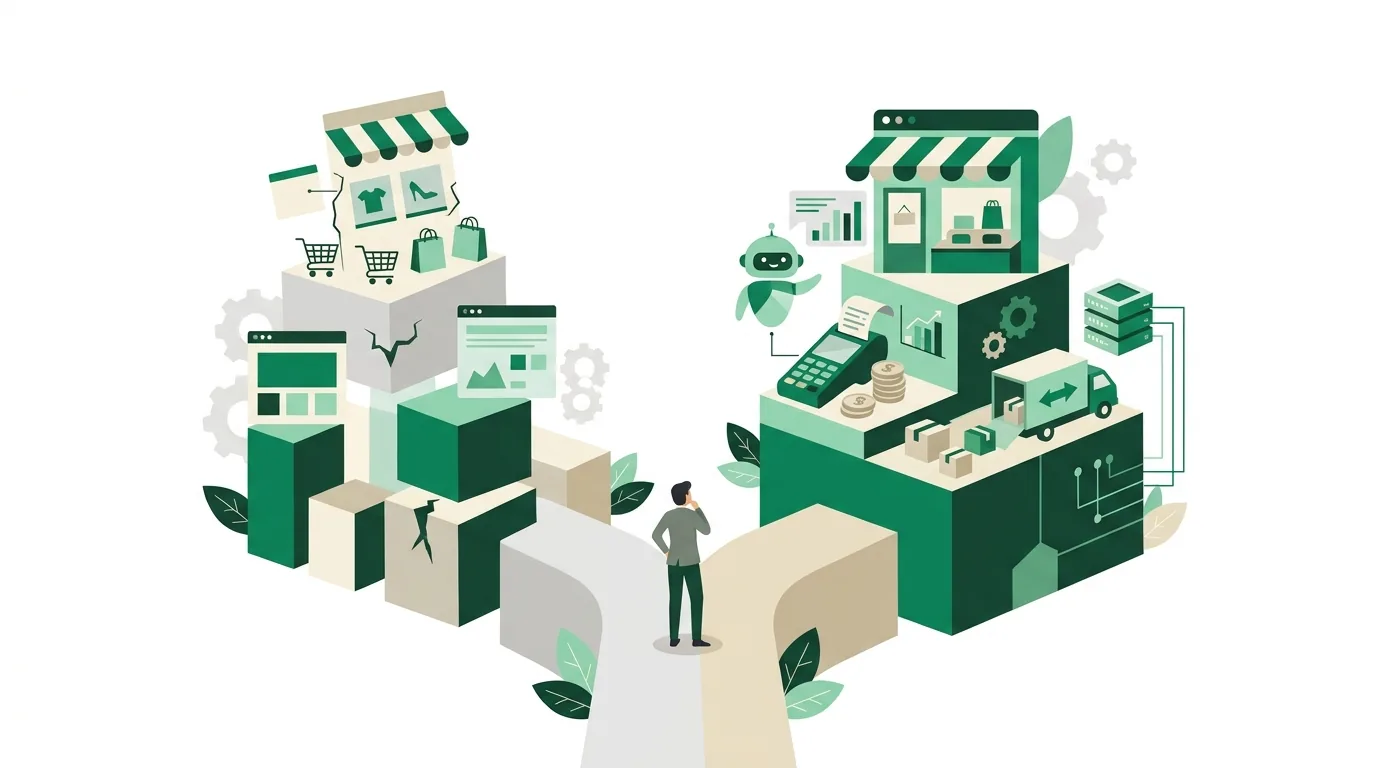
How much does it cost to create an online store?
What it costs to create an online store can't be estimated honestly without knowing your catalog and your existing systems. The price is driven mainly by these factors:
- Size of the catalog: number of products and variants, product options, configurators, tiered or customer-group pricing.
- Integrations: connections to inventory management, accounting, shipping carriers, marketplaces or a CRM. Every integration needs field mapping, error handling and testing.
- Data: migration from an old store including customers, orders and redirects for old URLs, plus maintaining images and copy.
- Design: a customized theme or a custom frontend.
- Ongoing operations: platform or hosting fees, app licenses, per-transaction fees, maintenance and updates.
A reliable number only exists once these points are described in writing and estimated. How the ongoing fees of a hosted platform break down is covered in our article on Shopify pricing with plans, fees and extra costs. DigifyNow is a Shopify Partner.
When is it worth paying someone to build your online store?
Having someone build your online store pays off when the work isn't in the store itself but in everything around it. That's the case when inventory comes from an inventory management system, an existing store with customer data has to move, or orders should land automatically in accounting and shipping. If you hire a professional to build your online store, what you get for that is field mapping between systems, a data migration with a trial run and redirects for your old URLs. For a site builder with a few dozen products, on the other hand, you usually don't need a service provider: most of your time then goes into copy and photos, and nobody does those better than you. How a platform switch with data migration works step by step is covered in our article on data migration.
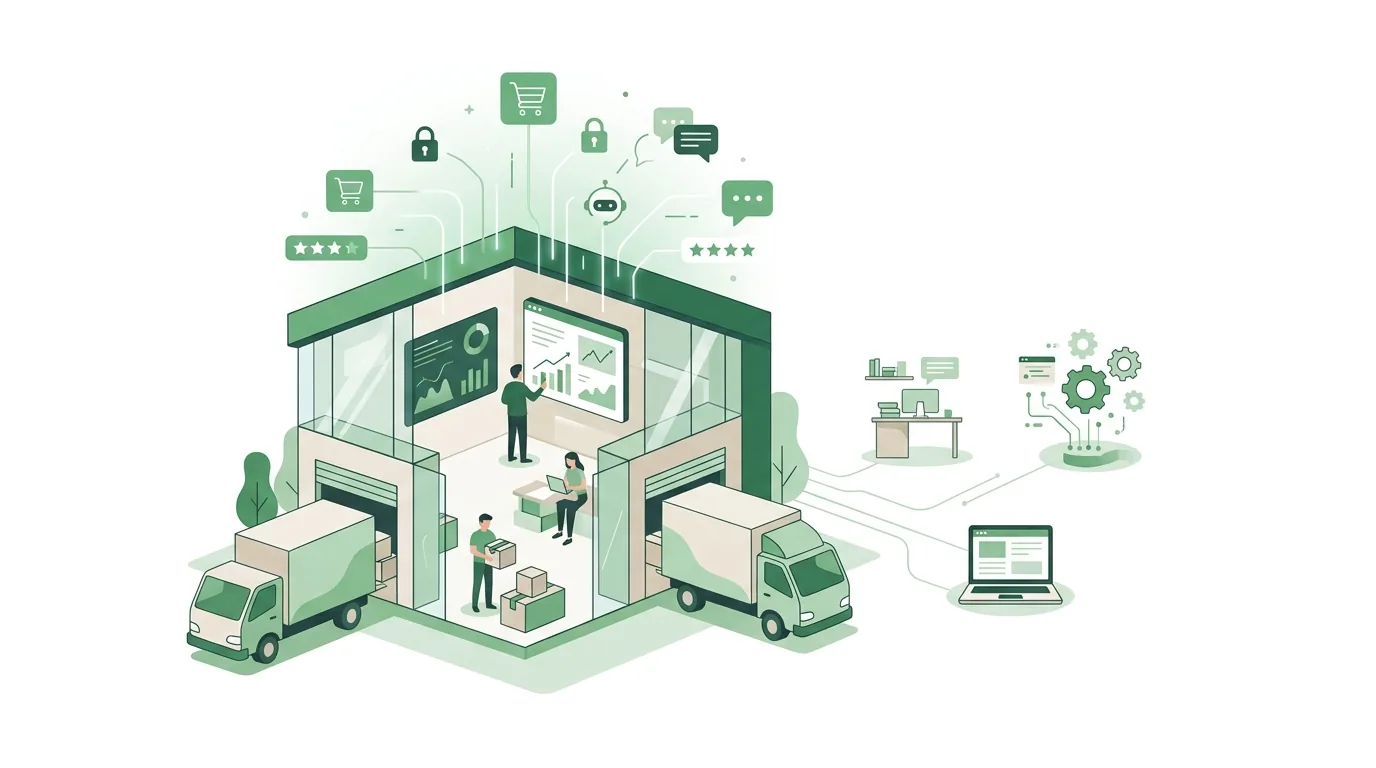
Hiring an agency to build your online store: what to look for
When you hire an agency to build your online store, five questions decide how independent you'll be later on. An agency that can't answer them specifically is shifting the risk onto you.
- Ownership: Are the domain, the store account and the payment provider account registered to your company? The agency should work through its own staff or collaborator accounts, not through your main account.
- Code: Is an existing theme being customized, or is custom code being written? With custom code, clarify where it lives, who owns it and who adapts it after platform updates.
- Acceptance: Are there written acceptance criteria with test orders for each payment method and shipping zone, a cancellation and a refund?
- Handover: Can your team maintain products, prices and content on its own after handover, and is there training for that?
- Operations: Who installs updates, who responds when an integration goes down, and is that covered in the contract or only promised verbally?
A typical mistake when hiring: the proposal describes design and number of pages, but no integrations and no data migration. Those are exactly the items that later drive effort and change orders.
Why online store projects typically fail
- Product data missing at launch: The store is finished, but images, weights and variants are scattered across Excel files and emails. Go-live slips until the data is cleaned up.
- Payment provider not approved: Without a completed review, you can't accept real payments. Submit the application early.
- Forgotten redirects: URLs change during a migration. Without redirects from old to new addresses, links from search engines and newsletters lead nowhere.
- Too many plugins or apps: Every extension can break during an update and may come with recurring fees. With self-hosted systems, this applies especially to major version upgrades.
- Duplicate data: Inventory is maintained separately in the store and in the inventory management system. The result is overselling items that are no longer in stock.
How strongly these risks play out depending on the platform, especially around hosting and updates, is compared in our article Shopware vs Shopify. DigifyNow is a Shopify Partner.

How DigifyNow builds online stores
DigifyNow is an official Shopify Partner agency and builds online stores on Shopify. That includes setting up the store and connecting it to existing systems such as inventory management or a CRM. Where standard themes and apps aren't enough, DigifyNow develops a custom frontend with Shopify as the backend (headless). Accounts and domain stay registered to the client's company. What the ecommerce agency DigifyNow takes on in practice, from setup to a custom frontend, is described on the services page. If a site builder is enough for your catalog, we'll tell you that too.
When outside help makes sense
Outside help makes sense when the store has to connect to inventory management, accounting or shipping, when an existing store moves along with its customer data and URLs, or when your ordering process doesn't fit the standard pattern. Have the following ready: a product list with the number of variants, the systems the store needs to exchange data with, the payment and shipping options you want and, if you have one, access to the old store. In a free, no-obligation assessment of your online store project, DigifyNow looks at which of the four options fits and which factors drive the effort.

Frequently asked questions
What's the difference between a web shop and an online store?
There is none. Both terms mean a website where customers choose products, pay and place orders. Technically, every online store consists of a product catalog, a shopping cart, a checkout with payment integration and an admin area for orders. "Online store" and "ecommerce store" are the more common terms in the US, while "web shop" is used more often in Europe, especially among mid-sized businesses.
Is a website builder enough for a small or mid-sized business's online store?
A site builder is enough when the catalog is manageable, the variants are simple and inventory doesn't have to sync automatically with an inventory management system. Once customer-group pricing, multiple warehouses or integrations with accounting and shipping come into play, an ecommerce platform with an open interface (API) is usually the more solid foundation. Then data can be transferred automatically instead of by hand.
How long does it take to create an online store?
There's no fixed timeline. It depends less on the platform than on three things: how complete your product data is, how quickly the payment provider reviews your business and how many integrations need to be connected. A site builder store with ready-made data goes live much faster than a migration with data transfer and an inventory management integration.