How to Publish an App on the App Store
· DigifyNow
To publish an app on the App Store, you first need a paid Apple Developer Program account, which for a company means having a D-U-N-S number. Next you upload a signed build with a unique bundle ID from Xcode and test it in TestFlight. In App Store Connect you add the description, screenshots, privacy details and age rating, then submit the app for review. Apple reviews it against the App Review Guidelines. Once it's approved, you can release it right away, on a set date or manually.
To publish an app on the App Store, you need an Apple Developer Program account, a build signed in Xcode and a complete listing in App Store Connect. After that, people at Apple review the app against the App Review Guidelines. Apple doesn't commit to how long that takes, and every question or rejection means the review starts over once you've fixed the issue. So never set your launch date for the day you submit.
Which developer account do I need for the App Store?
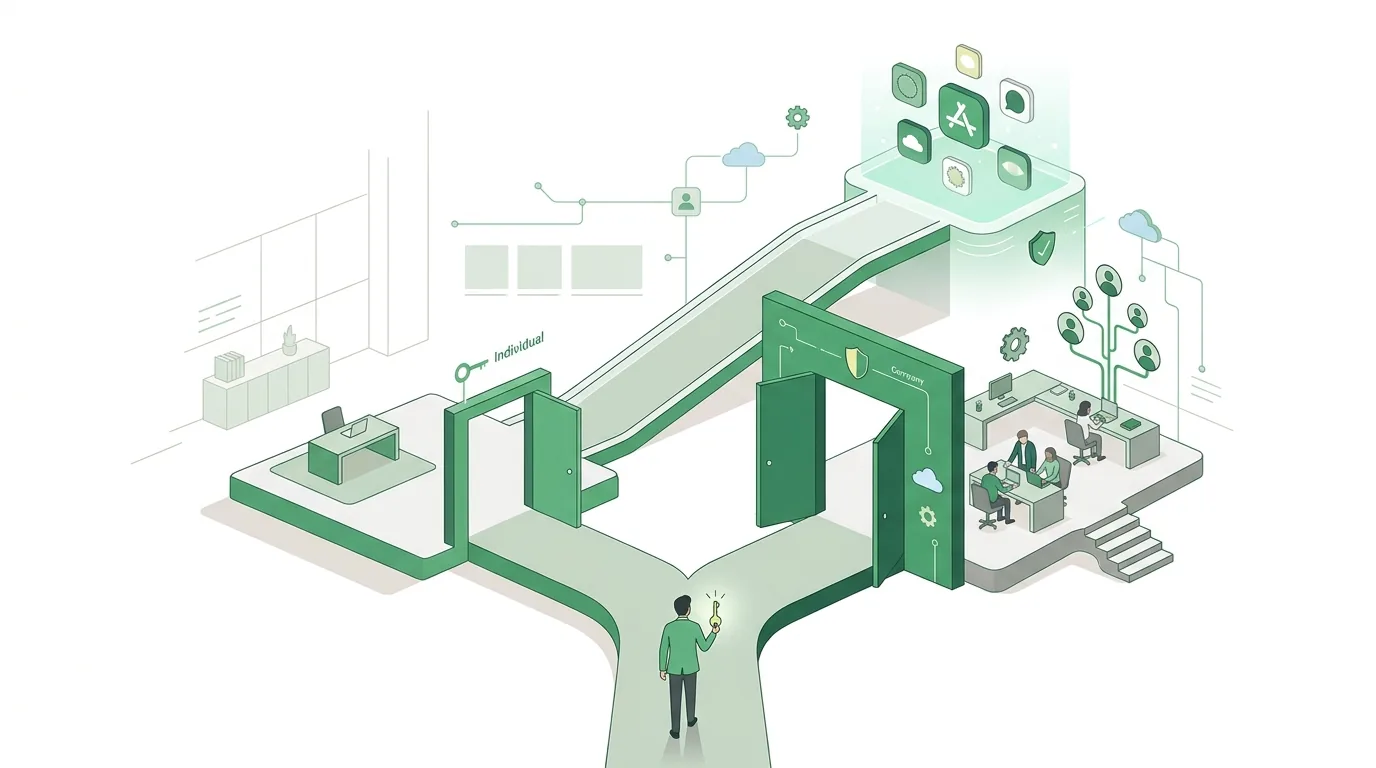
No app gets onto the App Store without an Apple Developer Program membership. The membership has an annual fee. If it lapses, your apps disappear from the store until you renew. When you enroll, you pick one of two account types: individual or organization. The type decides what the store shows as the seller. An individual account shows your legal name, and an organization account shows your company name. For an organization account, Apple requires a separate legal entity (in Germany that might be a GmbH or UG), a D-U-N-S number, a website on the company's domain and a person with the legal authority to bind the company. A sole proprietorship without its own legal form usually enrolls as an individual.
Settle one thing early: the account belongs to your company, not to your developer. If the app sits in an agency's or freelancer's account, you'll need an app transfer later, and not every app can be transferred. Give the developer a role in App Store Connect, such as Developer or App Manager, instead of access through your Apple ID. Our article on the search for the right app developer goes into more detail on why the account and the source code should stay with you.
How to publish an app on the App Store in six steps
- Set the bundle ID: Under Certificates, Identifiers & Profiles in your developer account, create a unique identifier in reverse-domain notation, for example com.company.appname. You can't change it after the first release.
- Build and sign: In Xcode, choose the distribution certificate and provisioning profile, create an archive and upload it to App Store Connect through the Organizer or Transporter. Every new upload needs a higher build number, or App Store Connect rejects it during the upload itself.
- Test with TestFlight: Internal testers from your App Store Connect team can install the build right away. You invite external testers by email or with a public link, and they only get access after Apple's beta review. TestFlight builds expire after a fixed period, so for longer test phases you upload new builds.
- Create the app listing: The name, subtitle, keyword field and description have fixed character limits, which App Store Connect shows as you type. Draft a short name and subtitle beforehand. You also need screenshots in the required device sizes, a support URL, a privacy policy URL, the privacy details (what data the app collects and why), the age rating questionnaire, plus pricing and countries.
- Submit for review: Under App Review Information, add a demo account with test data and notes for the reviewers, for example if a feature only works with certain hardware. You also answer the encryption question (export compliance).
- Choose how to release: You can release right after approval, on a set date or manually. Updates also give you phased release: automatic updates reach more users step by step, and you can pause the rollout if bugs show up after the update. Anyone who downloads the app manually from the store still gets the new version right away.
If you distribute in the EU, App Store Connect also asks whether you are a trader under the Digital Services Act. A company offering an app usually is. In that case the store shows the seller's address, phone number and email address. The regulation decides whether you fall under the rule, not the form. You'll find the text of the Digital Services Act on EUR-Lex.
Can I publish an app without a Mac?
Yes, but only by using a Mac in the cloud. iOS apps are built and signed by Xcode, and Xcode only runs on macOS. If you don't have your own Mac, a build service running macOS machines handles that step for you: it builds the code from your repository, signs it with your certificate and sends it to App Store Connect and TestFlight. There are three common options. Xcode Cloud is Apple's own service and connects directly to App Store Connect. Codemagic is built for mobile apps, including Flutter and React Native. GitHub Actions offers macOS runners, which makes sense if your code already lives on GitHub. The setup is covered in the GitHub Actions documentation.
None of these services handles code signing for you, though. The certificate, provisioning profile and an App Store Connect API key all have to be stored in the service. If the certificate expires, the build fails even when nothing in the code has changed. You should still test on a real iPhone. A simulator can't show you real push notifications, actual camera quality or battery drain.
Why does Apple reject an app?
Apple reviews every app and every update against the App Review Guidelines, and people do the review using the build you submitted. Apple doesn't commit to a fixed review time. A rejection arrives in the Resolution Center with a reason and a reference to the guideline involved. From there you can reply, fix the issue or file an appeal. The guideline names in the table come from the App Review Guidelines. These are the most common reasons:
| Rejection reason | Guideline | Typical cause | Fix |
|---|---|---|---|
| Reviewer can't get into the app | App Completeness | Login required but no demo account provided, or the test account has expired | A permanent demo account with sample data in App Review Information |
| App crashes or shows placeholders | App Completeness | Build pointed at the test environment, empty screens, notes like "coming soon" | Check the production build on real devices via TestFlight |
| Not enough functionality of its own | Minimum Functionality | The app just shows a website in a browser window | Add features a website can't offer, or stick with a web app |
| Account can't be deleted | Data Collection and Storage | Users can sign up in the app, but deletion only works by email | Offer account deletion directly in the app |
| Privacy details don't match | Privacy | An analytics or ad SDK collects data missing from the privacy details | Check every bundled library and align the privacy details |
| Digital content sold outside the payment system | In-App Purchase | Digital features unlocked through your own checkout | Clarify the legal situation and Apple's in-app purchase rules in advance |
When Apple requires its own payment system and which revenue models exist is covered in our article on how to make money with an app.
Can I publish a web app on the App Store?
Technically, yes. A framework like Capacitor wraps a web app in a native shell, and that shell can be submitted like any other app. In review, though, these wrappers often fail the Minimum Functionality guideline in the App Review Guidelines when they only do what the browser already does. Apple expects functionality that goes beyond a packaged website. That could be push notifications, offline use, access to the camera or Bluetooth, or an interface designed for the iPhone. If your users only open the app at their desk or now and then, you often don't need the store at all. What a Progressive Web App can do without a store, and where it hits limits on iOS, is covered in our article on Progressive Web Apps. If you want iOS and Android to share one codebase, our comparison of Flutter and React Native is also worth reading.
What keeps running after you publish
The work isn't over after the first release. Every update goes through review again. Apple also raises its minimum requirements regularly: on the Submitting page of its developer site, Apple announces the date from which new uploads must be built with a newer version of Xcode and the SDK. So an app nobody maintains will eventually stop being updatable, even if all you need is to fix a small bug. On top of that, certificates have to be renewed regularly, the annual fee comes due, third-party libraries ship their own updates, and the privacy details have to be updated whenever the app starts collecting new data. If someone else builds your app, agree up front on who handles this maintenance. How development and publishing fit together when a provider builds the app is covered in our article on having an app built and publishing it on the App Store.
A real example: Festino in two stores
Festino is DigifyNow's party game app, a product of DigifyNow, and it's available on the App Store and Google Play. An app like this shows that two stores mean two separate processes: two developer accounts, two store listings with their own screenshots and copy, two age rating questionnaires and two reviews. For a game meant for social gatherings, it pays to fill in the age rating questionnaire carefully, because the rating decides who can see the app in the store and how parents can filter it with Screen Time restrictions. Even a small text change in the game is a new update with a higher build number, and it goes through review again. If you're planning for two platforms, prepare store copy, screenshots and test devices for both from the start, rather than thinking about Android only after the iOS release.
App development in the Westerwald: who does what
Companies in the Westerwald region looking for support are usually looking for one of these five services. DigifyNow GmbH is based in Unnau in the Westerwald and works across Germany, with a focus on the Westerwald, Koblenz and the Siegerland.
- App development in the Westerwald: planning, building and running an iOS or Android app for a company in the region, from MVP to a live system. An on-site meeting helps when the app has to reflect processes in a workshop, warehouse or field service.
- App developers in the Westerwald: the team that handles the code, testing, signing and store submission. Ask whether the developer account is in your company's name and who owns the source code.
- App development agency in the Westerwald: besides programming, an agency also covers concept, design and the store listing. That makes sense if nobody in-house can take on these roles.
- Web app development in the Westerwald: an application in the browser that doesn't need the App Store, such as a customer portal or a back office. It doesn't go through Apple's review, but its access to the device is limited.
- Mobile app agency in the Westerwald: a focus on iPhone and Android apps, including TestFlight, review and updates. Ask beforehand whether maintenance after the release is part of the agreement.
What DigifyNow takes on when building an app is described on our app development page. For companies in the region, the page for app developers in the Westerwald is the place to start. The page on web app development in the Westerwald helps if you don't need the store at all. The overview of DigifyNow's services shows how apps, web apps and websites relate to each other.
When outside help is worth it
Plenty of people submit a simple app with a finished build on their own, since Apple's forms walk you through the steps. Outside help is mainly worth it in three cases: when the app still has to be built, when it has already been rejected, or when login, payments, push notifications or integrations with your ERP or CRM system come into play. Have these ready: access to the developer account or your D-U-N-S number, a short description of the features, any rejection notices with the guideline cited, and your privacy policy. In a free, no-obligation assessment of your app project, DigifyNow goes over where you stand and what the next steps are. It doesn't include a quote with a fixed price or date.
Frequently asked questions
How long does Apple's App Review take?
Apple doesn't give a binding review time. How fast it goes depends mostly on whether your submission is complete. If the demo account is missing, the app crashes or the privacy details don't match, Apple rejects it, and the review starts over after you fix the issue. So plan your launch date with a buffer and choose manual release, which lets you pick the day yourself.
Who can test an app through TestFlight?
TestFlight has two groups. Internal testers are members of your App Store Connect team and can install any uploaded build without review. External testers, such as customers or employees without a team role, are invited by email or with a public link, and they only get a build after Apple's beta review. Builds expire after a set period, and then you need a new upload with a higher build number.
How do I develop an app for iOS?
Native iOS apps are written in Swift with Xcode on a Mac. Cross-platform frameworks like Flutter (Dart) or React Native (JavaScript) produce apps for iOS and Android from one codebase. In the end, though, the iOS build is still signed by Xcode, either on your own Mac or through a cloud service running macOS. To get into the store, you also need the Apple Developer Program.
Can you share an app?
You share a published app through its store link, which you copy in the App Store under Share. Apps that aren't published yet are distributed through TestFlight, either by invitation to an email address or through a public link, and external testers only get access after Apple's beta review. Purchased apps can be used through Family Sharing if the developer allows it.
What's the difference between the App Store and the Apple Store?
The App Store is Apple's digital marketplace for apps on iPhone, iPad and Mac. That's where your app ends up after review. Apple Store is the name of the retail stores and the online store where Apple sells devices and accessories. For developers, only the App Store matters, and they manage it through App Store Connect.