Landing Page Optimization: 7 Steps and Mistakes
· DigifyNow
To optimize a landing page, first set one goal and the point where it gets measured. Then check your data for where visitors drop off and make changes there: a headline that matches the ad, the offer and proof near the top, a form with only the fields you need, and a fast mobile view. Measure each change on its own against the old version. Without clean tracking, optimization is just guessing.
What does landing page optimization actually mean?
A landing page is the page someone arrives on after a click, whether on an ad, a link in a newsletter or a QR code on a flyer. Unlike your homepage, it has a single job: getting the visitor to take one specific action, like requesting a quote, booking an appointment or signing up for a newsletter. Landing page optimization means finding the obstacles on the way to that action and removing them. That's less a design question than a measurement question. Here's an example. A contractor runs an ad for heat pumps but links to a general services page with a full menu, eight topics and a contact form at the very bottom. Visitors have to dig around just to find out whether the company even offers heat pumps. Optimizing this means building a dedicated heat pump page that repeats the ad's wording in the headline and puts the request form in the first visible screen. The seven steps below follow the same order we use in real projects: measure first, then change, then check.
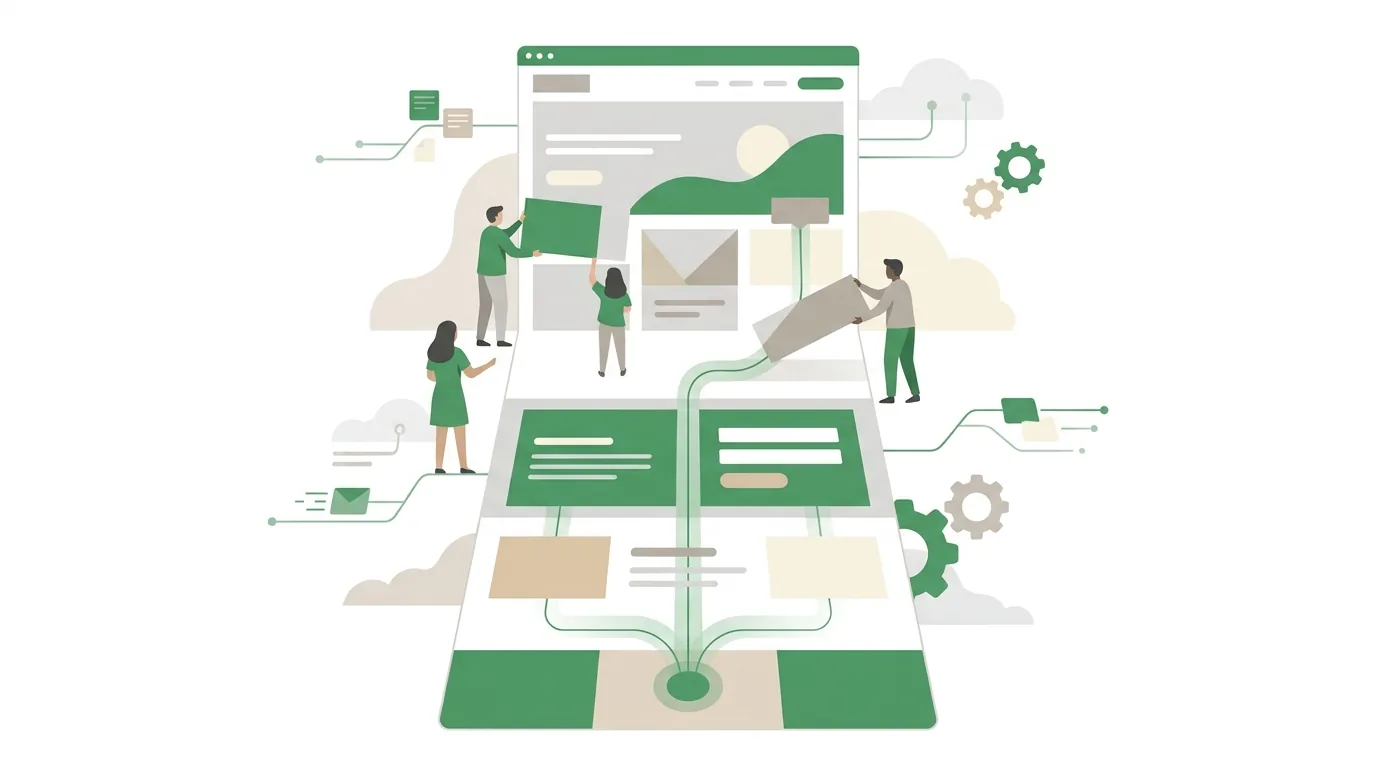
Step 1: Set one goal and one conversion point
Before you rebuild anything, decide what counts as success and where that success gets tracked technically. For a request form, the conversion point is usually the successful submission, not the button click. A click followed by an error message isn't a lead. You track it cleanly with a dedicated thank-you page or with an event that only fires after the form has actually been sent. If a page has two equally important goals, such as phone calls and form submissions, track them separately. Otherwise you won't be able to tell later which change had which effect.
- Write the goal down in one sentence: who should do what?
- Set the conversion point: a thank-you page, an event that fires after a successful submission, or a click on the phone number.
- Check that tracking works: send a test request and see whether it shows up in your analytics tool.
- Keep in mind that visitors who don't consent to non-essential cookies won't all be tracked. That makes your numbers a sample, not the full picture, and comparisons only hold as long as the cookie banner stays the same.
Step 2: Take stock of where visitors drop off
The second question isn't what looks bad on the page. It's where visitors leave. Three angles are enough. First, traffic source: visitors from a search ad behave differently from visitors coming from social media, so analyze each channel separately. Second, device: if the drop-off rate on smartphones is much higher than on desktop, the problem is usually technical or in the layout, not in the copy. Third, scroll depth and form interactions: people who start the form but don't submit it get stuck on a field, an error message or a question they don't want to answer. Heatmaps and session recordings, for example from Microsoft Clarity or Hotjar, make these spots easy to see. But they also need consent if they set cookies or record behavior. What this review can't do is explain anything. Data shows where visitors leave, not why. Your best guess about the why becomes the hypothesis you test in Step 7.

Step 3: Match your ad and your headline
Visitors decide in the first visible screen whether they've come to the right place. Without thinking about it, they compare what they were promised with what they see. If the ad says "Retrofit a heat pump in an older home" and the page says "Your partner for building services," that confirmation is missing. So the headline picks up the wording of the ad or the search term and states the problem and the offer in one sentence. With several ad groups on different topics, that often means several landing pages instead of one. For Google Ads, this is about more than style. Landing page experience is one of the components Google uses to calculate a keyword's Quality Score, and Quality Score feeds into your cost per click. Our article on Google Ads cost and cost per click explains how bids, quality and competition work together. Google documents the technical API at https://developers.google.com/google-ads/.
What doesn't work is one page for every campaign, with a headline so generic it fits any ad. A headline like that doesn't really fit any of them.
Step 4: Check the offer, the proof and the distractions
Right below the headline, visitors need to find three things quickly: what they get, why they should believe you, and what happens next. Specifics beat general promises. "Callback the next business day, free on-site visit within the Koblenz area" can be checked. "Top-notch one-stop service" can't. Proof means real customer testimonials with names and permission, photos of your own work, certifications or memberships. Fake reviews and stock-photo testimonials stand out and do more harm than good. Next, remove anything that leads away from the goal: the full main navigation, links to blog posts, a second offer with its own button. Every extra exit is another way to leave the page without sending a request. The legal notice and privacy policy stay accessible, though. They're legally required, not distractions.
When optimization hits the limits of your website builder or theme, for example because you can't hide the navigation on individual pages, the next step is a custom template. You can have a website built whose landing pages work without a menu and come with their own form. DigifyNow builds pages like these as part of its web development work, with conversion tracking in place from day one.

Step 5: Shorten the form and the call to action
The form is usually where you lose the most people. Every required field is a question visitors have to answer before they get anything. Only ask for what you really need for the first contact. The conversation can sort out the details.
- Keep required fields to the essentials: name, one way to reach the person, and what they need. Only make the phone number required if you actually call people back.
- Make the button describe what happens next: "Request a quote" instead of "Submit."
- Show error messages right at the field, and don't wipe out what visitors already typed after an error.
- On smartphones, set the right keyboard type for email and phone fields so users don't have to switch between letters and numbers.
- After submission, say what happens and when, and then actually follow up promptly. A fast page doesn't help if the request sits in an inbox for days.
If you want requests to flow into your CRM automatically afterward, trigger a confirmation email or start a follow-up sequence, that's a job for marketing automation with a trigger, a condition and an action.
Step 6: Check page speed and the mobile view
A page that's still loading can't convince anyone. Google measures the loading experience with Core Web Vitals: Largest Contentful Paint (when the largest visible element appears), Interaction to Next Paint (how quickly the page responds to input) and Cumulative Layout Shift (how much content jumps around while loading). PageSpeed Insights or Search Console shows you the scores for your own page. Typical causes of poor scores are uncompressed images in the first screen, background videos, several tracking and chat scripts that load before the content, and fonts that shift the layout after the fact. Layout shifts are especially sneaky. A banner that slides in late makes visitors tap the wrong button. Also test the page on a real smartphone over a cellular connection, not just in a shrunk-down desktop browser. That's where you'll spot phone numbers that can't be tapped to call, buttons that are too small and a cookie banner that covers the form.

Step 7: Test your changes with an A/B test or a before-and-after comparison
In an A/B test, some visitors see the current page and others see the changed version, at the same time and assigned at random. That way, seasonality, weather or a changed ad affect both versions equally. Tools for this include VWO, Optimizely and the testing features built into some website builders and ad platforms. But an A/B test needs enough conversions per variant so that a difference isn't just chance. Pages that get only a few requests a month often can't reach a reliable result in a reasonable amount of time.
| Criterion | A/B test | Before-and-after comparison |
|---|---|---|
| How is it compared? | Two variants at the same time, visitors assigned at random | Old page during one period, new page during the following period |
| Requirement | Enough visitors and conversions per variant | Stable campaigns and budgets in both periods |
| Strength | Outside factors affect both variants equally | Works even with low traffic |
| Limit | No reliable result at low volume | Seasonality, holidays or budget changes skew the comparison |
| Typical mistake | Stopping the test as soon as one variant pulls ahead | Changing several things at once and crediting the effect to one change |
Either way, the same rules apply: one change per round, a run time you set in advance, and you only look at the result once it's over. If you check daily and stop at the first lead, you're crowning random noise as the winner.
Common landing page optimization mistakes
- Optimizing without working tracking: if submissions aren't recorded, you can't evaluate any change.
- Design before content: new colors and images change nothing if the headline doesn't match the ad.
- Too many changes at once: afterward, nobody knows which one worked, or which one hurt.
- The wrong audience shows up: if the campaign brings in visitors who aren't looking for your offer, no page change will help. The problem then lies in your keywords or targeting.
- Copying tips from big online stores: what was tested on thousands of orders a day doesn't automatically apply to a B2B company with a handful of requests.
- Forgetting the follow-up: the page delivers requests, but nobody calls back. Then you're measuring leads that can never turn into jobs.
If you'd rather not rebuild the page yourself and are looking for someone to do it, you'll find criteria and questions for the first meeting in our post How to find a web designer: criteria, options, mistakes.
When outside help makes sense
Outside help makes sense when your tracking isn't measuring cleanly, when your website builder won't allow the changes you need, or when several campaigns need their own pages and nobody in-house has time for it. It isn't worth it as long as the campaign itself is bringing in the wrong visitors. In that case, put the money into the ads first. DigifyNow builds and rebuilds landing pages as part of its web development and Marketing work, including conversion tracking and form integration. For a first conversation, have these ready: the page URL, your traffic sources, access to your analytics tool and the page's goal in one sentence. In a free assessment of your project, we'll work out what can be changed on your page and which of those changes make sense.
Frequently asked questions
What's the difference between a landing page and a homepage?
The homepage introduces the whole company and uses a menu to lead to many topics. A landing page has exactly one goal, such as a request about one specific offer, so it usually drops the main navigation. Visitors arrive through a specific link, for example from an ad, and expect to find exactly the topic of that link.
How long should a landing page A/B test run?
Set the run time before you start. It depends on how many conversions each variant gets, not on a fixed number of days. It makes sense to cover at least full weeks, because visitors behave differently on weekends than on weekdays. If you stop as soon as one variant is ahead, you'll often end up with a result that's just chance.
How many form fields should a landing page have?
As many as you need for the first contact, usually name, one way to reach the person and what they need. Every extra required field is another hurdle before the request. You can offer things like budget, company size or preferred date as optional fields or sort them out in the conversation instead of making them required.
Does a landing page affect Google Ads costs?
Yes, indirectly. One of the things Google looks at for a keyword's Quality Score is landing page experience: how well the page matches the search and how easy it is to use. Quality Score, together with your bid and the competition, goes into the auction that sets your cost per click.