n8n vs Make: Pricing, Self-Hosting and Zapier
· DigifyNow
Make is a cloud-only service that bills by operations. Every module step that runs counts, and loops over many records multiply your usage. n8n runs in the vendor's cloud or on your own server. Self-hosted, there is no per-execution fee, but updates, backups and outages are on you. Make fits when nobody should have to look after a server. n8n fits when you need custom code or want your data to stay in-house. DigifyNow is a Make partner.
n8n vs Make: what's the real difference?
Short answer: Make runs only in the vendor's cloud and bills every single module step as an operation. You can also run n8n on your own server. According to n8n, its cloud counts whole workflow executions, not individual steps. If you don't want to look after a server, Make is the right choice. If you need custom code, large loops or data that stays in-house, n8n is usually the better fit. DigifyNow is a Make partner.
Both tools work the same way. A trigger starts a flow, such as a new form submission, an email or a webhook. Building blocks then fetch the data, change it and write it into other systems, one after another. In Make a flow is called a scenario and a building block is a module. In n8n it's a workflow, and the building blocks are nodes. Make is pure software as a service: you sign up for an account, Make hosts everything, and you build in the browser. n8n comes as a cloud service run by the vendor, but you can also run it yourself, for example as a Docker container on your own server. The n8n documentation at https://docs.n8n.io describes the installation options.
Almost everything else follows from this. With Make you pay for usage and don't have to manage anything. With self-hosted n8n you pay for the server and run it yourself. If you first want to work out which processes are worth automating at all, our article on business process automation for small and midsize companies helps you choose. Note: DigifyNow is a Make partner and earns a commission through a referral code (partner list as of October 16, 2026).
n8n vs Make vs Zapier: how the three tools compare
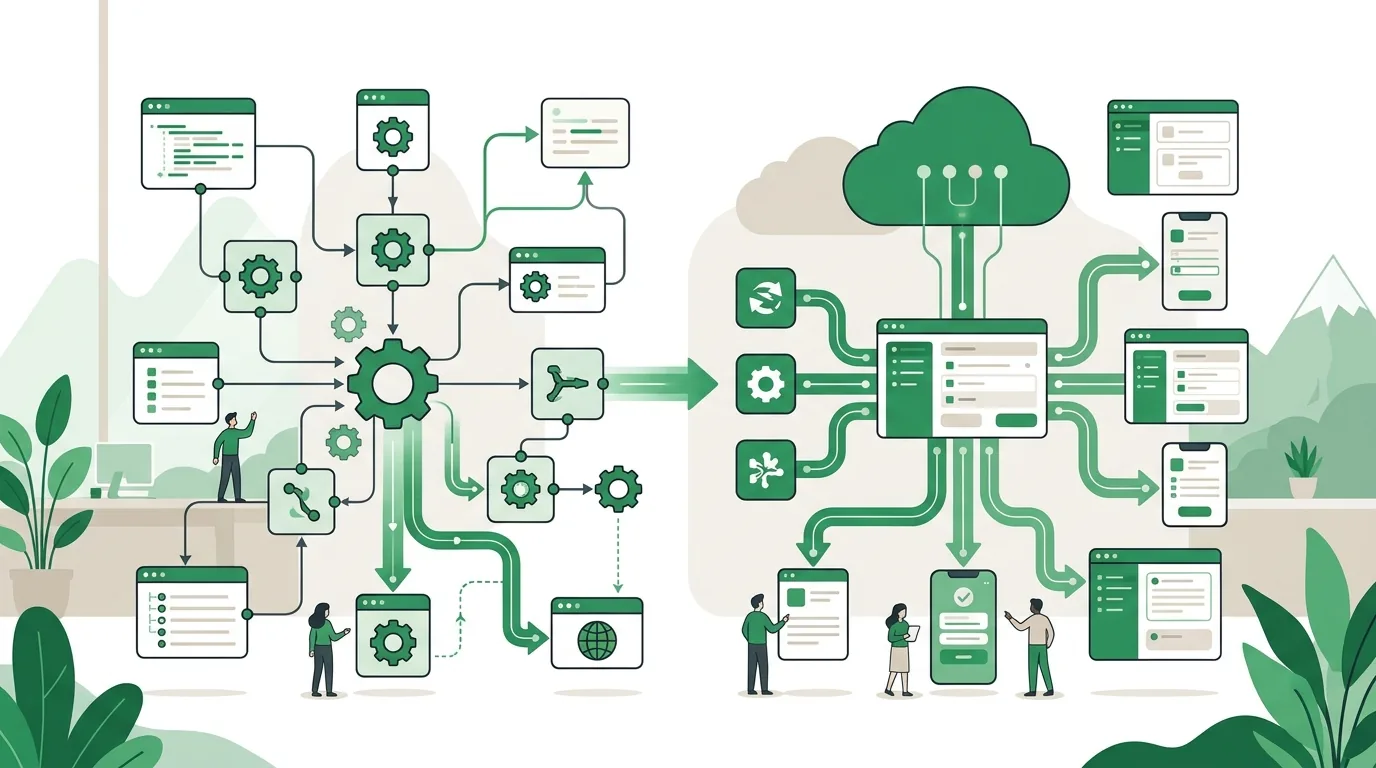
People who compare n8n, Make and Zapier usually want to know three things: who hosts it, how it's billed and how much logic it can handle. That's why the table checks all three against the same criteria. Features and plan limits change, so check the current details on the vendors' websites before you decide. DigifyNow is a Make partner and earns a referral commission there. It has no partnership with n8n or Zapier.
| Criterion | n8n | Make | Zapier |
|---|---|---|---|
| Deployment model | Vendor cloud or self-hosted | Cloud only (SaaS) | Cloud only (SaaS) |
| Billing unit | Cloud: workflow executions; self-hosted: no per-execution fee | Operations, i.e. every module step that runs | Tasks, i.e. action steps that run |
| How flows are built | Visual editor with nodes, branches and loops | Visual editor with modules, routers for branching | Sequence of a trigger and actions, more logic depending on plan |
| Custom code | Code node for JavaScript or Python | Limited, focus on ready-made modules and functions | Code steps available, focus on ready-made integrations |
| Where data is processed | Self-hosted: on your server; cloud: at the vendor | At the vendor | At the vendor |
| Who handles updates and outages | Self-hosted: you | Vendor | Vendor |
| Typical starting point | Teams with in-house or outside technical support | Business teams without their own server | Simple connections between popular cloud services |
Zapier works best for linear chains along the lines of "if A, then B and C." Make and n8n show branches and loops right on the canvas, so flows with nested logic often stay easier to read. For context: DigifyNow is a Make partner.
n8n vs Make pricing: how does each one bill?
We don't quote prices when comparing n8n and Make. Plans change, and what matters for your bill is your own volume. The key question is what each tool counts. Make counts operations, meaning every module step that runs. So a scenario with several modules that processes many orders one by one doesn't use one operation per run. It uses roughly the number of modules times the number of records. An iterator over a long list multiplies usage. The same goes for a trigger that polls at short intervals, even when it finds nothing. According to the vendor's comparison page (https://n8n.io/vs/make, as of November 2026), n8n Cloud counts a whole workflow execution as one unit, no matter how many nodes run in it. Self-hosted n8n charges no per-execution fee at all. Instead, you pay for the server and for running it. Note: DigifyNow is a Make partner.
- Runs per month and steps per run: with Make and Zapier, the two numbers multiply.
- Polling interval: with per-step billing, frequent polling costs you even when nothing happens. A webhook fires only on real events.
- Server and operations for self-hosted n8n: hosting, updates, backups, monitoring and the staff time for all of it.
- Licenses for the connected systems: some CRM or ERP APIs are only included in those systems' higher-tier plans.
- Building and maintaining the flows: usually the biggest cost, whichever tool you use.
To get a reliable number, work through a few of your real flows: runs per month times steps per run, and for loops, times the number of records as well. Then put the result next to each vendor's current pricing page. For self-hosted n8n, replace the execution count with the server cost plus the hours spent running it.
Worked example: the same order flow in Make and in n8n
Here is an example without plan prices to make the counting principle concrete. It shows how billing works, not what you will pay. A retailer wants to pull new orders from its online store. For each order, the flow should look up the customer in the CRM, create or update the record, generate an invoice in the accounting software and notify the warehouse by email. That's four steps per order, plus the trigger. Plug in your own number of orders per run.
- Make: each module runs once per order. Usage per run is the number of modules times the number of orders, plus the trigger. If twice as many orders come in, usage doubles too.
- n8n Cloud: n8n processes all records of a run within one execution. By the counting principle on n8n.io/vs/make, it stays at one execution whether the run finds a few orders or many.
- Polling effect: if the scenario checks for new orders at fixed intervals, the number of checks is checks per day times days in the month. If every check counts, the scenario uses up quota even when most checks come back empty. The shorter the interval, the bigger this share.
- The fix in both tools: have the store send new orders via webhook. Then a run starts only when something has actually happened.
Whether and how your specific trigger counts on empty runs depends on the module and the plan. You'll find this in Make's help center or in the n8n documentation. But the example shows when n8n comes out ahead on cost: when there are many records per run. With few runs and few steps the difference is small, and then ease of use and zero server work tend to favor Make. Note: DigifyNow is a Make partner.
Self-hosting n8n: what running it takes
The case for self-hosting is that your data stays on your server and you can run as many executions as you like with no meter running. In return, you take on jobs the vendor would otherwise handle. The hosting guides at https://docs.n8n.io describe Docker as the usual route. For production use you also need a dedicated database and a reverse proxy with HTTPS.
- Set up a server with Docker, point a domain at it and enforce HTTPS through a reverse proxy.
- Configure the database and the encryption key for stored credentials, and store the key securely. If the key is lost, the stored credentials can no longer be decrypted.
- Set up regular backups of the database and configuration, and test a restore at least once.
- Plan updates: read the release notes, apply them on a test instance first, then in production.
- Set up monitoring so you notice a stopped container before orders start piling up.
Self-hosting isn't a good fit if nobody takes ownership of this list for the long haul. A server nobody looks after doesn't get updated, and you only find out a backup is missing when something breaks. Also check the license. n8n uses its own fair-code license, not a classic open-source license. Internal use within your company is allowed. If you want to offer n8n to third parties as a service, read the terms in the documentation carefully.
When to choose Make, when n8n, and when neither?
Make fits when a business team should build and maintain flows on its own, nobody wants to look after a server and the number of steps per month stays manageable. Ready-made modules for popular services make it easy to get started. n8n fits when flows need custom logic you'd rather write in JavaScript or Python. It also fits large data volumes in loops, or cases where data shouldn't leave your own data center. If a cloud vendor processes personal data on your behalf, the GDPR requires a data processing agreement with that vendor. Whether a vendor meets your requirements also depends on where its servers are and how you use the tool. Settle this with your data protection officer; the tool alone doesn't decide it. Note: DigifyNow is a Make partner.
If you add a language model step to a workflow, the EU AI Act comes into play. It requires providers and deployers of AI systems to take measures that support the AI literacy of the people working with the system on their behalf. They don't have to guarantee a specific level of AI literacy. On top of that come transparency obligations for systems that generate synthetic text, images, audio or video. Which role your company plays depends on how the flow is built and used. Preparing your staff to work with flows like these is part of our AI coaching.
Neither fits when the flow is really an application, meaning it needs its own user interface, permissions, validation and lots of edge cases. Then you end up rebuilding a program out of workflows that nobody can follow in the end. Where that line falls is covered in our article Low code: when it's enough and when it isn't. Legacy systems without an API are also out of scope. Software robots or a new API can help there, but a workflow tool can't.

Why automations fail in practice
Most failures aren't caused by the tool but by how the flow is built. These mistakes happen on every workflow platform:
- Expired credentials: an OAuth token expires, or an employee whose personal account the connection depended on leaves the company. Connections belong on service accounts.
- No error path: if a step fails, the run stops and nobody finds out. Set up error handling with notifications for every business-critical flow.
- Duplicate records: webhooks get redelivered after a timeout. Without a check on a unique ID, the same order gets created twice.
- Changed APIs: if a vendor renames a field, the flows keep running but write empty values.
- No owner: nobody knows which flows exist or what they do. A simple list with purpose, trigger and contact person is often enough.
How delivery, signature verification and duplicate protection work for webhooks is explained in our article What is a webhook: how it works, testing and security.
When outside help makes sense
Outside help makes sense in three cases: when you need to connect several systems holding customer or order data, when you want to run n8n yourself and nobody in-house will handle servers, updates and backups, or when your existing flows have grown to the point that nobody has the full picture anymore. DigifyNow plans and builds flows like these as part of our AI automation work, in n8n, in Make or as custom software, depending on the case. DigifyNow is a Make partner. All our partnerships are listed on our system recommendations page. For a first conversation, have the following ready: the systems involved, one example flow with its steps, the rough number of transactions per month and your requirements on where data is stored. We'll go through it together in a free, no-obligation assessment of your project. We'll also tell you if an automation isn't worth it.
Frequently asked questions
Is n8n better than Make?
It depends on the use case. n8n has the edge when many records are processed per run: according to n8n.io/vs/make, n8n Cloud counts a whole run as one execution, while Make counts every module step. n8n also lets you write your own JavaScript or Python code and gives you the option to self-host. Make has the edge when nobody should have to look after a server and the business team builds the flows itself. DigifyNow is a Make partner.
Is n8n expensive?
That depends on how you run it. According to the vendor, n8n Cloud bills by workflow executions, so per whole run rather than per step. Self-hosted, there's no per-execution fee. Instead, you pay for the server and the time spent on updates, backups and monitoring. If a run processes many records over several steps, the math comes out very differently than with tools that bill every single step.
Who created n8n?
According to n8n.io, n8n is developed by n8n GmbH, based in Berlin, and was founded by Jan Oberhauser. The name stands for "nodemation," meaning automation with nodes. The source code is publicly available under a fair-code license. Unlike classic open source, this license restricts offering n8n commercially as a service to third parties.
Is n8n still used?
Yes. n8n is still under active development, new versions come out regularly, and the release notes are in the official documentation at docs.n8n.io. Besides classic data flows, many teams now use n8n for AI workflows. In these, a language model runs as a node that classifies or summarizes text, for example incoming inquiries before they're passed to the CRM.
What's better than n8n?
Nothing across the board. Make is a better fit when nobody should have to look after a server. Zapier fits when simple linear connections between popular cloud services are enough. A custom application fits when the flow needs a user interface, permissions and lots of edge cases. n8n's strengths are custom code and keeping data on your own server. DigifyNow is a Make partner.