Webhooks: How They Work, Testing and Security
· DigifyNow
A webhook is a URL you register with a service. When an event happens there, such as an invoice being paid, the service immediately sends an HTTP POST with the data as JSON to that URL. Your receiver verifies the signature, responds quickly with a 2xx status code and only then processes the data. If that response never arrives, the sender delivers the message again, so your receiver has to detect duplicates.
What is a webhook?
A webhook is an automatic notification that one system sends to another. The receiving system provides an address, called the webhook endpoint. You enter that address in the sending service and choose which events it should notify you about. From then on, your system no longer has to keep asking. The service reaches out on its own as soon as something happens. Developers call this push instead of pull.
Here's a concrete example: a customer pays online through Stripe. Stripe internally creates a "payment succeeded" event and sends an HTTP request using the POST method to the URL you registered. The body of the request, the payload, contains a JSON object with the event type, amount, customer ID and a unique event ID. Your receiver reads it, records the incoming payment in the CRM and kicks off sending the invoice. Nobody has to open the payment dashboard for any of this. One thing matters here: a webhook only carries the message. Everything after that, meaning verifying, storing and passing data on, is the receiver's job.
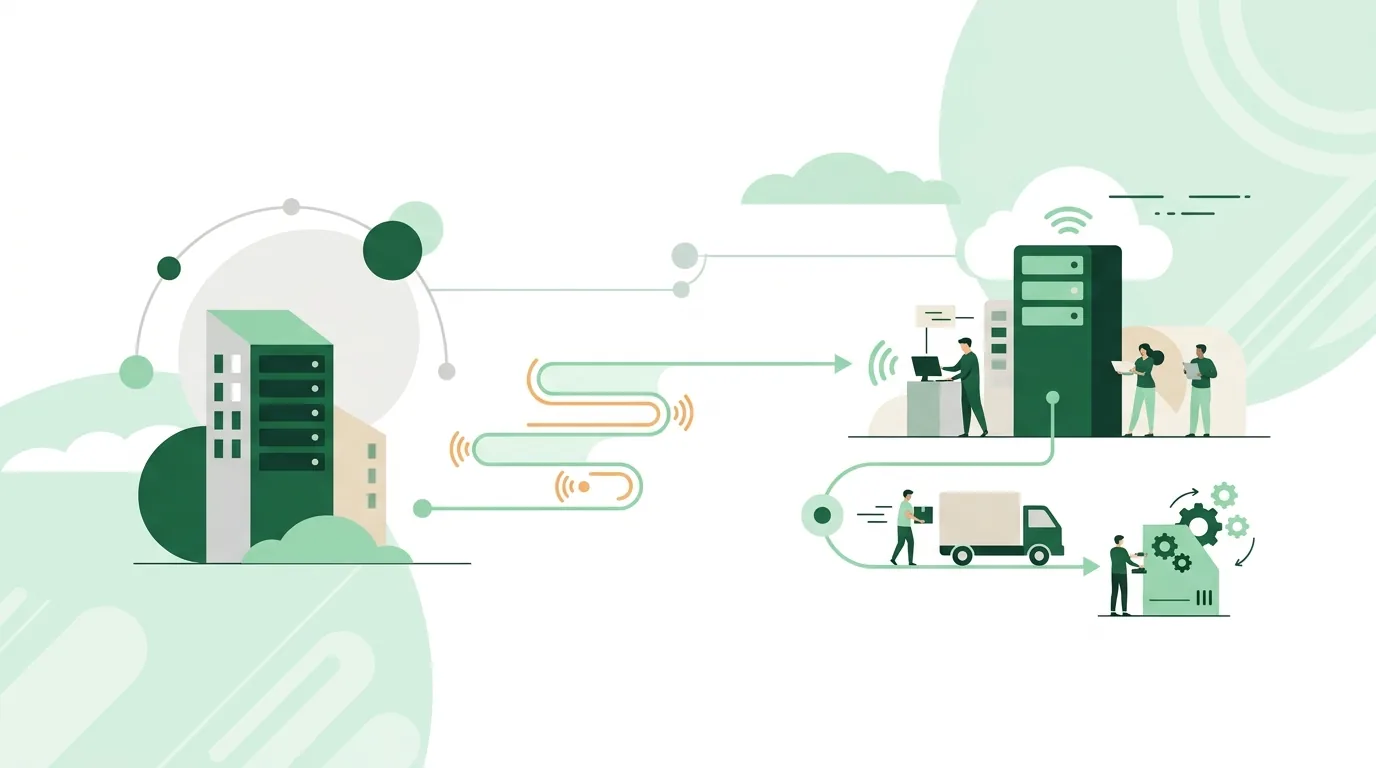
What do businesses use webhooks for?
Webhooks fit wherever one system needs to tell another about a single, clearly defined event. Typical use cases at small and mid-sized companies:
- Payment received: the payment provider reports the payment, and accounting or the CRM marks the transaction as "paid".
- Form submitted: the website reports a new inquiry, and the CRM immediately turns it into a contact with a follow-up reminder.
- Code changed: GitHub reports a push, and a build or deploy process starts.
- Message received: a messaging or ticketing system passes a new message to an automation workflow.
- Status alert to the team: an internal system automatically posts to a chat channel when errors occur.
If you only get a handful of events a day that someone handles manually anyway, building a webhook setup often isn't worth it. The same goes if the sending service doesn't offer webhooks at all. In that case your only option is to query its API on a regular schedule. Which processes are generally good candidates for automation is covered in our article Business process automation: what pays off.
How does a webhook work?
Technically, every webhook delivery follows the same steps, whether the sender is a payment provider, an online store or a code repository:
- Register: you enter the endpoint URL with the sender (always with https) and select the event types. In most cases you receive a shared secret along the way, the signing secret.
- Event occurs: something happens on the sender's side, for example a payment, an order or a push.
- Delivery: the sender sends an HTTP POST to your URL. The header contains a signature, the body contains the event as JSON.
- Verify: your endpoint recomputes the signature itself using the secret and rejects the request if the values don't match.
- Acknowledge: the endpoint responds with a success status code in the 2xx range. This happens before any lengthy processing begins.
- Process: only then does the actual work run, ideally through a queue. That way, slow downstream systems can't delay the response.
- Retry: if no success response comes back, the delivery counts as failed. Many providers then try again on a fixed schedule.

What is the difference between a webhook and an API?
An API is an interface you call actively: you ask, and the system answers. A webhook works the other way around. The other system calls you as soon as something happens. So a webhook doesn't replace the API, it complements it. Often the message contains only the event ID, and your system then fetches the full data through the API. How endpoints, methods and tokens work together in an API is explained in our article What is an API: definition, example, practice.
| Method | Who starts the communication? | When does new data arrive? | Where it hits its limits |
|---|---|---|---|
| Polling via API | Your system checks at fixed intervals | Not until the next request | Many requests return no new data, and changes between two requests arrive late |
| Webhook | The sender reports every event | Shortly after the event | Your endpoint has to be publicly reachable. If it's down too long, messages are lost after the final retry. |
| WebSocket | Both sides keep a persistent connection open | Continuously, in both directions | The connection has to be kept alive at all times. For individual business events between two servers, that's usually more effort than necessary. |
Are webhooks secure?
A webhook URL is publicly reachable. Anyone who knows it can send requests to it. How secure a webhook is therefore depends on what the receiver checks, not on the mechanism itself. The major providers sign their messages. Stripe sets a Stripe-Signature header with a timestamp and an HMAC signature based on SHA-256, and describes how to verify it in its webhook documentation. GitHub sends a signature in the X-Hub-Signature-256 header, as described in the GitHub documentation.
- Verify the signature: compute the value over the unmodified raw body of the request. If you parse the JSON first and re-serialize it, you change the bytes and the check fails.
- Compare in constant time: use a comparison function that always takes the same amount of time. Otherwise the signature can be guessed step by step through timing measurements.
- Check the timestamp: reject older messages. That way an intercepted request can't be replayed later.
- Protect the secret: the signing secret belongs in an environment variable or a vault, not in the source code.
- HTTPS only: without encryption, the payload and headers can be read in transit.
- Don't trust data blindly: double-check a message like "order paid" via the API before releasing a shipment.
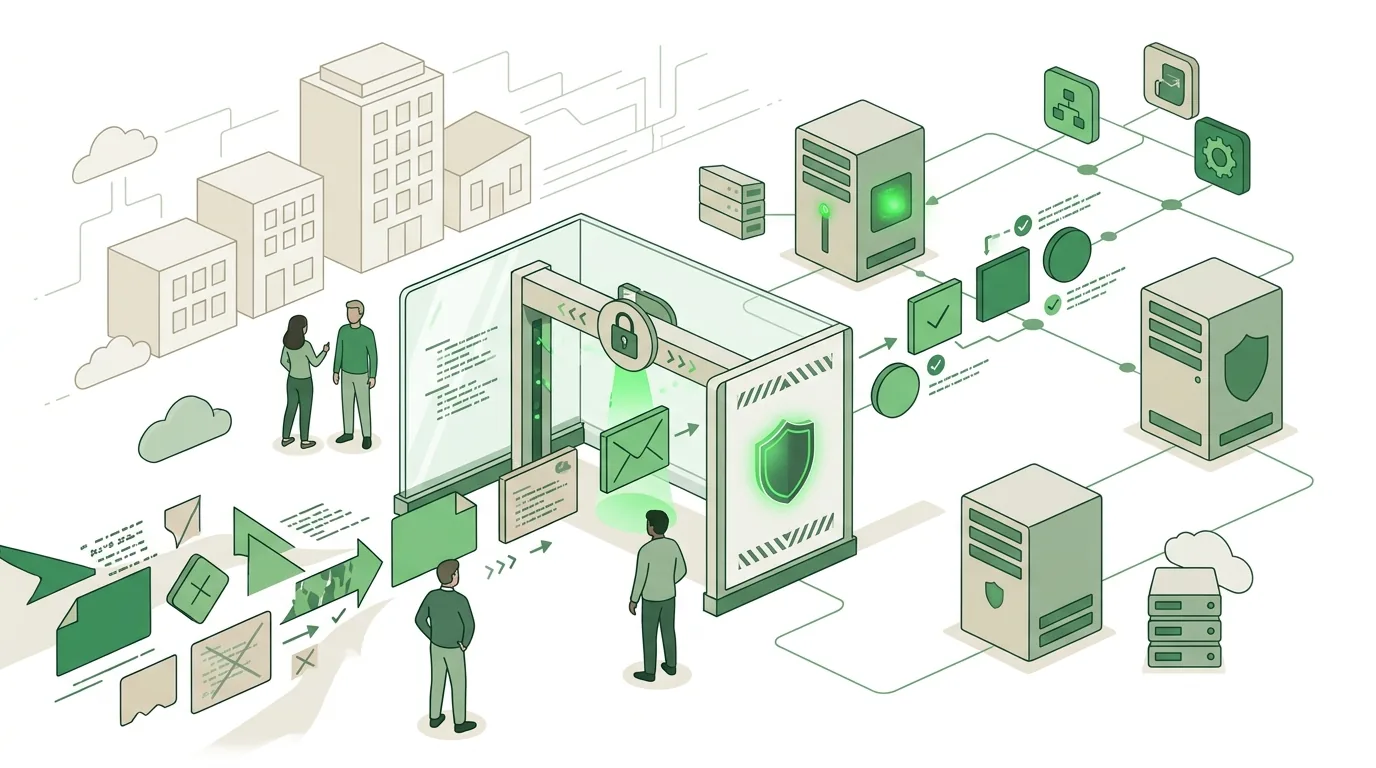
What goes wrong with webhooks
Most webhook problems don't show up in the first test but only once the system is running in production. The typical failures and their causes:
- Duplicate processing: the endpoint processed the message but responded too late, so the sender delivers it again. The fix is idempotency. Store the event ID and skip any ID that has already been processed.
- Timeouts: the endpoint first generates a PDF, writes to the ERP and only then responds. Better: acknowledge immediately and put the work in a queue.
- Wrong order: "order canceled" arrives before "order created". There's no guarantee of ordering. The receiver has to check the timestamp or the current state via the API.
- Silent failures: the server was unreachable overnight, and after the final retry the sender gives up. Without monitoring and regular reconciliation, the gap often goes unnoticed for weeks.
- Changed payload: the provider adds fields or renames them. A receiver that rigidly validates against a fixed format then breaks.
- Outdated configuration: after a website migration, the registered URL points nowhere, and nobody reads the sender's error notifications.
Webhook testing: how to test a webhook
To test a webhook, you need a receiver that's reachable from the outside and an event you can trigger on purpose. This sequence has proven itself in practice:
- Inspect the payload: first send the message to a temporary receiving URL, like the ones services such as Webhook.site provide. That lets you see the headers and JSON exactly as they arrive. Use test data only, never real customer data, because the data then sits with a third-party service.
- Forward locally: for development on your own machine, some providers offer forwarding tools. With the Stripe CLI and the command stripe listen with the --forward-to option, test events land on a local port. Stripe describes this in its webhook documentation.
- Trigger a test event: most providers have a test mode or a resend button. Use it to check the entire path through to processing.
- Provoke failure cases: deliberately send an invalid signature (expected: rejection) and the same event ID twice (expected: processed only once). Also have the endpoint respond once with a server error (expected: a retry).
- Check the logs: look in the sender's dashboard to see which status code came back and how long the response took.
In n8n, the Webhook node has a test URL and a production URL. The test URL only accepts requests while the workflow is waiting for an event in the editor. A common mistake: the test URL gets entered with the sender, and later people wonder why nothing arrives anymore. Details are in the n8n documentation.
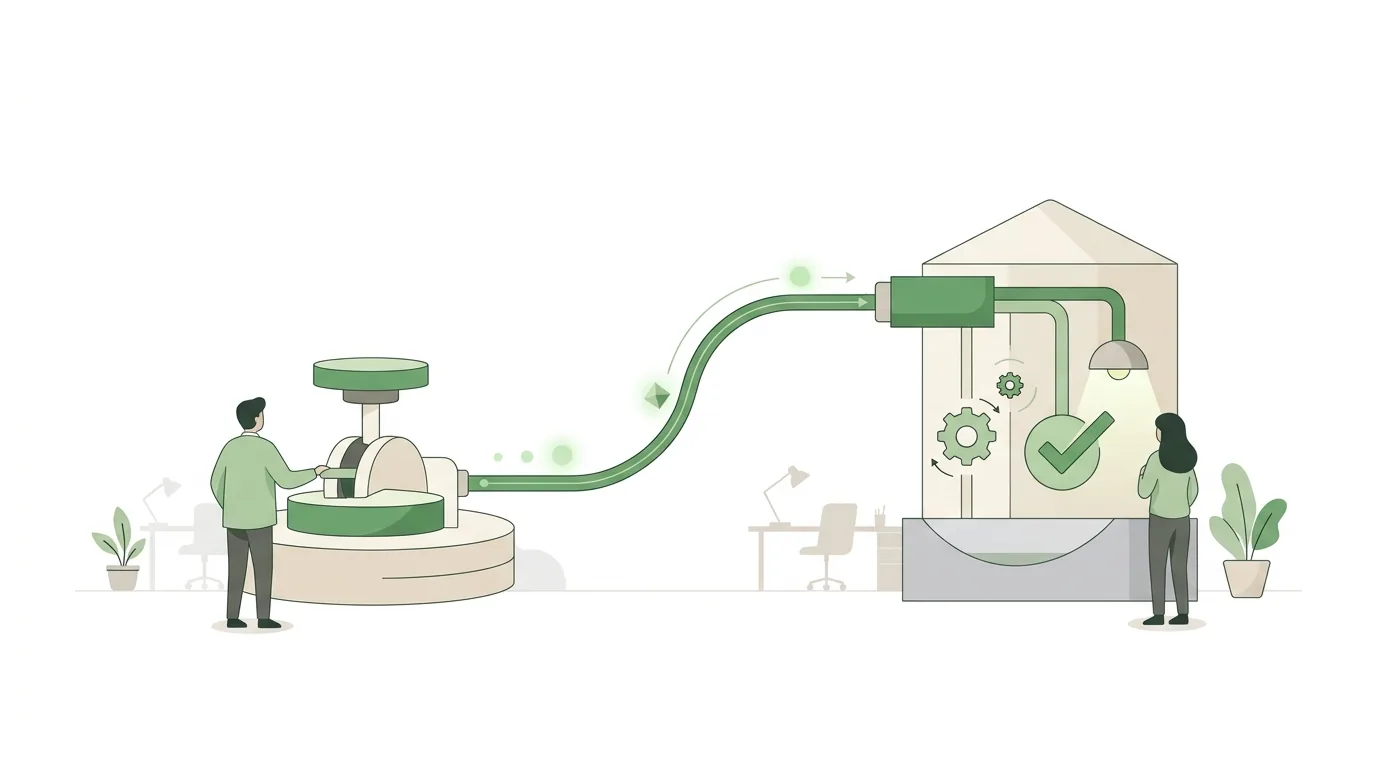
Receiving webhooks: Make, n8n or your own endpoint
If you don't want to code webhooks yourself, you can receive them with an automation tool. According to its help center, Make generates a URL that an external app, a service or another scenario can call. The help page has dedicated sections on error handling and on a rate limit for webhooks. For transparency: DigifyNow is a Make partner and has a referral code there. n8n offers a Webhook node and, according to its documentation, can also be self-hosted. The third option is your own endpoint in your own code.
| Option | Where the webhook URL is created | Who runs it | Where it hits its limits |
|---|---|---|---|
| Make | In the scenario as a webhook module, hosted in the provider's cloud | Make runs the platform, you maintain the scenario | The provider's rate limit and billing apply. Checks like idempotency have to be rebuilt in the scenario yourself. |
| n8n | In the workflow as a Webhook node with a test and a production URL | Depending on your choice, the provider's cloud or you on your own server | If you self-host, you also handle updates, uptime and backups yourself |
| Your own endpoint | As a route in your own application | You or your development partner | Signature verification, queue, retries and monitoring have to be built and maintained |
How do I set up a Discord webhook?
In Discord, you create a webhook in Server Settings under "Integrations". There you choose "Webhooks" and then "New Webhook", give it a name, pick the target channel and copy the webhook URL. The labels may change with app updates. Unlike most of the examples above, Discord is the receiver here: your system sends an HTTP POST with a JSON object like {"content": "Backup failed"} to this URL, and the message shows up in the channel. No signature is needed for this. Anyone who knows the URL can post to the channel, so it doesn't belong in public code. If it does leak, delete the webhook and create a new one.

How DigifyNow works with webhooks
DigifyNow, based in Unnau in Germany's Westerwald region, connects systems such as forms, payment providers and CRMs via webhooks and APIs in client projects. In AI automation, a webhook is often what triggers a workflow: an event comes in, an AI assistant prepares it, and an employee approves the result. In CRM development, we plan the receiver in from the start, including signature verification, stored event IDs and an error log. Whether a tool is enough or you need your own endpoint comes down to three questions: How many events come in? What happens if a message gets lost? And who takes care of running it?
When outside help is worth it
Many teams set up a single webhook that posts messages to a chat channel on their own. Outside help makes sense when money or shipments depend on the message, when several systems need to react in a fixed order, or when nobody in-house can monitor the endpoint. For a first conversation, have these answers ready: which systems send and receive messages, which events matter, what happens when a message is lost and who is responsible for operations. Through our contact page you can request a free, no-obligation assessment of your project.
Frequently asked questions
What is a webhook payload?
The payload is the content of the HTTP request a webhook sends. Usually it's a JSON object with the event type, a timestamp, a unique event ID and the affected data, or just its ID. The sender defines the structure. It can change with new versions, so a receiver should ignore unknown fields instead of failing.
Do I need my own server for webhooks?
Not necessarily. The receiver just has to be reachable at a public HTTPS address. That can be an automation tool like Make or n8n in the cloud, a serverless function or your own application. DigifyNow is a Make partner. Your own server makes sense if you want full control over processing, logs and data storage.
What status code should a webhook receiver return?
A success code in the 2xx range tells the sender that delivery worked. Many providers treat client or server error codes and missing responses as a failed delivery and resend later. So respond after verifying the signature but before any time-consuming processing, and put the actual work in a queue.
What does idempotency mean for webhooks?
Idempotent means that processing the same message several times produces the same result as processing it once. Because senders resend after timeouts, an event sometimes arrives twice. The receiver stores the event ID and skips IDs it already knows. Otherwise you could end up with two invoices for one payment, for example.