Native App: How It Works, Limits, Alternatives
· DigifyNow
A native app is built for one specific operating system: in Swift with Apple's SDK for iOS, in Kotlin with the Android SDK for Android. The code is compiled for the device and uses the camera, Bluetooth, push and background services directly through the system's interfaces. It ships through the App Store or Google Play. If you need both platforms, you maintain two codebases. A cross-platform framework or a web app is often enough.
A native app is an application built for exactly one operating system: for iOS in Swift with Xcode, for Android in Kotlin with Android Studio. It is compiled for the device, talks directly to the system's interfaces and is distributed through the App Store or Google Play. So if you want to serve both iOS and Android, you need two separate codebases. The alternatives are web apps, which run in the browser, and cross-platform apps, which use one codebase for both systems.
How does a native app work technically?
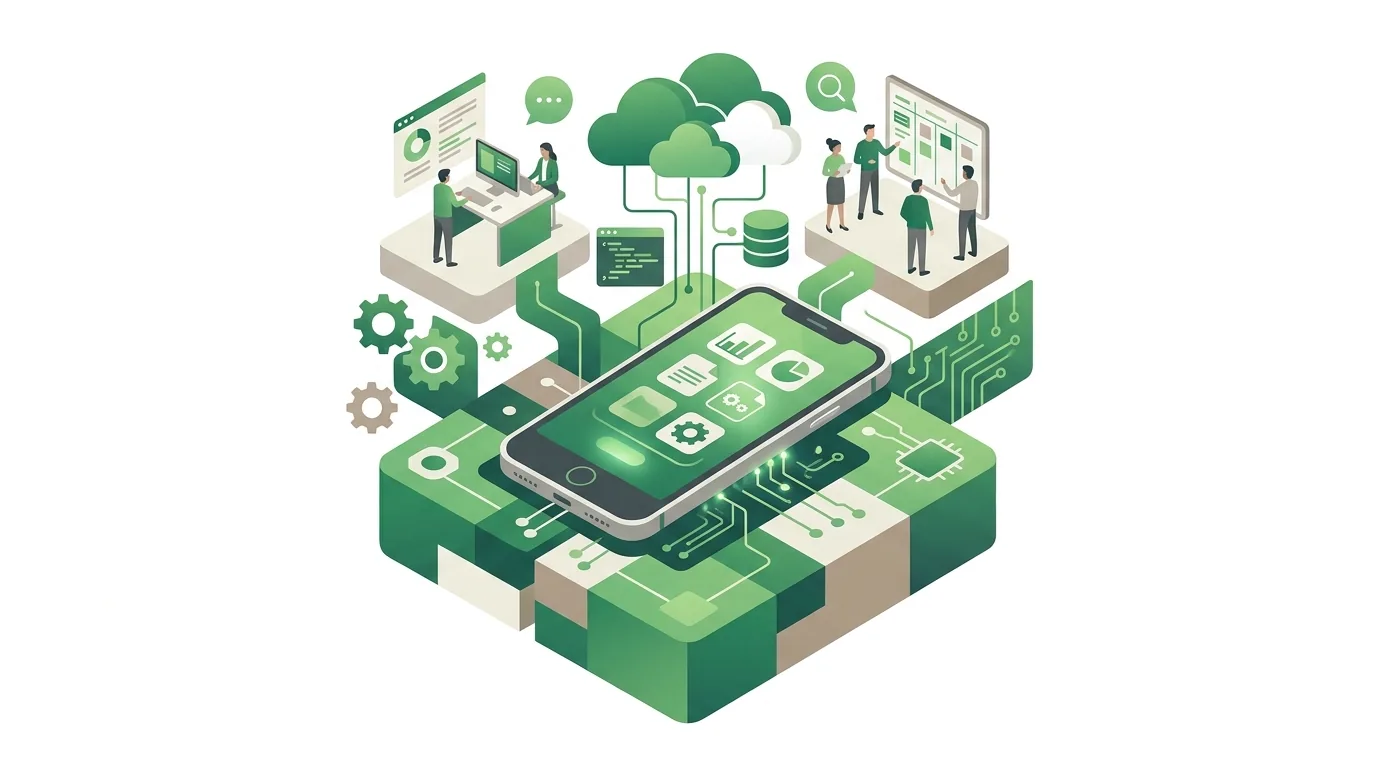
Before the app ships, its source code is translated into machine code for the device's processor. On Android this is partly bytecode, which the ART runtime compiles further on the device. That means there is no browser and no middle layer translating commands. The app runs in a sandbox: it only sees its own files and has to ask the user for permission to use the camera, location, contacts or notifications. If the user says no, the app has to handle that properly. Otherwise it crashes or shows an empty screen.
- Development: iOS builds can only be created and signed with Xcode on a Mac. Android builds can be made on any standard computer.
- Signing: Every version is signed with a certificate or key from the developer account. If the Android signing key is lost and Google Play key management was never set up, you can no longer ship updates for that same app.
- Distribution: The app goes out through the App Store or Google Play and has to pass a review there. Every update is reviewed again, so a bug fix does not reach all users right away.
- Maintenance: New versions of iOS and Android come out every year and change interfaces and store requirements. A native app therefore needs ongoing maintenance, even if nothing changes on the business side.
- AI features: If the app uses AI to generate text, images, audio or video, it falls under Article 50 of the EU AI Act, which has applied in its amended form since August 2, 2026. Providers of such systems placed on the market before August 2, 2026 have until December 2, 2026 to take the measures required by Article 50(2). What that means for a specific app is a question for a legal review, not a technical setting.
For how the store review process works in detail and where it tends to fail, see our article on how to publish an app on the App Store.
Native app vs web app vs PWA vs cross-platform: what's the difference?
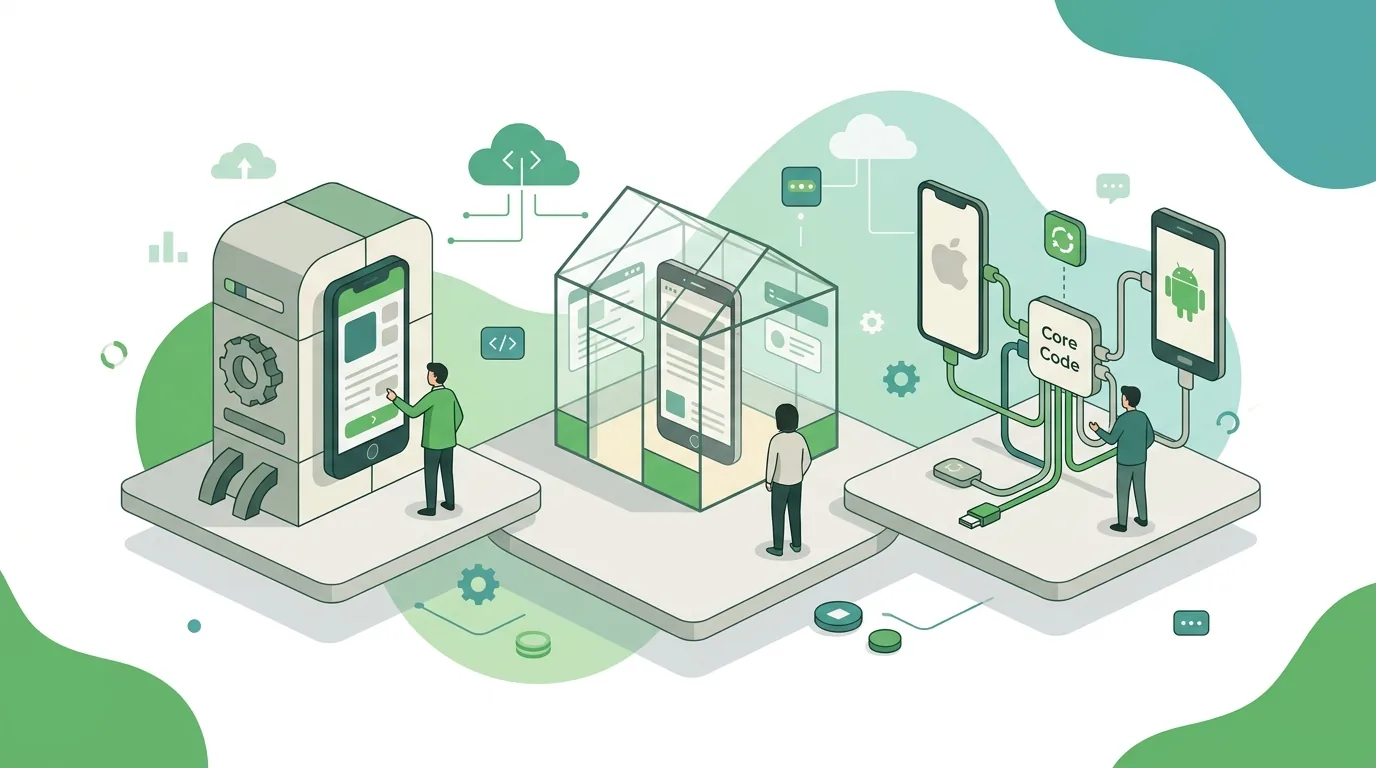
The question "native app or not" is really a question about how the app is built. There are five options, and they differ mainly in how many codebases you have to maintain, how directly the app can reach device features and how updates get to your users.
| Approach | Codebase | Access to device features | Distribution and updates | Where it hits its limits |
|---|---|---|---|---|
| Native app (Swift / Kotlin) | A separate one per platform | Full access through the system SDKs, including background services and widgets | App Store and Google Play, every update reviewed | Double the development and maintenance effort for iOS and Android |
| Cross-platform with Flutter | One, in Dart; its own rendering engine draws the UI | Mostly through plugins; special features need extra native code | Through the stores, like native apps | Plugins sometimes lag behind new system features |
| Cross-platform with React Native | One, in JavaScript or TypeScript; uses native UI components | Mostly through modules; special features need extra native code | Through the stores, like native apps | Dependence on third-party modules and how well they are maintained |
| Hybrid app (e.g. Ionic with Capacitor) | One web codebase, runs in a WebView | Through Capacitor as a bridge to the camera, push and other features | Through the stores, packaged as an app | Complex animations and long lists run less smoothly than native |
| Web app / PWA | One, in the browser | Only what the browser allows; Safari, for example, does not support Web Bluetooth | No store, updated on the next page load | Hardly any background work; no install prompt on iOS |
The differences between the two big frameworks are covered in our article Flutter vs React Native, and the technology behind installable web apps in our article on the Progressive Web App.
When is a native app worth it, and when isn't it?
Going native pays off when the app has to do things only the operating system allows, or when the platform is fixed anyway. For most business apps that show forms, lists and data from a backend, native development is an expensive detour.
- In favor of native: Bluetooth connections to machines or measuring devices, NFC, continuous location tracking in the background, integration with Apple Health or Health Connect, widgets and lock screen displays.
- In favor of native: All users are on the same platform, for example a vehicle fleet with standardized Android devices. Then there is only one codebase, and the main drawback disappears.
- Against native: At its core, the app is a data entry form with a database behind it. A web app or a cross-platform framework covers that with a single codebase.
- Against native: Content changes daily and bugs have to be fixed immediately. Every store review delays fixes.
- Against native: Nobody in-house or at your vendor will be able to maintain Swift and Kotlin later on. An app whose code nobody can touch anymore becomes a liability.
An example of the first case: a wholesaler's field sales reps scan barcodes in the warehouse, take orders with no connection and get a notification when an item is back in stock. In a native app, the camera reads the code through the system's scanning interface, orders are stored in a local database and synced as soon as there is signal again, and push notifications run through Apple's APNs or Google's Firebase Cloud Messaging.
A common mistake: an existing website gets wrapped in an app shell just to be "in the store." Under its review guidelines, Apple rejects apps that offer no functionality of their own, and users gain nothing over the website.
How can you tell if an app is native?
From the outside it is often hard to see, because good cross-platform apps feel just the same to use. The reliable way is to look inside the app package. An Android APK is a ZIP archive you can unpack. If it contains a library called libflutter.so, it is a Flutter app. A file named index.android.bundle points to React Native. A folder of HTML, CSS and JavaScript files indicates a hybrid app running in a WebView. If none of that is there and you only find compiled classes, the app is very likely native.
Users get softer clues: hybrid apps sometimes let you select text where a native app wouldn't, or show the rubber-band bounce of a web page when you scroll. For the decision in your own project, though, this question is secondary. What matters more is whether the chosen approach supports the features you need and who will still be able to maintain it a few years from now.
How much does a native app cost compared with a web app?
No honest figure can be given without a defined scope, but the cost drivers can. With native apps, the biggest factor is the number of platforms: two codebases mean two implementations of the same feature, two test runs and two store submissions per release. On top of that come integrations with existing systems such as ERP or CRM, data storage including offline sync, user management and operations: servers, monitoring, yearly updates for new OS versions and the developer account fees at Apple and Google.
A web app saves you the second codebase and the store review, but it needs the same backend, integrations and operations. A reliable number only comes from an effort estimate per feature, ideally based on a requirements document. How the price is put together is explained in our article on app development cost.
From our projects: what does running an app in two stores mean day to day?
Festino, a product of DigifyNow, is a party game app available in both Apple's and Google's stores. It shows what running on two platforms means in practice, regardless of how the app is built: two developer accounts, two store listings with their own screenshots, descriptions and age ratings, two review processes with their own follow-up questions and two approvals per update. Both stores also require disclosures about what data the app collects, and those disclosures have to be updated with every new feature.
- If a version gets approved faster in one store than in the other, two versions run side by side for a few days. The backend has to handle both.
- Store copy and screenshots are work that never shows up on a feature list but has to be done before every submission.
- If a submission is rejected, the update is stuck on that platform until the question has been answered.
App development in the Westerwald: who builds what?
Anyone in Germany's Westerwald region looking for someone to build an app usually searches with one of these terms. Each one means something slightly different.
- App development in the Westerwald: This usually means the whole project, from the idea to the app in the store. DigifyNow is based in Unnau (Grenzweg 9a) and builds native, cross-platform and web apps; the approach follows from the features you need.
- App developer in the Westerwald: If you are looking for a developer, settle up front who owns the source code and the store account. Both belong in the client's name, otherwise every update depends on the vendor.
- App development agency in the Westerwald: An agency usually covers concept, design, development and operations, while a single freelancer often covers only part of that. With native apps for two platforms this matters, because Swift and Kotlin rarely come together in one person.
- Web app development in the Westerwald: For internal tools, customer portals and back offices, a web app is often the right approach, because it needs no store and runs in the browser on any device.
- Mobile app agency in the Westerwald: If you specifically want a smartphone app, ask for live apps in the stores as references and check when they were last updated.
What DigifyNow offers as an app developer in the Westerwald is described on its own page, as is web app development in the Westerwald. Vendor-neutral selection criteria are collected in our article on how to find an app developer.
When outside help makes sense
Outside help is worth it when the approach is still open and a wrong call would cost you two codebases, when the app has to connect to existing systems, or when nobody in-house can look after store accounts, signing and the yearly OS updates. Have this ready: the key workflows the app should cover, which devices your users have, which systems need to be connected and whether the app has to work offline. DigifyNow builds apps from the MVP to the running system; we plan an MVP within a 4–8 week window, and the schedule for a specific project only follows from its scope. The overview is on our app development page. In a free, no-obligation assessment of your project, we work out which approach fits your requirements and where an app isn't worth it.
Frequently asked questions
What is a native app?
A native app is a program written and compiled for a single operating system: Swift for iOS, Kotlin or Java for Android. It uses the system's interfaces directly, for example for the camera, Bluetooth or background services. Unlike a web app, it does not run in the browser, and unlike a cross-platform app, it shares no code with the other platform.
What happens when I close background apps?
When you swipe an app away in the app switcher, the system ends its process. The next launch is a cold start, and any unsaved input is gone. It usually doesn't save battery, because iOS and Android freeze paused apps anyway and a restart costs energy. On iOS, the system no longer wakes an app the user has closed for background refresh; visible push notifications still come through.
Does a native app have to go through an app store?
On iOS, the App Store is the standard route; companies can also distribute internal apps through Apple Business Manager or a device management system. Android additionally allows installing an APK file directly if the user permits installs from unknown sources. A web app, by contrast, needs no store at all; it runs from a URL in the browser.
Can a web app be turned into a native app later?
You can't reuse the UI code, because Swift and Kotlin are different languages from JavaScript. But you can reuse the backend, database and integrations, which often make up the larger share of the work. That's why many projects start with a web app, see how it gets used and only build a native front end once device features are missing.
Is a native app faster than a cross-platform app?
For typical business apps with lists and forms, users usually notice no difference between native, Flutter and React Native. It becomes noticeable with compute-heavy tasks such as on-device image processing, complex animations or very large data sets. Hybrid apps in a WebView fall behind on these tasks, because the browser engine sits between the code and the device.