Process Documentation: Template, Tools, Pitfalls
· DigifyNow
Process documentation records who does which steps, with which inputs, when a given trigger occurs, and when the process is done. To create it, walk through a real case with the people who do the work. Note the roles, decisions, systems and exceptions, then have those people review the result. It stays useful only if it has a named owner, a version number and a fixed review trigger, such as any change to software or responsibilities.
What is process documentation?
Put simply, a process is a recurring sequence of steps. An event sets it off, and it ends with a result you can verify. For example, a customer complaint comes in, and at the end the customer has received a credit or a replacement part. Process documentation writes down exactly that sequence: the trigger, the steps, who carries them out, which decisions get made along the way, which systems and documents are involved, and how you can tell the case is closed.
Here's how the complaint example plays out. The trigger is the customer's email or phone call. Customer service opens a case and checks whether the product is still under warranty. If it is, the technical team looks at a photo or the returned item and decides between repair and replacement. If it isn't, the customer gets a goodwill offer, which the sales manager has to approve. The case is closed once the credit is posted or the replacement part has shipped, and the case is marked as done. If you write it down like that, you have process documentation. If all you write is "customer service handles complaints," you've assigned a responsibility, but you haven't described a process.
What is the goal of process documentation?
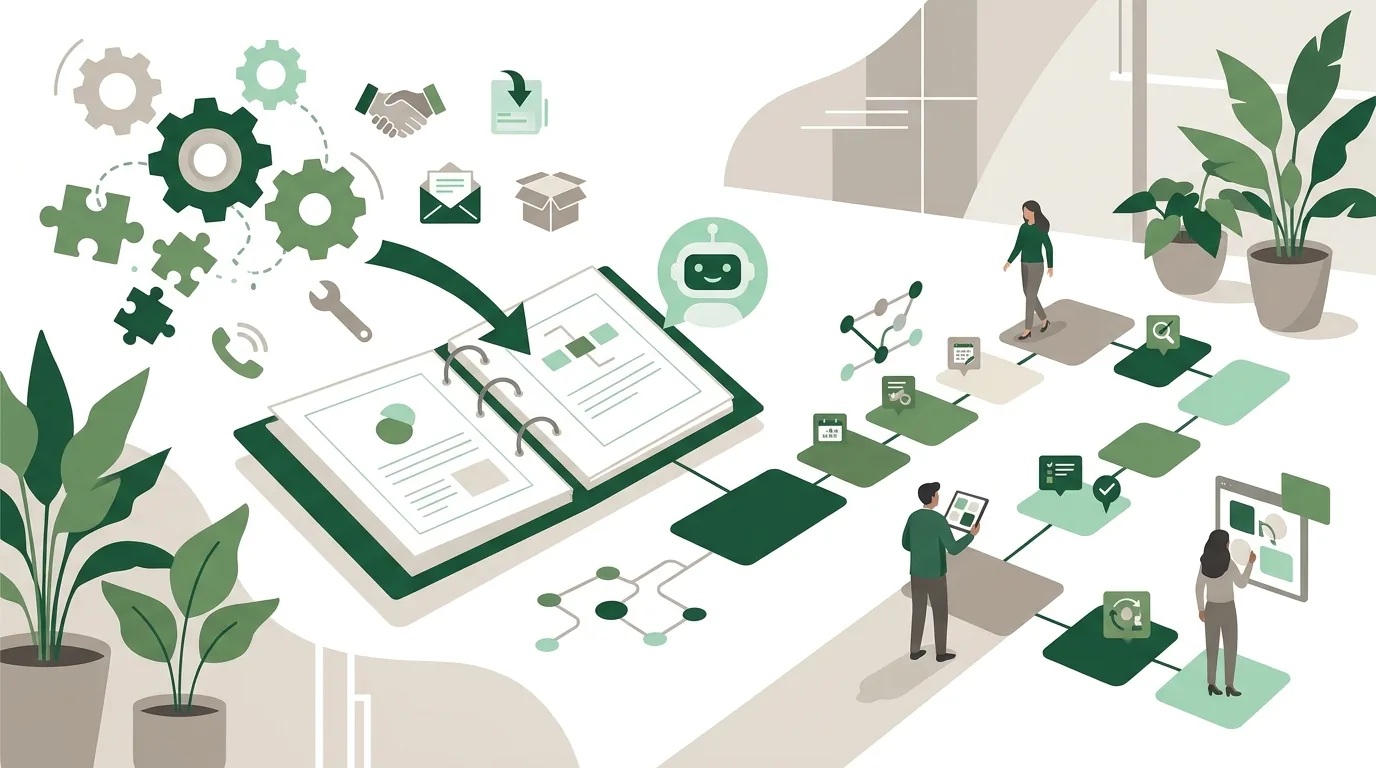
The goal is that someone can run, check or change the process without having to ask the one person who used to carry it around in their head. That gives you three readers who need different things. A new employee needs to learn the process. The owner or an auditor wants to know who is responsible for what. And a developer turns the process into software or an automation.
The purpose determines how much detail you need. For onboarding, you need screen-by-screen steps and examples. To clarify responsibilities, a workflow with roles is enough. For automation, you also need every exception and every data field. What doesn't work is trying to document every process in the company at once, all at the same level of detail. That ties people up for weeks, and by the time the last process is written up, the first one is already out of date. You're better off starting with the processes where knowledge is about to walk out the door, where errors keep happening, or where a change is coming up.
Which levels belong in process documentation?
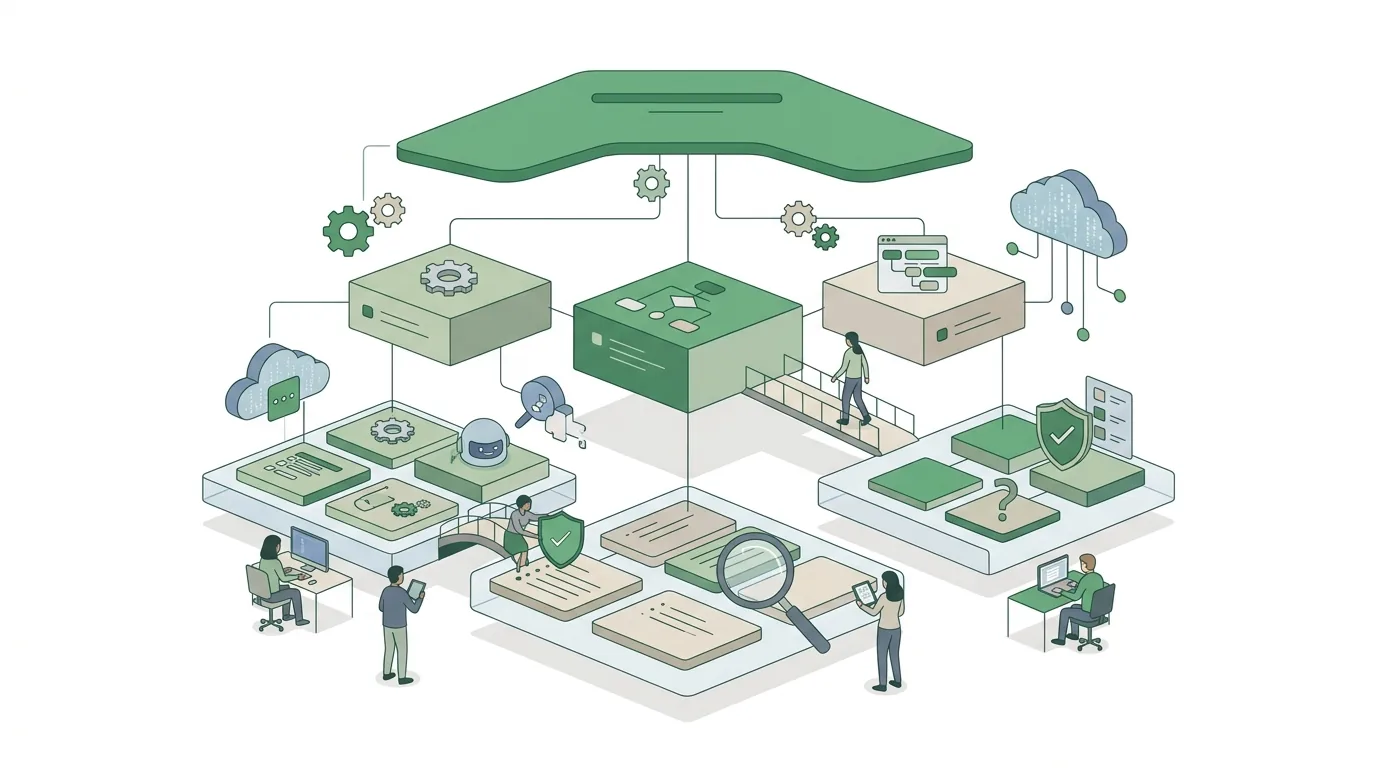
Most documentation that nobody uses day to day mixes up the levels. Company-wide responsibilities and individual mouse clicks end up jumbled together on the same page. It makes more sense to separate it into three levels that link to one another.
| Level | Answers the question | Typical format | Who reads it |
|---|---|---|---|
| Process landscape map | Which processes exist at all, and how do they connect? | One page showing management, core and support processes | Owners and executives, auditors, new managers |
| Process description | Who does what when a trigger occurs, and where are decisions made? | Flowchart with swimlanes plus short text | Departments involved, process owners, developers |
| Work instruction | Exactly how do I carry out this one step in the system? | Step list with screenshots or a short screen recording | The people doing the work, new hires, backups |
How to build the top level is covered in our article on the process landscape map with an example from metal fabrication. The middle level is the core of this guide. Work instructions change most often, because every software update moves screens and buttons around.
How do you document a process?
- Set the boundaries: Name the trigger ("an order comes in through the online store") and the end ("the invoice has been sent and the goods delivered"). Whatever happens before or after belongs to a different process.
- Walk through a real case: Sit down with the people who do the work and go through a specific, recently completed case step by step. Ask what actually happened, not what the manual says should happen.
- Write down roles, not names: "Customer service," not "Mrs. Miller." Otherwise the documentation is wrong the first time someone changes jobs.
- Capture decisions and exceptions: Every point where someone says "it depends" is a branch, and there's a rule behind it. Ask for the rule, and ask about the last case where it didn't fit.
- Map systems and data: For each step, note which program it happens in and what information is entered or read there. Flag every switch between paper, email and software separately, because that's where information gets lost.
- Draw and write: Show the workflow as a swimlane diagram, with two or three sentences per step underneath. A diagram without text can't explain an exception, and text without a diagram doesn't show the handoffs.
- Get it reviewed: The people doing the work check that the process is accurate. Someone who doesn't know the process checks whether they could run it afterward.
- Approve it and set up maintenance: Record the version, date, owning role and review trigger, then store it in one place everyone can find.
If you also want to measure the process, such as wait times and cycle times, you're taking a step toward analysis. Our article on process analysis with a template and worked calculation explains how.
Process documentation template: which fields should it include?
The main benefit of a process documentation template is that every description in the company follows the same structure. If you have ten processes in ten different formats, you can't find anything quickly in any of them. These fields cover the middle level:
- Process name and ID, so references are unambiguous
- Purpose: What result does the process deliver, and for whom?
- Trigger and end, each as a verifiable event
- Process owner role, which approves changes
- Roles and departments involved
- Inputs and outputs: documents, data, goods
- Sequence of steps, with the role, system and a short description for each step
- Decisions and the rule behind each one
- Known exceptions and who handles them
- References to work instructions, forms and related processes
- Version, date of the last review and the trigger for the next one
Is there a free process documentation template?
Yes. Several software vendors offer free templates. In German search results, for example, HubSpot ranks near the top with a free process documentation template. A template you build yourself from the fields above works just as well, in a text document or a spreadsheet you already use. The catch with any ready-made template is that it includes fields that don't fit your business and leaves out ones you need. Adapt the template on one real process before you use it for all the others. Also, a template is no substitute for talking to the people who do the work. If you fill it out from your desk, it usually describes how the process should run, not how it actually runs.
Process documentation tools: what types are there?
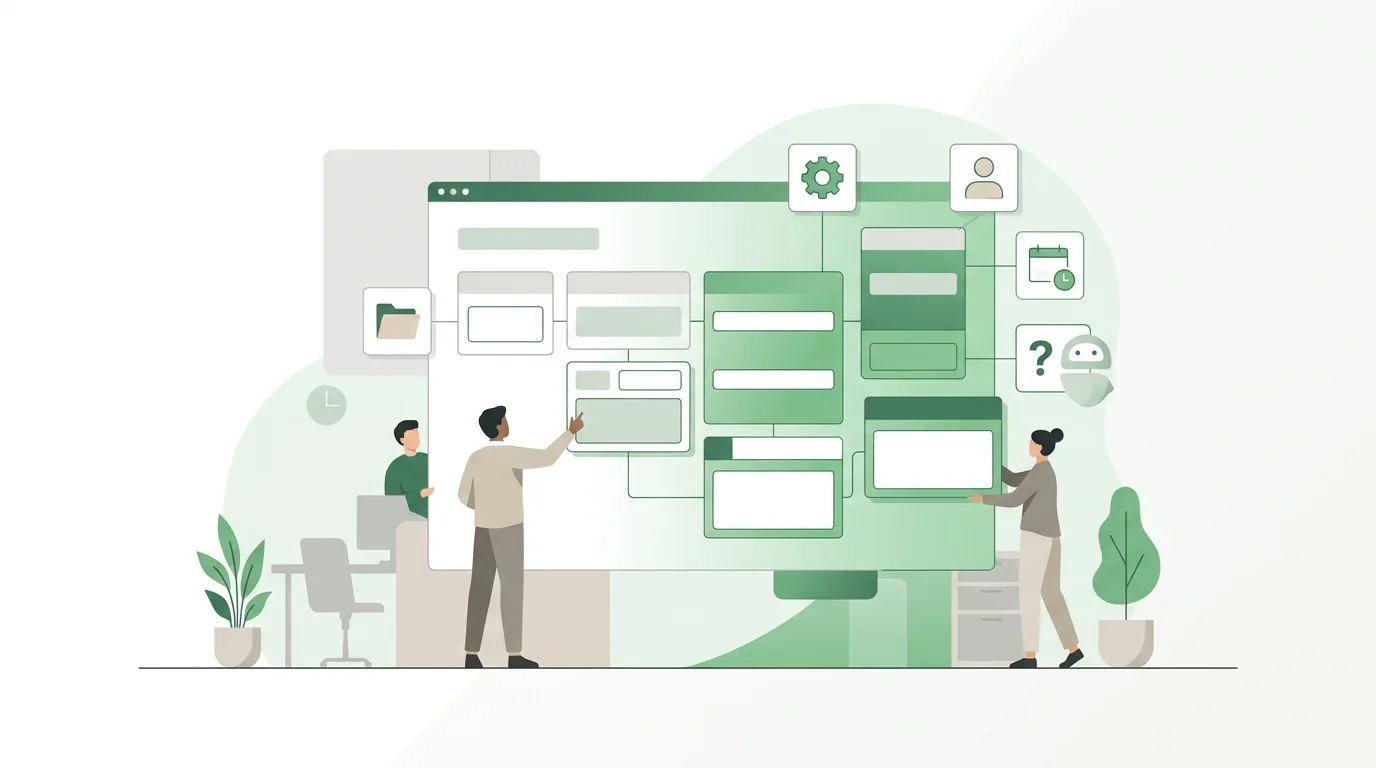
When you're looking for the right process documentation tool, pick the type of tool first and the product second. The table compares the types against the same criteria. The products listed are examples of each type. Features and plans change, so check each vendor's own documentation for current details.
| Tool type | Examples | Good for | Limitation |
|---|---|---|---|
| Text document or spreadsheet | Microsoft Word, Google Docs, Excel | Getting started, a handful of processes, small teams | Versions multiply as copies; links between processes break easily |
| Wiki or knowledge base | Confluence, Notion | Many processes, links between levels, search for every employee | Diagrams are usually only embedded; without an owner it grows into a mess |
| Diagramming and whiteboard tool | draw.io, Microsoft Visio, Miro | Drawing swimlane workflows, team workshops | Text, exceptions and versions have to be maintained somewhere else |
| BPMN modeling tool | Camunda Modeler, SAP Signavio, ADONIS | Consistent notation, large process inventories, preparing for process engines | People have to learn the notation; often hard for frontline staff to read |
| Screen recording | Loom, the operating system's built-in screen recorder | Work instructions that show a click path | Has to be re-recorded whenever the interface changes; not searchable without a written version |
For most small and mid-sized businesses, a wiki for text and links combined with a diagramming tool for the workflows is enough. A BPMN tool only pays off once you have to model many processes consistently, or once workflows are meant to run in a process engine later. If you're setting up a knowledge base from scratch anyway, our article on an Obsidian second brain for businesses describes another option based on locally stored text files.
Why does process documentation fail?
- Nobody owns it: Without an owning role, the documentation doesn't get updated at the first system change, and from then on people ignore it.
- The ideal instead of reality: It describes how things are supposed to run. The people doing the work don't recognize their day-to-day, so they keep doing things the way they always have.
- No review trigger: A fixed date on its own rarely does the job. A rule works better: any change to software, a form or a responsibility triggers a review of the affected description.
- Too much detail at the wrong level: Screenshots in the process description go stale with every update and take the whole text down with them.
- Stored in several places: If one version sits on the shared drive and another in the wiki, nobody knows which one is current.
- Missing exceptions: The standard case is quick to describe. In daily work, the special cases are what eat up time, and those are exactly what's missing if nobody asks about them.

How does process documentation relate to automation?
A clean process description is the blueprint for any process automation. The trigger, decision rules and data fields are exactly what a developer or an automation tool needs. If the documentation leaves out the exceptions, the automation leaves them out too, and the special cases pile up unnoticed. Which processes are a good fit for this, and when they aren't, is covered in our article on business process automation for small and mid-sized businesses.
It also works the other way around: an automation partly documents itself. In n8n, for example, a workflow is made up of visible nodes and can be exported as a JSON file. For details, see the n8n documentation. But that doesn't replace a business-level description. The workflow shows what happens technically. It doesn't show why a rule was chosen or who is allowed to change it.
On software and AI projects, DigifyNow starts from the documented as-is version of a process. When a process is going to be handed off to an AI assistant or an automation, we first check whether the trigger, rules and exceptions are described. Then we fill in the gaps together with the people who do the work. Our page on AI automation for businesses explains how this works for AI-driven automation.
When outside help makes sense
Most businesses can document a single process on their own with a template, a diagramming tool and a meeting with the people who do the work. Outside help pays off in a few situations. One is when the documentation is meant to become the foundation for new software, an automation or an AI assistant. Another is when several departments and systems are involved in one process. A third is when the knowledge sits with one person who will soon be gone. Have these ready: the trigger and end of the process, the roles involved, the programs used, and two or three real cases, including one that didn't go smoothly. With that, a free initial assessment of your project can clarify whether documentation is enough or whether another step makes sense.
Frequently asked questions
What skills does a process manager need?
A process manager needs to be able to map processes with the people who do the work without judging them. They need to ask about the rules behind decisions, show processes as flowcharts or in BPMN, and coordinate changes across departments. They also need a basic understanding of the software in use, because many process errors happen at handoffs between systems. Being able to clearly settle who is responsible for what matters more than subject-matter authority.
What's the difference between a process description and a work instruction?
The process description shows the entire process, from trigger to result, with roles, decisions and handoffs. The work instruction describes a single step from it in detail, such as the click path in the inventory management system. The description changes when responsibilities change. The work instruction changes as soon as a software update moves a screen. That's why they belong in separate documents that reference each other.
How often should process documentation be updated?
A fixed schedule alone rarely keeps documentation current. A trigger is more reliable. Any change to software, forms, responsibilities or rules that affects the process should prompt the owning role to review the affected description. On top of that, an annual pass can check whether descriptions that had no reason to change are still accurate. The version and review date go in the document itself.
Is video-based process documentation better than text?
Video works well for work instructions that need to show a click path or a hands-on task. It's not much use for the process description. Without a written version, a video can't be searched, decision rules and exceptions get lost in it, and every interface change means re-recording. What works best is text with a diagram as the foundation, plus short videos for individual steps.