WhatsApp Chatbot: Providers, Setup and Limits
· DigifyNow
A WhatsApp chatbot runs on Meta's WhatsApp Business Platform. Incoming messages go to bot software via a webhook. The software answers using fixed rules or an AI model and replies through the API. The free Business app only offers greeting and away messages. For a real bot, you need API access through a provider or your own integration. Once the customer service window after the customer's last message has closed, Meta only allows approved templates.
A WhatsApp chatbot is a program that automatically answers WhatsApp messages sent to a business number. It can follow fixed rules, use an AI model, or combine both. It needs access to Meta's WhatsApp Business Platform, because the free WhatsApp Business app isn't enough. You get that access through a provider or through your own integration. At DigifyNow we mostly build these bots when they need to work with a company's own systems, such as a CRM or a calendar.
What is a WhatsApp bot?
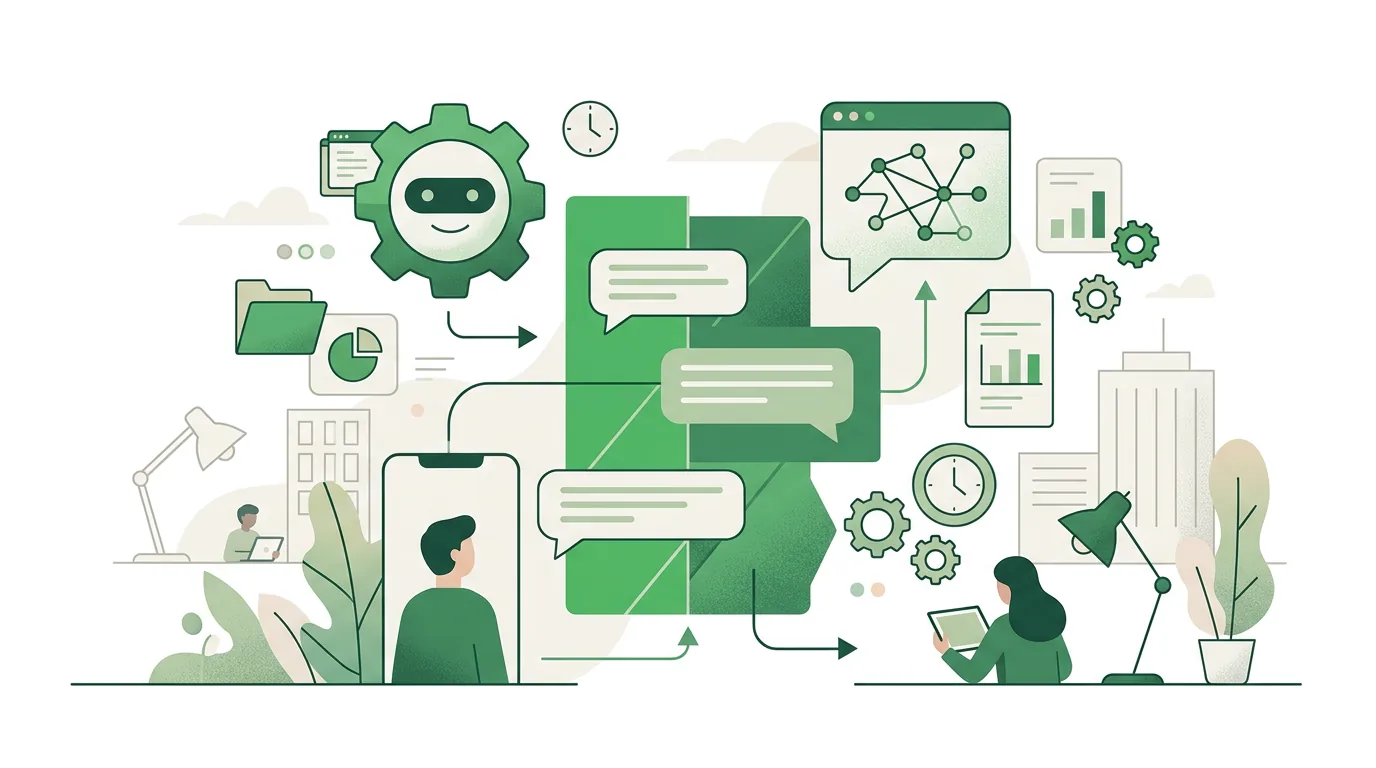
A WhatsApp bot is a program that automatically replies to messages sent to a business number. Technically it always works the same way. A customer sends a message to the number, Meta forwards it as an HTTP request to an address you've registered, the bot software processes it, and the reply goes back through the API. That address is called a webhook. How webhooks work and why they have to respond quickly is covered in our article on webhook basics, testing and security.
Without this API there is no real bot. The free WhatsApp Business app can store greeting messages, away messages and quick replies. What it can't do is react to what a question actually says, look up an order or pass anything on to a CRM. For that you need the WhatsApp Business Platform (the Cloud API), which Meta describes in its developer documentation. You get access either through a provider that handles the integration for you or by building your own. The available routes and how Meta charges are covered in our post on the WhatsApp Business API: pricing, options and setup.
Rule-based or AI: what types of WhatsApp chatbots are there?
There are two types, and in practice they're often combined. A rule-based bot follows a fixed flow. It reacts to keywords or to buttons such as "Opening hours", "Book an appointment" or "Talk to a person". It only says what someone has set up in advance. That makes it predictable, but it falls apart as soon as someone writes freely: "Are you open Saturday, and if so, until when?" won't match any keyword.
An AI bot sends the message to a language model. The model gets a system prompt and usually relevant excerpts from a knowledge base, such as FAQs, a price list or delivery terms. It handles open-ended questions much better. The trade-off is that it can make up answers when the knowledge base has nothing to offer. Why that happens and how to rein it in is explained in our article on AI chatbots: how they work, their limits and agents. A hybrid setup has proven itself: fixed buttons for processes where mistakes are costly, such as cancellations. AI only for providing information. And always a way to reach a human.
Example: a WhatsApp chatbot at a trade business
What a WhatsApp chatbot looks like day to day is easiest to show with a flow like the ones we sketch out for businesses. This is a sample flow, not a client project. A customer messages a heating contractor's business number: "My heater is dripping, can you come by?"
- The bot introduces itself as an automated assistant and offers three buttons: "Emergency", "Request appointment", "Get a quote".
- For "Emergency", it gives the emergency service number and immediately flags the conversation for a staff member. No AI makes decisions here.
- For "Request appointment", it asks for the ZIP code, type of unit and preferred time frame, and asks for a photo.
- The answers land as a request in the CRM or calendar. The appointment only counts as confirmed once a staff member confirms it.
- If the customer asks freely about opening hours or the service area, the AI part answers from the knowledge base. It doesn't answer pricing questions; it forwards them.
What this bot deliberately doesn't do: commit to prices, book firm appointments or handle complaints on its own. If the staff member only replies after the customer service window has closed, they can only send an approved template, such as "Your proposed appointment is ready". Which requests can be automated at all, and how WhatsApp compares with email and phone, is weighed up in our article on customer service automation: options and limits.
Which WhatsApp chatbot providers are there?
Anyone searching for a WhatsApp chatbot is usually looking for a provider. The names that show up in search results fall into five routes. The table compares the routes, not individual products. The examples come from current search results, including a best-of list. Check the features and pricing plans of individual products in their current documentation.
| Route | Examples from search results | Fits if … | Limitation |
|---|---|---|---|
| Chatbot builder with a WhatsApp channel | Manychat, SendPulse, UChat | you want to click flows together without coding, mainly for marketing and lead-generation funnels | your data sits with the provider; your own systems, such as inventory management, can only be connected through the interfaces the provider offers |
| Customer service inbox with a bot | Superchat, Trengo, Freshdesk, Intercom, Tidio | several staff members handle WhatsApp, email and other channels in a shared inbox and the bot only does triage | the bot logic is built around what the inbox supports; deeper processes in other systems take extra work |
| AI agent platform | Botpress, Chatbase | open-ended questions should be answered from a knowledge base | answer quality depends on a well-maintained knowledge base; depending on the platform, WhatsApp access has to be set up separately |
| Automation tool plus Cloud API | n8n, Make | you want to connect messages to your own systems and someone in-house can build and maintain workflows | you are responsible for the webhook, error handling and operations yourself |
| Custom build on the Cloud API | directly with Meta | the bot needs deep access to your own software or the flow and data should stay entirely in your hands | highest effort for development and maintenance; you have to keep track of Meta's requirements yourself |
For transparency: DigifyNow is a partner of Superchat and Make with a referral or partner code. For Trengo, one search result describes getting started via Settings > Automation > Flowbot. For n8n, nodes and hosting options are documented in the n8n documentation. The bot features themselves rarely decide which route fits. Usually it comes down to three questions: Who handles the conversations the bot can't resolve? Which of your own systems does the bot need to read or write to? And who takes care of operations when an integration fails?
How to build a WhatsApp chatbot: the steps
Whether you use a builder or build it yourself, a WhatsApp chatbot comes together in the same order. If you start building the flow before you know what people actually ask, you usually end up with a bot for questions nobody asks.
- Count your requests: Go through the WhatsApp messages and emails from the past few weeks and sort them by topic. The bot takes over the topics that come up often and have a clear answer first. If you only get a handful of requests a week, saved quick replies in the Business app are enough.
- Decide on the number: The API requires a phone number, a Meta business portfolio and a WhatsApp Business account. Clarify beforehand whether your existing Business app number should be migrated. Switching changes how, and with what, your team handles that number.
- Choose your access: a provider from the table or your own integration via the Cloud API with a webhook.
- Set up the flow and the knowledge: menu buttons for fixed processes, a knowledge base for the AI part. Define what the bot must not answer, such as price commitments, complaints or health questions. Name one person who maintains the knowledge base, or sooner or later the bot will give out outdated opening hours.
- Build the handoff to a human: a keyword or button for "Talk to a person", plus a rule for who takes over and what happens outside business hours. Without that rule, the bot goes in circles.
- Submit templates: Messages you initiate yourself, such as appointment reminders, require templates approved by Meta and the recipient's consent. If you message customer lists without opt-in, you risk complaints and restrictions on your number.
- Test and read along: Test the bot with real questions from your count and read the conversation logs during the first few weeks to find gaps in the knowledge base. Monitor the webhook: if the server can't be reached, messages arrive late or not at all.
Free WhatsApp chatbot: what can you do without paying?
The only thing that's truly free is the WhatsApp Business app. But it doesn't give you a bot, just fixed greeting and away messages. Anything that reacts to content runs through the Cloud API, and that's where Meta charges for template messages. Those are the messages you initiate yourself outside the customer service window. Replies within the 24 hours after a customer message are treated differently by Meta. The categories and rules currently in effect are in Meta's documentation on the WhatsApp Business Platform.
Which WhatsApp chatbots have free plans?
Your best chance of getting a WhatsApp chatbot for free is through free plans or trials of chatbot builders. SendPulse, for example, advertises a free plan and a trial, according to search results. Check three things with every builder: whether the WhatsApp channel is included in the free plan at all, how many contacts or flows it allows, and whether you can export your contacts and flows if you switch later. A trial is a good way to test the flow with real questions. It isn't enough for ongoing use. Either way, Meta is a separate matter: the fees for template messages through the Cloud API apply regardless of the tool.
License-free WhatsApp chatbot: self-host instead of renting
A WhatsApp chatbot without license fees is possible if you run automation software such as n8n on your own server. The hosting options are described in the n8n documentation. Check the license terms there too, because n8n is released under its own license, not a classic open-source license. Technically, you need a publicly reachable HTTPS address for the webhook. You enter it in your Meta app. During setup, Meta verifies the address with a verification request including a verify token, as described in the Meta developer documentation. License-free only means: no license. Server, updates, backups and monitoring are on you, as are Meta's fees for templates.
Building a WhatsApp chatbot for free: what actually costs money
If you want to build a WhatsApp chatbot for free, you can often test the setup without a license, but you can rarely run it that way. Ongoing costs depend on four things: Meta's fees for templates, the platform's pricing plan once the free tier is no longer enough, AI model usage, which grows with the number and length of conversations, and the effort for integration and operations. A pure button bot with no AI and no messages you initiate yourself comes closest to free. As soon as the bot needs to look up orders or book appointments, building the integration with your system takes work.
How can I tell if I'm chatting with a bot?
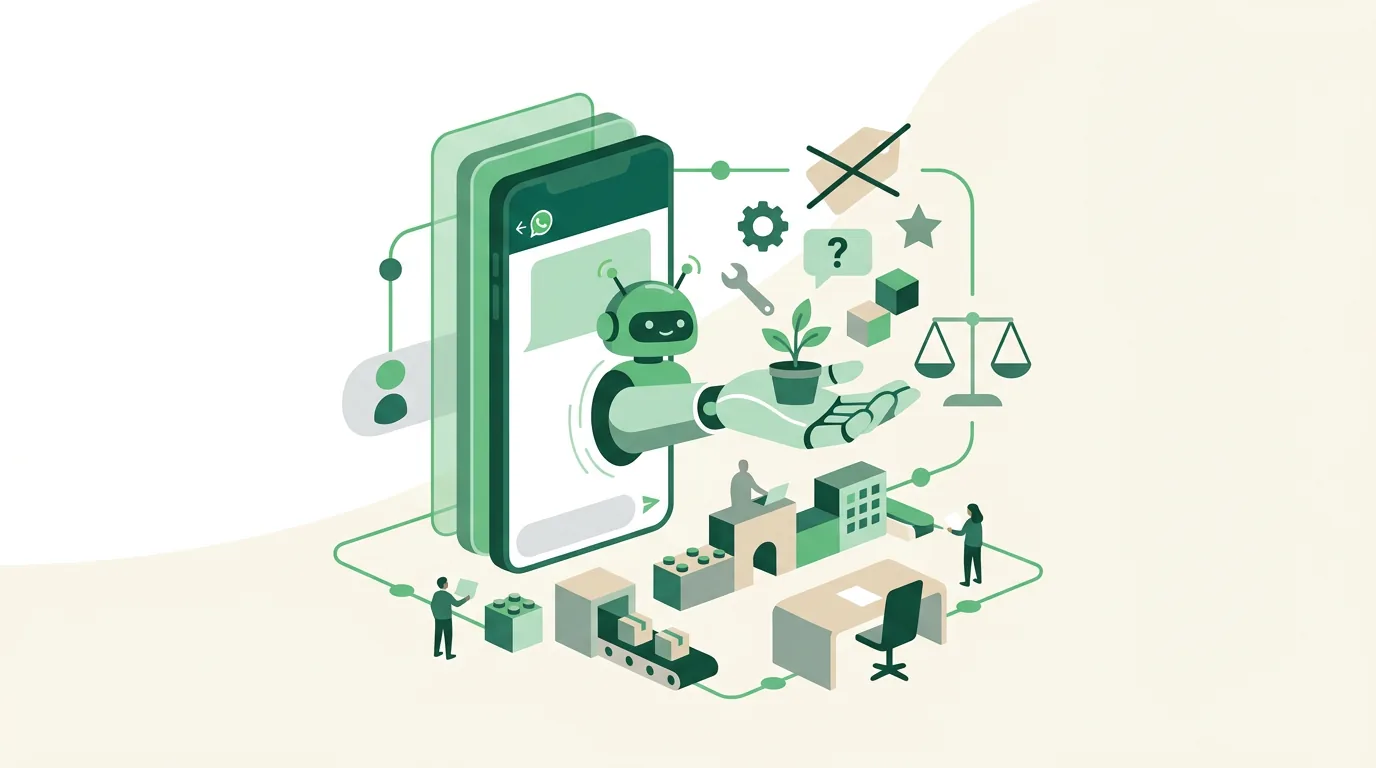
Typical signs are replies within seconds at any hour, buttons instead of free text, and answers that fit but don't address a specific detail of your question. There's no sure-fire tell, because AI replies often sound human these days. That's why there's a rule: under Art. 50(1) of the EU AI Act, providers must design AI systems that interact directly with people so that those people are informed they're dealing with an AI. An exception applies when this is obvious from the circumstances. Art. 50 has applied since August 2, 2026. Whether a particular bot meets the requirement depends on how it's designed and operated. In practice, for your own bot this means: say in the very first reply that an automated assistant is writing, and show how to reach a person.
How DigifyNow builds WhatsApp bots
DigifyNow builds AI assistants and automated workflows for small and mid-sized businesses. WhatsApp is one channel among several. We start with the question of which requests the bot should take over and which systems it needs to read. Only then do we look at the tool. That can be an off-the-shelf platform or a custom integration with the Cloud API, for example when the bot needs to create orders in a CRM. How we set up AI assistants for your business and train your team is described on our services page. Connecting to your existing software falls under AI automation. And when an off-the-shelf tool is enough, we'll tell you.
When outside help is worth it
Outside help pays off when the bot needs access to your own systems, such as inventory management, an appointment calendar or a CRM. The same goes when several staff members handle conversations together, or when nobody in-house can take on the webhook and operations. For a few fixed replies, on the other hand, the Business app or a builder is enough. Bring along: the most common requests from the past few weeks, the number you want to use, and a list of the systems that need to be connected. In a free assessment of your project, we go through these points and tell you which route could work for your case.
Frequently asked questions
What is the best free chatbot for WhatsApp?
There's no single best one, because "free" means something different depending on the route. The Business app is free but can only send fixed greeting and away messages. Builders often have free plans with limited features. Self-hosted software like n8n has no license cost, but you pay for the server and maintenance. On every API route, Meta charges separately for template messages.
How much does a WhatsApp chatbot cost?
The cost is made up of four items: Meta's fees for template messages, the bot platform's pricing plan, AI model usage per conversation, and the effort for integration and operations. A button bot that only replies to customer messages has the lowest ongoing costs. A bot connected to a CRM or calendar mainly costs development and maintenance effort. A reliable figure only comes out of reviewing the specific flow.
How do I chat with a business on WhatsApp?
As a customer, you save the business number or tap a WhatsApp link on the website. Then you just write as usual. On the business side, this requires either the free WhatsApp Business app for handling messages manually, or the Cloud API if a bot or several staff members need access. Only the API allows automatic replies based on what a question says.
Can a WhatsApp chatbot send marketing messages?
Only under certain conditions. Messages the business initiates itself must use a template approved by Meta, and the recipient must have opted in beforehand. Within the customer service window after a customer message, the bot can reply freely; after that, only templates are allowed. Whether a specific send is legally permitted also depends on advertising law and how you document consent.
What phone number does a WhatsApp chatbot need?
A WhatsApp chatbot needs a number registered to a WhatsApp Business account on the Business Platform. That can be a new number or an existing one that's migrated. If you want to use your current Business app number, check with your provider beforehand whether the app can still be used afterward. That determines how your team handles the conversations.