AI Chatbot: How It Works, Limits, AI Agents
· DigifyNow
An AI chatbot is a program that answers plain-language questions using a large language model. With every message, the software sends the model a fixed instruction (the system prompt), the conversation history and matching passages from your documents. From that, the model generates the most likely answer. If something isn't in those sources, the model doesn't know it. So you maintain the knowledge source, limit the topics and decide when a human takes over.
What is an AI chatbot?
An AI chatbot is a program that understands questions in plain language and writes its own answers using a large language model. It doesn't have a fixed list of answers the way a rule-based bot does. It works out every answer from scratch, based on its instructions, the conversation so far and whatever documents you give it. That's why it copes with typos and unusual phrasing. It can also state something false just as smoothly as something true.
At its core is a large language model (LLM), such as OpenAI's GPT family, Anthropic's Claude or Google's Gemini. Older chatbots ran on rules: if the keyword "opening hours" showed up, the bot returned the answer stored for it. A typo or an unfamiliar phrasing got you nothing. An AI chatbot has no fixed answer list. It writes each answer fresh.
Here's an example. A contractor puts an AI chatbot on its website. A customer writes: "Do you also install skylights in Hachenburg, and how long is the wait?" The bot finds skylight installation in the stored service description and the town in the service area. There's nothing about wait times, so it should point the customer to the appointment request form. That last step doesn't happen by itself. You have to spell it out, or the model will happily make up a plausible-sounding lead time.
How does an AI chatbot work?
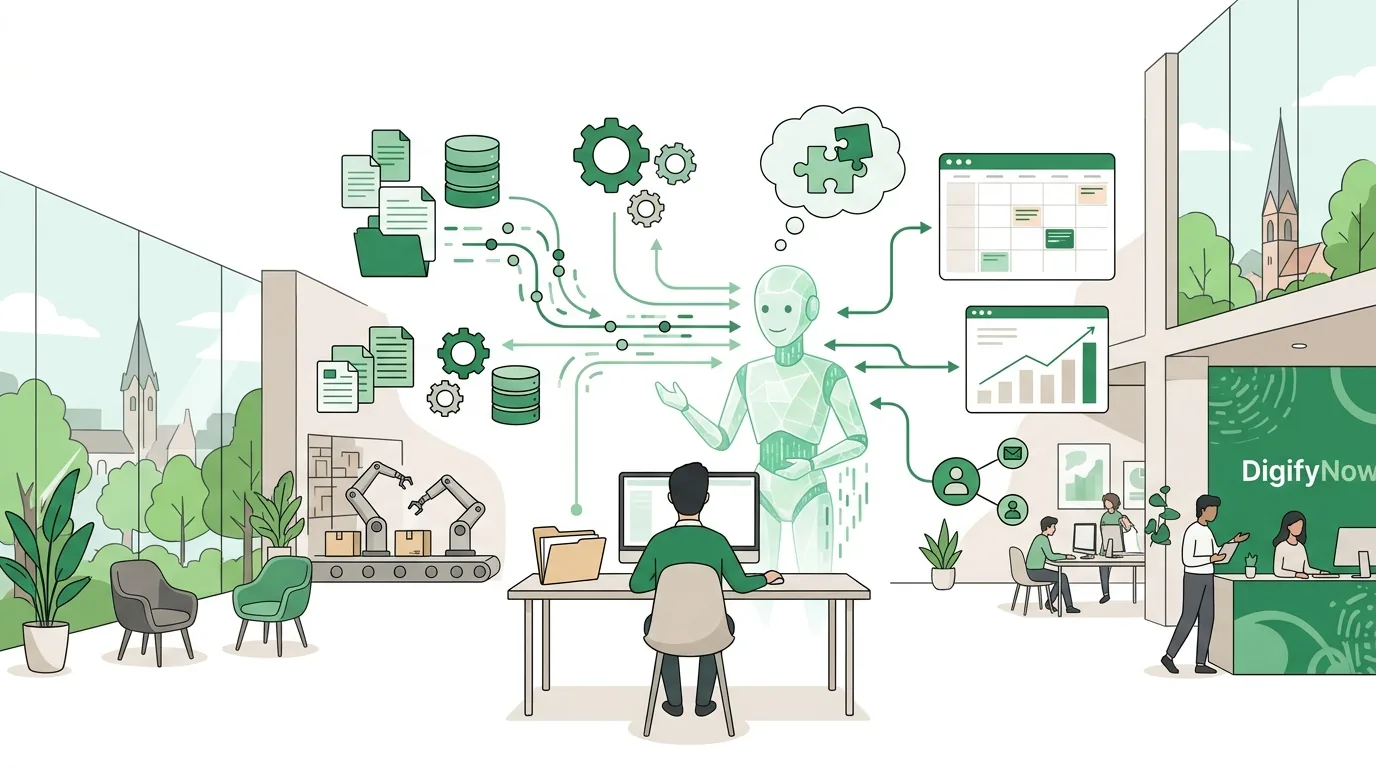
Every answer goes through the same steps. The language model doesn't remember anything between two requests, so the chatbot software rebuilds the whole package with every message:
- Input: The user sends a message through a web chat, an app or a messaging service.
- System prompt: The software adds a fixed instruction in front that the user doesn't see. It sets the role, tone, allowed topics and rules, for example: don't quote prices, and hand complaints over to the service team.
- Knowledge retrieval (Retrieval Augmented Generation, or RAG): Your documents have already been split into chunks and stored as numeric vectors. The system looks for the chunks closest in meaning to the question and attaches them to the request.
- History: The earlier messages in the conversation get added too. How much text fits in total is capped by the context window of the model in use.
- Generation: The model works out the most likely continuation one token at a time, and that becomes the answer.
- Optional, tool call: If the bot is allowed to take actions, the model returns a structured call instead of text, such as "check calendar availability". The software runs the call and passes the result back to the model.
The vendors document how tool calls work in detail in their developer docs, for example OpenAI at developers.openai.com and Anthropic at docs.claude.com. For a decision-maker, one thing matters: every attached document chunk and every turn of the conversation costs compute. Long conversations make the bot slower and more expensive.
What do small businesses use an AI chatbot for?
These examples come from situations we at DigifyNow run into when we talk with businesses in the Westerwald, around Koblenz and in the Siegerland region. For each one, we list what the bot needs and where it has to stop:
- Website FAQ for a contractor: The bot answers questions about services, service area and process from a maintained service description. It doesn't give appointments or prices. It points to the inquiry form instead.
- Internal assistant on the shop floor: Technicians use their phones to look up torque specs or work steps from the assembly instructions. The bot has to cite the source document and page number, because a made-up number here is a safety risk.
- Order status in an online store: The bot looks up the status for an order number through the store's API. It can only read. Cancellations and refunds stay with a person.
- Job applicant questions: The bot answers questions about open positions, working hours and the application process from the job postings. It gives out nothing about individual applicants or salaries.
- Where it shouldn't improvise: allergens, warranty or contract questions. These need a fixed, reviewed answer, or a direct handoff to a person.
For alternatives to a chatbot, such as sorting inquiries automatically or pre-filling tickets, see our comparison in Customer service automation: options and limits.
What an AI chatbot can't do, and why
Most problems with AI chatbots come straight from how they work. If you know the cause, you can contain it. You can't switch it off completely.
- Made-up answers (hallucinations): The model produces likely sentences, not verified facts. If the knowledge search finds nothing relevant, the model still answers fluently. A rule in the system prompt helps ("answer only from the attached sources, otherwise hand off"), along with spot checks. Neither one is a guarantee.
- Outdated knowledge: The bot is only as current as the documents behind it. If a price list changes and nobody swaps out the file, it keeps quoting the old version.
- Wrong chunk retrieved: If the same information appears differently in several documents, the search may pull the wrong version. Clean up duplicate and conflicting sources before launch.
- Manipulation through input (prompt injection): Users, or texts the bot reads in, can contain instructions like "ignore your rules". A system prompt is not a lock. Anything the bot must never do has to be blocked technically, not just forbidden in the text.
- Conversations with no way out: Without a defined handoff to a person, the customer goes around in circles. With complaints in particular, that makes people angry.
A test reported in January 2026 under the title "KI-Chatbots im Test" (AI chatbots put to the test) shows how reliable even big public services are (as of January 2026). The best result there was 72 percent correct answers (Perplexity), and Google's AI summaries reached 70 percent. For a business chatbot, that means answers have to be checkable, ideally with the source they came from.
AI chatbot vs. AI assistant vs. AI agent: what's the difference?
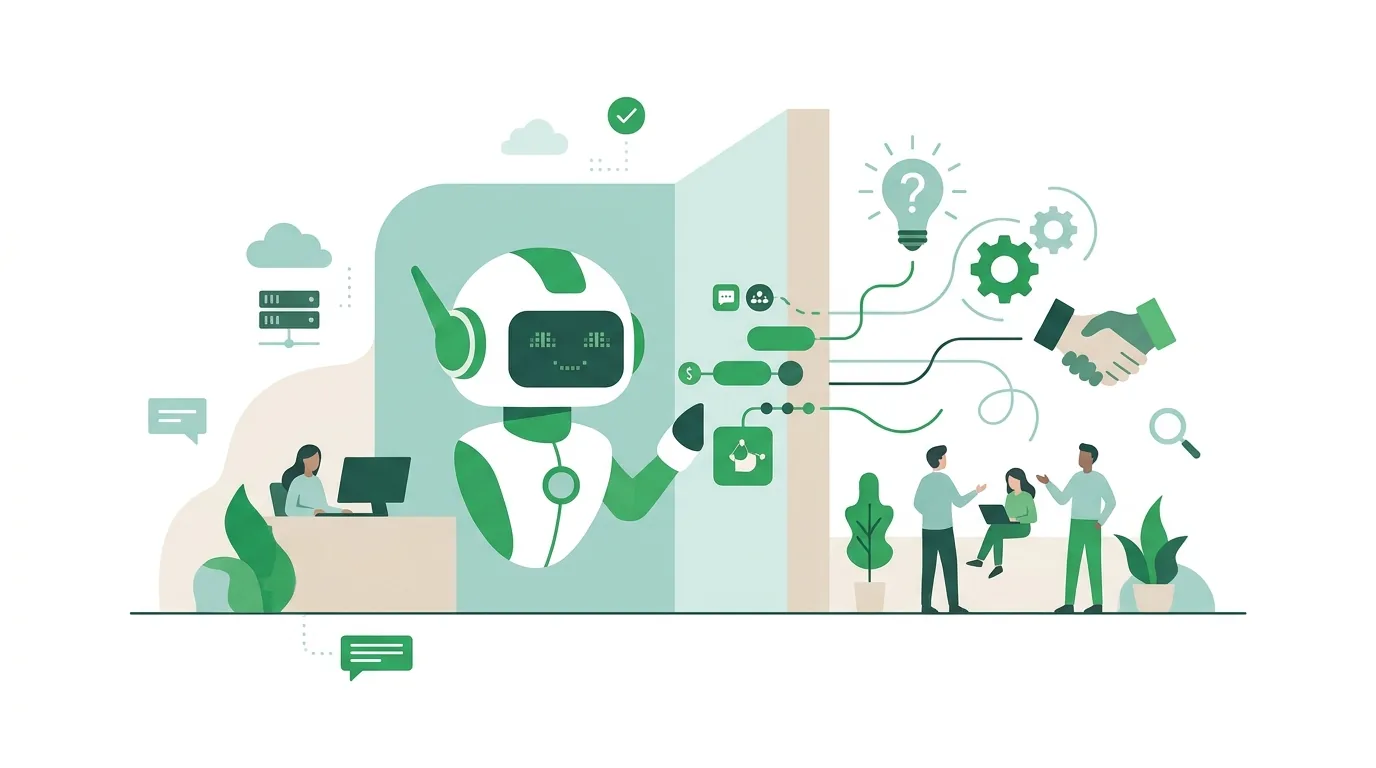
People often mix up these three terms. The difference is whether the system only answers or also takes action on its own.
| Feature | AI chatbot | AI assistant | AI agent |
|---|---|---|---|
| Main job | Answering questions in a conversation | Helping employees with tasks, such as drafting text or looking things up | Working through a goal in several steps on its own |
| Typical user | Customers, website visitors | Your own employees | Often runs with no one to talk to, triggered by an event |
| Acts on its own? | No, or only single actions | On instruction, single actions | Yes, it picks the tools and the order itself |
| Typical failure | Makes up an answer | Gets fed confidential data that doesn't belong there | Gets stuck in loops or carries out the wrong action |
How does an AI agent work?
An AI agent works in a loop. It gets a goal, such as "review the new inquiry and create a case". The model decides which tool to call first, for example the customer lookup in the CRM. The software runs the call and returns the result. Then the model decides on the next step, and so on until the goal is reached or a limit kicks in. Those limits are part of the design: a maximum number of steps, approved tools only, read-only access where write access isn't needed, and human sign-off before anything that goes outside the company or moves money. Without these limits, an agent facing an unsolvable task burns compute round after round. For a step-by-step setup, see How to build an AI agent: steps, limits, mistakes.
AI agent examples
In small and midsize companies, agents typically fit workflows with a clear goal, recurring data and a point where a person signs off:
- Sorting inquiries: The agent reads incoming emails, sorts them by topic, looks up the customer in the CRM and creates a case with a summary.
- Draft quotes: The inquiry, the item master data and past quotes are turned into a draft that sales reviews and sends.
- Pre-checking incoming invoices: The agent matches the invoice amount and line items against the purchase order and flags discrepancies for accounting.
- Research: The agent gathers public information about a prospect and saves it as a note.
Where agents pull their weight in small businesses, and where messy data trips them up, is covered in AI agent examples: what works for small businesses. An agent isn't worth it where a fixed process with no decisions will do. A conventional automation is enough there, and it's cheaper and more predictable.
AI assistant for your business: what do you need?
An AI assistant for a business is usually an internal AI chatbot that draws on your own knowledge: manuals, process descriptions, product data, templates. Before you pick a tool, settle these points:
- Task: Which few, clearly defined questions or tasks should the assistant handle? You can't test "everything".
- Knowledge source: Which documents are the authoritative ones, who maintains them, and where are the duplicates?
- Access rights: Should every employee see everything the assistant finds? If the assistant reads in a shared drive without checking permissions, it can quote payroll lists as easily as the manual.
- Data flow: Where do the inputs go, to which provider, under which data processing agreement? Whether that's enough for your situation is something to work out with your data protection officer.
- Training: The EU AI Act requires providers and deployers of AI systems to take measures to support the AI literacy of their staff. They don't have to guarantee a particular level of skill. What's meant is training and guidance.
- Disclosure to the outside: The AI Act also contains transparency obligations, such as letting people know when they are talking to an AI system. Which obligation applies to you depends on your role as provider or deployer.
You'll find the text of the regulation in the Official Journal of the EU. DigifyNow sets up assistants like these: connecting knowledge sources, defining permissions and limits, training employees. Our page on AI assistants for businesses explains how that works, and the article KI-Assistent für Unternehmen einführen (in German) walks through the rollout step by step.
What tools can you use to build an AI chatbot?
The right tool depends on who uses the bot and where it gets its knowledge. The options below are compared on the same questions. Plans and features change often, so check each vendor's documentation for details.
| Option | Examples | Good for | Where it stops |
|---|---|---|---|
| General-purpose chat service in the browser | ChatGPT, Claude, Microsoft Copilot, Google Gemini | Employees drafting, summarizing or researching text | No customer chat on your own website; connecting your own data is limited depending on the plan |
| Workflow tool with AI building blocks | n8n, Zapier | Workflows where a model handles one step, such as sorting emails | You have to build the conversation flow and interface yourself; complex workflows get hard to follow |
| Chatbot feature in help desk or messaging software | Bot modules in common customer service systems | Customer inquiries right where the ticket lands anyway | Tied to that system's data model and channels |
| Your own integration via the model API | APIs from OpenAI, Anthropic, Google | Your own interface, your own data sources, fixed rules and permissions | Development effort and ongoing operations fall to you or your service provider |
According to its documentation, n8n can also be self-hosted, in which case the data runs through your own server. If you'd rather not send the model itself to the cloud, see the options in Run AI locally: options, hardware, limits. For a broader selection compared by data flow and integrations, see AI tools for business: selection and limits.
What are AI ads?
AI ads are ads where artificial intelligence generates the copy, images or videos, or controls delivery. That's a different field from chatbots, even if the same language models are often behind both. Keep two levels apart: a generator creates the variants. Who sees an ad and at what price is decided by Google Ads or Meta with their own systems, not by the generator. Generated images can contain errors, such as wrong product details or unreadable text. Every variant needs a visual check before it goes live. For how AI helps with campaigns on Google and Meta, see Google- und Meta-Ads mit KI optimieren (in German).
AI Ad Studio – a DigifyNow product
AI Ad Studio is a DigifyNow product for creating ad creatives with AI. It produces ad material from the specifications you give it. Choosing, reviewing and approving the variants stays with you. You'll find DigifyNow's marketing services on the Marketing and Automation page.
How much does an AI chatbot cost?
No honest flat price exists, because the cost depends on a few key factors. First, scope: a bot that answers a handful of standard questions is a different thing from one that books appointments. Next, integrations, because every connection to a CRM, calendar or ERP system has to be built and tested. On the data side, the state of the knowledge source matters: cleaning up scattered, duplicate documents is often more work than the technology. In operation, the model is billed either per user on a subscription or by tokens processed, plus hosting, maintenance and reviewing the conversations. Long conversations and lots of attached document chunks push up token usage per answer. You only get a firm number once the task, data sources and integrations are written down. For the billing models in detail, see AI costs: subscriptions, tokens, agents and operations.
When outside help is worth it
You can roll out a general-purpose chat service for individual employees without outside help. Help makes sense when the bot needs to access your own data with different access rights, connect to a CRM or calendar, talk to customers, or take actions as an agent. Have the following ready: the most important tasks, a list of knowledge sources, the systems involved and the point where a person should take over. With that information, you can request a free, no-obligation assessment of your project from DigifyNow. We'll work out which option fits and whether a custom chatbot is worth it at all.
Frequently asked questions
What is an AI chatbot, in simple terms?
An AI chatbot is a program that answers plain-language questions using a large language model. Unlike a rule-based bot with a fixed list of answers, it writes each answer fresh. It works from a hidden instruction, the conversation history and attached document chunks. It doesn't know anything that isn't in those sources or in its training. If it fills that kind of gap anyway, that's called a hallucination.
Is ChatGPT an AI chatbot, and what others are there?
Yes. OpenAI's ChatGPT is an AI chatbot built on the GPT models. Comparable general-purpose services include Anthropic's Claude, Microsoft Copilot and Google Gemini. Out of the box, they don't know your prices or processes. They answer from their training and from whatever you type in or upload. For a customer chat on your own website, you need an API integration or a chatbot tool.
What's the difference between a rule-based chatbot and an AI chatbot?
A rule-based chatbot recognizes predefined keywords or buttons and returns prewritten answers for them. It fails when someone phrases things in a way it doesn't know. An AI chatbot understands plain language and writes each answer fresh, but it can also make up false information. Rule-based bots are predictable, and AI chatbots are more flexible. In practice, the two are often combined.
Can an AI chatbot access my own documents?
Yes, usually through Retrieval Augmented Generation (RAG). The documents are split into chunks and stored so they can be searched. For each question, the system pulls the most relevant chunks and passes them to the model. So answer quality depends directly on whether the documents are current and clear, with no conflicting versions.
Does an AI chatbot have to be labeled as AI?
The EU AI Act contains transparency obligations, including telling people that they are interacting with an AI system and not a person. Which obligation applies to you depends on whether you are a provider or a deployer and how the bot is used. That needs a legal check for your specific case. On the technical side, a notice in the chat window is easy to add, such as a fixed line above the input field.