AI for Small Business: Options, Tools, Limits
· DigifyNow
AI helps small businesses with repetitive writing and sorting work: pre-sorting emails, drafting quotes, summarizing notes. There are four ways to start: a per-user chat subscription, AI features in software you use, an automation with an AI step, or your own assistant with company knowledge. Three questions decide which fits: What data may the model see? Does it need to connect to your systems? Who checks before anything goes out? None works without digital data and a clear process.
In practice, AI for small business means a language model handles recurring writing and sorting work: pre-sorting inquiries, drafting quotes and emails, or pulling data out of receipts and invoices. Before anything leaves the building, an employee checks the result. You get started through one of four routes: a chat subscription, an AI feature in software you already use, an automation with an AI step, or your own assistant with company knowledge. It only pays off for a task that comes up every week, whose data is already digital and whose result can be checked quickly.
What is AI worth it for in a small business, and what not?
A language model produces the most likely continuation of a text. That makes it useful wherever new text is created from existing text, or where text has to be sorted into categories. What it does not bring along is reliable math, knowledge of your business, or responsibility for the result. That gives you a fairly clear dividing line.
- Good fit: drafts of emails, quotes and job postings, as long as a person reads them before they are sent.
- Good fit: pre-sorting incoming inquiries by topic or urgency, as long as wrong assignments get caught during review.
- Good fit: summarizing call notes, long contracts or requests for proposals, as long as the original sits next to the summary for comparison.
- Poor fit: having it calculate prices, quantities or deadlines without double-checking. Models can output numbers that sound plausible and are still wrong.
- Poor fit: tasks that only come up every few weeks. Setting it up then costs more time than you save later.
- Poor fit: processes whose data lives on paper, in people's heads, or in programs without an export. What the model cannot read, it cannot process.
A simple test helps you pick a starting point. Look for a task that comes up at least once a week, whose input is already digital, and whose result someone can check in a few minutes. If a task does not meet all three conditions, it is not a good first use case.
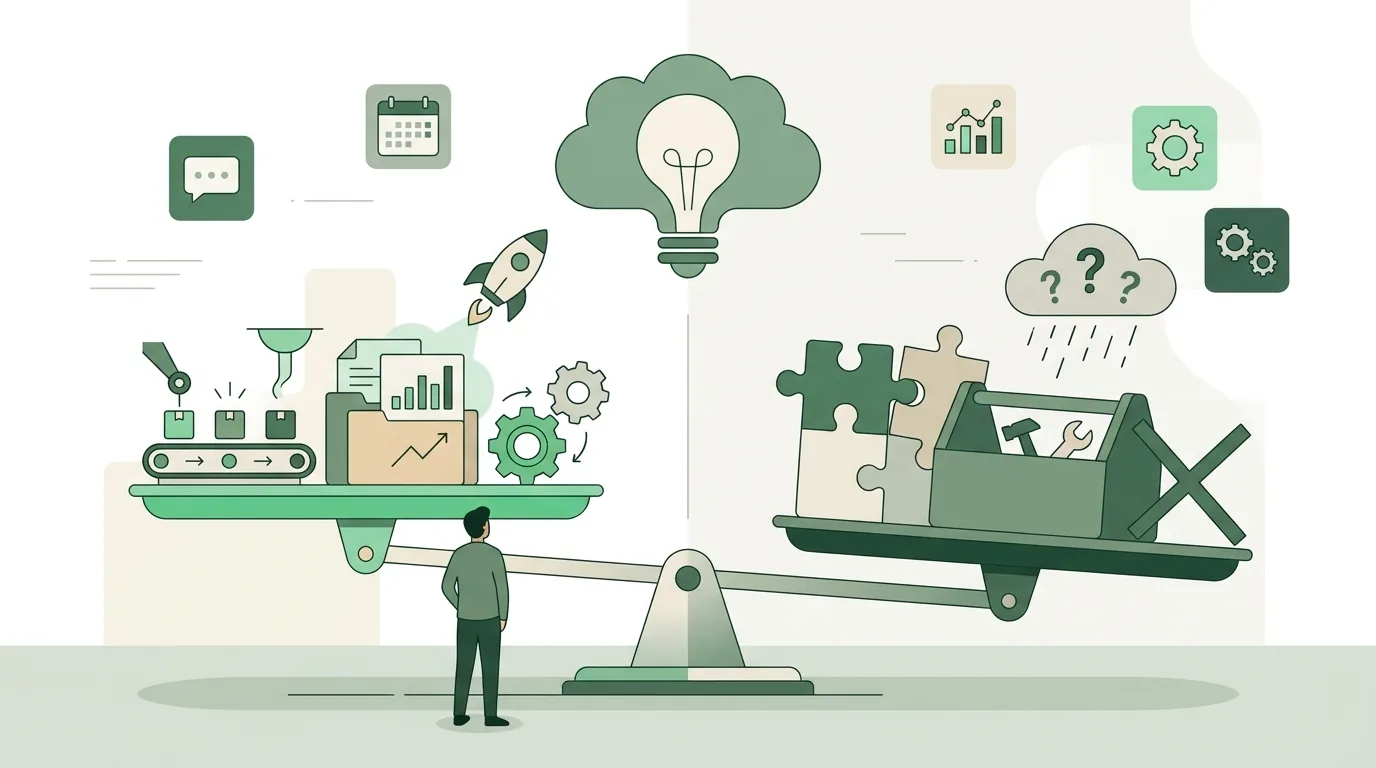
What are the pros and cons of AI in a business?
| Topic | Pro | Con and cause |
|---|---|---|
| Speed | A draft is ready before anyone would have typed the first sentence. | Because the draft appears so fast, the review step easily gets skipped. |
| Accuracy | With sources attached, the model can answer from your own documents. | Without sources it makes up details (hallucination). It is optimized for probability, not truth. |
| Data | Text, spreadsheets and emails can be analyzed without anyone writing code. | Inputs go to the vendor. Personal data requires a legal basis and a data processing agreement with the vendor. |
| Dependency | You do not have to run your own server. | If the vendor changes a model or a pricing plan, established workflows may behave differently. |
| Employees | There is less routine work. | Without training, everyone uses the tool differently and nobody notices mistakes. |
Which data belongs in a public chat tool and which does not is covered in more detail in our article on ChatGPT data privacy and training on company data.
Chat subscription, AI in your tools, automation or assistant: which fits?
Small businesses rarely buy "AI" as such. They buy one of four routes. The routes differ in how close the AI gets to your data and systems, and that determines the effort, the risk and the benefit.
| Route | How it works | Prerequisite | Where it stops |
|---|---|---|---|
| Chat subscription | Employees paste text into a chat window and copy the result back out. | A business plan and rules on which data may go in. | No connection to your systems; every step stays manual work. |
| AI in software you already use | Your email, office or CRM software comes with its own AI feature. | The software is already in use and your plan includes the feature. | The feature ends at the boundary of that program. |
| Automation with an AI step | A trigger such as a new email or a new form submission starts a workflow. One of the steps calls a language model. | The systems involved have APIs, and the workflow is documented. | Breaks as soon as an API or an input format changes, and then needs maintenance. |
| Your own AI assistant | A model gets fixed instructions, access to your company knowledge and, where needed, to tools. | Well-maintained documents, clear permissions and someone who owns the operation. | Only as good as the knowledge behind it. Outdated documents lead to outdated answers. |
For most small businesses, a chat subscription with clear rules is the right place to start. Moving to automation pays off once the same copy-and-paste work comes up several times a day. Start from the concrete workflow, not from the tool. What that looks like with AI steps is shown on our page on AI workflow automation.
Which tools are realistic options?
| Tool | Type | Hosting | Fits when | Limit |
|---|---|---|---|---|
| ChatGPT (OpenAI) | Chat assistant, plus an API for integrations | Vendor's cloud | Employees mainly draft and summarize text | No access to your systems without a set-up integration |
| Claude (Anthropic) | Chat assistant, plus an API and integration via the Model Context Protocol | Vendor's cloud | Long documents need to be read and processed | No access to your systems without a set-up integration |
| Make | Visual builder for workflows between cloud services | Vendor's cloud | Many standard apps need to be connected without your own server | Billed per execution; complex logic gets hard to follow |
| Zapier | Visual builder for workflows between cloud services | Vendor's cloud | Simple if-this-then-that workflows need to run quickly | Billed per execution; branching workflows get tedious |
| n8n | Workflow tool with AI nodes | Cloud or self-hosted | Data needs to stay on your own server | When self-hosting, you handle updates and backups yourself |
Token-based billing and the APIs are described by the vendors themselves, for example in the OpenAI developer documentation and in the Claude documentation. That n8n can be self-hosted is stated in the n8n documentation. For transparency: DigifyNow is a Make partner and receives a referral commission there, as listed on the system recommendations page of our website. How the billing models differ is explained in our article n8n vs Make, compared with Zapier. For a broader overview, see AI tools for business: selection and limits.
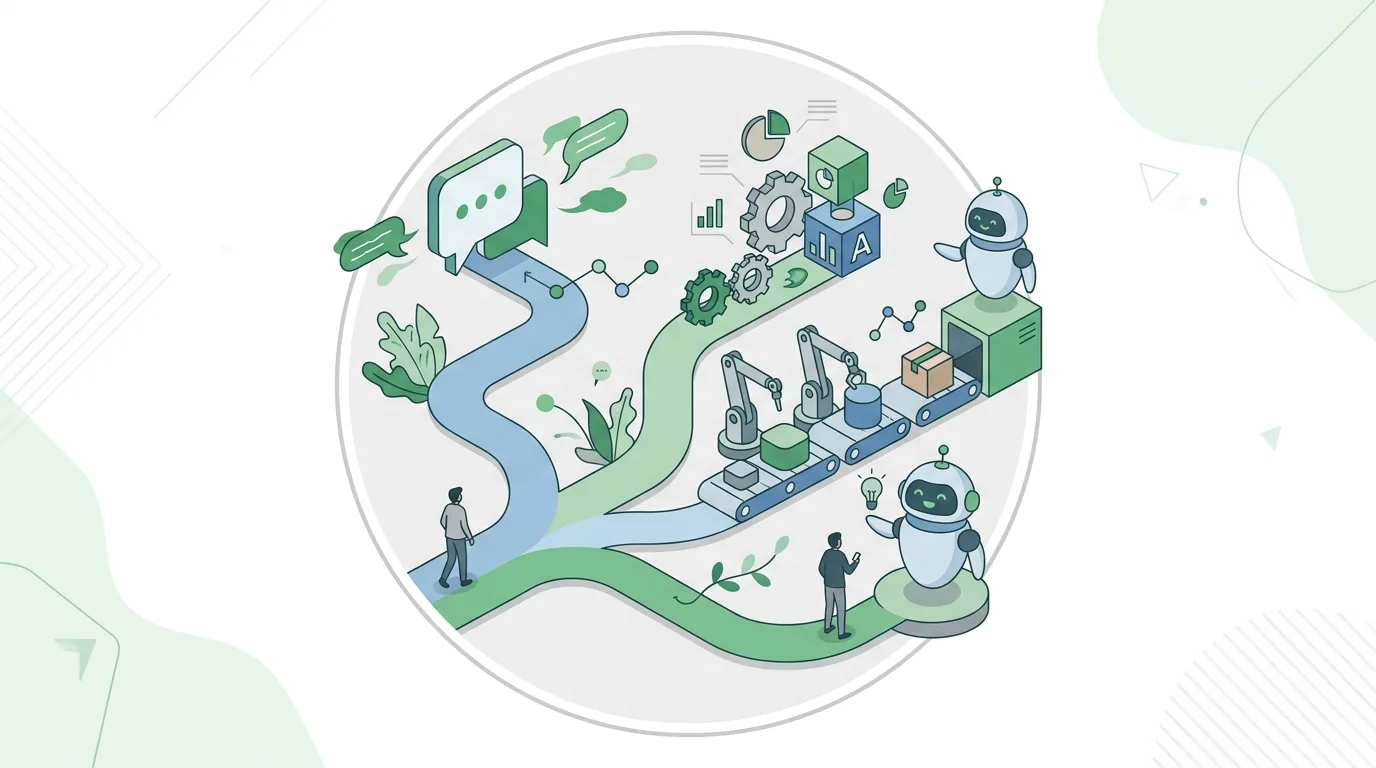
AI assistant for business: how is it different from a chat subscription?
At its core, an AI assistant for business uses the same language model as a chat subscription, but three building blocks are added. First, a fixed instruction, the system prompt: it defines who the assistant is, what tone it answers in and what it should refuse. Second, a knowledge search: before every answer, the system looks up matching passages from your documents and hands them to the model. This method is called retrieval-augmented generation (RAG). Third, permissions: sales sees different documents than accounting.
The typical failures follow from this setup. If two versions of a price list sit in the knowledge base, the assistant may quote from the wrong one. If documents are scanned images without text recognition (OCR), the search finds nothing in them. And if permissions are not cleanly separated, every employee gets access to everything in the index. So before the technology comes the question of which documents are valid and who maintains them. How the building blocks work together in detail is explained in our article AI chatbot: how it works, limits, agents.
How does an AI agent work?
An AI agent is a language model that works in a loop and is allowed to call tools. The system gets a goal, for example: "Create a contact for this inquiry and suggest an appointment." The model decides which tool it needs first and outputs a structured call, such as "look up contact with this email address." The software executes the call and returns the result to the model. Then the model decides on the next step. This repeats until the goal is reached or a stop condition kicks in.
Tools today are often connected via the Model Context Protocol, an open standard that links models with data sources and programs. What can go wrong follows directly from this mechanism. Without a cap on the number of steps, an agent can get stuck in a loop and keep burning tokens. If it has write access, a misstep can change real data. And the longer the chain, the more places there are where a wrong intermediate assumption carries forward. That is why small businesses do well with agents that are allowed to read and suggest. They should only write or send once a person has approved.
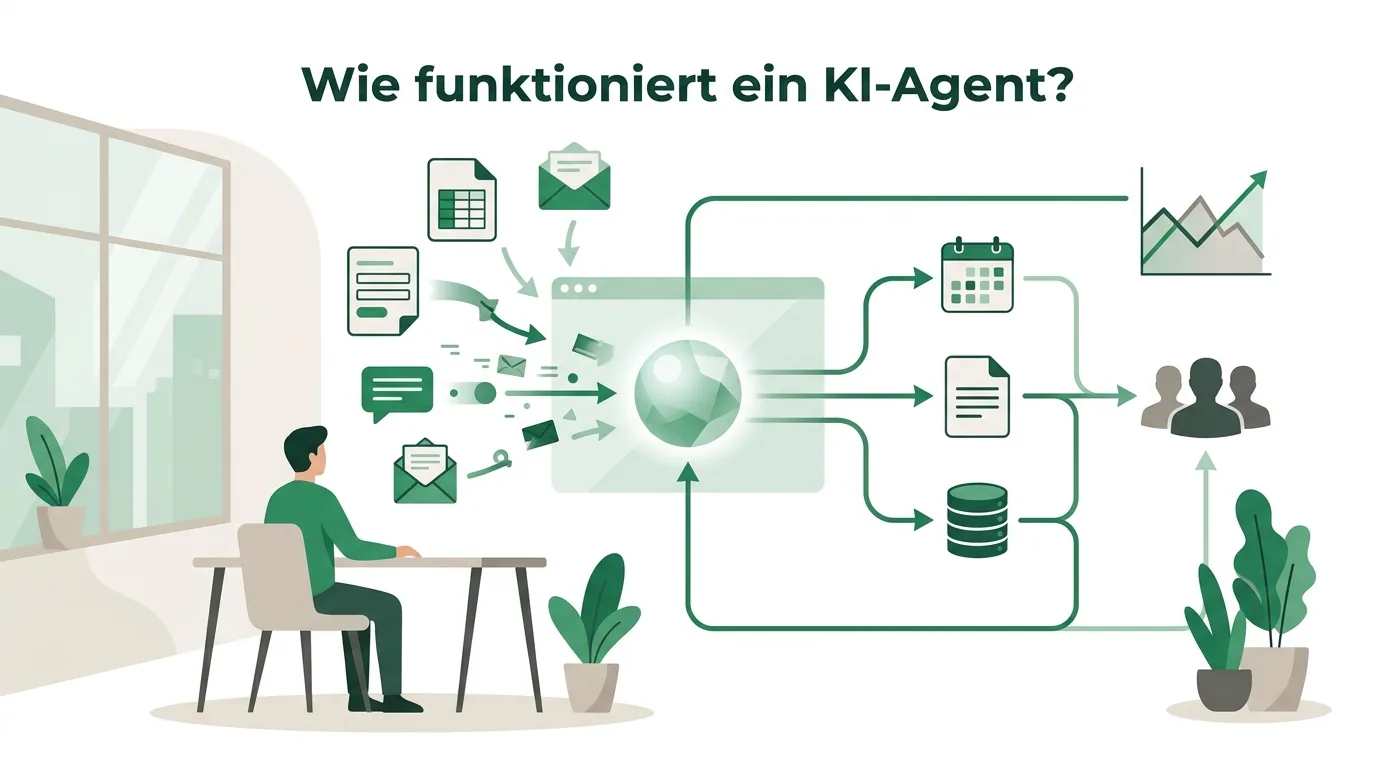
AI agent examples for small businesses
- Inbox: the agent reads new inquiries, assigns them a category, looks up the customer in the CRM and saves a draft reply. Nothing is sent until it is approved.
- Quote preparation: the agent pulls quantities and line items from a customer inquiry, matches them against the product list and creates a draft quote. A person checks the prices.
- Scheduling: the agent suggests appointments based on open slots in the calendar. For special requests, it hands over to an employee.
- Incoming invoices: the agent reads receipts, identifies vendor, amount and date, and files them in the accounting software for review. Unclear receipts get flagged instead of guessed.
- Research: before a customer meeting, the agent summarizes public information and past correspondence and cites its sources.
All of these examples have a clearly limited goal, few tools and a review step before anything goes out. More use cases, and where they fail, are collected in our article AI agent examples for small and mid-sized businesses.
What does AI look like in a trades business, an office or a restaurant?
We walk through the following three workflows, or ones like them, in initial conversations. They are illustrative examples, not client projects. Each shows the input, the AI step, the review step and the point where it typically gets stuck.
- Trades business, job report: after the job, the technician records a voice memo. Speech recognition turns it into text, the model splits it into the fields customer, work performed, materials and hours, and creates a draft report. The office reviews and approves it. Where it often gets stuck: job site noise and accents cause recognition errors, and material names have to be matched against your own product list, otherwise made-up part numbers end up in the report. Without a signal on site, the app has to store the memo locally and upload it later.
- Planning or engineering firm, requests for proposals: the RFP arrives as a PDF. The model transfers the submission deadline, scope of work, qualification criteria and required documentation into a table and gives the page in the original for each item. That way someone can look up every row in seconds. Where it often gets stuck: scanned pages without text recognition stay blank, and a misread deadline is expensive. Deadlines are therefore always confirmed in the original.
- Restaurant, group inquiries by email: the model reads the date, party size, occasion and requests from the inquiry, checks the reservation system for availability via an API and drafts a reply. An employee sends it. Where it often gets stuck: the model must not answer allergen questions freely. That information comes from a maintained allergen list, and if something is missing there, the inquiry goes to the kitchen.
In all three workflows, the effort lies less in the AI step than in the data around it: the product list, readable PDFs, a reservation system with an API. If that data foundation is missing, building it is the real project. How to map such workflows beforehand is described in our article on business process automation in small and mid-sized companies.
AI ads: what AI takes over in advertising
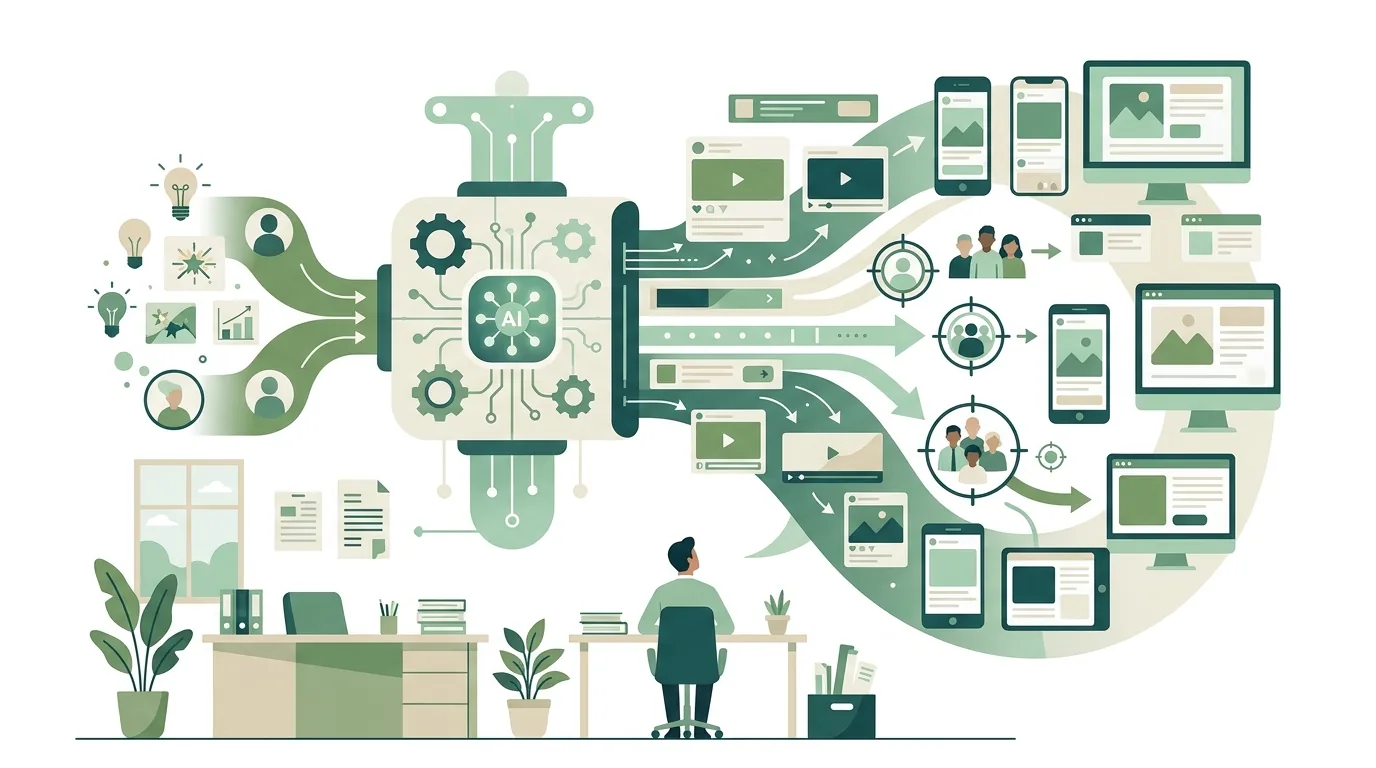
In advertising, AI mainly takes over the grunt work: variations of headlines and copy for different audiences, image variations in multiple formats, and reports on which ad is spending money on what. What gets promoted, to whom and with what promise is still the business's decision, and the business is also liable for misleading claims. A common mistake: generated copy promises features or discounts that do not exist, because the model keeps spinning typical advertising phrases. Every piece of ad copy therefore needs to be checked against what you actually offer.
For AI systems that generate synthetic audio, image, video or text content, the EU AI Act sets out transparency obligations, and these now apply. They are aimed mainly at the providers of such systems: their outputs should be identifiable in a machine-readable way as artificially generated. For systems that were already on the market before the obligations took effect, the most recent amending regulation gives providers a short transition period for this labeling. If you use generated ad materials, you should therefore know whether and how your tool labels its outputs, and ask the vendor if the documentation is silent on it. You can find the wording in the text of the AI Act on EUR-Lex. How AI is used to manage campaigns is described in our article on optimizing Google and Meta ads with AI.
How much does AI cost for a small business?
There is no flat figure, because the four routes are billed in completely different ways. Costs are made up of these drivers:
- Licenses: chat subscriptions and AI features in existing software are usually billed per user per month. The number of seats determines the total.
- Usage: through the API you pay per token, meaning by the amount of text in input and output. Agents with many loops and long context use more than individual calls.
- Integrations: every connected system, such as CRM, accounting or calendar, means setup, testing and maintenance whenever something changes.
- Data: reviewing documents, removing duplicates and making scans readable with OCR is often the largest single cost item.
- Operations: monitoring, updates, adapting to new model versions and training new employees come back every year.
A reliable number only exists once the workflow, the data sources and the number of users are settled. The billing models are explained in detail in our article AI costs: subscriptions, tokens, agents and operations.
What does the EU AI Act require of small businesses?
If you use AI systems in your own business, you are generally a deployer under the EU AI Act. Under the AI literacy provision as amended by the most recent amending regulation, providers and deployers take measures to support the development of AI literacy among their staff. This also covers other persons dealing with the operation and use of AI systems on their behalf. They do not have to guarantee a particular level of competence for any individual. In practice, training, written usage rules and a designated point of contact are obvious measures. Whether they are sufficient in a given case is a legal question.
Stricter rules apply to high-risk systems, for example on risk management, documentation and human oversight. Under the amending regulation, they take effect in stages and only over the coming years: first for the use cases the regulation lists in a dedicated annex, later for AI in products that already fall under EU product legislation. Drafting text or sorting emails typically does not count as high-risk. But if you use AI in hiring or in credit decisions, you should have that reviewed by a lawyer. You can find the source text in the AI Act on EUR-Lex.
How DigifyNow introduces AI in small businesses
DigifyNow, based in Unnau in Germany's Westerwald region, starts with a concrete workflow, not with a tool. Together we document who handles which step today, what data comes up along the way and where checks happen. Depending on the case, the result is an AI assistant with your company knowledge or an automation with an AI step between your existing systems. If it turns into custom software, we typically build a first usable version (MVP) in 4 to 8 weeks; the timeline for a specific project is only settled in the assessment. Rollout includes training, so employees know what the system can do, what it cannot do and when they need to step in. Sometimes it turns out that a chat subscription with rules is enough. If so, we tell you. More on our pages on AI assistants for business and AI coaching for employees.
For ad materials there is AI Ad Studio, a product by DigifyNow that lets you create ad content with AI. Whether it labels its outputs in line with the transparency obligations is not documented, so we make no statement on that. Here too, approving the claims and promises in an ad remains the responsibility of the advertising business.
When outside help makes sense
Most small businesses do not need outside help for a chat subscription with clear usage rules. Support makes sense when the AI needs to access several systems, when personal data is processed, or when an agent is supposed to carry out steps on its own. Have the following ready: a description of the workflow and how often it occurs, the software involved, examples of inputs and desired results, and the person who will own the operation later. With that, a free assessment of your AI project can clarify which route fits and whether the effort is worth it.
Frequently asked questions
How should a small business get started with AI?
Pick a task that meets three conditions: it comes up at least once a week, the input is digital, and the result can be checked in a few minutes. Test it first with a business plan of a chat tool and written rules on which data may go in. Only once the same copy-and-paste work comes up several times a day is an automation with integrations worth it.
Do employees need AI training?
Under the AI literacy provision in the amended EU AI Act, deployers of AI systems take measures to support their staff's AI literacy. They do not have to guarantee a particular level per person. Common measures are training on the strengths and failure points of the tools, written usage rules and a designated point of contact. Whether that is enough in a given case is a legal question.
Do I need my own IT department to use AI in my business?
No. For chat subscriptions and AI features in existing software, a business plan and written rules are enough. Automations and assistants do not need an IT department either, but they do need a responsible person who keeps an eye on access, permissions and well-maintained documents. Without that role, workflows quietly stop working after an API changes.
Can I enter customer data into an AI tool?
That depends on the plan and the contract, not on the tool alone. Personal data requires a legal basis, and a data processing agreement with the vendor must be in place. Personal accounts usually do not offer one. Whether training on your inputs is turned off is a second, separate question. When in doubt, anonymize the data first or have the question reviewed by a lawyer.
Which jobs can AI not do?
Work that requires physical action in changing environments is hard to replace, for example in the trades on a job site. The same goes for jobs where someone is personally liable or has to build trust, such as in care work or consulting. Language models process text and images, but they do not act in the physical world and do not bear responsibility. What shifts are individual tasks such as documentation, not entire occupations.