Employee App: Vendors, Custom Build, Limits
· DigifyNow
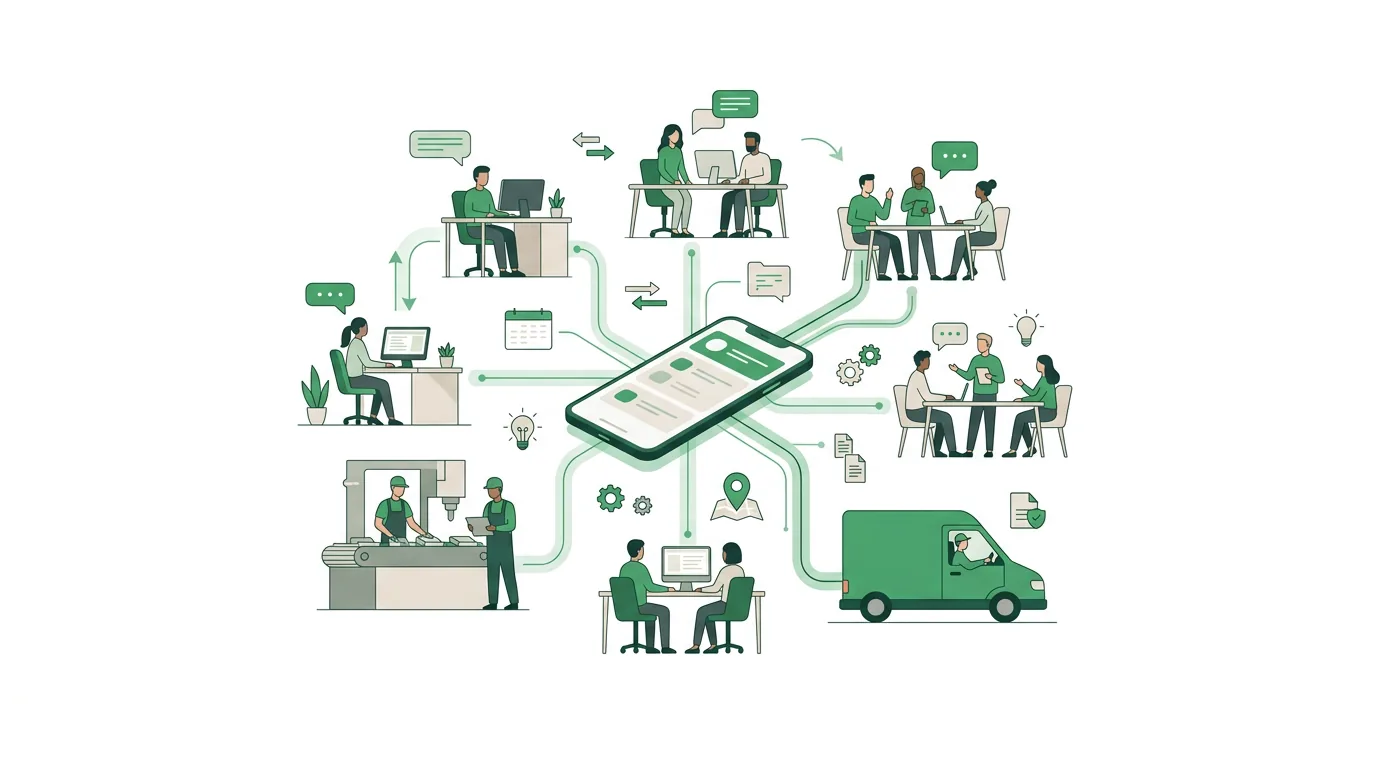
An employee app puts news, chat, shift schedules and forms on workers' phones. The company creates the accounts, often by phone number or invite code, because staff in production or care usually have no company email. Push notifications run through Apple's and Google's services. For communication alone, an off-the-shelf vendor such as Flip or Staffbase is usually enough. A custom app only pays off once it has to connect your own workflows and data.
What is an employee app and what is it used for?
An employee app is a smartphone or web app a company uses to reach its whole workforce, including people without a desk, a company computer or a company email address. It bundles a news feed, push notifications, chat and forms such as time-off requests or sick-day reports. People usually sign in with a mobile number or an invite code rather than a corporate account. For communication alone, an off-the-shelf platform is usually enough. A custom app makes sense when it needs to write data back into your ERP, time tracking or warehouse management system.
We're talking about people in production, warehousing, retail, care or on construction sites. Take a plant running three shifts: until now, updates get pinned to the bulletin board, and the night shift sees them days later. With an app, the update goes out as a push notification to every device. Read receipts show who has opened it. Sick-day reports or time-off requests come back as forms and land with HR.
Most people who search for "employee app" want a specific vendor or a list of vendors. But the first decision is a different one: do you buy a ready-made platform, use a tool you already have in-house, or have a custom app built? That decision is what this article is about. The pros and cons depend less on individual features than on how deeply the app needs to reach into your own workflows.
Which employee app vendors are out there?
In current German Google results for "Mitarbeiter-App" (employee app), these off-the-shelf platforms show up most: Flip, Staffbase, Speakap, Lolyo, Polario and Just Social. What we say about them here comes from those search results. Flip describes itself there as an employee app for frontline teams that reaches operational staff without company email, with chat, HR tools and AI, and cites an ISO 27001 certification. A comparison list from this year describes Speakap's focus as news and tasks. Lolyo promotes communication, administration and engagement. Staffbase is one of the sources Google's AI Overview cites for this search term. Which features come with which plan is only stated in each vendor's own documentation. Check it there before you rely on any list.
The vendors hardly differ in whether they have a news feed. They all do. What matters is how people sign in, which integrations exist with HR and time tracking systems, and whether you can export your data again. So the table below compares the basic approaches, not individual products.
| Approach | What you get | Where it stops | Fits when |
|---|---|---|---|
| Off-the-shelf platform (subscription software) | News feed, chat, push, surveys, forms, administration handled by the vendor, ongoing updates | Your own workflows only go as far as the vendor's integrations and settings allow. Switching depends on data export | it's mainly about communication and your workflows match the standard |
| Extend an existing collaboration tool | No new system, the accounts already exist | Usually requires corporate accounts with email. Without them, frontline staff are left out | every employee already has a corporate account |
| Custom app or web app | Exactly your own workflows, direct connection to ERP, time tracking or warehouse, source code in your hands | You carry development, hosting, updates and app store maintenance yourself or through a provider | the app needs to do work no off-the-shelf platform covers |
| No app: notice board, group chat, SMS | Available right away | No roles, no read receipts, personal messengers mix private and work data | the business is small and communicates infrequently |
What features does an employee app need?
Not every feature belongs in the first version. These building blocks show up in almost every employee app, each with what it takes technically:
- News feed with audiences: posts go out by location, department or shift. For that, every account has to be assigned to those groups, otherwise everything goes to everyone.
- Push notifications: on iPhone they run through the Apple Push Notification service (APNs), on Android through Firebase Cloud Messaging (FCM). Anyone who turns notifications off misses them. Critical information therefore needs a second channel.
- Chat and groups: one-on-one and team chats replace personal messenger groups. That requires rules on who can create which group and how long messages are kept.
- Forms and requests: sick-day reports, time off, damage reports with a photo. This only helps if the request is handed to a system that processes it, instead of sitting as an email in someone's inbox.
- Directory and documents: contacts, work instructions, safety briefings. These also have to work when there's no signal on the shop floor.
- AI assistant: it answers questions from the employee handbook. Under Art. 4 of the EU AI Act, anyone deploying AI systems takes measures to support the development of AI literacy among the employees who work with them.
The binding reference is the text of the AI Act in the Official Journal of the EU in its most recently amended version. According to that text, Art. 4 does not require a specific level of competence for any individual. What it requires are measures, such as a briefing on what the assistant can do and where its answers need to be checked.
Examples: which workflows an employee app can handle
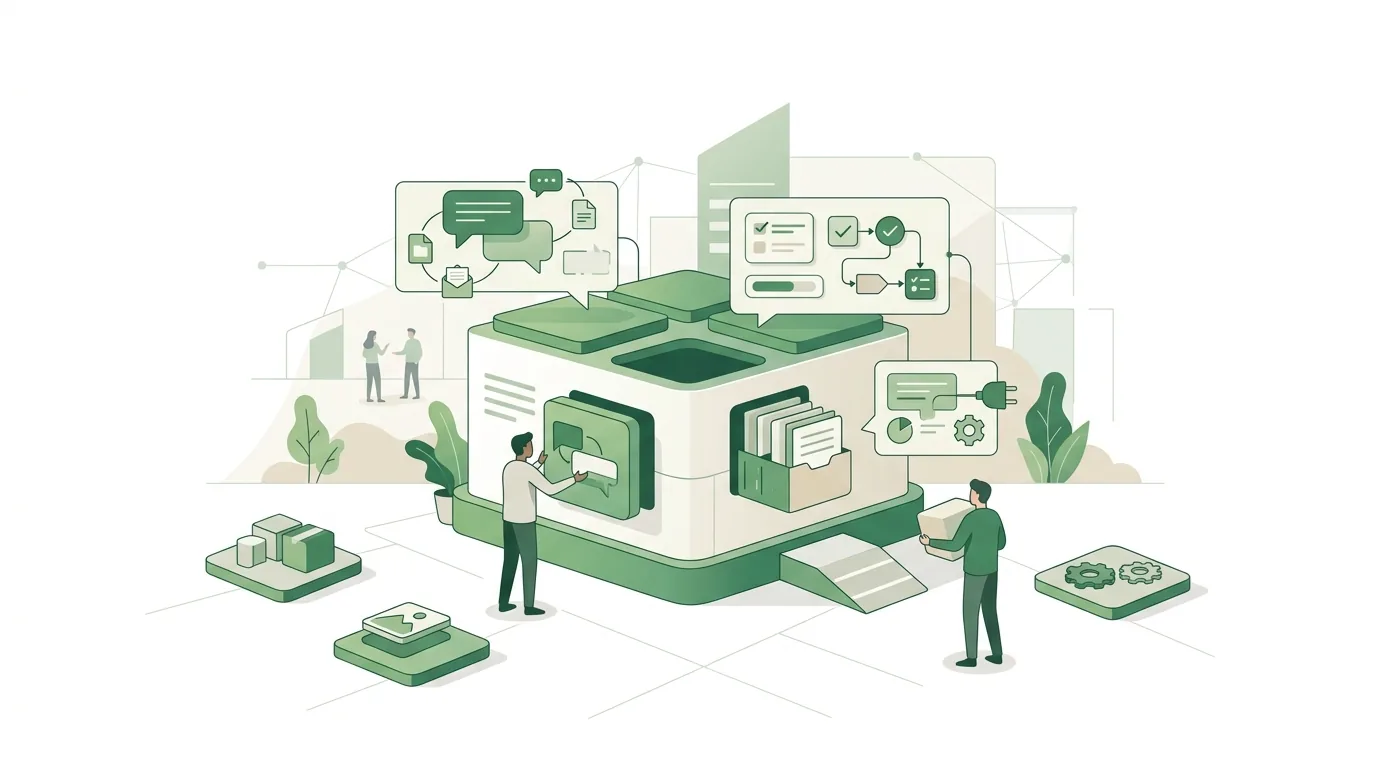
Vendor lists mostly show a news feed and chat. For small and mid-sized companies, the workflows behind them are more interesting. Here are three examples the way we walk through them when planning a custom app, each with the point where things get technically tricky:
- Shift swap: an employee offers her early shift in the app, a colleague with the same qualification takes it, and the shift lead approves. For this, the app has to know who holds which qualification and write the swap back into the schedule. Without that write-back, the shift lead maintains the schedule twice.
- Inspection log at the machine: the worker scans a QR code on the equipment, the app opens the matching checklist, and defects go out with a photo. In buildings with no signal, the app has to store the log locally and sync it later. That requires a rule for what happens when two devices have changed the same entry.
- Safety briefing with sign-off: the briefing comes as a document or video, and the sign-off is stored with a timestamp. That's only as reliable as the login: if several people share one device or one account, you can't tell who signed off.
All three workflows need clean master data and roles before the first screen is built. We know this work from the custom back office with CRM that DigifyNow built for Mundo Marketing: who can see and change what gets decided before the interface.
How does an employee app reach staff without a company email?
More rollouts fail on this question than on missing features. Convenient sign-in through corporate accounts (single sign-on) assumes every person has such an account. In production and care, that often isn't the case. There are three common approaches. First, sign-in with a mobile number and a one-time code by SMS. Second, an invite code or QR code issued by HR. Third, an employee ID with its own password. For each approach, you need to settle who deactivates an account when someone leaves the company. Ideally that happens automatically as soon as the departure is entered in the HR system.
The second hurdle is the device. If employees don't have company phones, the app runs on their personal smartphones. Then everyone has to install it voluntarily. Device management that lets IT install or remove apps usually isn't available on personal devices. One alternative is a web app that runs in the browser and needs no installation. On iPhones, however, web push notifications only arrive if the site has been added to the home screen. What a Progressive Web App can do offline and where it stops is covered in a separate article.
A custom app also doesn't have to be publicly listed in the app store. Apple allows unlisted distribution and Custom Apps through Apple Business Manager. Google offers private apps through Managed Google Play. Both need their own setup, and the app still goes through store review.
When is a custom employee app worth it, and when isn't it?
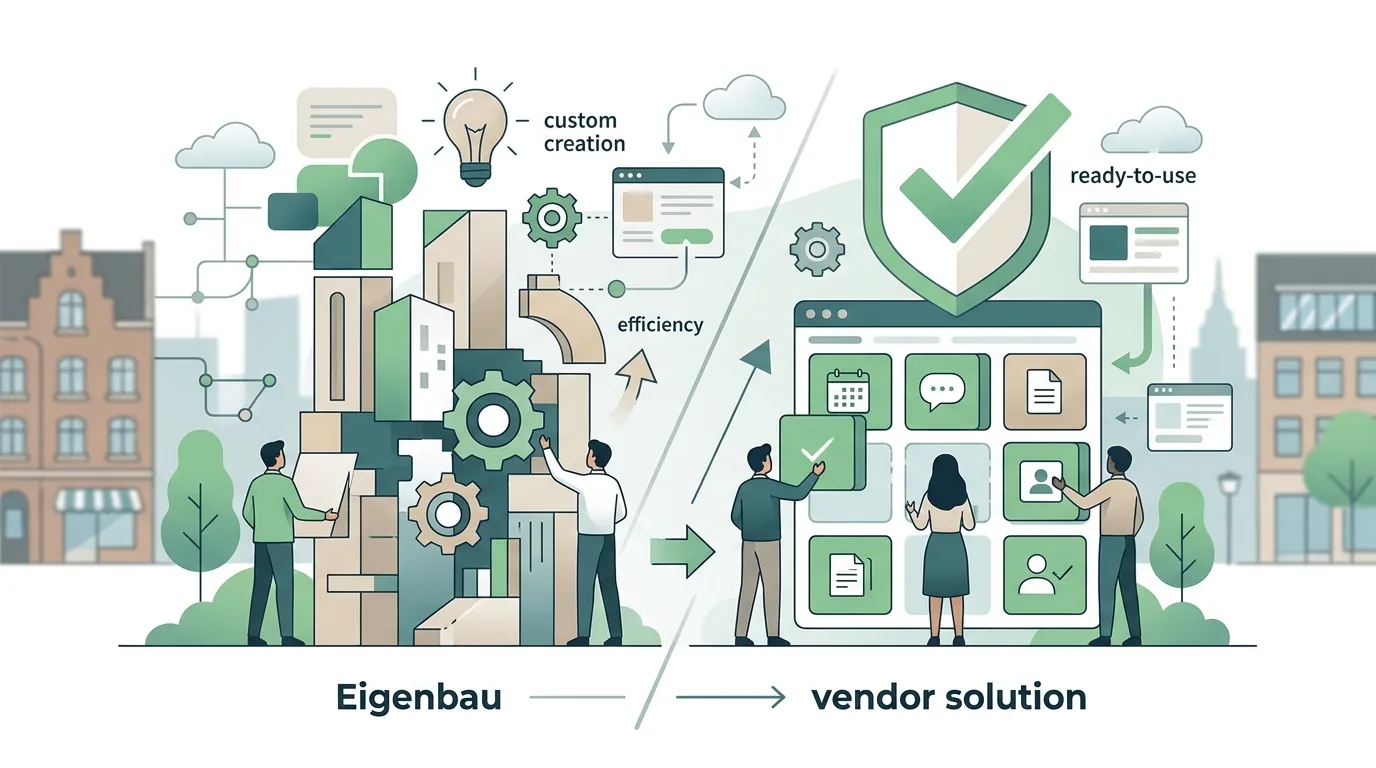
For news, chat and surveys, a custom app rarely pays off. That's exactly the part off-the-shelf platforms ship ready-made and maintain. If you rebuild it, you pay for development and hosting without gaining anything functionally. A custom solution makes sense when the app needs to do your own work. Examples are inspection logs at the machine that write back into the ERP, job lists for field technicians pulled from your own order management, or inventory bookings in the warehouse. The same applies when a specific way of storing data is required that no vendor offers in that form.
Often a mix is the most honest answer. Communication runs on an off-the-shelf platform, and a lean custom web app covers your own workflows. How to weigh custom software against subscription software is covered in a separate article.
How DigifyNow builds custom employee apps
DigifyNow, based in Unnau in Germany's Westerwald region, builds custom apps and web apps for small and mid-sized companies. It starts with an MVP, a first usable version built in 4 to 8 weeks. It gets tested in day-to-day operations before more features are added. For an employee app, that means: first the one workflow that today lives on paper or in group chats, then the connection to your existing systems. How the team approaches this is described on the app development page.
How much does an employee app cost?
There's no honest flat figure, neither for off-the-shelf platforms nor for custom development. With platforms, the price depends on the number of users, the feature set of the plan and add-on modules. Only the vendors themselves can give you current pricing. With a custom app, these items drive the cost:
- Scope: number of workflows, roles and screens. Every additional request type needs a form, validation rules and an approval path.
- Integrations: connecting to HR, time tracking or ERP systems is often the biggest single item, especially if the system has no documented API.
- Platforms: native apps for iOS and Android, a cross-platform app or a web app. Effort and app store maintenance depend on this choice.
- Data and sign-in: importing master data, login without company email, automatic deactivation when someone leaves.
- Operations: servers, updates for new iOS and Android versions, app store accounts, support.
A firm number only comes from a description of the workflows and a quote based on it. The article on app development cost explains in more detail which factors determine the price of an app.
Why do employee app rollouts fail?
- No reason to open it: if the app only carries memos that also go up on the notice board, nobody opens it. A workflow that only runs through the app, such as shift swaps, provides that reason.
- Sign-in too complicated: anyone asked for an email address they don't have on first launch gives up.
- Works council brought in too late: read receipts and timestamps show who read what and when. Exactly this kind of reporting gets negotiated with employee representatives.
- Nobody owns the content: without a defined editorial team, the news feed goes stale within a few weeks.
- Duplicate systems: if requests are still accepted on paper as well, paper remains the real channel.
- Offline forgotten: in buildings and basements with no signal, a form without local caching fails on submit, and the entries are lost.
These mistakes aren't tied to any particular tool. A rollout with a pilot group, named contacts and a cutoff date for the old way tackles them head-on. The steps of a software rollout are described in a separate article.
Getting an employee app built in the Westerwald region
Companies planning a custom employee app often look in their own region first. These are the questions that come up most:
- App development in the Westerwald: companies from the Westerwald can also have apps built locally. DigifyNow is based in Unnau, works across Germany and focuses on the Westerwald, Koblenz and Siegerland. On-site meetings help most when workflows are being mapped on the shop floor or in the warehouse.
- App developers in the Westerwald: with any developer, make sure the source code and app store accounts are registered to your company. There's an overview of app developers in the Westerwald on a separate page.
- App development agency in the Westerwald: agencies usually handle concept, design, development and operations. Freelancers often cover development only. Ask who will roll out updates for new operating system versions after launch.
- Web app development in the Westerwald: a web app runs in the browser, needs no app store and suits staff using personal devices. Its limits are push on the iPhone and access to device features.
- Mobile app agency in the Westerwald: a native or cross-platform app pays off when the camera, scanner, location or reliable push notifications are central. That requires app store accounts with Apple and Google.
There's more on the pages about app developers in the Westerwald and web app development in the Westerwald. General selection criteria are collected in the article on how to find an app developer.
When outside help is worth it
Outside help is worth it when the employee app needs to do more than distribute messages. That's the case when requests, inspections or jobs need to flow back into existing systems, or when no off-the-shelf vendor handles sign-in without company email the way your business needs. For the first conversation, have the following ready: the two or three workflows that live on paper or in group chats today, the number of users and their device types, the systems to connect to, and whether a works council is involved. In the free, no-obligation assessment of your project, DigifyNow looks at all of this and will also tell you if an off-the-shelf platform is the better fit.
Frequently asked questions
What is an employee app?
An employee app is a smartphone or web app for internal communication and simple workflows: news feed, push notifications, chat, forms and documents. Unlike email or an intranet, it also reaches staff without a company computer or company email, because people sign in with a mobile number, invite code or employee ID. Typical users are teams in production, warehousing, retail and care.
Which employee app is right for frontline workers?
Three checkpoints decide this, not the length of the feature list: sign-in without company email, integrations with your HR and time tracking systems, and a complete data export. Current Google results show vendors such as Flip, Staffbase, Speakap, Lolyo, Polario and Just Social. Test sign-in with a pilot group that has no corporate accounts before you decide.
What's the difference between an employee app and an intranet?
A traditional intranet is a website on the company network that you open on a desktop computer with a corporate account. An employee app is built for the smartphone. It works with push notifications, and sign-in often doesn't need a company email. That way it also reaches staff in production or care who don't have a computer. Many platforms combine both today.
Can an employee app run on personal smartphones?
Technically yes, as an app store app or as a web app in the browser. Then everyone has to install it voluntarily. Device management by IT usually isn't available on personal devices. How to handle this under employment and data protection law, for instance whether use is voluntary or company phones are provided, is best clarified with your legal counsel and, where applicable, the works council.
Does a custom employee app have to be in the App Store?
No, not publicly. Apple offers unlisted distribution and Custom Apps through Apple Business Manager, and Google offers private apps through Managed Google Play. The app still goes through store review. A web app needs no app store at all, but has limitations with push notifications on the iPhone.