Software Implementation: Steps and Pitfalls
· DigifyNow
A software implementation works when three things are settled before go-live: the new process for each role, written acceptance criteria, and a data migration that has run as a trial at least once. Key users then train colleagues on real cases. You switch over on a cutover date or through a pilot group, and the old system stays read-only. Most implementations fail because the old way stays open and nobody owns the new software.
What does a software implementation actually involve?
Installing software often takes no more than an afternoon. But software isn't really implemented until the process it's supposed to support actually happens inside it, and the old way of doing things is shut down. That's why a software implementation covers five workstreams: planning and selection, configuration and integrations, data migration, training, and support once the system is live. If all you do is buy the tool, you end up with two systems instead of one. People keep maintaining customer data in the Excel sheet, and at some point they start entering it into the new program as well.
Here's an example: a trade business introduces job management software. Technically, everything is done once the software is running. It's only implemented when the office creates jobs exclusively in the new system, the field technicians update the status from their phones, and invoices are generated from the job rather than from a Word template. Each of these points is a decision that has to be made before launch: Who creates the jobs? Which fields are mandatory? What happens to the open jobs in the old system?
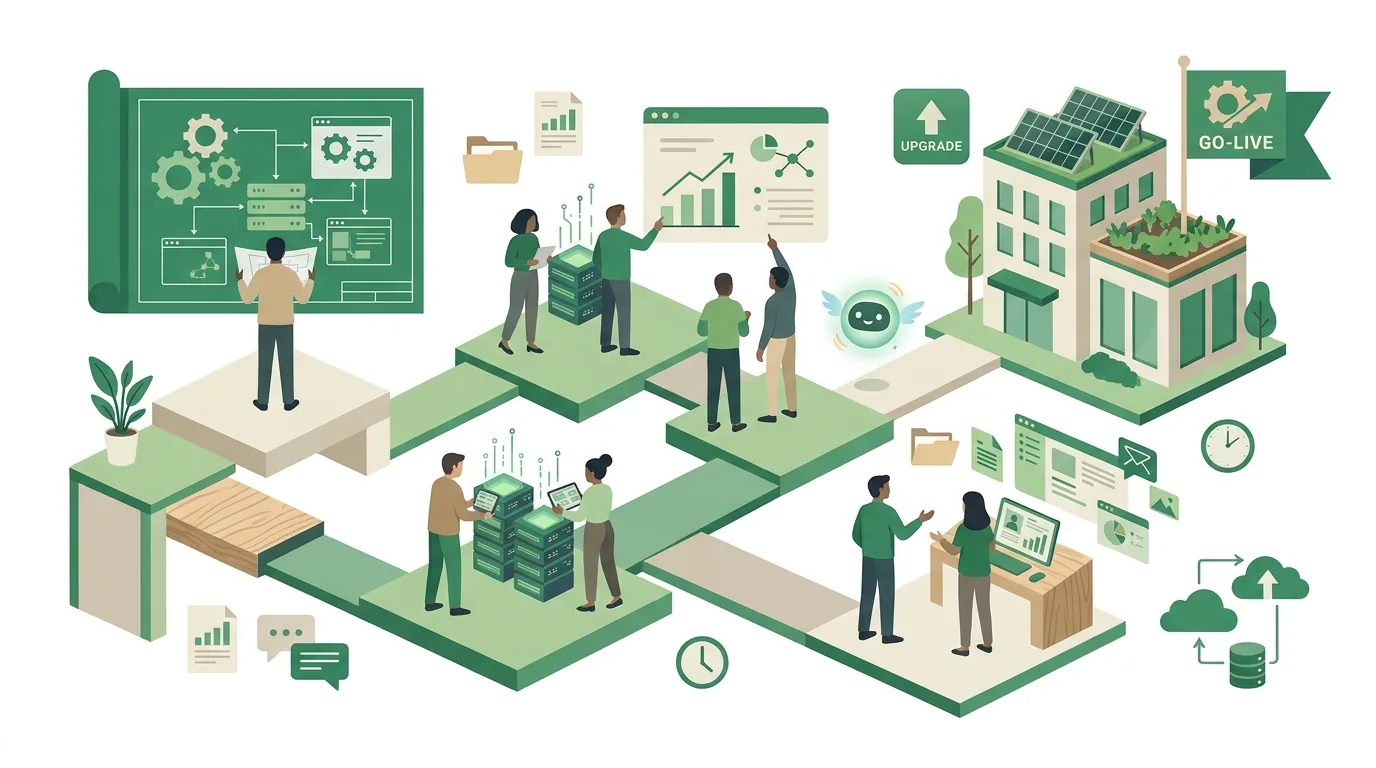
How to implement software: the steps at a glance
- Define the goal and the owner: Which process should change, how will you know it has (for example, the turnaround time for a job or the number of follow-up questions the office gets), and who makes the call when people disagree? Without a named owner, open issues just sit there.
- Map the current process: step by step, with roles, documents and every point where information is re-typed or switches media. That includes the special cases only one person knows about.
- Write down requirements and acceptance criteria: Separate must-haves from nice-to-haves and build test cases from real transactions, which the software will later be accepted against.
- Choose the solution: off-the-shelf software, a SaaS subscription or custom development, each measured against the must-have criteria and the integrations you need.
- Prepare the data: Clean up duplicates, map fields from the old system to the new one, run a test migration and reconcile record counts and totals against the legacy system.
- Set up permissions, integrations and a test environment: roles and permissions for each user group, connections to accounting, your online store or email, and tests with copies of real data.
- Train key users and run a pilot: A small group works with the software first, reports bugs and then trains their colleagues.
- Go live and provide follow-up support: Set a cutover date, switch the legacy system to read-only and offer a fixed point of contact for questions during the first few weeks.
For step two, a structured process analysis with a template helps. For step four, it's worth asking whether custom software or SaaS is the better fit in your specific case. Step five is the one most companies underestimate. What a trial run and reconciliation look like is covered in our article on data migration with a checklist.
How does change management work in a software implementation?
In a software implementation, change management doesn't mean keeping everyone in a good mood. It means telling every role, ahead of time, what will change in their workday. Accounting wants to know whether they'll receive receipts and documents differently. The field sales team wants to know whether they'll still have to type up reports in the evening. If nobody answers those questions, people fill the gap with assumptions, and that's where the resistance comes from that later gets labeled an adoption problem.
- Name key users early: one person per department who has a say in the requirements, tests during the pilot and then becomes the first point of contact for colleagues. They need time for this that is genuinely freed up from their day-to-day work.
- Train on real cases: Training with sample data doesn't stick. People should take one of their own jobs or customers through the new system from start to finish.
- Close the old path: As long as the Excel sheet can still be edited, people will keep using it. From the cutover date on, the legacy system should be read-only.
- Set up a channel for issues: one place where problems are collected and prioritized, instead of every question being shouted across the office to management.
What doesn't work: an implementation that management announces and then doesn't use itself. If approvals keep going out by email instead of through the system, employees take that as a signal that the old way is still fine.
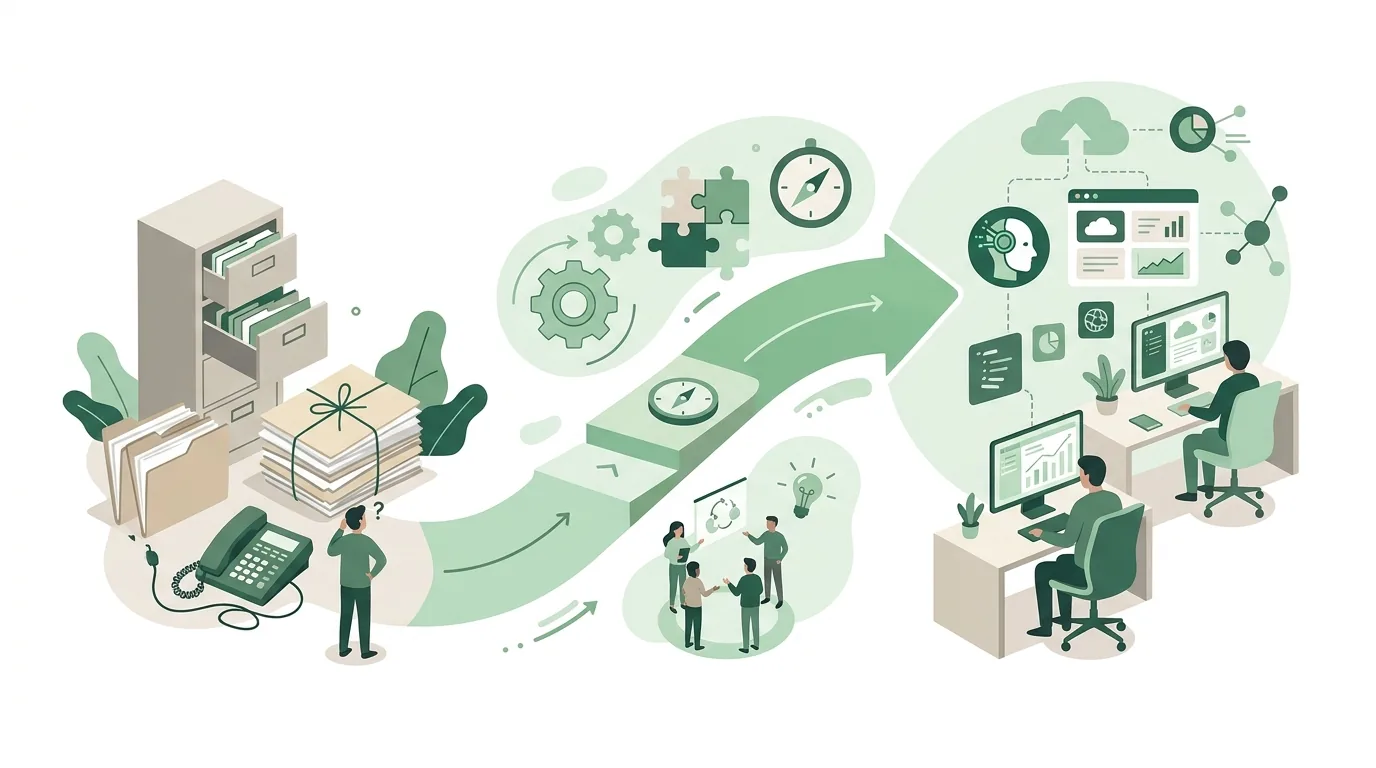
Cutover, pilot or parallel run: how do you switch over?
How you switch over determines both the risk and the effort involved. The four common approaches can be measured against the same questions.
| Approach | How it works | Fits when | Where it gets stuck |
|---|---|---|---|
| Cutover date (big bang) | Everyone switches on the same day, and the legacy system becomes read-only at the same time | few users, one clearly defined process, the test migration ran cleanly | One error hits everyone at once. Without a rollback plan that was tested in advance, operations come to a halt. |
| Pilot group | One department or location goes first, the others follow | several teams with a similar process | Between the pilot and everyone else, data lives in two systems. Handoffs have to be clearly arranged. |
| Phased by function | First contacts, for example, then quotes, then invoices | large software with separate modules | Interfaces between old and new are needed for the transition period, and they take effort. |
| Parallel run | Old and new run side by side for a while, and results are compared | billing or payroll, where discrepancies have to show up immediately | Double data entry wears on the team. Without a fixed end date, the parallel run becomes permanent. |
For small businesses with a single process, a cutover date is often the most honest approach, provided the test migration ran completely and there's a written plan for what happens if something doesn't work on day one.
Why do software implementations fail?
- Requirements only after the purchase: The software is chosen based on the demo and the price, and the special cases only surface once it's live. Then it gets customized after the fact, or people work around it.
- No acceptance criteria: Without written test cases, nobody has defined when something is finished. The debate about it never ends.
- Data migration as the last step: Wrong character encodings, duplicate customers or missing mandatory fields only show up on the cutover date if no trial run took place.
- Integrations underestimated: The software can export, but accounting imports a different format. In the end, someone re-types everything by hand.
- Nobody in charge after launch: Updates, new users, permissions and error reports need someone responsible. Without that person, the system slowly goes to seed.
- Too much at once: If you switch five processes at the same time, you'll barely be able to trace the cause of an error.
Some implementations aren't worth it at all. If a process is used rarely and isn't connected to other systems, a clean spreadsheet with clear rules is often the better solution than a new program that has to be maintained. If someone clicks through an old interface with no API every day, a software robot can be a stopgap. Where RPA works for small businesses and where it breaks on interface updates is covered in a separate article.
Software project vs. software implementation: what's the difference?
A software project builds or changes software: requirements, development, testing, acceptance. A software implementation puts finished or newly built software into operation: data, permissions, training, go-live, follow-up support. With off-the-shelf software, there's often only the implementation. With custom software, the two are linked, and the implementation should already be part of the project plan. Otherwise the software gets signed off, but nobody has planned for the migration and the training. How a development project runs in phases through to acceptance is described in our article on the process when you hire a team for custom software development. Whether a custom solution is worth it in the first place is covered in our piece on custom software for small and mid-sized businesses.
Does software need to be available 24/7 after go-live?
Whether software has to run 24 hours a day depends on the process, not on the software. A customer portal, an online store or an app for field technicians working in shifts needs round-the-clock operation. That means monitoring that alerts someone when there's an outage, backups with tested recovery, and someone who can respond outside office hours. For an internal job management system that's only used on weekdays, an evening maintenance window for updates is usually enough. Settle this before you choose a solution. With SaaS, availability and maintenance windows are spelled out in the vendor's contract; with self-hosted software, you or your service provider are responsible for operations. A phrase like "it runs in the cloud" doesn't tell you anything about that.
What else applies if the new software uses AI?
If you introduce an AI assistant or another AI system, the European AI Act comes into play. It requires deployers to take measures to support the AI literacy of their staff and of other people working with the system on their behalf. They are not required to guarantee a specific level of competence for any individual. In practice, that means training on the system's limits and typical failure modes belongs in the implementation plan, for example the fact that a language model can state false information convincingly and that results have to be checked. On top of that, there are transparency obligations for systems that generate text, images or audio, and stricter rules for high-risk systems that apply on a staggered schedule. Which obligations apply to your case is a legal question and belongs with someone who advises you on legal matters. You can find the text of the regulation on EUR-Lex.
How DigifyNow supports an implementation
DigifyNow builds custom apps, web apps and software for small and mid-sized businesses and introduces AI into companies. For us, that includes the implementation: a first MVP with the core function typically takes four to eight weeks and is tested with a pilot group on real cases before more features are added. With AI systems, we train and support the employees who work with them. The duration and scope of a specific project depend on integrations, the state of the data and operations, and can only be stated after an assessment. For an overview, see App, software and AI services from DigifyNow on our services page.
When outside help makes sense
Outside help pays off when the new software has to connect to existing systems such as accounting, an online store or a CRM, when legacy data comes from several sources, or when no suitable off-the-shelf software exists. With a single SaaS tool and no integrations, many businesses manage the implementation on their own using the steps above. For a conversation, have a short description of the process ready, along with the roles involved, the systems you already use and a sample of real data. In a free, no-obligation assessment of your project, we look at it together, and we'll also tell you if a custom solution isn't worth it.
Frequently asked questions
How long does a software implementation take?
It depends on three factors: the number of processes being switched over, the condition of the legacy data and the number of integrations. A single SaaS tool for one team is implemented faster than a system that brings quotes, jobs and invoices together. The longest phase is rarely the technology; it's usually data cleanup and the time it takes until everyone is working in the new process.
What is a key user?
A key user is an employee from the business side, not an IT specialist. They bring in their department's requirements, test during the pilot, then train their colleagues and remain the first point of contact for questions. Unlike an outside trainer, they know the special cases of their own process. For this, they need time that is genuinely freed up from their day-to-day work.
Should you delete the old system after the implementation?
No, not right away. After the cutover date, the legacy system is set to read-only so nobody keeps working in it, but old records can still be looked up. It's only shut down once the migration has been reconciled and it's clear how long the data has to be retained. Check that with your tax advisor or accountant.
How much does a software implementation cost?
There's no blanket figure. Costs are made up of licenses or development, customization, integrations, data migration, employee training time and ongoing operations. The internal time for key users and testing is often forgotten, even though it should be in the plan. A reliable number only emerges once the processes, data volume and integrations are known.