How to Write a Requirements Document: 7 Steps
· DigifyNow
The client writes the requirements document. It says what a solution has to do and how you'll check that at acceptance. It doesn't say how the solution gets built. Write it in this order: map the current process, set goals, name the user roles, phrase requirements as testable sentences marked MUST, SHOULD or MAY, list interfaces and data, and add acceptance criteria. The vendor's functional specification then describes how they'll build it.
What is a requirements document, and how is it different from a functional specification?
The requirements document belongs to the client. It says which problem needs solving, who will work with the solution and which requirements it has to meet. The vendor writes the functional specification in response. That document explains how they'll meet the requirements technically: the architecture, the systems and the phases they'll build in. One simple rule applies: every requirement in your requirements document needs an answer in the functional specification. If an answer is missing, the requirement was either forgotten or deliberately cut, and you want to know which before you sign.
| Aspect | Requirements document | Functional specification |
|---|---|---|
| Who writes it? | The client, meaning your company | The vendor, meaning the developer or service provider |
| What question does it answer? | What should the solution do, and why? | How will it be built? |
| Typical contents | Current state, goals, roles, requirements, constraints | Technical solution, systems, data model, build phases, test plan |
| When is it written? | Before you approach vendors | After the requirements document, before or at the start of development |
| What is it used for later? | Getting comparable quotes and serving as the yardstick at acceptance | Binding description of what will be built |
How to write a requirements document: the seven steps
This order works the same way for software, web apps, online stores and automations. Each step builds on the one before it. If you start at step 4, you usually end up with a wish list that has nothing to do with the bottleneck you actually need to fix.
- Map the current process: Describe how the work gets done today, who's involved, which programs and spreadsheets people use and where data gets re-entered by hand. Write down how often it happens per week, using your own numbers, not estimates.
- Set goals: One sentence per goal, something you can check once the project is done. For example: "Orders are no longer retyped from emails; they go straight into the system."
- Name the roles and users: Who enters data, who approves, who only reads? Every role needs its own permissions, and permissions drive cost.
- Write the requirements: Every requirement gets a number, a priority (MUST, SHOULD, MAY) and a testable sentence.
- List interfaces and data: Which systems have to send or receive data, such as inventory management/ERP, accounting or CRM? Which legacy data gets migrated, and what format is it in?
- Record the constraints: Who runs the system, who hosts it, which devices will people use, does it need to work offline, and which internal rules apply to how data is handled?
- Add acceptance criteria: For every MUST requirement, write down how you'll test it at acceptance. That can be a test case with real sample data or a list of cases that have to go through cleanly.
For step 1, a short process analysis is worth doing before you write any requirements. How to measure wait times and cycle times is covered in our article on process analysis with a template and example. What comes after the requirements document, meaning the quote, the contract, development and acceptance, is laid out in our piece on how a software project runs.
What outline works as a requirements document template?
A Word template won't do the thinking for you, but it gives you an order that vendors can read quickly. This outline covers most projects at small and mid-sized companies:
- Introduction: company, reason for the project, point of contact, decision-maker
- Current state: process, systems involved, known problems
- Goals: checkable sentences, sorted by importance
- Users and roles: who can do what
- Functional requirements: numbered, marked MUST, SHOULD or MAY
- Non-functional requirements: devices, browsers, availability, languages, accessibility, data storage
- Interfaces and data migration: systems, direction of data flow, formats, data volume
- Operations and maintenance: hosting, updates, support, who's responsible in-house
- Acceptance criteria and test cases
- Open questions: what you don't know yet and want the vendor to clarify
That last chapter, the open questions, is missing from most templates. Yet it pays to be honest about what's still unclear. Otherwise the vendor fills the gap with their own assumptions, and those don't resurface until acceptance.
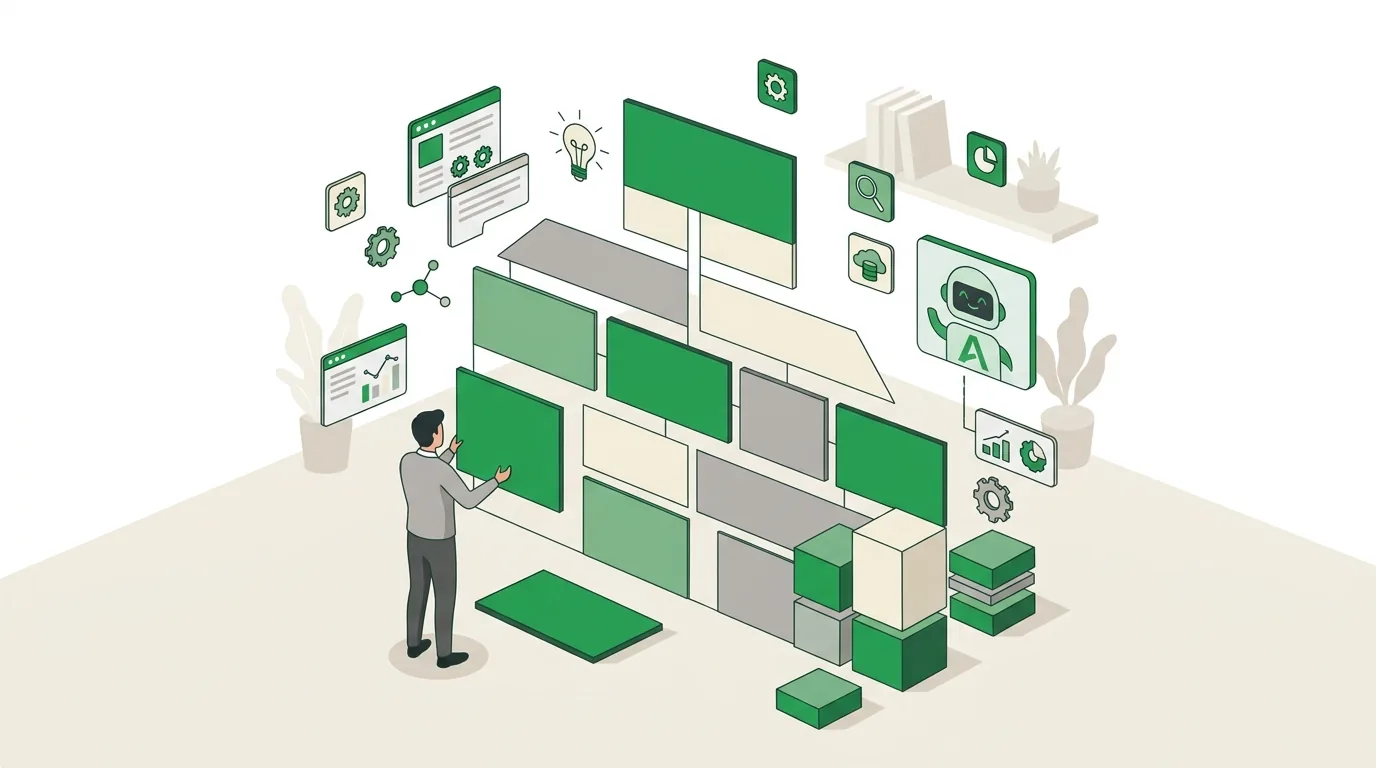
How do you write requirements you can actually test?
A requirement is good when two people, working independently, reach the same conclusion about whether it's been met. A pattern that holds up well is "The system MUST / SHOULD / MAY allow [whom] to [do what]," with exactly one statement per sentence. Words like fast, intuitive, user-friendly, flexible, as much as possible, if applicable or "etc." can't be tested. Replace them with a concrete condition.
| Not testable | Testable |
|---|---|
| Customer search must be fast and easy. | Customer search MUST return matches by company name, customer number and ZIP code, including partial entries. |
| The system should create invoices, etc. | The system MUST generate an invoice from a completed order in the format used by the existing accounting system. |
| Employees should be able to work on the go. | Order entry MUST work on a smartphone without a network connection and sync the data as soon as a connection is back. |
| Data should come from the old system where possible. | Customer and product master data MUST be migrated from the old system's CSV export; open orders MAY be re-entered manually. |
Prioritize honestly. If almost everything ends up as MUST, the prioritization hasn't done its job. The MUST list is the core you can cut an MVP from: the smallest version that already fixes the bottleneck in day-to-day work. Everything marked SHOULD or MAY gets re-evaluated afterward based on real usage, instead of being built up front just in case.
Which mistakes make a requirements document worthless?
- A solution instead of a requirement: "We need a database with table X" fixes the how before the what is clear. Describe the outcome and leave the technology to the functional specification.
- Interfaces named but not described: "Integration with the inventory system" isn't enough. It's missing the direction (read, write or both), the data fields and whether the inventory system even has an interface. Missing interface details are a common reason quotes come in far apart.
- Legacy data forgotten: If you only find out after signing that your master data exists only as PDFs, the project grows after the fact.
- Operations left out: Hosting, updates and support are often missing from the requirements document, yet they run for years longer than development does.
- One author, no users: If only management writes it, you miss the exceptions the people doing the work run into every day.
- Too detailed too early: For a project whose process only becomes clear once it's in use, a very detailed requirements document is out of date by the first week of testing. In that case a short document with goals and MUST requirements is enough, and an agile approach with a backlog handles the rest.
When a fixed requirements document makes sense and when iterative cycles fit better is covered in our piece on agile software development and its limits. How scope, interfaces and data migration determine the price is explained in our article on what drives software development cost.
Does a process map help before you write the requirements document?
Yes, if the project touches several departments. A process map (or process landscape) shows a company's management, core and support processes on a single page, along with how they connect. For the requirements document, it answers a question that otherwise gets lost: which processes are affected when the new system arrives? An order management system, for example, touches sales, production planning, the warehouse and invoicing. Each of those areas then belongs in the current-state chapter and in the document as a role. Build the map around workflows, not the org chart. Otherwise you won't see the handoffs between departments, and that's usually where the breaks between systems and paper happen. If the project only affects a single process, say vacation requests, a map is overkill. The process description from step 1 is enough. You'll find the structure and an example in our article on process maps.
Having an online store built in the Westerwald: what goes in the requirements document?
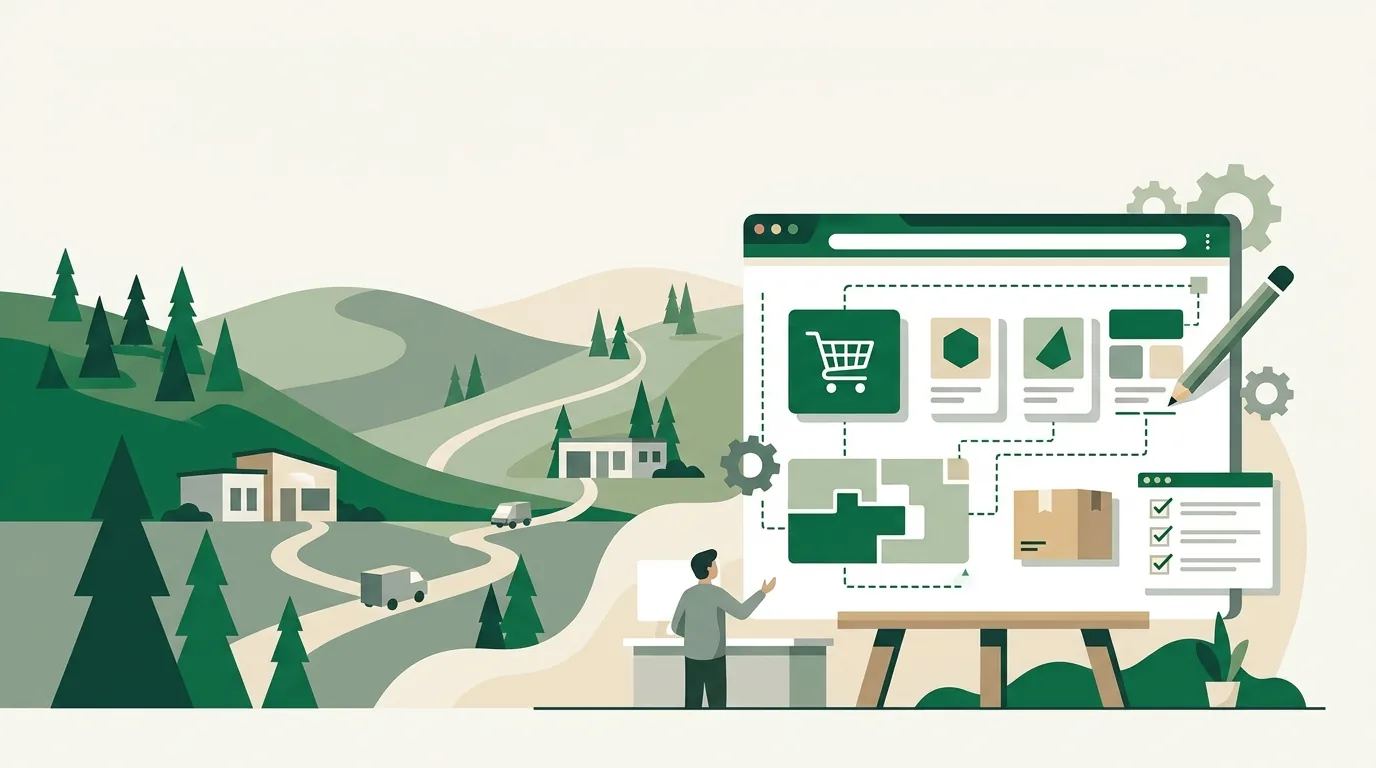
Even if you're having an online store built by a local provider, in the Westerwald or anywhere else, you'll only get comparable quotes if you pin down the same points. For stores, those are: the number of products and variants, where product data comes from (inventory system, spreadsheet or manual entry), the payment methods you want, shipping methods and shipping rules, integration with inventory and accounting, customer groups with their own pricing, languages and countries, and who maintains products and content after launch. Whether a hosted store platform is enough or you need a custom build usually comes down to two things: the interfaces and any special logic such as product configurators or customer-specific pricing. Our article on how to create an online store compares the options and what drives their cost. DigifyNow builds stores from Unnau in the Westerwald for clients in the region and across Germany. What's included is on our page about online stores.
When outside help is worth it
Outside help is worth it when the requirements document has to connect several systems through interfaces, when legacy data needs to be migrated, or when nobody in-house can say whether a requirement is technically simple or complex. For a single process using a standard tool, you can usually write the document yourself. Have these ready for a conversation: the documented current process, your goals, a first MUST list, the systems involved and sample data. In the free assessment of your project, DigifyNow reviews these materials and tells you which points are still open and whether custom software is worth it or a standard tool will do. You'll also find an overview of all our services, from apps to AI automation, on the website.
Frequently asked questions
How long should a requirements document be?
Length depends on the number of requirements, not pages. For a web app covering one process, a few pages with goals, roles and a numbered MUST list are often enough. More length only makes sense when more interfaces and roles come into play. A long requirements document without acceptance criteria does less for you than a short one with test cases.
Who writes the functional specification?
The vendor, meaning the developer or service provider, writes the functional specification. In it, they answer every requirement from the requirements document with an implementation: technology, data model, build phases and tests. The client checks that every requirement appears in it and signs off on the functional specification before development starts.
Is the requirements document part of the contract?
It can be, if the contract explicitly lists it as an exhibit or attachment. Then it's the yardstick acceptance is measured against. If it's only mentioned in passing, the functional specification or the quote usually governs. How binding the document is in a given case depends on your contract. Have it reviewed by a lawyer if needed.
Can AI help you write a requirements document?
Yes, for structuring, rewording and as a reviewer. A language model can spot untestable words like "fast" or sentences that contain two requirements. It doesn't know your current process, your exceptions or your priorities; those have to come from you. Only upload confidential documents to tools your internal policies allow for that purpose.