Local AI for Business: When It Pays Off
· DigifyNow
Local AI means an open language model runs on a server your company operates itself or rents exclusively, so prompts and documents stay in that environment. It fits when data must not leave the building and tasks are narrowly defined, such as searching documents, sorting incoming mail or summarizing text. You carry hardware, updates and operations yourself. Affordable hardware runs smaller models than the big cloud services, so decide use case by use case.
Local AI for business means an open language model runs on a server you operate yourself or rent exclusively. Prompts and documents never go to an outside AI provider. That pays off for narrowly defined tasks involving confidential data, such as document search, inbox triage or meeting summaries. It is not a replacement for the big cloud models when it comes to long analyses or code, and hardware, updates and day-to-day operations are on you.
What exactly is local AI for business?
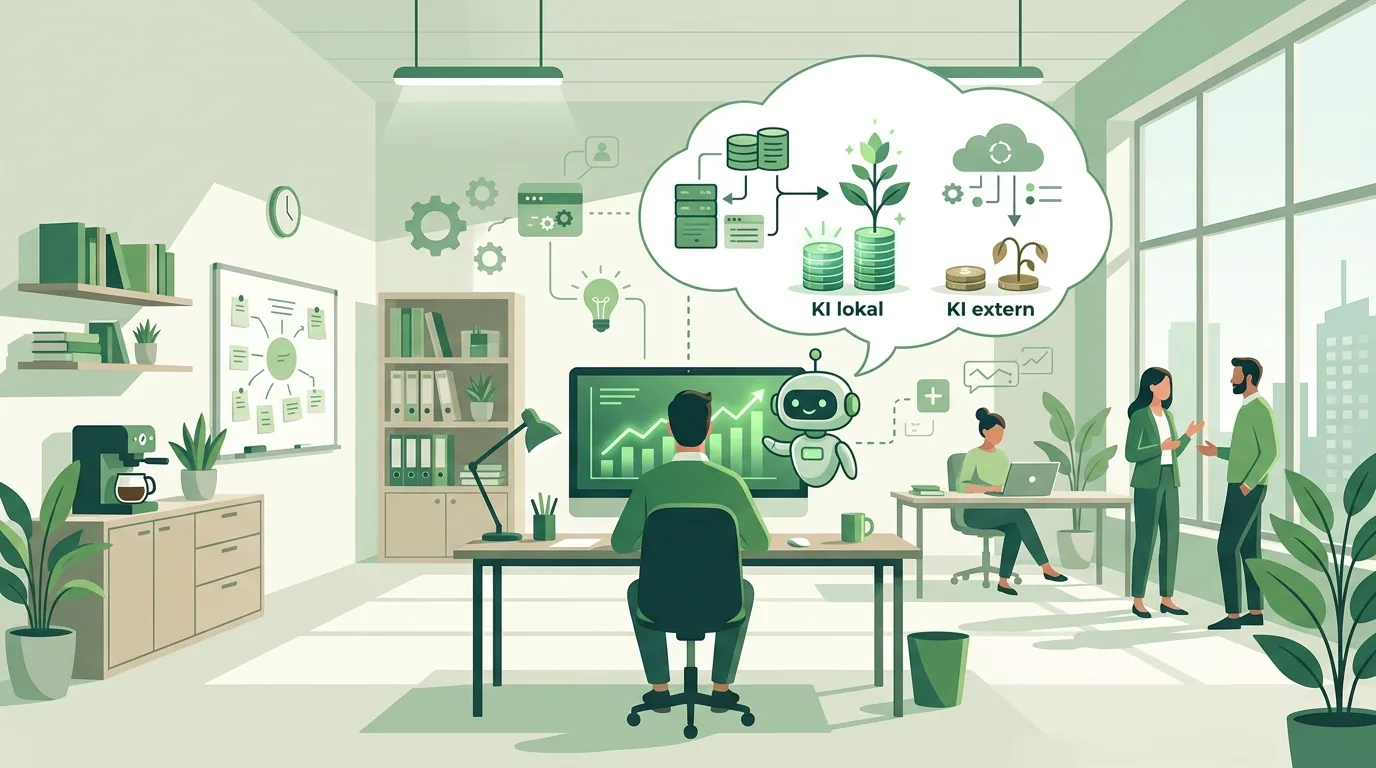
"Local" describes where the model does its computing, not where the user sits. An open language model, meaning one whose weights you can download, runs on a machine under your control. That can be a server in your own server room or a dedicated GPU server you rent in a data center. Employees access it through a web interface or an API, and no prompt ever goes to an outside AI provider. Well-known open model families include Llama, Mistral, Qwen and Gemma. License terms differ from model to model and should be checked before you put one into use.
For first tests there are ready-made runtimes. Ollama, for example, offers installers for macOS, Linux and Windows according to its own download page (as of November 2026). According to the Ollama blog, it also provides an API modeled on the OpenAI API. That means applications built for that interface can be switched over to a local model with little rework.
What people often overlook: only the model is local. The data it works with comes from your file server, CRM or mailbox. If any of those sources is tied to a cloud service, the data flows there, no matter where the model runs. What hardware a model needs and how tools like Ollama or LM Studio work is covered in our article on the options and hardware to run AI locally.
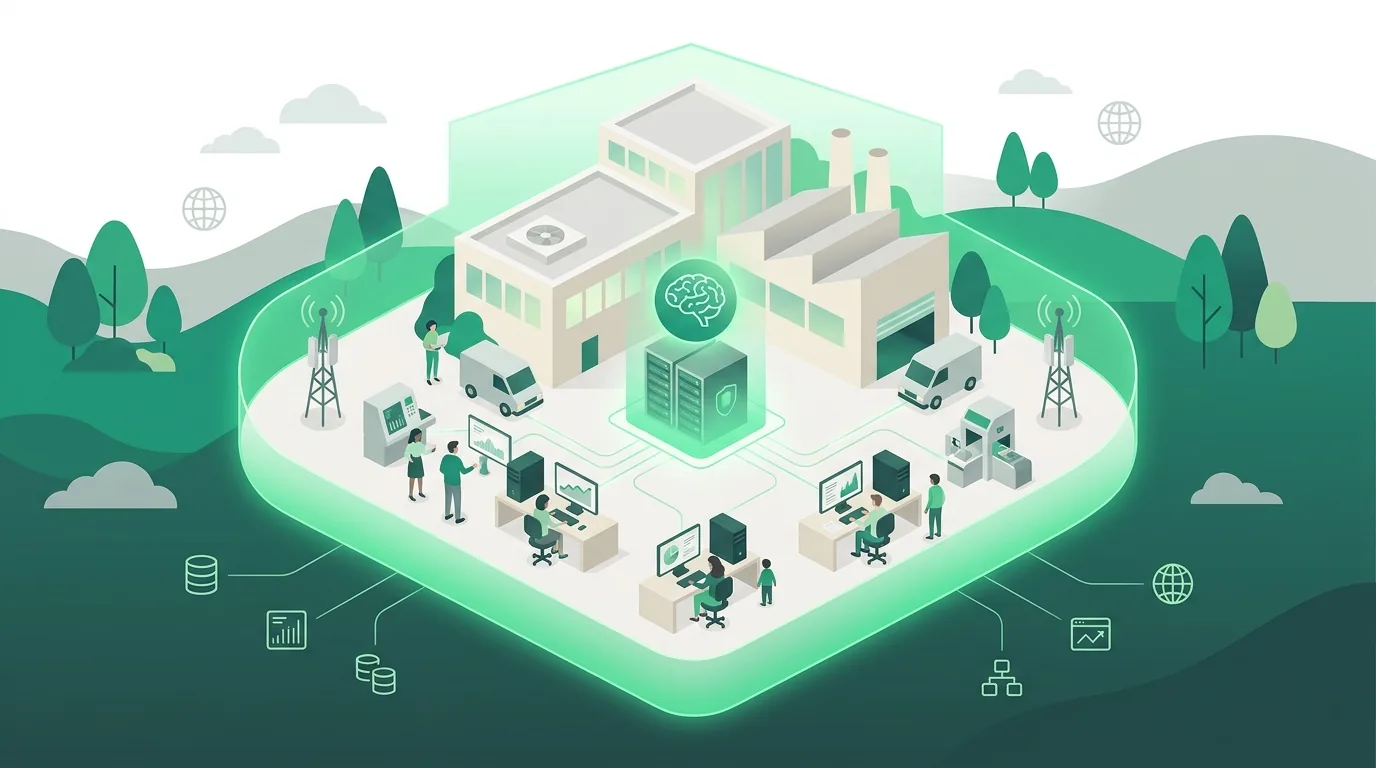
On-premise server, rented GPU or cloud API: which one fits?
The choice comes down to four questions. Where is the data allowed to be processed? Who takes care of operations? How demanding are the tasks? And how evenly will the system be used? The table measures all three options against the same yardstick.
| Criterion | On-premise server | Rented GPU server (dedicated) | Cloud API from an AI provider under contract |
|---|---|---|---|
| Where does the computing happen? | In your own building | In the host's data center, on hardware reserved for you | On the AI provider's infrastructure |
| Who runs the model and updates? | Your IT team or a service provider | Your IT team or a service provider. The host supplies the hardware | The provider. You only handle the integration |
| Which models can you use? | Only open models that fit into GPU memory | Same as on-premise, but larger hardware can be rented faster | Also the provider's large proprietary models |
| How do costs arise? | Purchase, power, maintenance and staff, even when nobody is using the system | Monthly rent and operations, regardless of usage | Per-user subscription or billing by tokens, depending on consumption |
| Where are the limits? | If the hardware is too small, large models are out. Then there is the question of redundancy and uptime | You need a contract with the host and operations know-how in-house | The data leaves the company. You need a data processing agreement (DPA) and rules on what may be entered |
What doesn't work: local AI as a replacement for everything the big cloud models can do. With long analyses across many documents, with code, or with text that has to read really well, you notice how big a model is. So test every task with real examples before you buy hardware. What happens to your inputs on the cloud route is explained in our article on ChatGPT, data privacy and training on company data.
How much does local AI cost a business?
You often hear that local AI has no running costs because there are no token fees. That is only true for the tokens. The costs show up elsewhere:
- Hardware: GPU memory is the deciding factor. It determines which model size will load at all and how many requests can run at the same time.
- Utilization: Your own server costs money at night and during vacation season too. If it sees little use, every single request is more expensive than in the cloud.
- Operations: This covers updates for the operating system and drivers, model changes, backups of the knowledge base, monitoring and access rights. If nobody feels responsible, the system goes stale.
- Integration: Connections to file storage, CRM or mailbox are often more work than the model itself.
- Training: Employees need to know what the system is good for and where it gives wrong answers.
A reliable figure only exists once the use case, number of users, data sources and operating model are settled. How subscriptions, tokens and agent loops drive the bill for cloud solutions is shown in our post on AI costs for subscriptions, tokens and operations.
AI assistant for business: how does it work with local data?
An AI assistant for business answers questions from your own documents, such as manuals, contracts, quotes or process descriptions. The method behind it is called RAG (retrieval-augmented generation). Your documents are split into chunks and stored as vectors in a database. For each question, the system retrieves the matching chunks and hands them to the model together with the question. All three building blocks can run locally: the embedding model, the vector database and the language model.
The most common mistake isn't the model, it's permissions. If all documents end up in one shared index, the assistant will surface payroll lists or personnel files for every user. That's why the access rights of the source have to be checked on every search. The second typical mistake is outdated material: the assistant quotes whatever is in the index, including the price list from two years ago. How DigifyNow builds these assistants is described on the page about AI assistants for business. Our article on the topic walks through the rollout process.
Example: how does a local knowledge assistant for field service work?
A hypothetical example, the way we walk through it with prospects: a machinery manufacturer wants its service technicians to be able to ask questions about maintenance manuals and old incident reports. The documents contain customer data and design details, so they need to stay in-house. Here is how it plays out:
- Collect test questions: The technicians write down real questions from their daily work, each with the correct answer and the document where it can be found. This list later becomes the acceptance test.
- Check the sources: Which manuals are current, and which reports are just scanned images without text? Scans first have to be converted to text with OCR, otherwise search won't find them.
- Carry over permissions: Every chunk in the index inherits the permissions of its source folder. A technician then only sees what they could also open on the file server.
- Test the model: A smaller and a larger open model answer the same test questions. What counts is how often the answer is right and whether the source is cited correctly. Only then is it clear how much GPU memory the server needs.
- Handle updates: New or changed documents are re-ingested automatically, and deleted ones disappear from the index too. Skip this step, and after a few months the assistant quotes outdated versions.
How does an AI agent work?
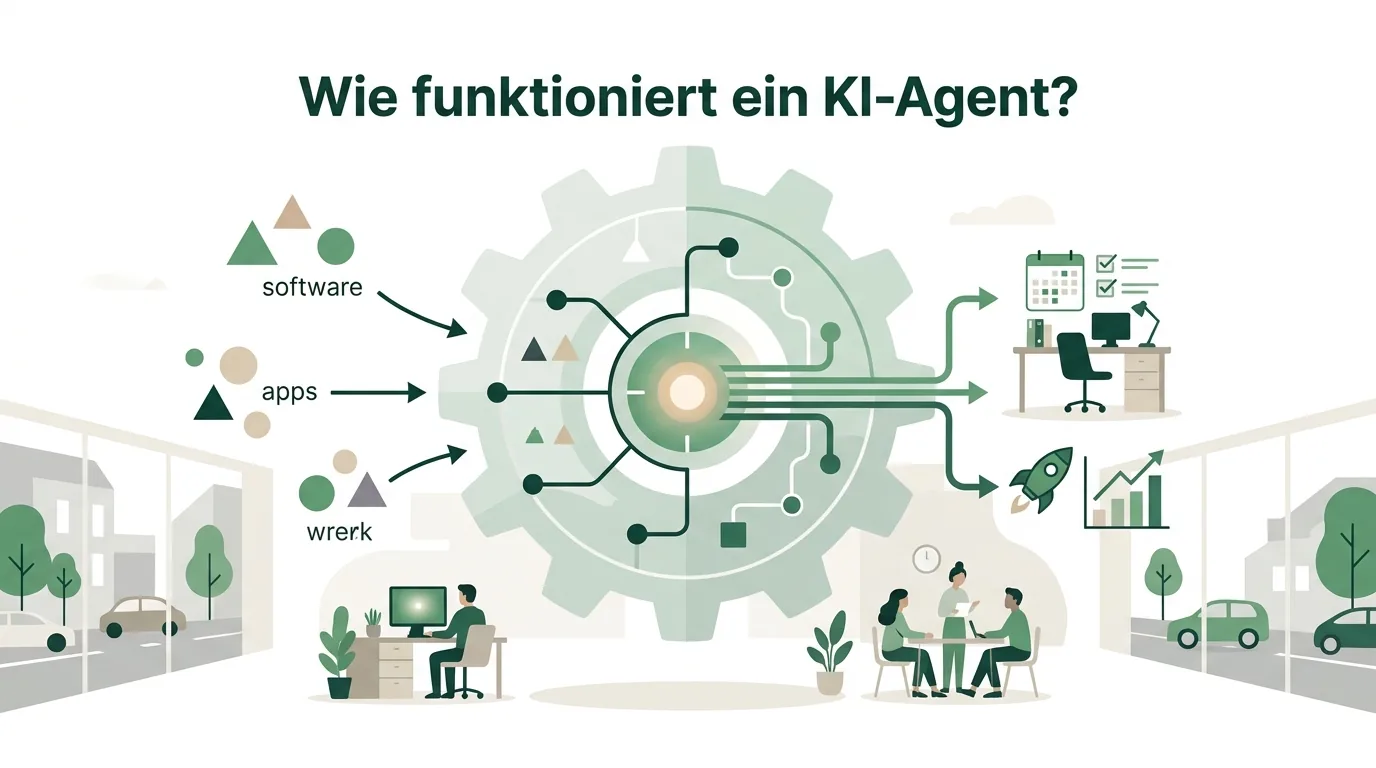
An AI agent doesn't just answer questions, it takes action. It gets a goal and a list of tools, such as "read calendar", "create record in CRM" or "save email draft". The model decides which tool to call and outputs the parameters in a fixed format, usually JSON. A program executes the call and passes the result back. This loop runs until the goal is reached or a stop limit kicks in. For connecting tools, the Model Context Protocol is an open, publicly documented standard.
For local agents, that means the model has to produce valid tool calls reliably across several steps. Test this against your own workflows, because one badly formatted call breaks the loop. Agents with write access, meaning they change data or send emails, need approval by a human and a log of every action. Our article on how AI chatbots and agents work and where their limits are explains the building blocks in more detail.
Examples of AI agents that can run locally
Agents with clearly defined tasks and few tools are the best fit for running locally. A few examples and where they hit their limits:
- Inbox triage: The agent sorts incoming emails into inquiry, complaint or invoice and drops them into the right queue. This works well as long as the categories are clearly defined.
- Preparing incoming invoices: The agent reads vendor, amount and date from a PDF and suggests a booking entry. Scanned receipts without text recognition need OCR first, and nothing gets booked until a human has checked it.
- Drafting a quote from an inquiry: The agent pulls matching line items from earlier quotes and builds a draft. If the product master data and prices aren't available in structured form, the model guesses.
- Internal knowledge search with sources: Employees ask a question, the agent answers and links the document. As with the assistant, access rights are the limiting factor.
- Summarizing meeting notes: Meeting notes turn into tasks with owners. For confidential conversations, this is a typical reason to run things locally.
More cases and their prerequisites are collected in our article with AI agent examples for small and midsize businesses. How DigifyNow automates workflows with AI is described on the page about AI automation.
AI ads: is local AI worth it for advertising?
For ads, local AI usually brings no privacy advantage. Ad copy and images get uploaded to Google or Meta and published there anyway. At most, running locally makes sense for the step before that, when internal data such as margins or customer lists feeds into the planning. Images and video also require different models and far more computing power than text.
On the legal side, the EU AI Act comes into play here. Its Art. 50 sets transparency obligations for AI-generated content and, as of the latest amending regulation, has applied since August 2, 2026. Providers of systems that generate synthetic audio, image, video or text content and were placed on the market before that date take the necessary measures to comply with Art. 50(2) by December 2, 2026. Which obligation applies to you depends on your role and the content and should be reviewed legally case by case. Regarding AI Ad Studio, a product by DigifyNow for creating ads with AI, DigifyNow makes no statement here about labeling.
What does the EU AI Act require for local AI?
Running it locally doesn't change anything: you remain a deployer of an AI system. Under Art. 4 of the AI Act, providers and deployers take measures to support the development of AI literacy among their staff and other persons dealing with the operation and use of AI systems on their behalf. Since the latest amendment to the regulation, they are not required to guarantee a specific level of literacy for any individual. The high-risk rules apply to systems under Annex III from December 2, 2027, and to systems under Annex I from August 2, 2028. An internal knowledge assistant usually doesn't fall under them; a system that pre-screens job applicants may. Clarify this distinction before the project starts. How DigifyNow trains employees to work with AI is described on the page about AI coaching.
When outside help makes sense
Outside help is worth it when your data comes from several systems, when an assistant has to respect access rights, or when nobody in-house can look after the server long term. Prepare two or three concrete tasks with real sample documents, plus the systems involved, the number of users and your requirements for where the data may reside. With that information, you can request a free, no-obligation assessment of your project from DigifyNow. In it, we work out whether an on-premise server, a rented server or the cloud fits your case. DigifyNow works throughout Germany, with a focus on the Westerwald, Koblenz and the Siegerland region.

Frequently asked questions
What is local AI for business?
Local AI is an open language model whose weights can be downloaded and that runs on hardware under your control, either in your own server room or on an exclusively rented GPU server. Unlike with a cloud API, prompts don't go to any outside AI provider. In return, you handle hardware, updates and operations yourself and usually work with smaller models than the big cloud services.
Does local AI settle the data privacy question?
No. Local only means the model computes on your hardware. Whether the processing is permissible depends on purpose, legal basis, access rights, retention periods and how the system is run. A local assistant that shows every user personnel files is a problem. A cloud service with a data processing agreement and clear input rules isn't necessarily one. Have the assessment reviewed for your specific workflow.
Is a regular office PC enough for local AI?
For tests with small, quantized models it often is, since runtimes exist for the common operating systems. For several simultaneous users and larger models, though, you need a graphics card with enough memory, because the model has to fit into it completely. If it doesn't fit, part of it is offloaded to the CPU, and responses come back much more slowly.
What is the difference between an AI assistant and an AI agent?
An AI assistant answers questions, in a business usually via RAG from your own documents, and doesn't change anything. An AI agent also calls tools: it creates records, writes drafts or books appointments, in a loop over several steps. An agent therefore needs approvals, stop limits and a log, while an assistant above all needs clean access rights.
Can you switch from cloud AI to local AI later?
Yes, if the application talks to the model through an interchangeable interface and prompts, knowledge base and tools aren't tied to one provider. Many local servers offer an API modeled on the OpenAI interface. There is still rework: prompts written for a large cloud model often produce different results with a smaller local model and have to be retested.