What Is Ionic? Framework, Versions, Limits
· DigifyNow
Ionic is an open-source framework for building apps with web technology. You build the UI in HTML, CSS and JavaScript, usually with Angular, React or Vue. On a phone it runs inside the operating system's WebView. The Capacitor runtime uses plugins to connect it to the camera, files and push notifications. One codebase gives you an iOS app, an Android app and a web app. That isn't enough for graphics-heavy apps or games.
What is Ionic? Ionic is an open-source framework for building iOS, Android and web apps from a single codebase written in HTML, CSS and JavaScript or TypeScript. According to the GitHub repository ionic-team/ionic-framework, it is released under the MIT license (as of November 2026). On the device, the UI runs inside a WebView, and the Capacitor runtime passes calls for the camera, push notifications or files on to native code.
Ionic meaning: what does the word refer to?
In everyday English, ionic means "relating to ions," and which sense is meant depends on the context. In chemistry and physics it's about ions, meaning atoms or molecules that have more or fewer electrons than in their neutral state. On hair dryers and flat irons, "Ionic" labels devices that give off negatively charged ions and, according to the manufacturers, are supposed to reduce static. Hyundai named its electric car IONIQ after the ion. In architecture, "Ionic" means the Ionic order of columns, which takes its name from the ancient region of Ionia. In software development, Ionic is the name of an app framework. People searching for "ionic 3," "ionic 8" or "ionic app" almost always mean the framework, and that's what the rest of this article covers. This article isn't about hair care.

What is the Ionic framework?
The Ionic Framework is an open-source toolkit for mobile apps and web apps. It comes with ready-made UI components: lists, tabs, menus, modals, form fields and pull-to-refresh. These components adapt their look to the platform. On an iPhone they use the "ios" mode and look like iOS. On Android they use the "md" mode and look like Material Design. So Ionic isn't a programming language or a runtime of its own. It's a component library plus tooling for building and shipping. The code a team writes is plain TypeScript or JavaScript, which many companies already have people for.
The framework comes from a company also called Ionic. According to its own announcement and the buyer's, it belongs to the low-code vendor OutSystems (source: announcement on the Ionic blog, as of November 2026). For decision-makers, the license matters most here. The source code is openly available on GitHub under the MIT license, so a finished app can still be built even if something changes at the company behind it. Who ships the updates is a separate question.
How does an Ionic app work under the hood?
At its core, an Ionic app is a web app wrapped in a native shell. Four layers are involved before it runs on a device:
- UI: components such as ion-list or ion-button, used inside Angular, React, Vue or plain JavaScript.
- Build: the code is bundled into static HTML, CSS and JavaScript files, exactly like a website.
- Native shell: Capacitor (in the past usually Apache Cordova) creates an iOS project for Xcode and an Android project for Android Studio. These projects load the bundled files into a WebView: WKWebView on iOS, Android System WebView on Android.
- Bridge: to use the camera, location, file system or push notifications, the JavaScript code calls a Capacitor plugin. The plugin runs native Swift or Kotlin code and returns the result.
That tells you what works and what doesn't. Anything a web page can do, the app can do too. Device features, though, are only available if a plugin exists for them or someone writes one. Specialized hardware such as a Bluetooth scanner or a card terminal therefore often needs custom native code. How smoothly the app responds depends on the device's WebView. On older Android devices with an outdated WebView, long lists and animations stutter more than they would in a natively rendered app.

Example: how do you build an inspection app with Ionic?
A common case at small and mid-sized companies is an app that field technicians use to inspect equipment, take photos and send the report to the office later. With Ionic and Capacitor, the process looks roughly like this. The commands and package names come from the Ionic and Capacitor documentation (ionicframework.com/docs and capacitorjs.com/docs, as of November 2026):
- Create the project: install the Ionic CLI with npm install -g @ionic/cli. Then ionic start generates a project with Angular, React or Vue and a template such as "tabs."
- Build the UI: an ion-list shows the equipment, and a form made of ion-input, ion-select and ion-checkbox covers the inspection items.
- Connect device features: the official plugin @capacitor/camera takes the photos, @capacitor/filesystem stores them locally, and @capacitor/geolocation adds the location where needed.
- Store offline: reports are saved to local storage on the device first and sent to the backend over a REST API the next time there's a connection. Ionic doesn't include this sync. You build it yourself, including a rule for resolving conflicts when two devices change the same record.
- Generate the native projects: npx cap add ios and npx cap add android create the projects, and npx cap sync copies the web files and plugins into them after every build.
- Build and publish: the iOS project is signed and uploaded in Xcode, the Android project in Android Studio. The same build also runs in the browser as a web app for the office.
What often goes wrong in this example: full-resolution photos fill up the device's storage and stall uploads on weak mobile connections, so the app needs to shrink images before saving them. On iOS, camera and location access also need their own usage descriptions in the Info.plist. If they're missing, the app crashes the first time it requests access or fails App Store review.
Ionic 3: what do you do with an old app?
Ionic 3 is an older major version. It was tied to Angular, used Apache Cordova as its shell and navigated with its own NavController, which pushed pages onto a stack and popped them off again (push and pop). Many company apps from that period are still running, but they're hard to develop any further. Bug fixes have stopped, some old Cordova plugins are no longer maintained, and the app stores require newer SDK versions in every release cycle. The usual symptom is a build that simply fails after an Xcode or Android update.
Moving to the current version isn't a one-click update. Angular has to be upgraded one version at a time, navigation moves to the Angular Router, Cordova plugins get replaced with Capacitor plugins, and styles based on Sass variables are converted to CSS variables. For small apps, rebuilding the UI and carrying over the business logic can take less effort than a step-by-step migration. Our article on technical debt and how to pay it off explains how postponed updates turn into this kind of legacy burden.
Ionic 4: what fundamentally changed?
Ionic 4 was a rebuild of the framework. Since then, the components have been Web Components, built with the Stencil compiler and encapsulated with Shadow DOM. As a result, Ionic is no longer tied to Angular. There are separate packages for Angular, React and Vue, and the components also work without any framework at all. Navigation is handled by each framework's own router. Styling is done with CSS variables instead of Sass at build time.
Decision-makers should care because this is where the real break happened. From Ionic 4 on, later version jumps are much smaller than the step from 3 to 4. An app on Ionic 4 or later needs regular maintenance, while an app on Ionic 3 needs a rebuild. Capacitor also arrived during this period as Cordova's successor. With Capacitor, the native projects are a permanent part of the source code and aren't regenerated on every build.

Ionic 8: what is the current version?
Ionic 8 is the major version the most recently published Ionic documentation lists as current. It builds on the Ionic 4 architecture: Web Components, packages for Angular, React and Vue, and Capacitor as the shell. New major versions mainly raise the supported versions of frameworks, browsers and operating systems, remove deprecated APIs and rework components such as form fields. Before a project starts, check the release notes: is there a newer major version by now, and which breaking changes does it list?
So for a new project, use the current Ionic version, the current Capacitor version and a framework version that still gets updates. A common mistake is starting a new project from an old tutorial or starter template. Then the app needs a migration on day one.
Ionic apps: what are they good for, and what not?
An Ionic app fits best when the app mostly consists of forms, lists and data from an API. Good examples:
- Field sales app: customer list, visit report as a form, photos via the camera plugin, sync with the CRM over a REST API.
- Employee app: shift schedule, time-off requests, news with push notifications, sign-in with the company login.
- Customer portal as an app: orders, invoices as PDFs and support requests. The same code also runs as a web app in the browser.
- Inspection or checklist app: step-by-step questions, on-screen signature, offline storage and sync later.
Examples where Ionic is a poor fit:
- Games and apps with heavy graphics or 3D: the WebView isn't built for that. Game engines or native development are the norm here.
- Apps that run continuously in the background, such as tracking for hours or a constant Bluetooth connection: that's native work, and the web layer barely helps.
- Apps that need new operating system features such as widgets or lock screen displays right away: those parts have to be written natively anyway.
- An app that just wraps an existing website: Apple's App Review Guidelines require more than a repackaged website under section 4.2 (Minimum Functionality). Apps like that get rejected in review if they don't offer any value of their own.
Rule of thumb: the more forms and data and the less hardware and animation, the better Ionic fits. There's one more reason if your company already has people who know Angular, React or Vue. They can put that knowledge straight to work on the app.
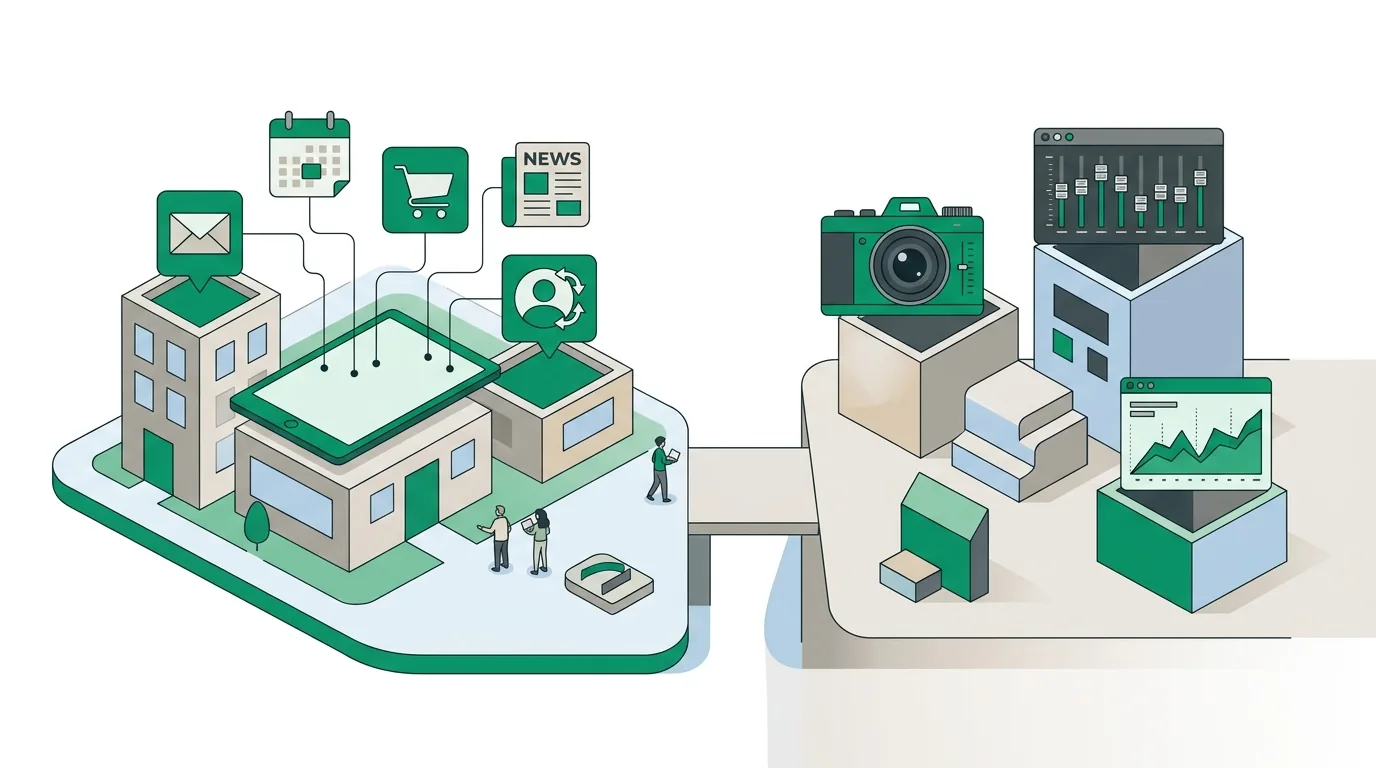
Ionic vs. Flutter vs. React Native vs. PWA
Ionic mainly competes with three other ways of building for several platforms from one codebase. The difference is what draws the UI. For a detailed comparison of the two frameworks that render natively, see our article Flutter vs React Native. The web-only option is covered in our post on the Progressive Web App.
| Characteristic | Ionic with Capacitor | Flutter | React Native | PWA |
|---|---|---|---|---|
| What draws the UI | The operating system's WebView | Its own rendering engine | The platform's native UI components | The browser |
| Language | HTML, CSS, JavaScript/TypeScript | Dart | JavaScript/TypeScript | HTML, CSS, JavaScript/TypeScript |
| Distribution via App Store and Play Store | Yes | Yes | Yes | No, installed through the browser |
| Access to device features | Via Capacitor or Cordova plugins | Via plugins and platform channels | Via native modules | Only through the web APIs the browser exposes |
| Same code as a website | Yes, directly | Possible, with limitations | Only via additional projects | Yes, it is a website |
| Limitation | Animations and long lists on low-end devices | Its own language, the team has to learn Dart | The bridge to native code needs maintenance on updates | No full device access, restricted on iOS |
None of these is better across the board. If you already have web developers in-house and mostly build business applications, Ionic gets you moving quickly. If you're planning an app with a very custom design and lots of animation, you'll more likely end up with Flutter or React Native. And if nobody should have to install anything from a store, a PWA is often enough.
How much does an Ionic app cost?
The Ionic Framework itself is open source and, according to its GitHub repository, licensed under MIT (as of November 2026). So there are no license fees for using it. The costs come from elsewhere: the scope of the UI, integrations with ERP, CRM or login, custom native plugins for hardware, offline data storage with sync, and operations, meaning the backend, push service, store accounts and regular updates for new iOS and Android versions. For iOS builds you also need a Mac with Xcode or a cloud build service. A reliable number only exists once the scope is defined. Our article on app development cost explains how that number comes together.
DigifyNow, based in Unnau in Germany's Westerwald region, builds custom apps and web apps for small and mid-sized businesses, starting with an MVP in 4–8 weeks if you want. We pick the technology to fit the project instead of deciding it up front. You can see how that works on our App Development page.

When outside help is worth it
Outside help is mostly worth it in three cases: you have an existing Ionic 3 or Cordova app that no longer builds; before the project starts, it's unclear whether Ionic, Flutter, React Native or a PWA fits; or the app has to connect to existing systems. To get ready, write a short description of the workflows the app should cover and a list of the systems it exchanges data with. For legacy projects, also have access to the source code and the store accounts. In a free, no-obligation assessment of your project, DigifyNow looks at all of this and will also tell you if an app isn't worth it.
Frequently asked questions
What is Ionic, in simple terms?
Ionic is an open-source framework (MIT license according to its GitHub repository, as of November 2026) for building apps with web technology. Developers build the UI with HTML, CSS and TypeScript, usually with Angular, React or Vue. On a phone it runs inside a WebView, packaged as a real iOS and Android app. Unlike Flutter, which has its own rendering engine, Ionic leaves drawing the UI to the device's web engine.
What is the difference between Ionic and Capacitor?
Ionic is the component library for the UI: lists, tabs, forms, menus. Capacitor is the native runtime underneath. It generates the Xcode and Android Studio projects, loads the web files into the WebView and connects JavaScript to Swift or Kotlin code through plugins such as @capacitor/camera. Capacitor also works without Ionic, for example with an existing web app.
Is Ionic free?
Yes. The Ionic Framework is open source under the MIT license and can be used in commercial apps with no license fee. The same goes for Capacitor. There are still costs: development, Apple and Google developer accounts, backend and hosting, and ongoing maintenance whenever new iOS and Android versions come out.
Is Ionic dead or outdated?
No, Ionic is still being developed. The current line is Ionic 8 with Capacitor as the shell. What's outdated is mostly individual projects, such as apps on Ionic 3 tied to Angular and Cordova. The difference: an app on Ionic 4 or later needs regular version maintenance, while an Ionic 3 app needs its navigation, plugins and styles rebuilt.
Is an Ionic app a real native app?
Partly. It's built as a real iOS and Android package, distributed through the stores and can use plugins to access the camera, push notifications and files. The UI, however, is web technology in a WebView rather than native UI components. That's where it differs from React Native, which uses native components, and from Flutter, which ships its own rendering engine.
Do you need a Mac for Ionic?
Not for Android: you can build the Android project with Android Studio on Windows, Linux or macOS. For iOS you need Xcode, and Xcode only runs on macOS. If you don't have a Mac, you can use a cloud build service. To test on real iPhones and upload to the App Store, you also need an Apple developer account.