Process Analysis Tools: Types, Selection, Limits
· DigifyNow
Process analysis tools come in three types. Flowchart tools capture a process the way people describe it. BPMN modelers map it to a standard, including who does what, decisions and exceptions. Process mining software builds the real process from ERP, CRM or ticketing system event logs, and every event needs a case ID, an activity and a timestamp. For most small businesses, interviews plus modeling are enough. Mining only makes sense when most of the process runs in one system.
What types of process analysis tools are there?
The biggest difference between process analysis tools is where their data comes from. Flowchart and BPMN tools show what people tell you about a process. Process mining shows what your systems actually logged. Work management platforms don't do much analysis. They run tasks, and along the way they show you where work gets stuck. Sort out your data source first and you've made half the decision already. To learn how to capture a process step by step before you pick a tool, read our article on process analysis with a template and example.
| Category | Data source | A good fit when … | Hits its limits when … | Examples |
|---|---|---|---|---|
| Flowchart and whiteboard | Interviews, workshops, observation | you want to make a process visible for the first time and talk it through as a team | variants, exceptions and responsibilities pile up and the picture gets cluttered | diagrams.net (draw.io), Microsoft Visio, Miro |
| BPMN modeling | Interviews and documents, captured in a standard notation | processes need to be documented, agreed on or automated later | nobody maintains the model, and a few months later it no longer matches day-to-day work | Camunda Modeler, bpmn.io, SAP Signavio, ARIS |
| Process mining | Event logs from ERP, CRM, ticketing systems | many cases of the same process run through one system with timestamps | steps happen on paper, by email or by phone and are therefore missing from the log | Celonis, Disco, Minit, QPR |
| Work management platform | Tasks and statuses the team updates itself | the process is already run through boards and tasks | statuses aren't kept up to date or most of the process runs in other systems | monday.com, Asana |
When is a flowchart or whiteboard enough?
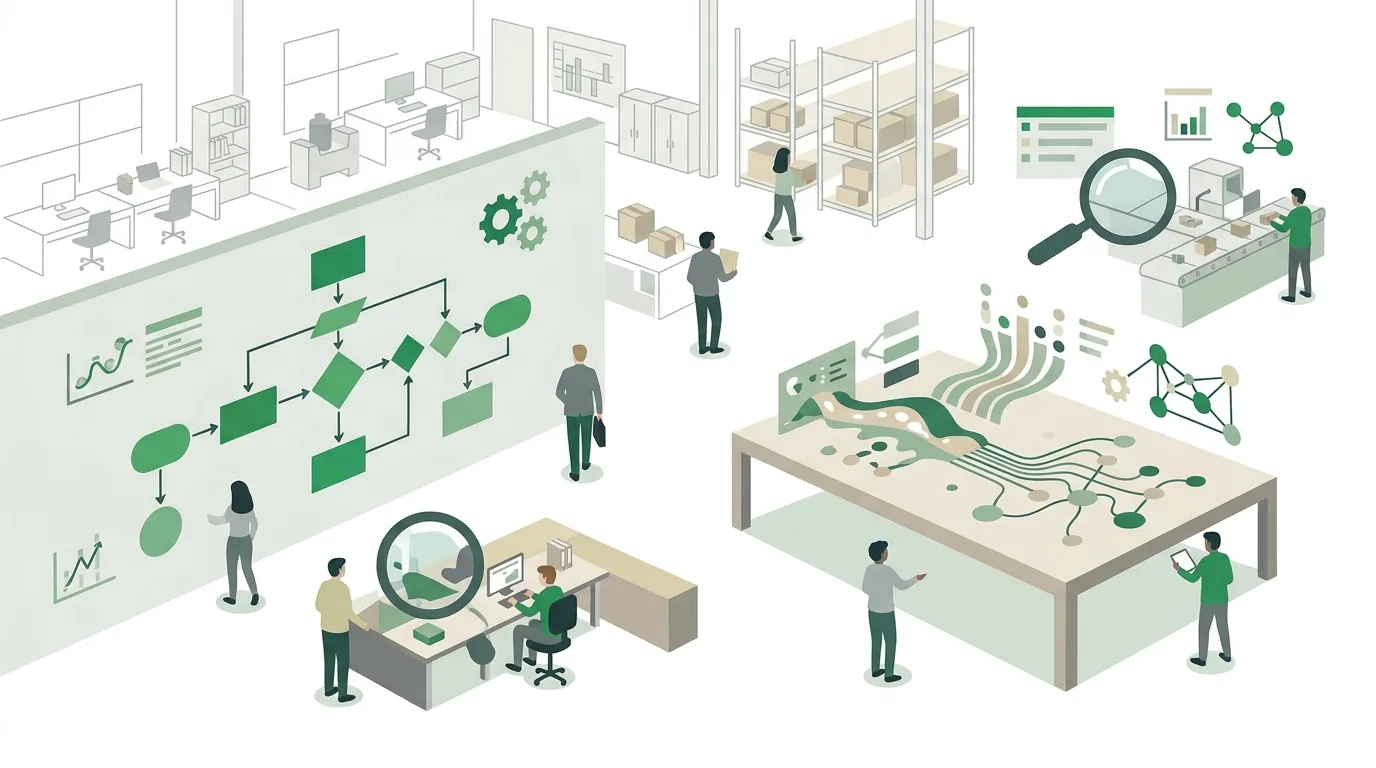
A flowchart is enough as long as you're only asking one question: how does this actually work here? In a workshop with everyone involved, you draw the start, the steps, the decisions and the end, then mark the spots where work sits waiting or gets done twice. Any drawing tool can handle that. Sticky notes on a wall often work even better, because everyone can move things around themselves.
Flowcharts fall apart once there are variants. If rush orders, complaints and new customers each follow their own path, the diagram turns into a tangle of arrows. There's also no fixed notation for who handles a step, and that's exactly what you need to know if you want to automate the process later. Things also go wrong when the drawing only ends up as a photo in a group chat. Nobody can edit it, and the next meeting starts from scratch. So save the result in an editable format right away.
What does BPMN modeling software do?
BPMN (Business Process Model and Notation) is a standard notation for business processes. It separates events, such as an incoming order, from activities, such as a credit check, and from gateways, which are branches based on a condition. Responsibilities go into swim lanes. That way you can see at a glance where a case moves from one department to the next. In practice, those handoffs are where most of the waiting happens.
Compared with a freehand diagram, the advantage is that nothing is left open to interpretation. You can share a BPMN model as a file, and some tools, such as Camunda, can use it directly as the basis for running the process. The catch is the effort. The notation has a lot of symbols, and anyone who doesn't know them can't review the model. A rule that works well: in workshops, stick to start, end, task, gateway and lanes, and let someone who knows the notation add everything else. To see how individual processes fit together, go one level up to the process landscape map with management, core and support processes.
How does process mining work, and what do you need for it?
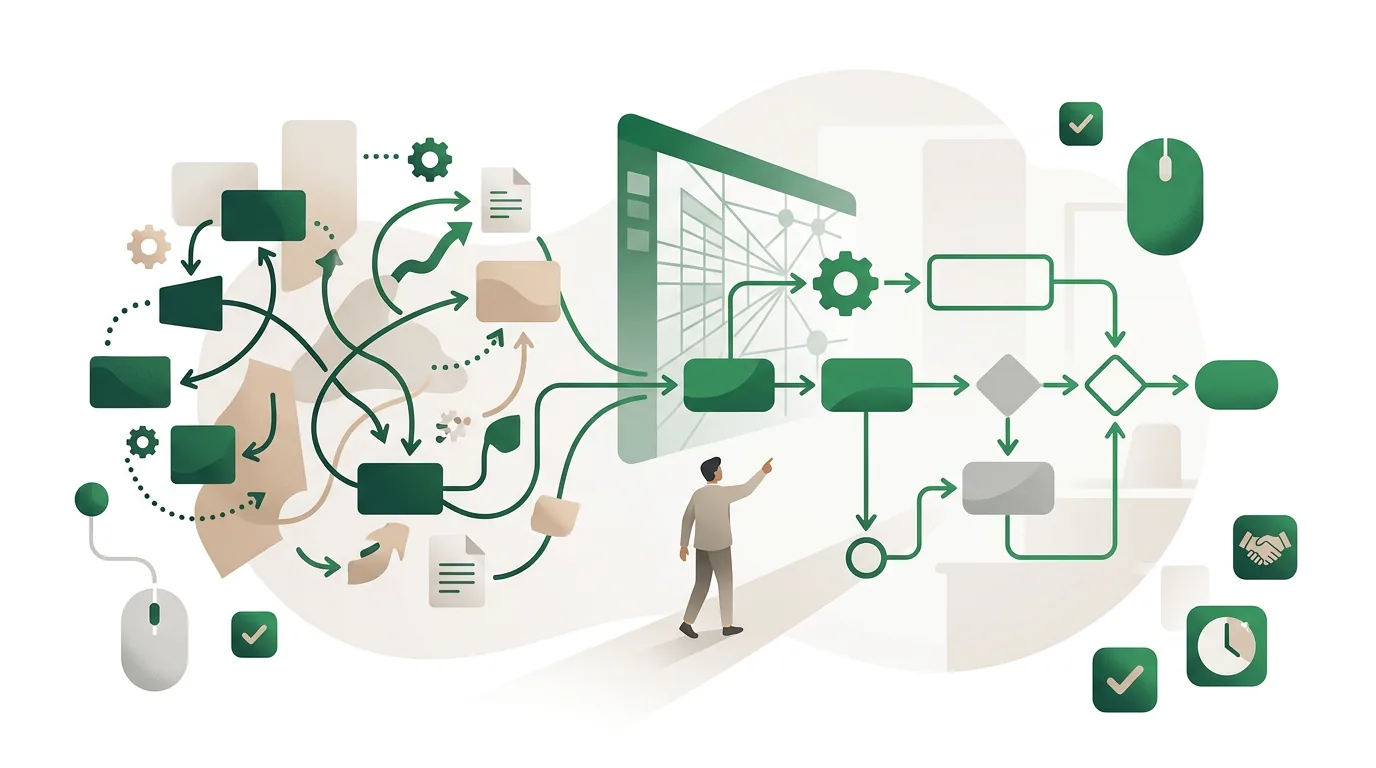
Process mining rebuilds the process from data your systems already produce. It starts from an event log in which every row has at least three fields: the case ID, such as an order number; the activity, such as "invoice issued"; and the timestamp. The software sorts all events of a case by time and stacks thousands of cases on top of each other. What you get is a map of every variant that actually happened, plus the waiting times between steps.
The real work is getting the data. A process analysis guide cited in the search results (October 2021) points out that you also have to build a connector for whichever process mining tool you choose. The connector pulls the data out of the source system and converts it into the event log format. If the system doesn't record a timestamp for every status change, or simply overwrites the status, you have nothing to analyze. Where the data is available through an API, the connector is basically a scheduled data pull followed by a conversion step.
- Gaps in the log: steps handled by phone, email or on paper don't show up. That makes the process look shorter and cleaner than it really is.
- Inconsistent case IDs: if the quote, the order and the invoice each have their own number with no link between them, one case breaks into three.
- Time zones and batch postings: if postings are collected and processed overnight, they all carry the same timestamp, and the order of the steps comes out wrong.
- Too few cases: with only a handful of cases a month, variant analysis won't show a pattern. An interview tells you more.
Which process analysis tool fits which business?
Feature lists won't decide this. Three questions about your process will, plus a fourth about volume. Answer them in order and you'll usually be left with a single category.
- Does most of the process run in one system with timestamps, such as your ERP or ticketing system? If not, process mining is off the table because there's no log. Interviews and modeling are the way to go.
- Will the result be automated or built into software later? If so, BPMN is worth it, because developers can read the model without guessing. If you only want to improve how the team works, a flowchart is enough.
- Who will maintain the result after the analysis? If nobody will, every model goes stale. In that case, a simple tool everyone can use beats a powerful one that only one person understands.
- How many cases run through each month? With few cases and lots of exceptions, talking to the people involved gets you further than any data analysis.
Once the analysis is done, the next question is usually which parts software can take over. Our article on business process automation in small and midsize businesses covers which processes are a good fit and which aren't. For processes you can only reach through the user interface of older programs, there's a separate article on RPA and software robots.
Why process analysis with tools fails
Most failed analyses don't fail because of the tool. They fail because things happen in the wrong order. These are the patterns we see most:
- Tool first, question second: a license gets bought before anyone knows which process has which problem. Then people model whatever is easy to model, not what's actually causing pain.
- Target instead of reality: the model shows how the process should run according to the manual. The workaround through the Excel sheet a colleague keeps on the side gets left out, even though that's often where the real problem is.
- Only management gets interviewed: the people who run the process every day know the exceptions. Without them, the picture looks better than reality.
- No baseline: if you don't measure something like cycle time or the number of follow-up questions, you can't check later whether a change made any difference.
- The model as the end product: a nice diagram that doesn't lead to an action with an owner and a deadline changes nothing about the process.
How much do process analysis tools cost?
The honest answer is to look at the cost drivers, not a flat price. For diagramming and modeling tools, the licensing model depends mostly on the number of users and on whether you need collaboration, approval and versioning features. Process mining adds more items: building a connector for each source system, cleaning the data until you have a usable event log, and keeping it updated if the analysis isn't a one-off. Connecting the systems often takes more effort than the license costs.
Then there's an item many people overlook: the time your staff spends in interviews and workshops. You only get a reliable figure from a specific quote from the vendor for your number of users and your source systems. For the integration work, add an effort estimate based on the APIs available. How to choose AI tools for your company based on data flow and interfaces is covered in our article on AI tools for business.

When outside help is worth it
Outside help is mainly worth it in three situations: the process runs across several systems that aren't connected; the analysis is supposed to lead to automation or custom software; or nobody in-house has time to run interviews and maintain the model. That's where DigifyNow comes in. We map the current process together with the people involved, check which systems can provide data through APIs, and work out whether automation, an AI assistant or a custom application makes sense. Sometimes the answer is that better coordination within the team is all you need. Our services for this are described under digitalization consulting.
For a first conversation, have the following ready: a short description of the process, the systems involved, a rough number of cases per month and the point where things get stuck today. With that, you can use the contact form to request a free, no-obligation assessment of your project.
Frequently asked questions
What is the difference between process analysis and process mining?
Process analysis is the umbrella term for any examination of a process, whether through interviews, observation or data analysis. Process mining is one method within it. It rebuilds the process from event logs with a case ID, an activity and a timestamp. Process mining only captures what a system has logged. Interviews also pick up steps handled by phone or on paper, but they're more subjective.
Do I even need software for a process analysis?
Not to get started. A workshop with sticky notes and a spreadsheet listing step, owner, duration and waiting time cover most of the questions a small business has. Software becomes necessary when the result has to be maintained over a longer period, includes several variants or will serve as a blueprint for automation. Then a BPMN tool makes more sense than a photo of the whiteboard.
Can you do process mining in Excel?
You can prepare the data in Excel: one row per event, with columns for case ID, activity and timestamp. But variants and waiting times between steps only become clear in a process mining tool, because it stacks all cases on top of each other automatically. So Excel works for preparing data and spot checks, not for showing the variants.
Is BPMN too complicated for small businesses?
The full notation has a lot of symbols, but five cover most processes: start, end, task, gateway and lane. Unlike a freehand flowchart, they make responsibilities and branches unambiguous. BPMN gets too heavy when every exception is modeled in detail even though nobody will maintain the model later.