Digital Transformation in Retail: Steps, Limits
· DigifyNow
Digital transformation in retail means every item exists exactly once as a record with SKU, EAN, price and stock level. The POS, inventory management, online store and customer accounts read and write that record through interfaces, so nobody retypes it. Start with a clean product master, a POS with TSE and automatic inventory sync. Only then do click-and-collect, an online store or AI pay off. Off-the-shelf software is enough as long as the systems talk to each other.
Digital transformation in retail means that your POS, your inventory management system and your online store all use the same product record with SKU, EAN, price and stock level. The systems exchange that record through interfaces instead of someone retyping numbers. Step one is cleaning up the product master data. Next, the POS with TSE ties every sale to a specific item, and stock levels are synced automatically. Click-and-collect, an online store or AI come only after that, because all of them build on that inventory data.
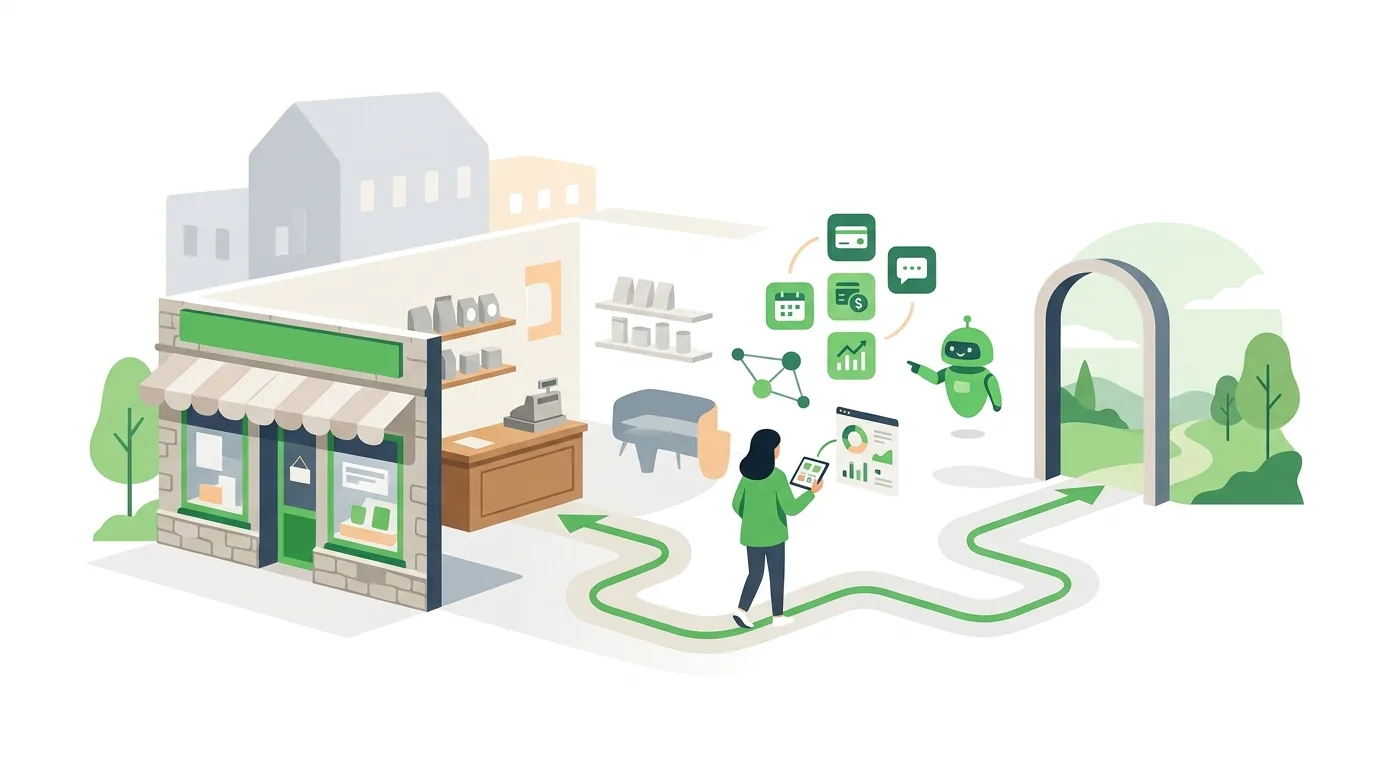
What are examples of digital transformation in retail?
A typical case is a shoe store with two locations. In the analog version, inventory lives in an Excel sheet that someone updates every evening. When a customer asks for a specific size, a staff member calls the other store. In the digital version, every pair has an EAN. The POS deducts it from stock at the moment of scanning, and any device shows which location still has the model. The table below lists the building blocks that come up most often in small and mid-sized retail. The right-hand column shows why a building block falls apart in day-to-day operations. Usually that happens because the prerequisite in the middle column is missing.
| Building block | What it digitizes | Prerequisite | Where it fails |
|---|---|---|---|
| Electronic POS system | Sale, payment, receipt | Technical security device (TSE) for electronic cash registers in Germany, items with SKU or EAN | Open price entry with no link to an item, so no stock gets deducted |
| Inventory management | Purchasing, goods receipt, stock, reordering | Consistent SKUs, goods receipts that are actually posted | Goods receipts are not posted, and after a few weeks the stock count is wrong |
| Inventory sync across locations | Visibility of merchandise at every location | POS and inventory management share one database or sync automatically | Sync runs only overnight, so items get sold twice during the day |
| Click-and-collect | Reserve online, pick up in store | Reliable stock per location, a defined process for reservations | Reserved items are not set aside because nobody in the store sees the reservation |
| Online store | Additional sales channel | Product data with images, copy and variants, a shipping and returns process | The store runs separately from the POS, and stock is transferred by hand |
| Customer account or loyalty card | Purchase history, customer outreach | Consent for marketing, one system for customer data | Cards are handed out, but the data is never analyzed |
| Self-checkout or mobile scanning | Paying without a cashier | Every item has a code on record, a control process against mis-scans | Assortments with items sold by weight or without a code |
| AI assistant | Product descriptions, answers to customer inquiries, internal search | Well-maintained product and assortment data as the foundation | The assistant answers from outdated data or makes up product features |
The table shows a pattern: almost every building block depends on the product master and on posted stock movements. If you want to digitize processes, start by documenting how things actually run today at the register and at goods receipt, and choose features only after that.
In what order should you digitize a retail store?
The order matters more than the choice of tool. If a stage is built on a previous stage that nobody maintains, all it does is double the errors.
- Clean up the product master: one SKU per item and variant, EAN where available, purchase and retail price, supplier, product category. Merge duplicates before any data moves into a new system.
- Settle on the POS: an electronic POS system with TSE that assigns every sale to an item. Open price entries stay the exception.
- Post goods receipts: every delivery is recorded against the packing slip, otherwise no stock count will be right.
- Sync inventory: the POS, inventory management and any other locations all access the same number, ideally without an overnight batch sync.
- Add channels: click-and-collect, an online store or a marketplace only once stock levels have matched the physical count for several weeks.
- Analyze and automate: reorder suggestions, customer outreach and AI applications build on the data from the previous stages.
If a retailer switches systems along the way, migrating legacy data is the riskiest step. Before the cutover, a test run with real items and a comparison of totals help. That way character encoding errors and truncated fields surface before they cause trouble at the register.
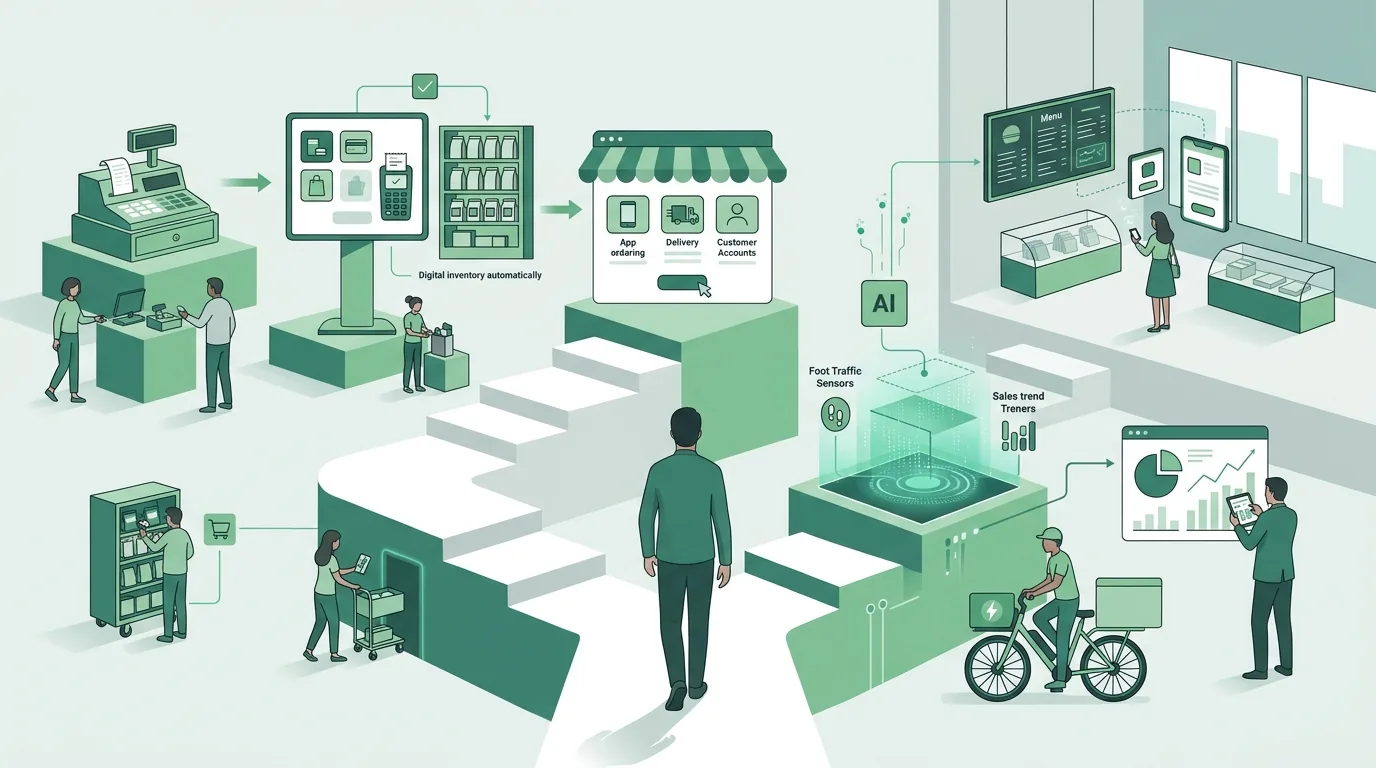
What software does a retail business need to go digital?
To go digital, a retail business needs at least a POS system, inventory management with stock tracking, and accounting software that imports the POS data. With an online channel, a store platform and a payment provider are added. How these pieces work together depends on the approach you choose. The table compares four common approaches using the same criteria. DigifyNow is an official Shopify Partner agency and has a partner or referral code with Make. Both are listed on our system recommendations page. We disclose this here because both tools appear in the table.
| Approach | Example | Good fit for | Where it ends | Operation and dependency |
|---|---|---|---|---|
| Hosted all-in-one platform for online store and shop floor | Shopify with the Shopify POS app (DigifyNow is a Shopify Partner) | Retailers who want to run their online store and in-store register on one shared product base | Processes the platform does not cover, such as custom supplier logic or special prices per customer group, require apps or custom development | The vendor runs the platform and sets ongoing fees and rules |
| Payment platform with card terminal and API | Stripe Terminal | Retailers who want to integrate in-store card payments into their own or an existing system | Handles payment, but no inventory management and no POS with TSE. Another system has to provide those | Integration requires development work, and the vendor sets the per-transaction fees |
| Automation tool between existing systems | n8n or Make (DigifyNow is a Make partner) | Connecting systems that both have an API, for example passing an online order to inventory management | If one of the systems has no API, or there are many edge cases, the workflow becomes hard to follow | According to its documentation, n8n can be self-hosted; Make runs as a cloud service |
| Custom software | Your own application that connects POS, inventory and channels | Processes no off-the-shelf software covers, or many systems that need to be brought together | Not worth it if a standard solution handles the process with minor adjustments | Maintenance and operation must be set out in a contract, and ownership of the source code must be clarified |
Stripe describes the technical requirements for a card terminal in its Stripe Terminal documentation. The deployment options for n8n, including self-hosting, are covered in the n8n documentation. Whether off-the-shelf software or custom development is cheaper depends on how far your own processes deviate from the standard. A separate article explains the trade-off between custom software and SaaS.
Where DigifyNow fits in
DigifyNow, based in Unnau in Germany's Westerwald region, builds online stores and custom applications and connects existing systems through APIs. In retail, the work is usually about the gap between the POS, inventory management and the online store: stock is still transferred by hand, orders are still retyped. DigifyNow also introduces AI assistants in companies, for example for product descriptions or internal search across the assortment, and trains employees to use them. If a project can be solved with existing off-the-shelf software, DigifyNow says so in the assessment. We only build what the standard does not cover. One example from our own work is the custom back office with CRM for Mundo Marketing: customers and cases sit in one place instead of in several spreadsheets. When something custom gets built, DigifyNow starts with an MVP. That is a first version containing only the core function. It is expanded only once it has proven itself in daily use. Timeline and effort depend on scope and are only stated after the assessment. Our online store services are described on a separate page.
How much does digital transformation in retail cost?
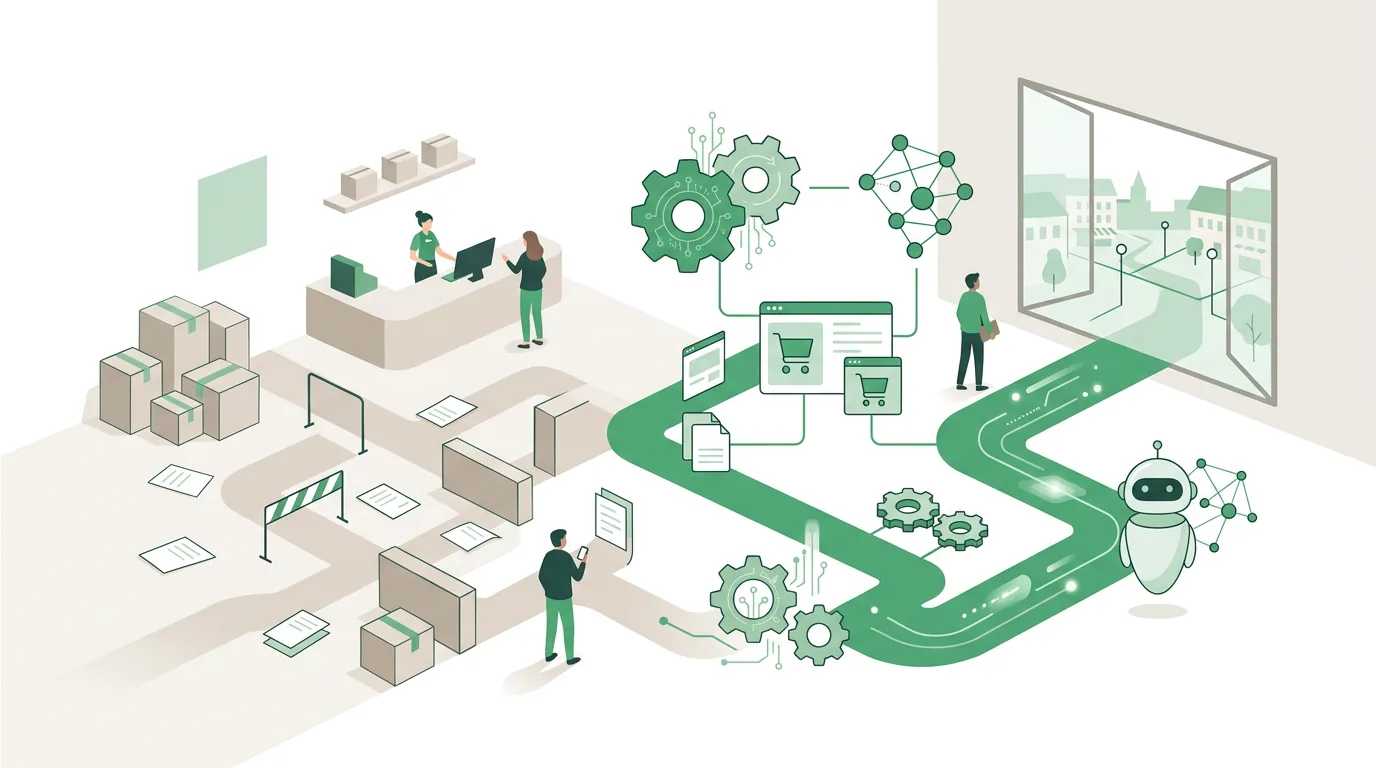
There is no flat figure, because cost depends on four drivers. The first is scope: how many locations, registers and channels need to be connected. The second is interfaces. Every connection between two systems has to be built, tested and maintained through updates. A system without a documented API causes the most work. The third is data. A product master with duplicates, missing EANs or inconsistent variants has to be cleaned up before it goes into a new system. This work is routinely underestimated. The fourth is operation and licensing: fees per register or user, per-transaction fees, hosting, maintenance and training recur every year, not just once. A reliable number only exists once it is clear which systems stay, which go away and which connections are needed. How APIs work technically and where they create effort is covered in a separate article.
Why retail digitalization projects fail
- The online store comes before the inventory: items are sold online that are already gone from the store. The cause is stock data without posted goods receipts.
- Too many disconnected systems: the POS, online store, newsletter and loyalty card each keep their own customer data. Nobody knows which record is correct.
- Automation on messy data: a workflow spreads errors faster than any person could. Without validation rules for duplicate orders, you get duplicate postings.
- Tool before process: a system is bought before anyone has clarified who in the store sees the click-and-collect reservation and sets the item aside.
- No training: staff bypass the POS with open prices, and the data develops gaps.
- Self-checkout with the wrong assortment: with items sold by weight, products that need advice, or merchandise without a code, it creates more control work than it saves.
AI won't paper over bad data either. An assistant that writes product descriptions from an incomplete product master may invent missing features. That is why someone has to review every text before it is published. On top of that comes the EU AI Act in its recently amended version. Under it, a retailer that uses AI systems has to take measures that support the AI literacy of the people involved. That can be a briefing on the tool's limits, plus a clear rule on who approves results. The retailer does not have to guarantee a specific level of literacy for any individual. In addition, transparency obligations apply to systems that generate synthetic text or images. Providers of systems that have been on the market for some time have a transition period for this. If you use a tool for product descriptions or product images, ask the vendor how they meet this obligation.
Digitalization in Koblenz, the Westerwald and the Siegerland
Retailers in and around Koblenz will find DigifyNow a digitalization partner from their own region. Our office is in Unnau in the Westerwald. We work throughout Germany, with a focus on the Westerwald, Koblenz and the Siegerland. For retail, proximity is practical because many questions are answered faster on site: where are deliveries received, which device sits at the register, who posts the goods receipts? Technically, location changes nothing. The sequence of product master, POS, inventory and channels applies everywhere. More about our work in the region is on the page on digitalization in Koblenz. If you first want to find out where your business stands, see the information on digitalization consulting.
When outside help makes sense
Outside help makes sense when two or more systems need to exchange data and at least one of them lacks a ready-made connection. The same goes for a system switch that involves migrating legacy data, or a process that no off-the-shelf software covers. If a single POS and a store builder with a built-in connection are enough, a retailer can often manage alone. For a first conversation, have these ready: a list of the systems you use, an export of your product master, a description of the processes at the register and at goods receipt, and the points where data is retyped today. Through the contact page you can request a free, no-obligation assessment of your project.
Frequently asked questions
What are the current trends in retail?
The main focus is on connecting the store and the online shop through shared inventory (omnichannel), click-and-collect, self-checkout and mobile payment, and AI for product descriptions and customer inquiries. All of them require the same thing: a well-maintained product master and stock levels that are synced continuously or several times a day. Without that foundation, every trend stays an isolated island.
Does brick-and-mortar retail still have a future?
Physical retail has advantages that online lacks: products you can touch, taking them home right away, and personal advice. The stores under pressure are those whose inventory isn't visible online and that can't answer questions about availability. Digital transformation doesn't turn the store into an online shop. It makes its merchandise findable and reservable and connects it to the other channels.
Does a small store even need an online shop?
Not necessarily. An online shop is an additional operation with shipping, returns and product data upkeep. Often a website with visible inventory and click-and-collect is enough: customers reserve online and pick up in store, so no shipping is needed. An online shop pays off when your assortment also appeals to customers outside your local trade area.
What is the difference between a POS system and inventory management?
The POS system records the sale: item, price, payment, receipt. Inventory management handles merchandise beyond the sale, meaning purchasing, goods receipt, stock levels and reordering. Some systems combine both; others are connected through an API. Without that connection, the POS records sales, but stock in inventory management stays unchanged.
What obligations does the EU AI Act place on retailers?
Anyone who uses AI systems is a deployer under the AI Act. They have to take measures that support the AI literacy of the people working with those systems, for example a briefing and an approval rule. They do not have to guarantee a specific level. Transparency obligations also apply to systems that generate synthetic text or images. These are aimed primarily at the provider of the tool.