Digitalization: Definition, Levels, Examples
· DigifyNow
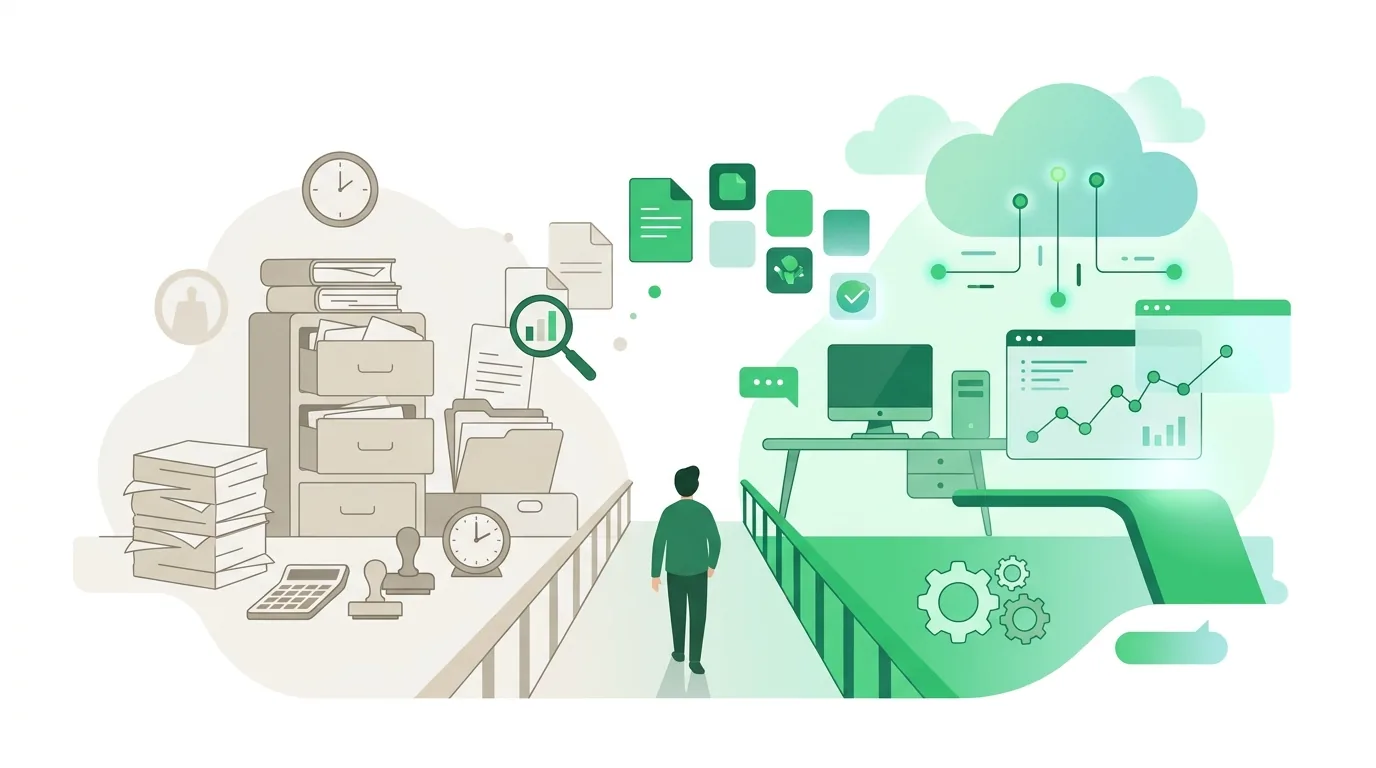
Digitalization has two meanings. In the narrow sense, it means converting analog information into data made of ones and zeros that a computer can store, search and pass on. In the broader sense, it means a workflow is built on that data: every step reads the same data, and nobody types it in a second time. A scanned delivery note without OCR is only an image. It counts as digitalized only when your inventory system can read its fields.
What does digitalization mean?
Digitalization means converting analog information into data a computer can process, and reworking workflows so they are built on that data. A workflow counts as digitalized when data is captured only once and every later step works with exactly that data. There is no single official definition, though. Dictionaries and reference works usually give two meanings. In the narrow meaning, digitalization is converting analog information into digital form, for example turning a paper file, a photo or an audio recording into data a computer can process. In the broad meaning, the term describes how business, government and everyday life increasingly run on digital technology. For a company, the workflow reading is the most useful one, because you can test a project against it. If a customer number gets typed in again on the quote, the order and the invoice, the workflow is not digitalized, even if all three documents are created on screen. At DigifyNow, this is the first question we ask about any project: Where is data being entered a second time today, and who is doing it?
How does analog become digital?
Technically, the conversion happens in three steps. First, the analog signal is sampled. A scanner measures the brightness of individual pixels, and an audio converter measures sound pressure at fixed intervals. Next comes quantization: each measured value is assigned to one of a finite number of levels. Finally, those levels are stored as binary numbers. That means every conversion loses some information. If the resolution is too coarse or the sampling rate too low, fine details go missing or distortion creeps in, and you cannot calculate it back out afterwards.
For documents there is a second stage that often gets overlooked. A scan starts out as nothing more than a raster image. Only text recognition (OCR) turns it into characters you can search. And only once you define which string is the invoice number, the date or the amount do you get fields that software can actually work with. Handwriting, low-contrast carbon copies or stamps over the text cause recognition errors. That is why this point needs a check by a human. If you receive invoices in structured form in the first place, for example as an XRechnung e-invoice, you skip the problem entirely: the data arrives as fields, not as an image.
Digitization vs. digitalization vs. digital transformation: what's the difference?
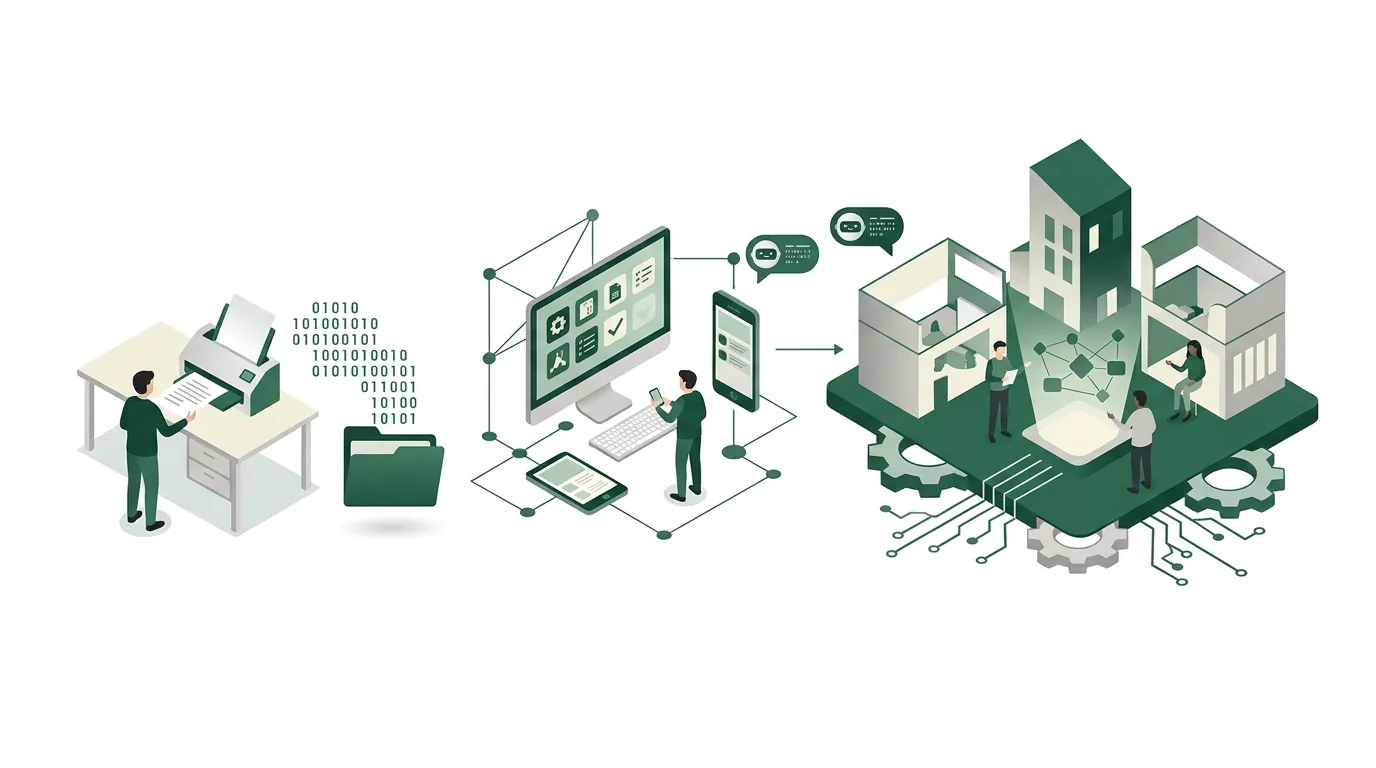
The three terms often get used interchangeably. But they describe three levels that build on each other. Each lower level is the prerequisite for the next one. A new business model without clean data usually fails at the middle level already.
| Level | What changes | Example | Where it fails |
|---|---|---|---|
| Digitization (conversion) | Information changes medium, the workflow stays the same | Paper files are scanned and stored | Scans without OCR and without a filing structure can't be found |
| Digitalization (process) | The workflow is rebuilt so every step works with the same data | An order from a web form automatically becomes a record with a status | Duplicate master data and steps outside the system, such as phone calls or handwritten notes |
| Digital transformation (business model) | The offering or the way the company makes money changes | A manufacturer sells maintenance as an ongoing service instead of one-off call-outs | A model gets planned that the existing processes can't support |
How far a company has progressed on these levels is measured with a maturity model. What counts and why a single average score is misleading is covered in our article on digital maturity.
What is the definition of digitality?
Digitality describes a state, while digitalization describes a process. The term comes mostly from cultural studies and education. It refers to a world of life and work in which digital technology is so taken for granted that nobody notices they are using it anymore. If you coordinate meetings in a shared calendar, edit documents together and pay invoices online, you live in digitality without thinking about digitalization. For businesses this has a practical consequence. Employees and customers bring expectations from everyday life, such as a status they can check at any time or a confirmation right after they hit submit. A business whose workflows still run on paper often notices this gap first through questions that shouldn't need asking: Did my order come through? When is the technician coming?
What are digital technologies?
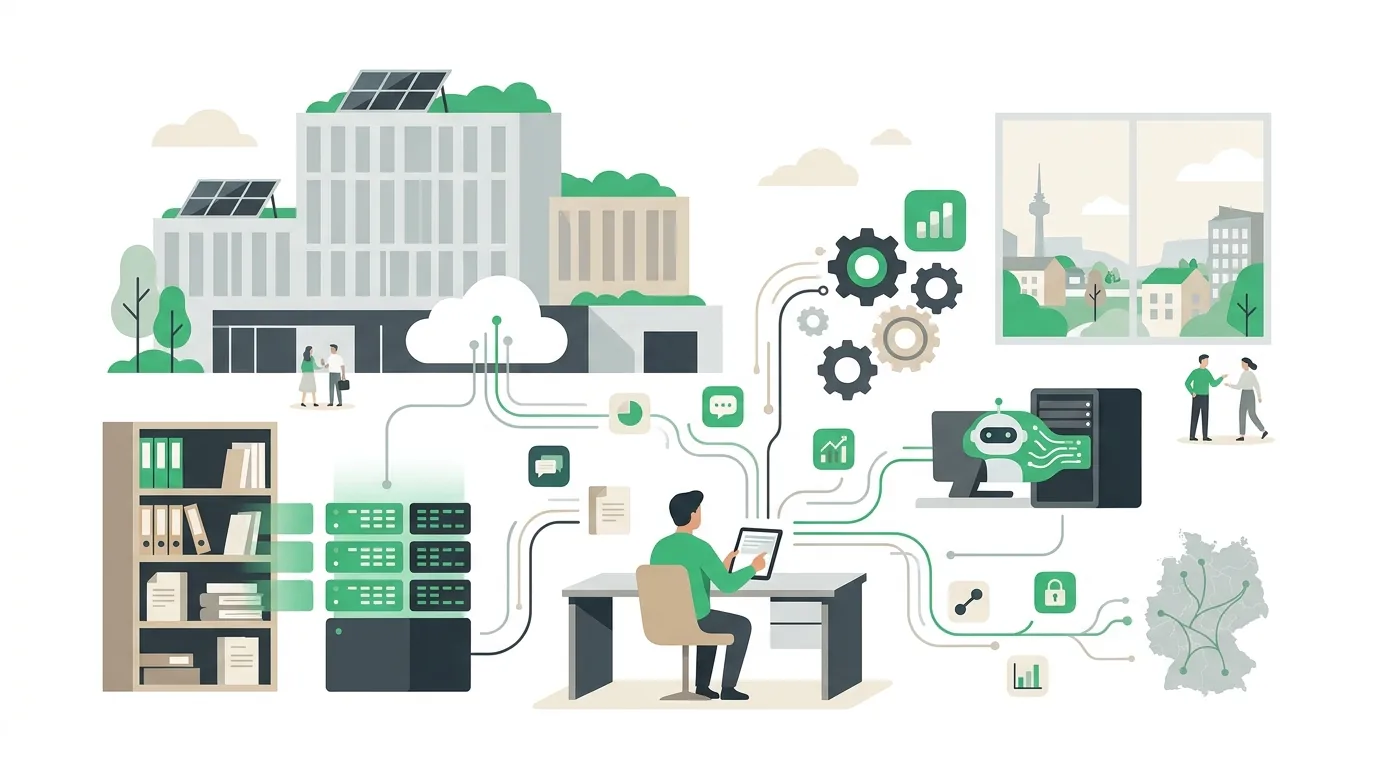
Digital technologies are all technical means that capture, store, transmit or process information as discrete values. In a company, they can be grouped by their job into five categories:
- Capture: scanners, sensors, barcode and QR readers, forms on the web or in an app. This is where data is created.
- Store and manage: databases and business systems such as inventory management, accounting or CRM. This is where master data lives, ideally exactly once.
- Connect: interfaces (APIs) and webhooks that let systems exchange data without anyone retyping it.
- Automate: rules following the pattern trigger, condition, action. Plus software robots for user interfaces that have no API.
- Analyze and assist: reports, dashboards and AI models that summarize text, pre-sort inquiries or write drafts. They only work as well as the data they are given.
A technology on its own doesn't digitalize anything. An AI assistant with access to scattered folders will find conflicting versions of the same document there and cannot decide which one is valid.
What are the legal rules when AI becomes part of digitalization?
As soon as a business builds AI systems into its workflows, digitalization touches the European AI Act. Under its rules on AI literacy, providers and deployers of AI systems take measures to support the development of AI literacy among their staff and other persons dealing with the operation and use of these systems on their behalf. They are not required to guarantee a specific level of competence for any individual person.
- Transparency obligations: AI systems that generate synthetic audio, image, video or text content are subject to labeling obligations. These are aimed at the providers of such systems; for systems that were already on the market before, the regulation grants a transition period.
- High-risk rules: they don't apply immediately but in stages, at different dates depending on the annex of the regulation. Affected are, for example, systems that help make decisions about staff or about access to essential services.
- Everyday tools: an assistant that summarizes text or writes drafts generally doesn't fall under the high-risk rules, but the obligation to support AI literacy still applies to the business.
In practice this means: if you have an assistant pre-sort inquiries or write drafts, decide who trains employees on how to use it and where that gets documented. Whether a specific system counts as high-risk and which deadline applies is an individual legal question for an attorney to answer, not this article. How DigifyNow supports teams getting started is described on the page about AI coaching for employees.
What are examples of digitalization?
Examples are the best way to show what the term covers. In every case, what matters is which media break goes away, meaning the point where information has to be carried from one medium or system to another by hand:
- Incoming invoices: today they arrive by mail, get typed in and filed. Digitalized, they arrive in structured form and are matched against the purchase order and goods receipt. A person approves the discrepancies.
- Service orders: today they sit on a note in the van. Digitalized, the technician has them in an app that also works offline. Photos and signature go straight onto the order.
- Sales: today contacts live in individual employees' Excel lists. Digitalized, there is one shared record with follow-up reminders, and when someone is on vacation, no inquiry gets lost.
- Restaurants: today the menu is printed and reordered with every price change. Digitalized, it is available via QR code and the business maintains it in one single place. Tablify, a product by DigifyNow, puts the menu, gift vouchers and analytics behind one QR code; a price change is entered once and then shows up on every table.
- Time tracking: today there are timesheets someone transfers at the end of the month. Digitalized, everyone logs their time directly, and payroll picks up the data.
From our projects: for Mundo Marketing, DigifyNow built a custom back office with CRM. Contacts, cases and internal workflows live in one shared system instead of separate lists, and every step accesses the same record. How the project is set up is shown in the case study on the back office for Mundo Marketing.
More cases from sales, accounting and service, along with their typical pitfalls, are collected in our article with examples of digitalization in small businesses.
What is not digitalization?
Plenty of projects are called digitalization and still leave the actual workflow unchanged. We run into three patterns again and again:
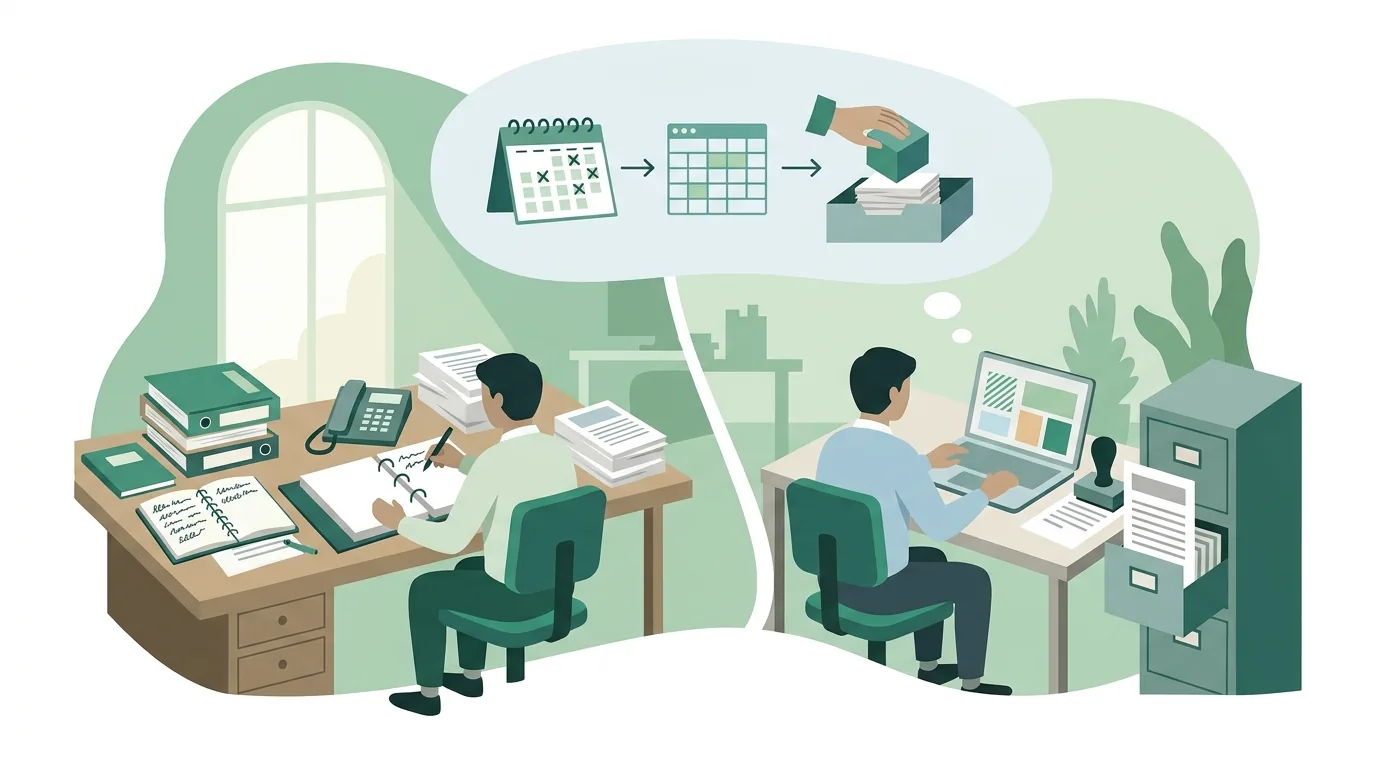
- Digital paper: a form is emailed as a PDF, printed, filled in by hand and scanned back in. The medium has changed, but there are still no fields that software could read.
- The tool without a workflow: software gets bought before anyone has decided who sets which status and which fields are mandatory. The result is half-maintained records. Meanwhile the old Excel list keeps running in parallel.
- The island solution: every department has its own tool with its own customer list, and there is no interface between them. In the end someone is retyping data again, just from screen to screen now.
It's also not always worth digitalizing something. A workflow that comes up a few times a year and passes on hardly any data often doesn't justify its own software. A clear checklist is enough in that case. How to map the current workflow and find media breaks is explained in our guide on how to digitize business processes.
How do you explain digitalization simply to kids?
For kids, a picture from their everyday life works well. A computer doesn't understand colors or sounds, only two states: on and off, in other words one and zero. When you digitize a drawing, you lay a fine grid of little squares over it and write down the color of each square as a number. The smaller the squares, the more accurate the picture, but the more numbers you need. You can copy that sheet of numbers as often as you like or send it to Grandma in seconds, and it never gets worse. The original on paper can't do that. You can see that the picture is made of tiny squares if you zoom in really far on a tablet.
Digitalization in Koblenz: where do businesses start?
For businesses in and around Koblenz, the same definition applies as everywhere else. A workflow is digitalized only when its data is captured once and then reused by every step. So the starting point isn't buying software. First you look for the one workflow where the most retyping, follow-up questions or searching happens today, and you clarify where the master data for that workflow lives. DigifyNow is based in Unnau in the Westerwald region and works with companies in Koblenz on site or by video call. What we offer there, from web apps to rolling out AI assistants, is on the page about digitalization in Koblenz. A structured, step-by-step approach for small and midsize businesses is described in the article Small business digitalization: where to start?
When outside help pays off
Outside help is mainly worth it in three cases: data sits duplicated across several systems, a workflow needs an interface that doesn't exist off the shelf, or nobody in-house has time to map the current workflow. If all you need is to scan files, a scanning service is often the better fit. When we talk, bring along which workflow is affected, which programs are involved and where data is being retyped today. In DigifyNow's digitalization consulting, we put that into perspective. You can book the first step, a free, no-obligation assessment of your project, through our contact page.
Frequently asked questions
What is digitalization in simple terms?
Digitalization means converting information from paper, images or sound into data made of ones and zeros and building workflows on it. An example: an order from a web form becomes a record from which the order confirmation and invoice are later created automatically. If the same order is printed out and typed in again instead, the form is digital, but the workflow is not.
What is the difference between digitalization and automation?
Digitalization makes sure information exists as readable data and workflows are built on it. Automation builds on top of that: a rule following the pattern trigger, condition, action then handles a step without a person, for example creating an order from a form. Without digitalized data, automation has nothing to work with.
Is scanning a document already digitalization?
Only in the narrowest sense, meaning as conversion. A scan is a raster image made of pixels. It only becomes searchable through text recognition (OCR), and software can only process it further once fields such as invoice number, date and amount are assigned. In the process sense, it is digitalized as soon as a following step picks up those fields without retyping.
What does digitalization include?
It spans three levels. First, converting analog information into data. Second, rebuilding workflows so every step works with the same data. Third, digital transformation, where the offering or business model changes. On the technical side, it includes capture, storage, interfaces, automation and analysis, including AI.
What does the AI Act require of businesses that use AI?
Deployers of AI systems take measures to support their staff's AI literacy, such as training on the tool in use. They are not required to guarantee a specific level of competence per person. Stricter obligations apply to high-risk systems, for example in hiring, and they take effect in stages at later dates. Whether a system falls under them is a matter for a case-by-case legal review.