Digitalization Examples for Small Businesses
· DigifyNow
Digitalization in business means a process that runs on paper, phone calls or retyped lists becomes a digital record with required fields and a status. Systems pass it on through integrations, so nobody retypes it. Examples: incoming invoices as XRechnung, orders in the CRM instead of an inbox, service requests through a form that creates a ticket. Digital transformation goes further and changes how a company makes money. Start with the process that has the most manual handoffs.
Digitalization vs. digital transformation: what's the difference?
Digitalization means an existing process now runs on digital tools. The process itself stays the same. Take a vacation request. Nobody signs a paper form anymore. The employee submits the request in a system, the manager approves it there, and the remaining PTO balance updates automatically. The result is the same as before: approved time off. The difference is that there's no slip of paper to lose and no Excel sheet that someone has to update by hand.
Digital transformation goes further and changes the business itself. Take a machine builder that used to sell only machines. It now also runs a customer portal where customers report breakdowns, order spare parts and book maintenance appointments. That lets it make money from service work it used to handle on the side. None of this works without digitalization, because the portal depends on clean master data for machines, customers and parts. The reverse isn't true, though: digitalization doesn't turn into transformation on its own.
For decision-makers at small and midsize companies, that means you can only build new offerings once your individual processes run digitally and reliably. If you launch a new business model while your order data is still spread across three inboxes, you're building on data you can't trust.
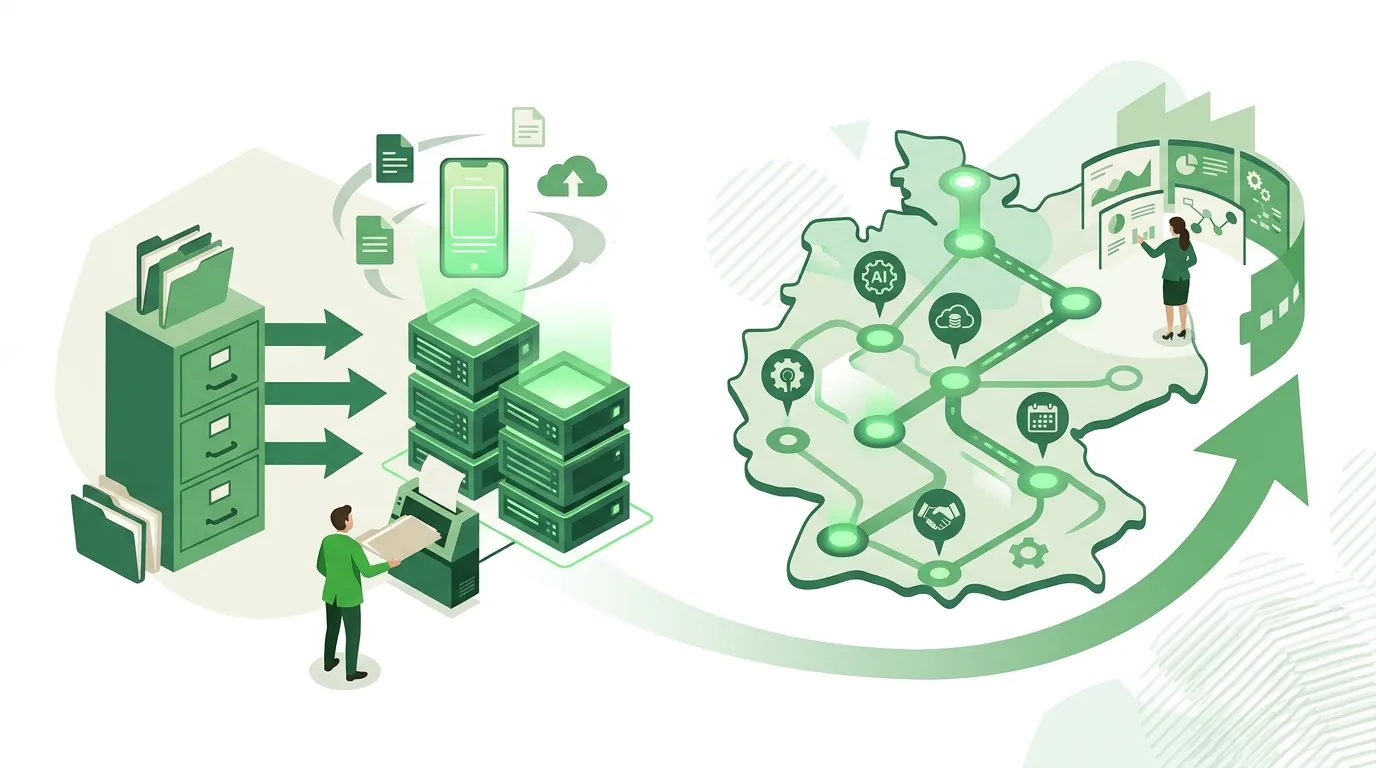
Digitalization examples by department
All of the following examples have the same structure. There's a trigger, a record with fixed fields, a status and a handoff to the next system. The last column shows where each example often breaks down in practice. Many lists of digital transformation examples skip that part, but it decides whether a project works.
| Department | Before (analog) | After (digital) | Where it breaks down |
|---|---|---|---|
| Incoming invoices | A PDF or paper invoice gets retyped | XRechnung or ZUGFeRD (structured German e-invoice formats) is imported as a data file and approved in the system | Suppliers keep sending plain PDFs; without a defined approval rule, the invoice just sits there |
| Sales | Inquiries sit in personal inboxes, notes on paper | Every inquiry becomes a record in the CRM with a status and a follow-up date | The team keeps maintaining its own lists on the side |
| Quotes and orders | Quote written in Word, order retyped into the inventory/ERP system | The accepted quote creates the order through an integration | Item numbers and prices don't match between the two systems |
| Service | Phone calls, sticky notes, forgotten callbacks | A form or email creates a ticket with a clear owner | Required fields are missing, so every ticket needs a follow-up question first |
| HR | Vacation request on paper, list in Excel | Request in the system, approval by the manager, remaining PTO calculated automatically | No backup approver is set up, so approvals stall while the manager is on vacation |
| Field service and installation | Paper work report, retyped later | Report in an app with photos and signature, data flows into billing | There's no signal on the job site, and the app can't work offline |
| Restaurants and retail | Printed menu; a price change means reprinting | Digital menu via QR code, changed in one place | Guests without a smartphone still need a printed menu |
How to map a process like this step by step, find the manual handoffs and define required fields is covered in our article on how to digitize business processes, with steps and examples. For sales, it's worth first looking at what a CRM does as your central data hub.
What are the phases of digital transformation?
There's no standard behind the often-searched "five phases." Different models split the phases in different ways. For small and midsize companies, this order has proven itself in practice:
- Take stock: Which processes exist, who handles them, and where does something get retyped, printed or chased by phone? You end up with a list of manual handoffs.
- Digitalize processes: Move one process at a time onto fixed records with required fields and a status. Start with the process that happens most often and generates the most follow-up questions.
- Connect systems: Set up integrations between CRM, inventory/ERP, accounting and your online store so no data has to be entered twice.
- Automate and use AI: Let recurring decisions run on rules. Add AI for drafting text, summarizing and sorting incoming requests, always with a human review step.
- Expand the business model: Build new offerings on top of reliable data, such as a customer portal, a maintenance contract or an online store.
The second phase often gets skipped because the fourth looks more exciting. Automation running on incomplete data then produces wrong results, just faster than before.
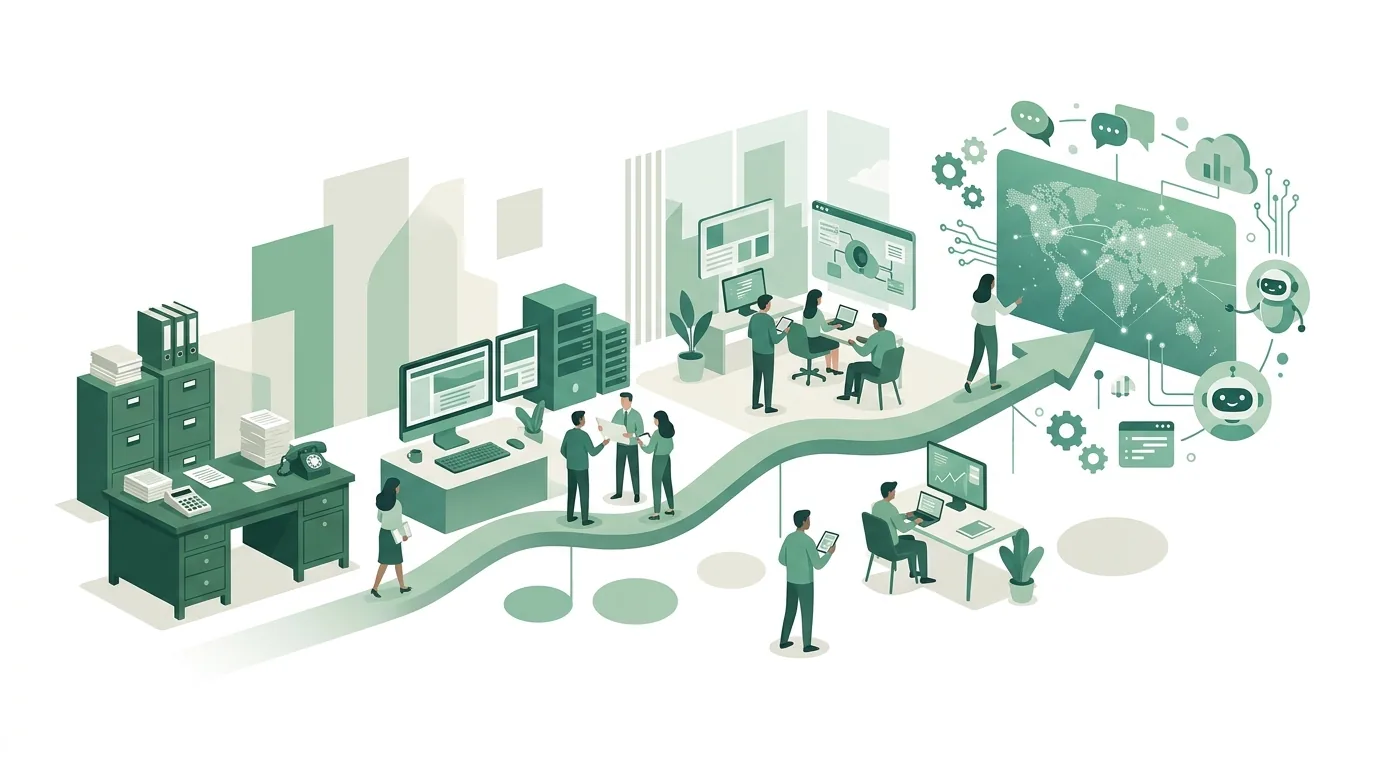
Examples of AI agents in business
An AI agent is a language model that's allowed to call tools on its own, for example search a CRM, create a draft or put an appointment on the calendar. It works through several steps in a row instead of just giving one answer. There's now an open standard for connecting agents to tools like this, the Model Context Protocol. Three typical examples:
- Sales: The agent reads an incoming inquiry, looks up the customer in the CRM and writes a draft reply that includes the history. It isn't allowed to send; a person does that after reading it.
- Accounting: The agent matches incoming invoices to the right purchase order and flags discrepancies in quantity or price. A person still approves the payment.
- Service: The agent answers standard questions based on approved documents and hands everything else to a staff member with a summary.
Agents like these usually fail because they have too many permissions. If an agent can send, post or delete without approval, every mistake the model makes has a direct effect. Companies that use AI systems in their operations also have to take measures under Art. 4 of the EU AI Act to support the AI literacy of their staff. In its amended version, the regulation does not require any specific level of competence (status after Regulation (EU) 2026/1744, checked on October 12, 2026). More examples with approval levels are in our article on AI agent examples for small and midsize businesses.
Which digitalization topics matter right now?
For small and midsize companies, four topics are currently at the top of the list. First, structured e-invoicing in the XRechnung and ZUGFeRD formats. These invoices can only be processed automatically if accounting imports the data file itself, not just the attached image. Second, AI assistants with access to your own documents, where permissions and data deletion need to be settled. Third, integrations between programs that have so far run separately. The tools for this range from ready-made connectors to self-hosted solutions like n8n, whose documentation also covers running it on your own servers.
Fourth, labeling AI-generated content. Art. 50 of the EU AI Act has applied since August 2, 2026. For providers of systems that generate synthetic content and were placed on the market before that date, the regulation sets December 2, 2026 as the deadline for the obligations under paragraph 2 (status after Regulation (EU) 2026/1744). Whether a company is affected depends on its role as a provider or a deployer and has to be checked case by case. Retail adds its own topics such as point of sale and inventory sync, covered under digital transformation in retail.
When digitalization doesn't work
- A bad process simply gets rebuilt digitally: five sign-offs on paper are still five sign-offs in the system, they're just less visible there.
- The process rarely happens: something that comes up once a quarter is often better handled with a good template than with custom software.
- Nobody owns it: if no one in the company takes ownership of a new system, employees drift back to the old spreadsheet within a few weeks.
- Everything is switched at once: if you replace CRM, inventory/ERP and accounting at the same time, you'll have a hard time figuring out which system caused an error.
- The data isn't cleaned up: duplicate customers and old item numbers end up in the new system unchecked during migration.
Digitalization in Koblenz and the Westerwald: how DigifyNow works
DigifyNow, based in Unnau in Germany's Westerwald region, supports small and midsize businesses in Koblenz, the Westerwald and the Siegerland, and also works across Germany. We start by assessing which process should be switched over first. After that, we either use an off-the-shelf solution, or DigifyNow builds a custom app, web app or software. We typically plan four to eight weeks for a first MVP. How long a specific project takes depends on its scope. This also includes rolling out AI assistants and training your staff. What we offer in the region is described under digitalization in Koblenz, our approach under digitalization consulting, and the full range under DigifyNow's services.
For restaurants, there's Tablify, a product by DigifyNow. It provides digital menus, gift vouchers and analytics through a QR code on the table. Prices and dishes are changed in one place instead of reprinting the menu.
When outside help is worth it
Outside help makes sense when several systems need to be connected, when data has to be migrated from a legacy system, or when no off-the-shelf software fits the process. For a single process that a ready-made program already covers, setting it up in-house is often enough. Prepare three things for a conversation: a short description of the process including everyone involved, a list of the programs you use today, and one example of a case that goes wrong today. With that, you can request a free assessment of your project. In it, we look at feasibility and cost drivers. It isn't yet a quote for a specific project.
Frequently asked questions
What does digitalization mean in everyday life?
In everyday life, digitalization means things that used to be done on paper or at a counter now run digitally: online banking instead of paper transfer slips, booking a doctor's appointment through an online portal instead of by phone, a train ticket as a QR code in an app. It works the same way in a business. A task becomes a record that several people and systems can keep working on without anyone retyping it.
What is digital transformation in a company?
Digital transformation is a rebuild of the business itself, not just of individual processes. With digitalization, a paper form becomes an online form, for example. With transformation, something new is created, such as a customer portal with a maintenance contract or an online store alongside a brick-and-mortar shop. It requires reliable digital master data on customers, products and orders.
How much does digitalization cost for a business?
There's no flat price. Costs depend on four things: scope, meaning how many processes and roles are affected; integrations with the programs you already use; data, meaning how much has to be cleaned up and migrated; and operations, including licenses, hosting and maintenance. You only get a reliable number once the process is described and the scope is defined.
Where should a small business start with digitalization?
Start with the process that happens most often and has the most manual handoffs, meaning points where something gets retyped, printed or chased by phone. For many companies, that's the path from inquiry to order, or incoming invoices. A process that only comes up once a quarter shouldn't be the first one.