What Is an ERP System? Definition and Example
· DigifyNow
An ERP system (enterprise resource planning) is business software whose modules for purchasing, inventory, production, sales and accounting all use one shared database. You create a record once, and every department works from it. A sales order reserves stock, triggers a purchase order if stock runs short, and becomes an invoice that goes straight into accounting. Whether you need one depends on how many departments maintain the same item, customer and inventory data.
What is an ERP system? The definition
An ERP system is business software in which purchasing, inventory, production, sales and accounting all work from one shared database. Every customer, every item and every supplier is stored in it exactly once. Each step, from the sales order to the payment, builds on the record created in the step before.
ERP stands for enterprise resource planning, meaning the planning of a company's resources: materials, people, machines, capital and information. An ERP system doesn't manage these resources in separate programs. It uses modules that all access the same data. What counts isn't the number of features but how well the modules are integrated. An item, a customer or a supplier exists exactly once, and every department works with that one record.
You can use this to check whether you really have an ERP. Say sales updates a customer's address and accounting keeps seeing the old one until someone types in the change. Then you don't have an integrated ERP. You have several programs running side by side. An ERP can run in your own data center (on-premise) or as a cloud service hosted by the vendor. The shared database is the same either way. All that changes is who takes care of servers, updates and backups.
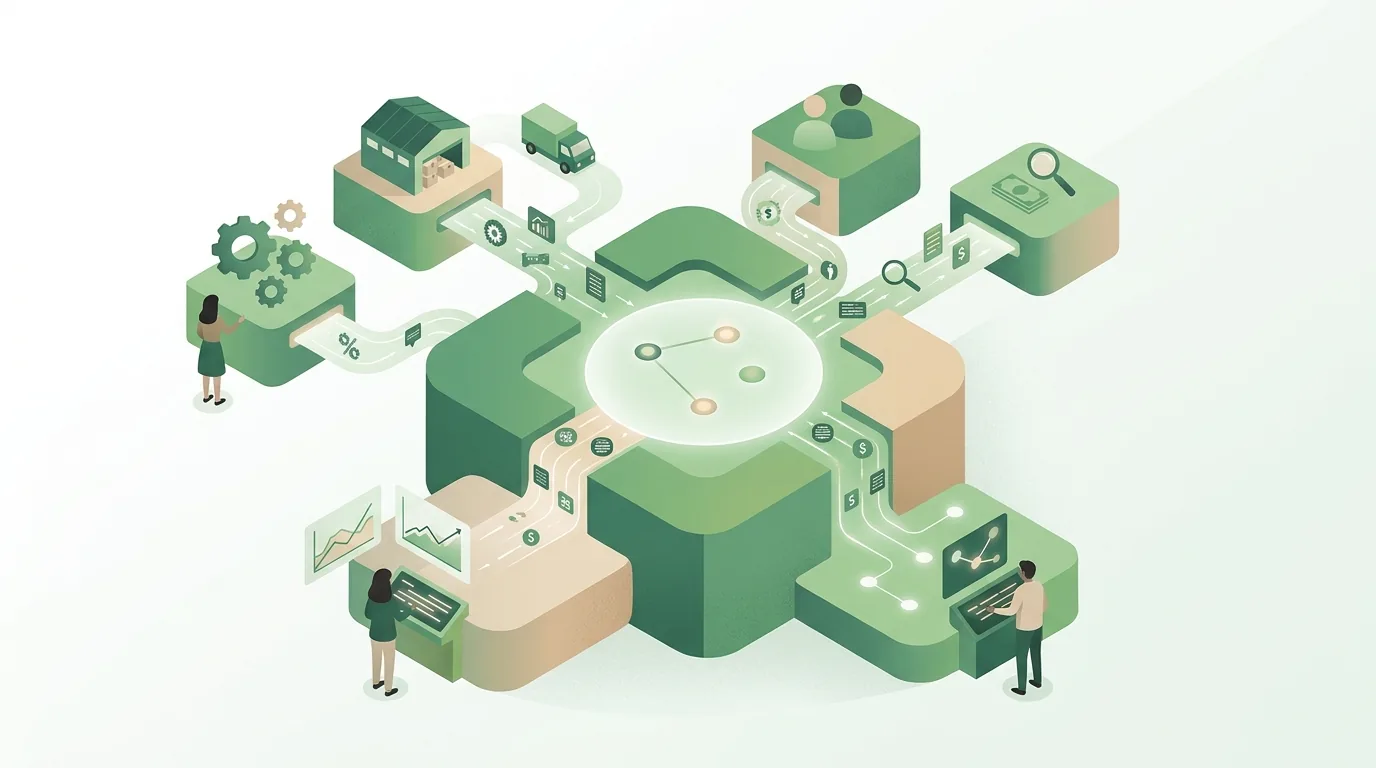
ERP explained simply: one order from start to finish
ERP is easiest to understand if you follow one process from start to finish. The example below is made up: a wholesale distributor of fasteners gets an order for a large quantity of screws, and only part of it is in stock.
- Quote and sales order: Sales creates the order against the existing customer record. Price, payment terms and credit limit come from the master data, so nobody types them in again.
- Availability check: The system compares the ordered quantity with stock on hand, reserves what's there and flags the shortfall.
- Purchase suggestion: For the missing quantity, the purchasing module drafts a purchase order to the supplier on file. The buyer approves or changes it.
- Goods receipt: When the delivery arrives, the warehouse books it against the purchase order. Stock goes up, and the open sales order is released for shipping.
- Packing slip and invoice: The packing slip and the invoice are generated straight from the sales order. Nobody retypes line items. For business customers in Germany, the ERP increasingly produces the invoice as a structured e-invoice, for example in the XRechnung or ZUGFeRD format.
- Accounting: The invoice becomes an open item in accounts receivable. When the payment comes in, it's matched to that item. If it doesn't, the dunning process starts.
Without an ERP there are gaps between these steps where data has to change hands manually. The order arrives by email, stock levels sit in a spreadsheet, and the invoice is written in a third program. At every one of these handoffs, a number can be copied wrong. An ERP system removes the handoffs because each step works with the record from the step before. A second example from a different kind of business: a cabinet maker with its own workshop creates a bill of materials for a built-in wardrobe. From that, the ERP calculates how many panels and how much hardware are needed, subtracts what's already in stock and only suggests ordering the rest.
What modules does an ERP system have?
Each vendor decides which modules it offers, and many modules are licensed separately. The core, though, almost always covers the same areas:
| Module | What data it holds | What it depends on |
|---|---|---|
| Master data | Items, customers, suppliers, prices, units | The basis for every other module; errors here show up everywhere |
| Sales | Quotes, sales orders, packing slips, invoices | Master data, stock levels |
| Purchasing | Purchase suggestions, purchase orders, supplier terms | Minimum stock levels, open sales orders |
| Inventory and logistics | Stock, bin locations, batches, physical inventory counts | Goods receipts and issues from purchasing and sales |
| Production | Bills of materials, routings, production orders, capacity | Materials from inventory, dates from sales |
| Finance | Open items, payments, dunning, journal entries | Invoices from sales and purchasing |
| HR | Employees, working hours, time assigned to orders | Depending on the system, its own module or external payroll software |
The right-hand column shows why ERP rollouts so often get stuck on master data. If a unit of measure is set up wrong, say "each" instead of "carton", the purchase suggestion, the stock level and the invoice are all wrong at once.
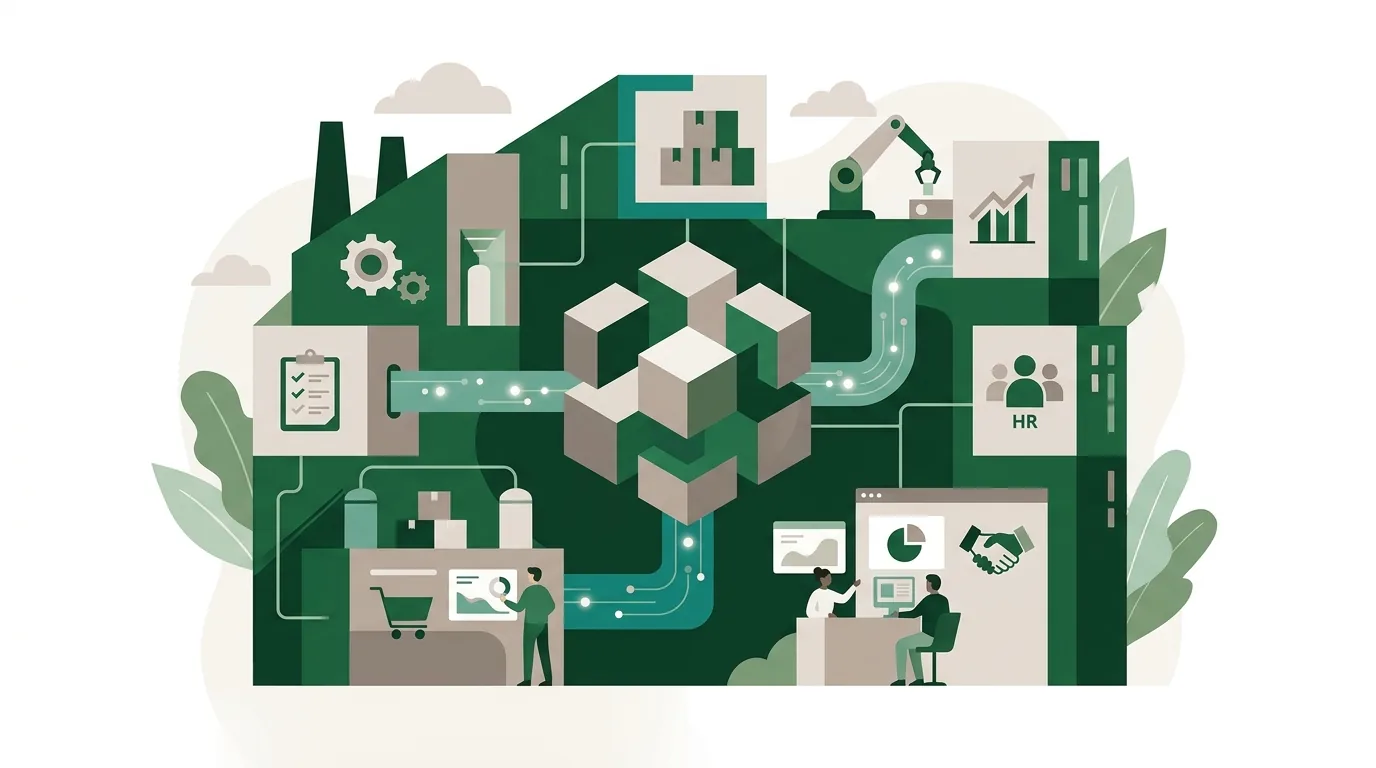
ERP system examples: what software is out there?
The market ranges from software for large corporations to solutions for small businesses. Well-known vendors that sell their software as ERP include SAP (with Business One for smaller companies, among others), Microsoft with Dynamics, Odoo, Sage, weclapp, proALPHA and abas. There are also industry-specific solutions, for example for trades, food or machine building. Which modules a product includes in which plan is only stated in the vendor's current documentation. Because those details change, we don't include a feature table here. It's better to compare candidates against your own processes: run the order from the example above all the way through in a test environment.
Are ERP and SAP the same thing?
No. ERP is a type of software. SAP is a company based in Walldorf, Germany, that makes ERP software, among other things. Because SAP is so common in large enterprises, many people say "SAP" when they actually mean ERP. But a business can just as well run a full ERP from another vendor. And SAP also sells software that isn't ERP.
Is Bexio an ERP?
Whether a program like Bexio, Lexware or another small-business tool counts as ERP depends on what it actually does. The product name won't tell you. Check three things. Does the software track inventory that updates automatically with sales orders and purchase orders? Is the invoice generated from the order, and does it reach accounting without an export? Do all areas use the same master data? If yes, the software meets the definition of ERP, even if the vendor calls it something else. If not, it's order management or accounting software.
How is ERP different from inventory management, CRM and accounting software?
These terms get mixed up a lot because the programs overlap. The difference is which part of the business each one covers:
| System type | Focus | What's usually missing |
|---|---|---|
| Inventory management | Items, stock, buying and selling goods | Production, HR, often full financial accounting |
| CRM | Contacts, sales opportunities, activities, customer history | Inventory, purchase orders, accounting |
| Accounting software | Documents, accounts, open items, reports | Sales orders, inventory, purchase planning |
| ERP system | All areas on one shared database | Depending on the product, some specialized features, such as a full sales CRM |
An ERP often runs alongside a separate CRM, and the two exchange customer data through an interface. What a CRM stores at its core and where it stops is explained in the article What Is CRM? Definition, System and Example.
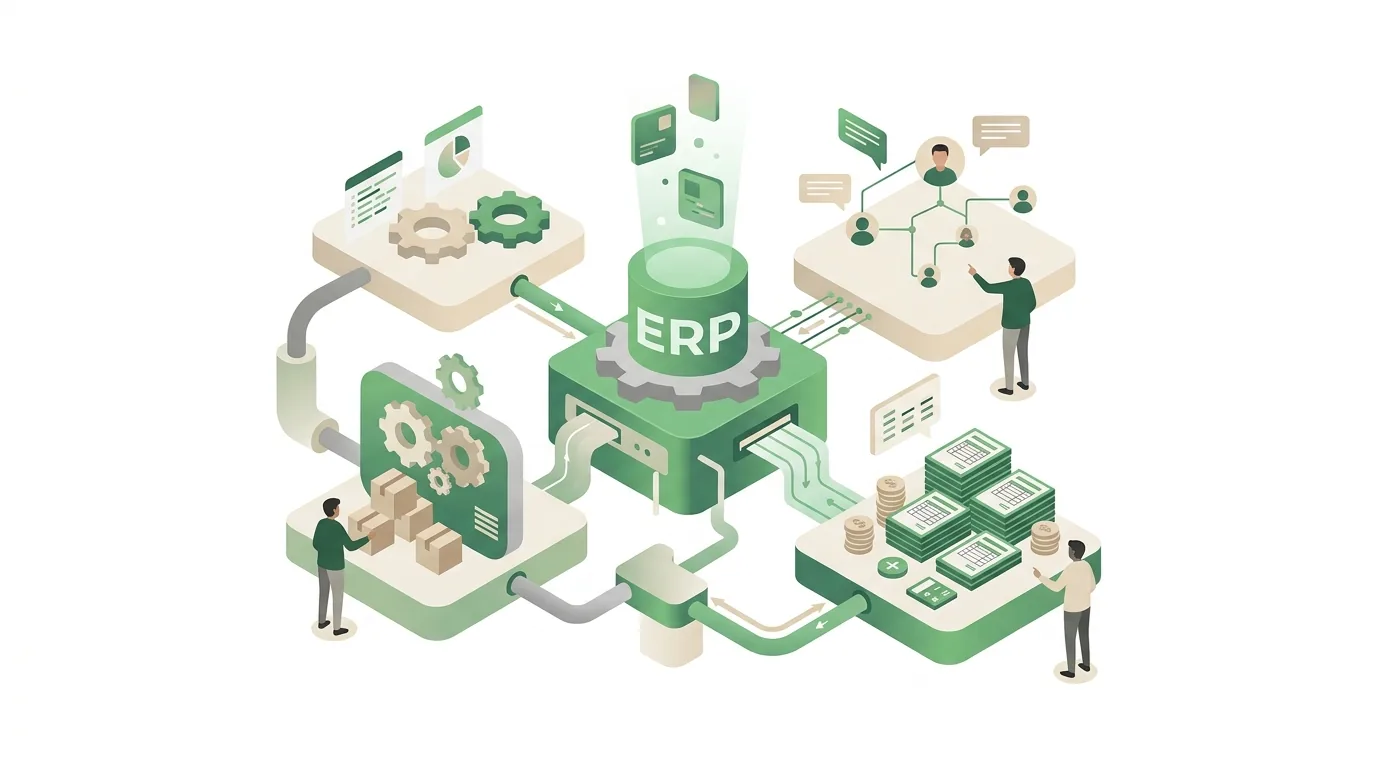
Which legal requirements does an ERP system touch in Germany?
Because invoices are created and entries are posted in the ERP, two areas of regulation apply directly: e-invoicing between businesses and the retention of records. These are governed by the German VAT Act (Umsatzsteuergesetz), the Fiscal Code (Abgabenordnung) and the GoBD, the Federal Ministry of Finance's principles for proper bookkeeping with electronic systems. The current versions are published on gesetze-im-internet.de, and the ministry's guidance on bundesfinanzministerium.de. Whether your business meets these requirements depends on how you work, not on the software alone. Clarify that with your tax advisor.
| Rule | What it requires | Legal basis | What to check in the ERP |
|---|---|---|---|
| Receiving e-invoices | Domestic businesses must be able to accept e-invoices from other businesses. This requirement already applies. | German VAT Act | Can the system import XRechnung and ZUGFeRD files and map them to the data, or do they just end up as attachments? |
| Issuing e-invoices | Transition periods apply to issuing, staggered by company size. After that, paper and plain PDF invoices to businesses are no longer permitted. | German VAT Act | Does the ERP generate invoices in a structured format such as XRechnung or ZUGFeRD that complies with the European e-invoicing standard? |
| Retaining records | Invoices, accounting records, books and business correspondence must be kept for statutory retention periods, which vary by record type and span several years. | German Fiscal Code | Do records stay retrievable for the entire period, even after switching systems? |
| Immutability | Posted records must not be changed or deleted without a trace; corrections are made by reversal and offsetting entry. | GoBD (Federal Ministry of Finance) | Does the system log changes, and does it allow posted invoices to be deleted? |
What goes wrong in practice: when a company moves to a new ERP, the old system gets shut down before the retention periods for the records stored in it have expired. Then the data is missing when an audit comes. During a tax audit, the tax office can access the data directly or request it in a machine-readable format. A PDF printout from the old system isn't enough for that.
Benefits of an ERP system, and when it isn't worth it
The benefits of an ERP system come directly from the shared database. That's also exactly how you can test them:
- Enter data once: customers, items and prices are maintained once instead of in every program.
- Up-to-date stock: every transaction in sales or purchasing changes stock levels immediately, with no overnight sync needed.
- Traceability: from any invoice, you can trace which sales order, which delivery and which purchase order it belongs to.
- Reports without copy and paste: revenue per customer, days of inventory on hand or open items all come from the same source.
That only works under certain conditions, though. A small service business without inventory usually needs neither stock tracking nor production planning; accounting and order management software is often enough. The second reason ERP projects fail: the system gets customized so heavily that every vendor update puts those customizations at risk. The third reason is the most common: messy legacy data gets migrated without being checked. How a trial import with reconciliation works is covered in our article on data migration with strategies and a checklist. The remaining steps, from documenting how you work today to go-live day, are described in Software Implementation: Steps and Pitfalls.
What drives the cost of an ERP system?
There's no honest flat figure, because the cost is made up of several items: licenses or subscription fees per user and module, setup including customization to your processes, migrating your legacy data, integrations with your online store, bank, shipping carrier or machines, training, and ongoing operation with updates and support. One item people often overlook: the old system has to stay readable for the retention periods, so it either keeps running or gets moved into an archive. You'll only get a reliable number once a vendor knows your processes, your data volume and the integrations you need.
What does "ERP experience" mean?
When a job posting asks for "ERP experience" or "ERP skills", it means the person has worked with an ERP system before and understands how it thinks. For example, they know that a sales order reserves stock, that you don't simply delete an invoice but reverse it, and that bad master data causes knock-on errors in every module. Often a specific product is required, such as SAP experience. But the underlying logic carries over to other systems. Screens and terminology differ, yet sales orders, purchase orders and open items are called something similar everywhere.
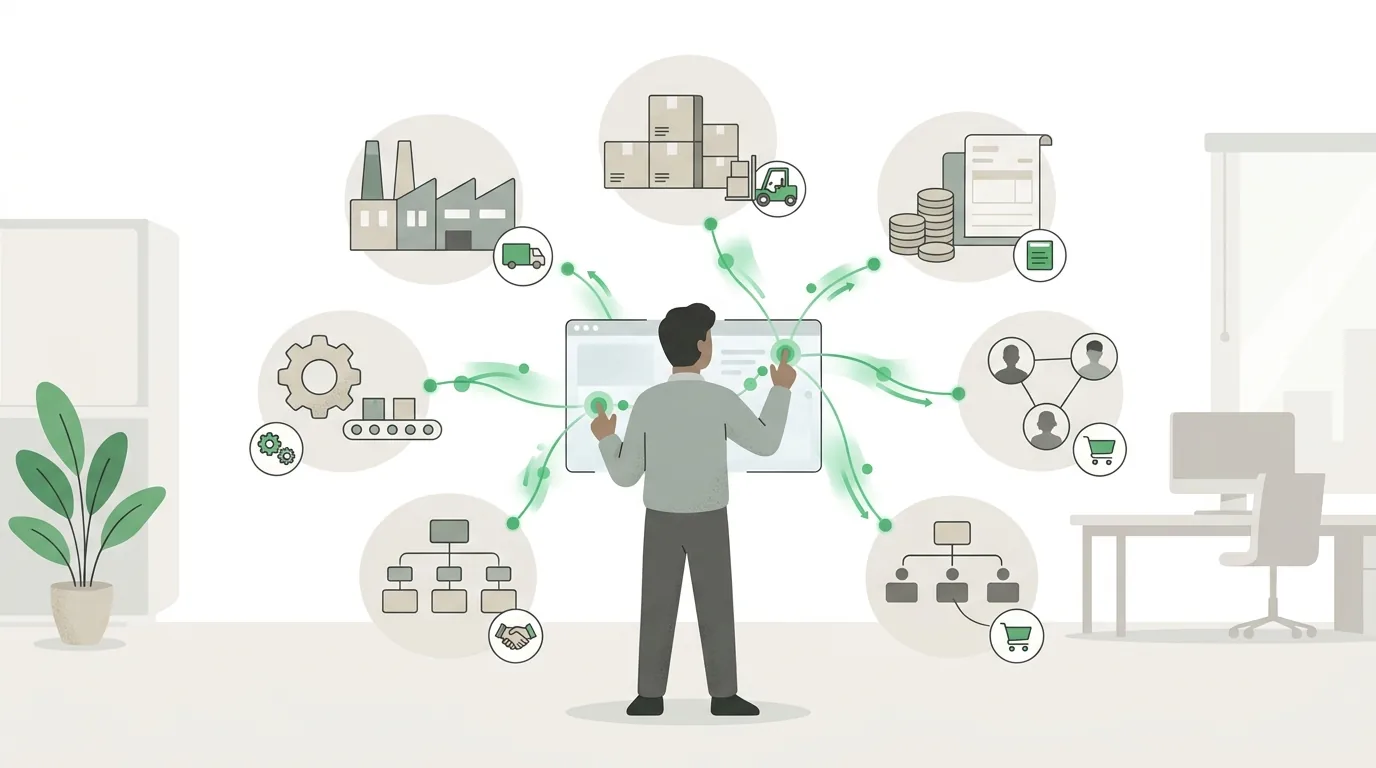
Where DigifyNow comes in
DigifyNow doesn't sell or support any vendor's ERP system. We build custom software and web apps for small and mid-sized businesses. Around ERP, that's needed in two places. First, when a process is so specific that no standard module can handle it without deep customization. Second, when existing systems need to exchange data, for example an online store, a CRM or a customer portal with the ERP. How these connections are built technically is shown in the article What Is an API? Definition, Example, Practice. Whether an off-the-shelf product or a custom solution fits better depends on your processes. That trade-off is covered in the article custom software vs. SaaS. One example from our projects is the custom back office with CRM for Mundo Marketing, which we built instead of using an off-the-shelf product. You can see what we build in the overview of DigifyNow's services.
When outside help makes sense
Outside help makes sense if you're torn between a standard ERP and a custom solution, if several existing programs need to be connected, or if an ERP project is stuck on a process the system can't handle. Have these ready: a list of the programs you use today, the path a typical order takes including every handoff, and your data volumes, meaning how many items, customers and documents you deal with per month. With that, you can request a free, no-obligation assessment of your project through our contact page. Together we'll work out which approach fits the way you work.
Frequently asked questions
What is an ERP system in simple terms?
An ERP system is a program in which every department works with the same data. Sales enters an order, the warehouse immediately sees which goods are reserved, purchasing gets a suggested order for missing quantities, and the invoice reaches accounting without anyone retyping it. Unlike a spreadsheet or separate programs, each customer and each item exists only once.
What's the difference between ERP and MRP?
MRP stands for material requirements planning. An MRP system uses sales orders and bills of materials to calculate which materials need to be ordered and when. ERP grew out of MRP and goes further: besides materials, it covers sales, finance, HR and other areas on one shared database. In many ERP systems today, MRP is a feature inside the production or purchasing module.
Cloud ERP or your own server: what's the difference?
With cloud ERP, the vendor takes care of servers, updates and backups, and you usually pay a subscription per user. On-premise, the software runs on your own servers or with your IT provider. You handle operations yourself, but in return you decide when updates are installed. The shared database works the same way in both cases.
When does a small business need an ERP system?
There's no fixed threshold by headcount. A good test: do at least two areas, such as inventory and sales, maintain the same item or customer data separately and reconcile it by hand? Then you already have exactly the overhead an ERP removes. A service business without inventory or purchase planning, on the other hand, often gets by with order management and accounting software.
Does an ERP system have to support e-invoicing?
Businesses in Germany already have to be able to receive e-invoices from business partners; for issuing them, staggered transition periods apply under the German VAT Act. An e-invoice is a structured file, such as XRechnung or ZUGFeRD, that machines can read according to the European standard. A plain PDF is not an e-invoice. An ERP that only produces PDFs therefore doesn't meet this requirement.