CRM for Small Business: Systems Compared
· DigifyNow
A CRM for small business keeps contacts, companies, deals and activities in one place and uses follow-up reminders to prompt the next step. The feature list rarely decides which one to pick. Four questions matter more: Does the pipeline fit your sales process? Can you export all your data? Does it connect to email, calendar and accounting? And how do license costs grow per user? Test two candidates with real data, not demo data.
How do you choose the right CRM for a small business?
A CRM for small business is software where a small team keeps contacts, companies, deals and activities in one shared place and gets follow-up reminders for the next step. It's the right fit if the pipeline matches your sales process, all your data can be exported (including the activity history), and it connects to your email, calendar and website form. HubSpot, Pipedrive, Zoho CRM and CentralStationCRM come up a lot. What really decides it, though, is whether your team actually keeps the system up to date day to day. If nobody does, the data ends up back in the Excel sheet. That's why at DigifyNow we treat choosing a CRM as checking it against how you actually work, not as comparing feature lists. For the building blocks a CRM is made of (contact, company, deal and activity), see our article on what CRM is, with definition and example.
- Pipeline stages: Can you name the stages yourself and set up more than one pipeline, say one for new customers and one for maintenance contracts? If the system locks the stages, your team will soon be building workarounds.
- Data export: During the trial, check whether contacts, companies, deals and above all the activity history can be exported as CSV or pulled out through the API. If you can only export contacts, switching later gets hard.
- Integrations: Is there a documented API and webhooks, or ready-made connections to your email client, calendar, website form and accounting software? Every gap means someone retyping data by hand later on.
- Permissions and roles: Should your trainee see every revenue figure? Entry-level plans often have only basic permission settings. Check that against what you need.
- Pricing model: Are you billed per user, by number of contacts, or by feature tier? That determines how your costs change as you grow.
- Mobile use: Anyone working in the field needs an app for logging notes and appointments right after a customer visit.
What are the main CRM systems for small businesses?
The same names keep showing up in current comparison lists: HubSpot, Pipedrive, Zoho CRM, Salesforce, monday CRM, CentralStationCRM, weclapp and Microsoft Dynamics 365. The table shows how each system describes itself, or how it's described in the comparison articles Google shows for this search in November 2026. Plans and features change often, so the right-hand column tells you what to check with each vendor yourself.
| System | Positioning according to the source | What you should check yourself |
|---|---|---|
| HubSpot | Vendor site: Starter package for small businesses and startups. The site also points to a free version. | Which features are only in higher tiers, and how the price changes as you add users. |
| Pipedrive | Comparison articles in the search results: for SMBs and startups where sales is the main focus. | Whether your process goes beyond pure selling, for example into service or projects. |
| Zoho CRM | Vendor site: dedicated plans for small businesses. | How well it connects to tools that aren't made by Zoho. |
| Salesforce | Vendor site: CRM suites for small teams with guided onboarding. | How much setup work it takes without in-house IT, and which edition you actually need. |
| monday CRM | Comparison articles: an all-rounder for SMBs, even without an IT department. | Whether the flexible board approach gives you clean required fields or turns into a mess. |
| CentralStationCRM | Vendor site: simple CRM from Germany for small businesses, servers in Germany, personal support. | Whether the leaner feature set covers what you want to automate. |
| weclapp | Listed among CRM systems in comparison lists, but also covers ERP functions. | Whether you also want to replace inventory management and invoicing, or are only looking for a CRM. |
| Microsoft Dynamics 365 | Comparison articles: market leader, aimed more at larger companies. | Whether your business can handle the work of setting it up and maintaining it. |
There is no universal list of the ten best CRM systems. Every top list online ranks them differently because each weighs its criteria differently. A pure sales CRM like Pipedrive won't do much for a trades business that does a lot of service work. A broad platform like Salesforce is often more system than a very small team can keep up with.
Examples: Which type of CRM fits which situation?
- Small service provider with a handful of people, inquiries come in through the website form: A lean CRM with one pipeline, a form integration and follow-up reminders is enough. What matters more than automation is that every inquiry is automatically created as a contact with its source.
- B2B sales with field reps and long quoting phases: You need a sales-focused CRM with multiple pipelines, a mobile app, email and calendar sync, and a required field for the win/loss reason. A sales-centered system fits here.
- Agency or consultancy where a project starts after the deal closes: You need a CRM with project or board features, or a connection to your project tool. Otherwise the customer history stops right where the real work begins.
- Business with newsletters and campaigns that wants to bring marketing and sales together: A platform with a marketing module, forms and contact segments. Find out up front which tier you need for automations.
- Retailer or manufacturer where quotes, orders and inventory belong together: A pure CRM usually isn't enough here. An ERP with a CRM component, or a CRM firmly connected to your inventory system, makes more sense.
- Business with a very specific process, such as brokering, subscriptions with special rules, or a customer portal: A standard CRM often gets bent out of shape here. Check whether a customized or purpose-built system will need fewer workarounds in the long run.
Start with the smallest setup that solves your bottleneck. In most small businesses that isn't reporting, it's the forgotten callback to a customer. Where the line between CRM and inventory management runs is explained in our article on the ERP system, with definition and example.
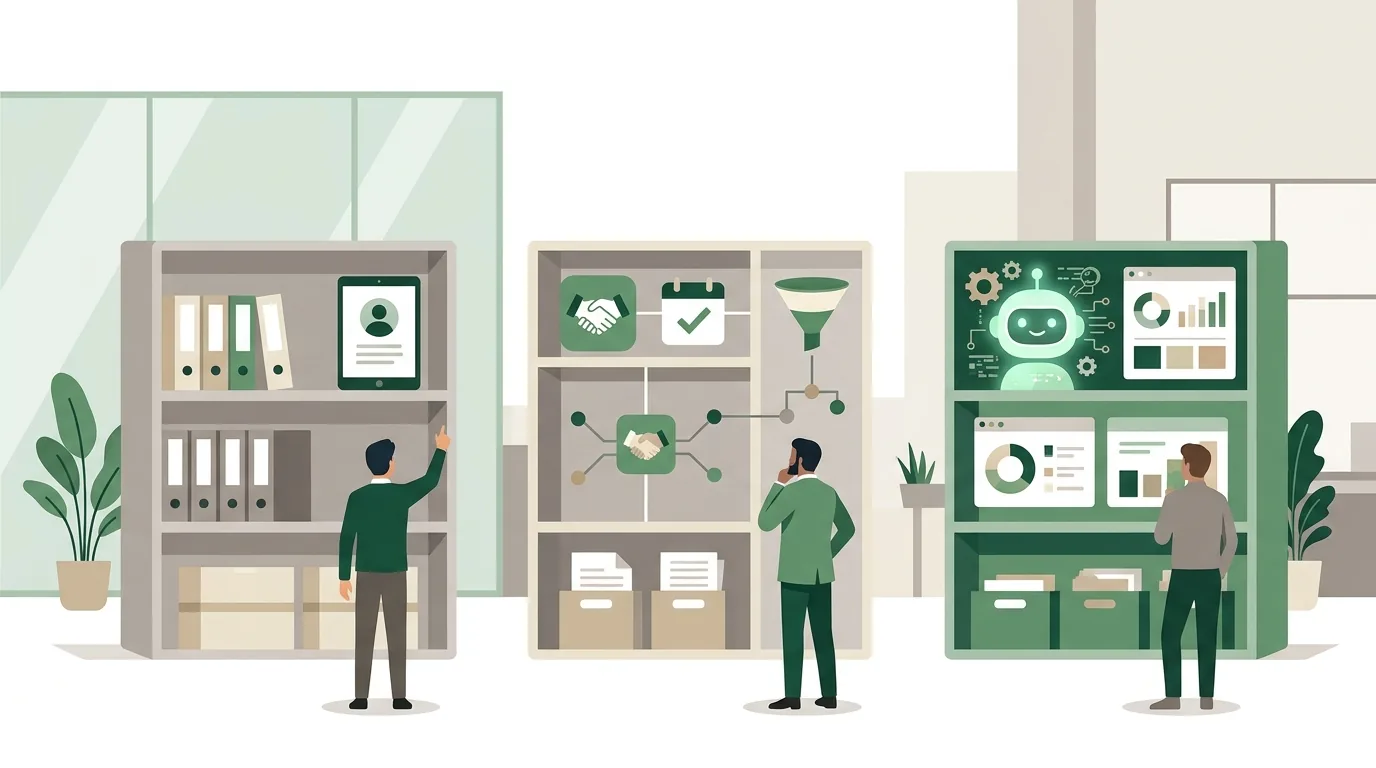
Example: How does an inquiry move through a lean CRM?
This is how we at DigifyNow typically set up a lean pipeline for a small service provider. The pattern works in any of the systems in the table, as long as form integration, required fields and follow-up reminders are included in the plan you choose.
- Intake: The website form passes on name, email address and request. The integration first looks for an existing contact by email address and only creates a new one if none is found. The Source field is automatically set to Website.
- Stage New Inquiry: A deal is created with a fixed owner and a follow-up reminder for the next business day. The system won't save the deal without an owner.
- Stage Quote: When the deal moves here, the CRM asks for two required fields: the estimated deal value and the follow-up date.
- Won or lost: If the deal is lost, a reason from a fixed dropdown is required, such as price, timing or no response. Free text alone can't be analyzed later.
- Reporting: Once a month, a report shows which sources inquiries came from, how many deals sit in which stage, and which loss reasons keep coming up.
What goes wrong: If you ask for more than a handful of required fields at once, people type in placeholders just to move on. The data then looks complete but is worthless. Better to have a few fields that everyone understands.
What are the three types of CRM?
There are usually three types. Operational CRM helps with daily work: contacts, deals, tasks, quotes and follow-ups. Analytical CRM evaluates the collected data and shows, for example, how many deals are stuck in which stage or which source the inquiries come from. Communication CRM brings the channels together (email, phone, chat and forms) and links every message to the right contact. Sometimes a fourth type, collaborative CRM, is mentioned, which shares data between departments or with partners. For small businesses, operational CRM is the core. Any report is only as good as the data that was entered. If nobody records why a deal was lost, you can't analyze why deals get lost. That's why required fields should be asked for when a deal changes stage, not at the end of the quarter.
How much does a CRM cost per month, and which is the cheapest?
We're deliberately not quoting prices here. Plans change constantly and depend on your situation. The only binding price is the one on the vendor's pricing page when you sign up. Your monthly cost comes from these items:
- Per-user licenses: the biggest ongoing cost. Find out whether people who only need read access also need a license.
- Feature tier: Automations, reports or finer permissions often only come with higher plans. Then the price goes up for every user.
- Number of contacts or marketing contacts: Some vendors also charge based on the size of your database.
- Add-ons and integrations: Phone systems, e-signatures or connector tools often cost extra.
- One-time effort: cleaning up data, importing it, setting up the pipeline and training the team. Most people underestimate this one.
The cheapest CRM is the one whose lowest tier already covers your process. A free plan is great for trying things out. It gets expensive when the one feature you really need only comes two tiers up. Which costs come with rolling out a CRM, and which mistakes drive them up, is covered in our article on CRM implementation, with steps, mistakes and cost drivers.
How do you connect a CRM to your other tools?
A CRM is only as complete as the data flowing into it. There are three ways to connect it. The first is the vendor's built-in integrations, for example for email and calendar. The second is connector tools like Zapier, Make or n8n. They react to an event, such as a newly submitted form, and create a contact or deal from it. DigifyNow is a Make partner and earns a referral commission there. Zapier and Make run as hosted services. According to the n8n documentation (as of November 2026), n8n can also be self-hosted, but then you're responsible for updates and outages yourself. The third way is a direct connection through the CRM's API, for when the logic gets too specific for a connector tool.
Common mistakes: The form creates a new contact for every inquiry instead of matching an existing one by email address, which produces duplicates. Or an access token expires, the connection breaks, and nobody notices because the error alerts don't reach anyone. So decide who receives the integration's error alerts, and check for duplicates using a unique field.
What do you need to sort out on data privacy and data location?
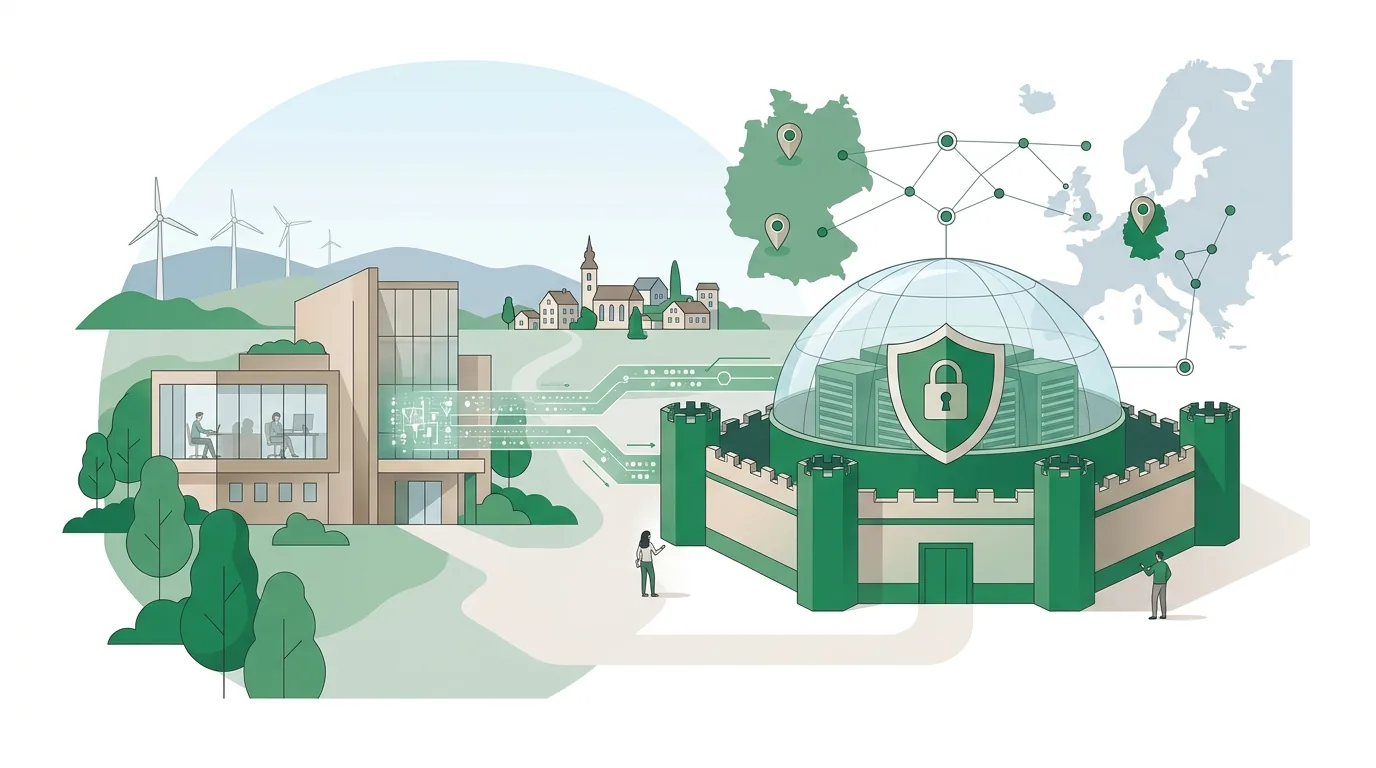
In a CRM, the vendor processes personal data on your behalf. The GDPR requires a data processing agreement for this, which sets out, among other things, the subject matter, duration and nature of the processing. Also ask where the data is stored, which subprocessors are involved, and whether data is transferred to third countries. A server location in Germany tells you something about how the service is run, but it doesn't automatically make your use of it compliant. What matters is how you use the system: which fields you create, who can see what, and how you handle deletion requests. Whether a particular tool is right for your case is for your data protection officer to decide, not the vendor's marketing.
What does an AI assistant have to do with your CRM?
An AI assistant for your business reads data from the CRM through an interface. Before a meeting it summarizes the customer's history, drafts a reply email from the latest notes, or suggests the next follow-up. That only works with clean data. If required fields are missing or information is scattered across free-text notes, the assistant summarizes the gaps or fills them with wrong details that sound plausible. It should also have exactly the permissions of the user it's working for, and no more. If it can read all revenue figures, it can also show them to people who shouldn't see them. Under Art. 4 of the EU AI Act, anyone using AI has to take measures to support the AI literacy of the staff who work with it. The amended version of the regulation doesn't require any specific level of literacy. How DigifyNow sets up these assistants is described on our page about AI assistants for businesses.
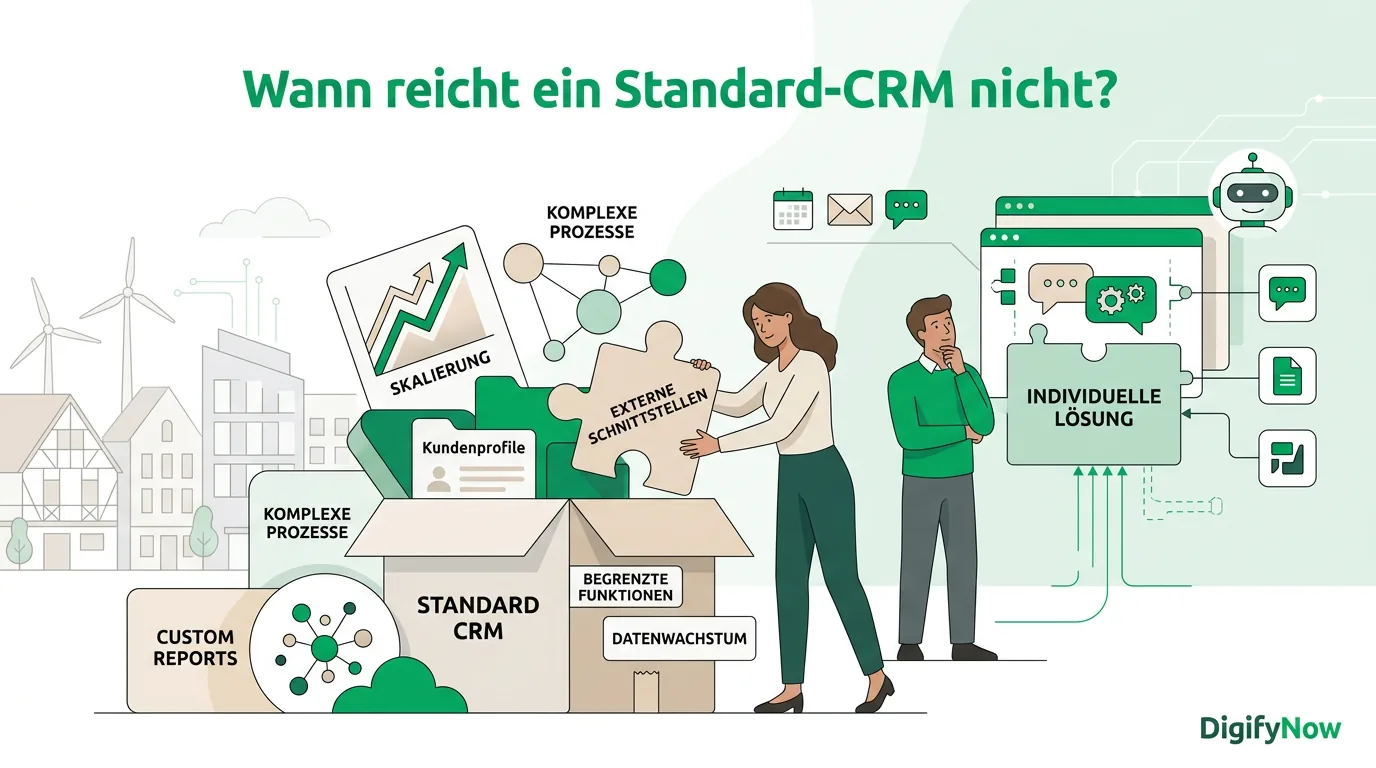
When is an off-the-shelf CRM not enough?
This section describes what DigifyNow offers and is not part of the comparison above. For most small businesses, an off-the-shelf CRM is the right choice. Building your own only pays off if your process doesn't fit into pipeline stages, if several systems need custom connections anyway, or if customers are supposed to work along with you in a portal. For Mundo Marketing, for example, DigifyNow built a custom back office with CRM. How we approach this is described on our page about CRM development. What a custom build costs is explained in our article on the costs of having a CRM system built. If your contact data has grown in spreadsheets over the years, a data migration with mapping and a test import belongs before go-live, whether you choose a standard system or have one built.
When outside help is worth it
Outside help is worth it when old customer data from several sources has to be merged, when the CRM needs to connect to accounting, your online store or your phone system, or when no standard system fits your process. Have the following ready beforehand: your current data sources with one sample row each, the stages of your sales process, the number of users, and the tools you want to connect. With that, you can describe your plans to us in a free assessment of your CRM project. And we'll tell you honestly if an off-the-shelf system will do.
Frequently asked questions
What is the best CRM for a small business?
There is no single best CRM for every small business. Comparison articles describe Pipedrive as a sales-focused system for SMBs, HubSpot offers a Starter package and a free version according to its own site, and CentralStationCRM cites servers in Germany and personal support (as of November 2026). The best system for you is the one whose lowest tier covers your sales process and allows a full export including the activity history.
How much does a CRM for a small business cost per month?
Your monthly cost is the number of user licenses multiplied by the price of the feature tier you choose, plus, with some vendors, surcharges based on the number of contacts and add-ons such as phone integration. One-time costs come from data cleanup, import and training. The only binding price is the one on the vendor's pricing page when you sign up, so compare using your actual number of users.
Is Excel good enough instead of a CRM?
Excel is enough as long as one person maintains the list and you don't need follow-up reminders. A CRM does three things Excel can't: it links every activity to a contact, it reminds you of appointments and tasks, and it controls who can see which data. When several people work in the same spreadsheet at once, you get version conflicts and duplicates, and the history gets lost.
What's the difference between CRM and ERP?
A CRM manages customer relationships and everything around sales: inquiries, quotes, contacts and follow-ups. An ERP manages a company's resources, meaning purchasing, inventory, orders, invoicing and accounting, in one shared database. Small service providers usually get by with a CRM. If you stock and ship goods, you need an ERP with a CRM component or a solid connection between the two systems.
Are free CRM plans any good for small businesses?
For getting started and for a test with real data, yes. Free tiers usually limit the number of users, automations, reports or permission settings. Before you commit, check two things: whether your most important feature is included in the free tier, and whether all your data, including the activity history, can be exported. Without a full export, switching later becomes a lot of work.
How do you test two CRM systems properly?
Run the same small set of real deals through both systems, from inquiry to won or lost. Check right away: Is a contact from the website form created correctly? Can you enforce required fields when a deal changes stage? Does the export work completely? The people who'll use it every day should do the testing, not just management.