CRM Implementation: Steps, Mistakes, Costs
· DigifyNow
A CRM implementation works when you first define your sales process as stages with clear exit criteria, derive a few required fields from that, and only then choose a system. Next, clean up legacy data, run a test import, connect email and calendar, start with a pilot group and set a cutover date. From that day on, the Excel lists are read-only. Without a cutover date, the team maintains two systems side by side and the CRM gets ignored.
How does a CRM implementation work?
A CRM implementation is an organizational project first and a software project second. The software reflects whatever you decide about your customer relationships, and anything you haven't decided, it can't reflect either. If you buy the tool first, you end up bending your process to fit a vendor's standard fields instead of the other way around. That's why at DigifyNow we stick to this order:
- Define the goal and the current process: What question should the CRM answer, and which stages does a deal go through today?
- Define the data model and required fields: Which objects, which fields, and which of them are mandatory?
- Choose a system: off-the-shelf software, customized off-the-shelf, or custom development.
- Clean up legacy data and run a test import.
- Connect integrations: email, calendar, website form, accounting.
- Train a pilot group, set a cutover date, make the old spreadsheets read-only.
If terms like contact, deal and pipeline are still new to you, the basics are covered in our article What is CRM, with definition, system and example.
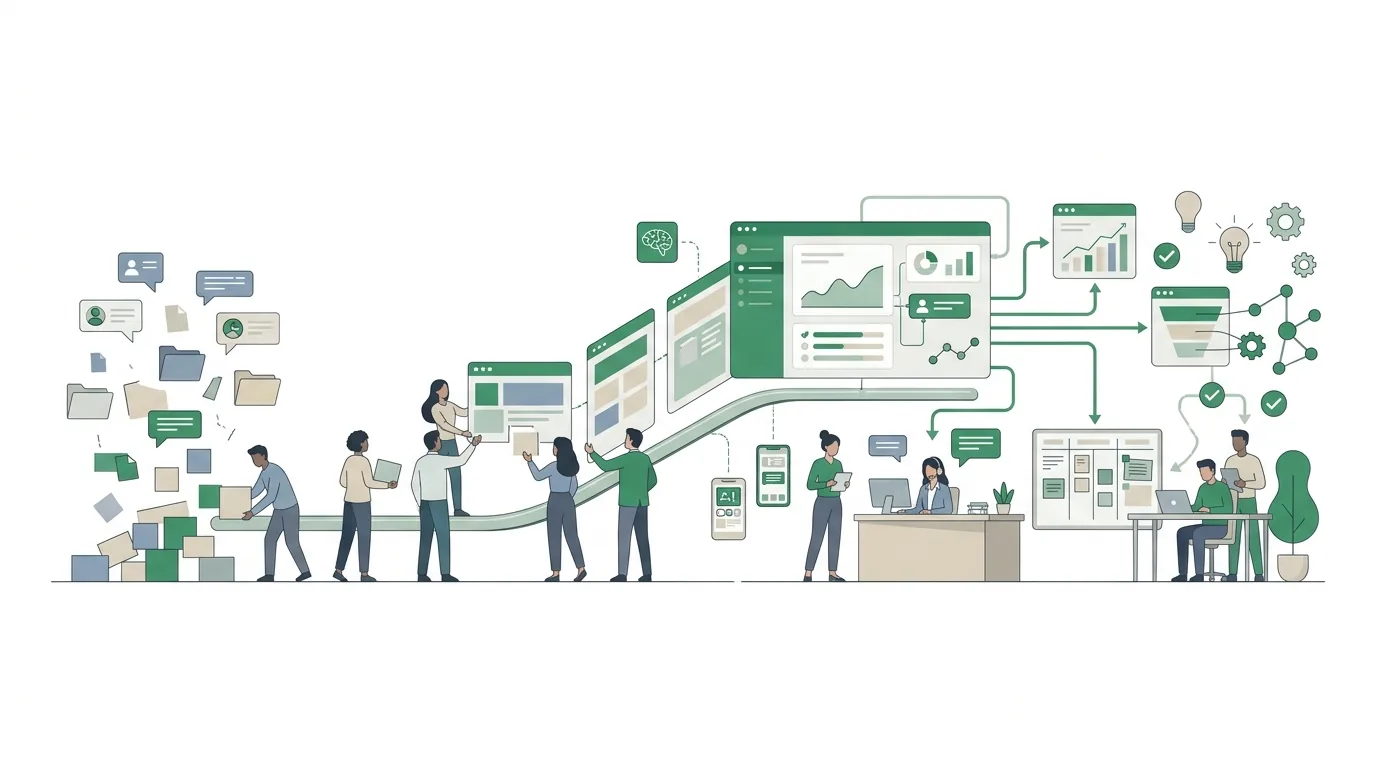
Step 1: Define the goal and the current process
Phrase the goal as a question the CRM should be able to answer going forward. For example: Which quotes haven't been followed up since they were sent? Or: Who last spoke with customer X? "More transparency" can't be checked. Questions like these can.
Next, map the current process, together with the people who actually do the work, not just with management. That gives you the stages of your pipeline, for example inquiry, needs clarified, quote sent, negotiation, won or lost. Every stage needs an exit criterion: a deal only moves to "quote sent" once a quote document has actually gone out. Without criteria, everyone moves deals based on gut feeling, and your pipeline report ends up showing moods instead of numbers. Rule of thumb: only as many stages as your process really has. A distinction that only one salesperson makes doesn't get its own stage. To map the process, use the approach described in process analysis with template and example.
Step 2: Define the data model and required fields
At the core of almost every CRM are four objects: company, contact person, deal (sales opportunity or project) and activity (call, email, meeting, note). Before you choose a system, decide which fields each object needs and which of them are required.
Required fields cut both ways. A required field "lead source" lets you analyze later where your business comes from. A dozen required fields when creating a contact, on the other hand, leads to placeholders like "xxx" or "unknown", and then the field is worthless. For every field, ask: Who analyzes it, and which decision depends on it? If nobody can answer that, it doesn't become a required field. Also use dropdown lists instead of free text wherever you'll want to filter later, such as industry or region. Free text gives you "Westerwald", "WW" and "Westerwaldkreis" side by side, and no filter catches all three.
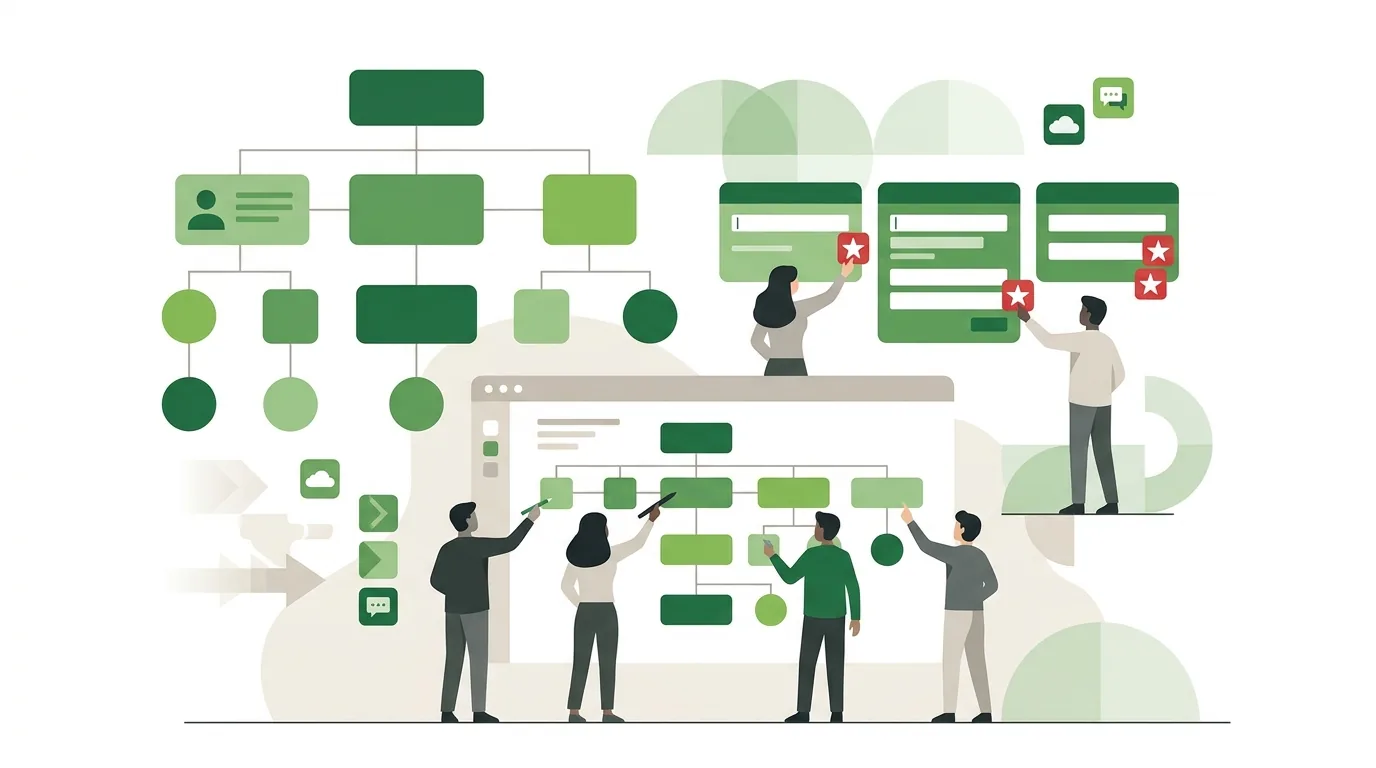
Step 3: Which CRM system is the right fit?
There are three realistic paths. Well-known off-the-shelf systems include HubSpot, Pipedrive, Salesforce, CentralStationCRM and Microsoft Dynamics. For self-hosting, there are open-source systems such as SuiteCRM or vtiger. Which features a given plan includes changes all the time, so check the vendor's current pricing page rather than comparison articles. The table compares the three paths on the same criteria:
| Criterion | Off-the-shelf cloud CRM | Self-hosted open-source CRM | Custom-built CRM |
|---|---|---|---|
| Getting started | Create an account, configure fields | Set up a server, install, configure | Concept and development first, then launch |
| Fit with your process | Good, as long as it resembles the vendor's sales model | Customizable, but changes to the code make updates harder | Built for your own process |
| Who runs servers and updates | The vendor | You or your service provider | You or your service provider |
| Ongoing costs come from | Per-user license and plan tier | Hosting, maintenance, security updates | Hosting, maintenance, further development |
| Where it hits its limits | Special logic outside the data model, features only in higher tiers | Your own customizations break with major version upgrades | Not worth it if an off-the-shelf system already covers the process |
For most small sales teams with a classic inquiry, quote, order process, an off-the-shelf CRM is enough. Custom development is worth considering when the CRM needs to be tightly connected to order processing, dispatching or a customer portal. When that's the case and what drives the effort is covered in the article on having a CRM system built and what it costs.
How DigifyNow approaches custom CRM systems
DigifyNow builds CRM and back-office systems when no off-the-shelf product covers the process. We start with an MVP that contains only the pipeline and the most important objects. Further features are added only once the team is actually working with it. How that works is described on our page on custom CRM development.
Step 4: Clean up legacy data and run a test import
Legacy data is usually scattered across Excel spreadsheets, Outlook address books, the ERP or inventory system, and business cards. Before you import, merge duplicates. For that you need a matching key, such as company name plus postal code, or the email address. You also separate companies from people. A spreadsheet row reading "Müller GmbH, Mr. Schmidt, Ms. Weber" becomes one company with two contacts in the CRM.
- Save the export as a CSV with UTF-8 encoding. Other encodings often turn accented characters such as German umlauts into garbled symbols during import.
- First load a test import with a small sample into a test environment or a clearly flagged area.
- Check the column mapping: country codes, date formats and postal codes with a leading zero are common sources of errors.
- After the real import, count the records and reconcile them with the source.
- Don't delete the source files; archive them as read-only.
A more detailed version, with strategies and a checklist, is in our article on data migration with checklist and example.
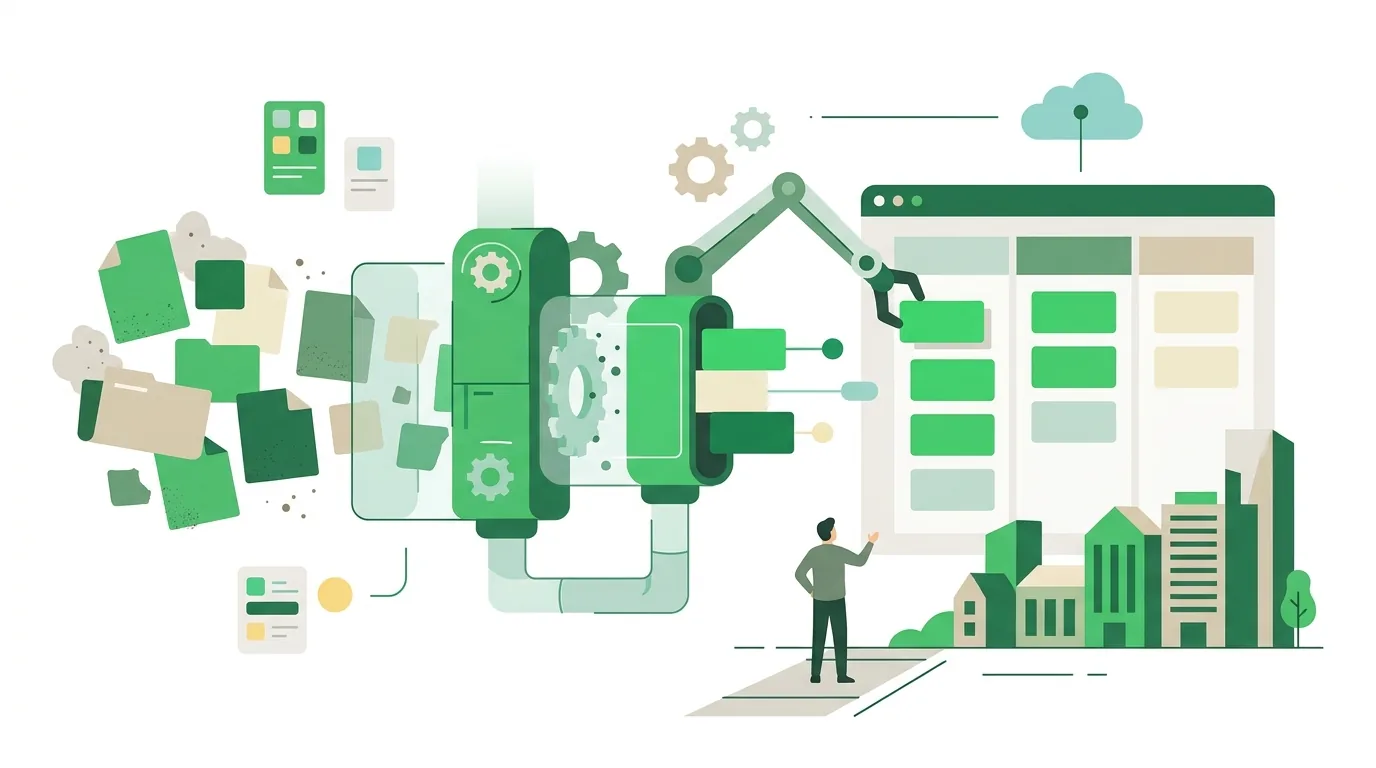
Step 5: Connect email, calendar and other systems
A CRM where you have to copy every email over by hand soon stops being maintained. That's why the mailbox and calendar integration comes first. Most off-the-shelf systems offer ready-made connections to Outlook and Exchange as well as Gmail and Google Workspace. Clarify beforehand whether all emails in a mailbox get synced or only those with known contacts. Otherwise private or internal messages end up in the CRM too.
Next come the contact form on your website, which creates new inquiries directly as deals, and your accounting or ERP system for invoice and customer numbers. For each connection, decide which system is the source of truth. If both sides are allowed to change the same address, they overwrite each other during sync. Technically, these connections usually run through a REST API or a webhook. How that works is explained in what is an API, with a real-world example.
Step 6: Pilot group, training and cutover date
Start with a small pilot group that works the process every day, for example two people from sales and one from inside sales. They work with real deals for a few weeks and report which fields are missing and which ones nobody fills in. Only then is the configuration frozen and the whole team trained.
Training doesn't walk through every menu item. It shows the handful of actions everyone needs daily: create a contact, log an activity, move a deal, set a follow-up reminder. The most important decision is the cutover date. From that day on, only what's in the CRM counts. The old spreadsheets become read-only, and meetings run off the pipeline view. If management keeps asking for the Excel list in the sales meeting, the CRM quickly becomes an afterthought again.
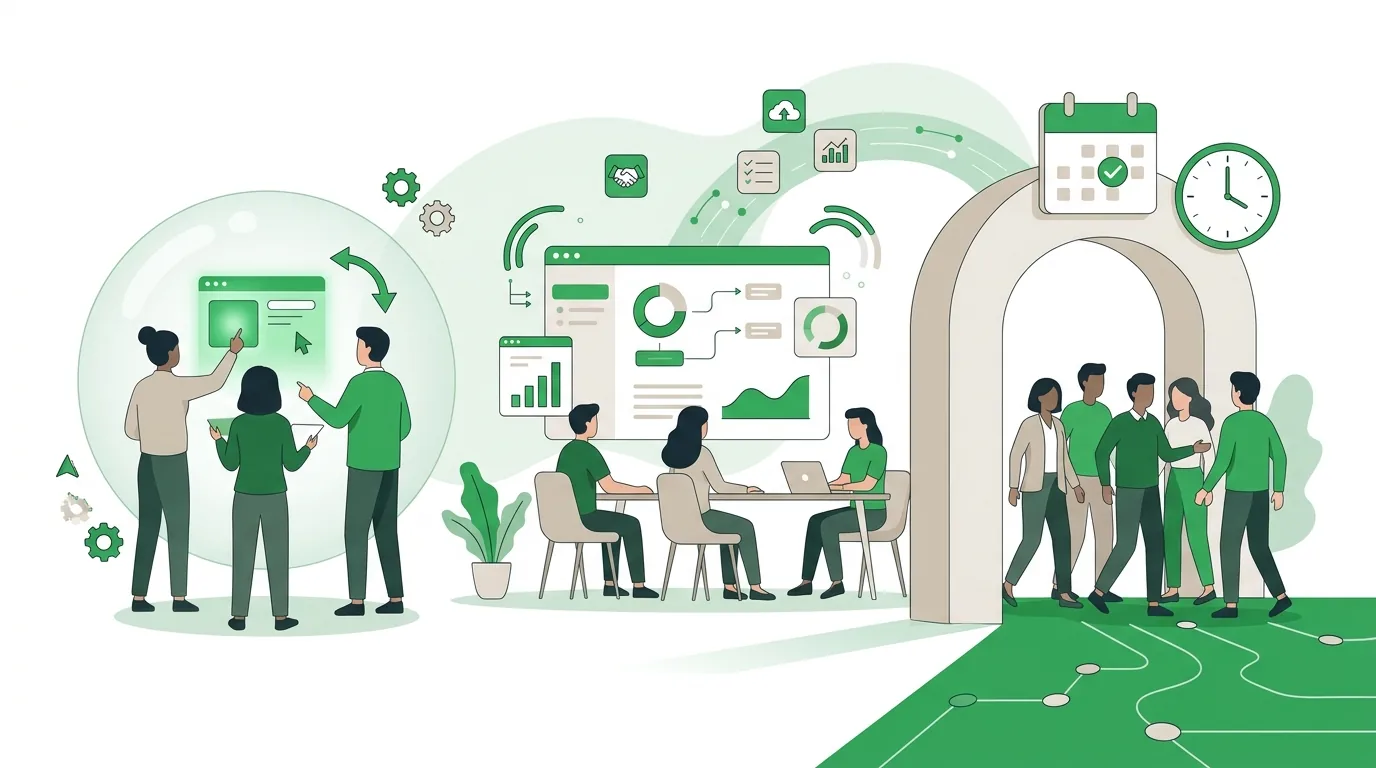
Why do CRM implementations fail?
- No cutover date: Excel and the CRM run in parallel, and neither is complete.
- Too many required fields: the team enters placeholders and the reports become useless.
- Stages without exit criteria: the pipeline shows what someone hopes, not what actually happened.
- Legacy data imported unchecked: duplicates and broken special characters cost trust from day one.
- No mailbox integration: contact history stays in personal inboxes.
- System chosen by feature list: you buy whatever ranks first in a comparison, not what fits your own process.
- Nobody is in charge: without one person who manages fields, permissions and dropdown lists, the system grows out of control.
How much does a CRM implementation cost?
There's no honest number without knowing the project. Costs depend on five factors: licenses (number of users and plan tier; with many vendors, automations or integrations are tied to higher tiers), the scope of configuration (objects, fields, pipelines, permissions), the volume and condition of legacy data, the number and type of integrations, and ongoing operations including administration, updates and further development. Internal time is often underestimated: process mapping, the pilot phase and training tie up your own people. A reliable figure only emerges once stages, data model, data sources and integrations are written down. That's what a provider can base a quote on. How these factors play out for software in general is covered in software development costs and what drives them.
What does the GDPR require for a CRM implementation?
A CRM processes personal data, so the General Data Protection Regulation applies. If the system runs with a cloud provider, the GDPR requires a data processing agreement with that provider. The processing also belongs in your records of processing activities. Data subjects have a right to erasure. So before launch, it should be clear how a contact is deleted completely and how you record an objection to marketing as a suppression flag, so the same contact doesn't reappear with the next import. You can find the text of the regulation on EUR-Lex. Whether your business meets these requirements depends on how you set up and use the system, not on the product you choose. Clarify this with your data protection advisor.
When outside help is worth it
For a small team with a classic sales process and an off-the-shelf CRM, one in-house person who takes the time to set it up is often enough. Outside help pays off when legacy data from several sources has to be merged, when your ERP or accounting system needs to be connected, or when no off-the-shelf product fits your process. To prepare, put together a description of your stages, a list of data sources with a rough record count, the systems to be connected, and the number of future users. With that, you can request a free, no-obligation assessment of your CRM project from DigifyNow. There we'll work out which of the three paths fits.
Frequently asked questions
How long does a CRM implementation take?
That depends mainly on the legacy data and the integrations, less on the software. An off-the-shelf CRM without integrations is quick to set up. Process mapping, the test import, the pilot phase and training still take their own time. Every connection to accounting or an ERP system adds testing and coordination. A reliable timeline can only be given once the data sources and integrations are known.
Who should be on the CRM project team?
At least three roles: someone from management with decision-making authority, a person who will administer the system later, meaning fields, permissions and dropdown lists, and people from sales and inside sales who use it every day. A team made up only of management and IT often builds a system that produces reports but is clunky in day-to-day work.
Can you implement a CRM without data migration?
Yes, as a fresh start: only active customers and open deals go into the new system, and everything else stays read-only in the archive. That's less work than a full migration and keeps legacy baggage like duplicates out. The downside: the history of older contacts isn't in the CRM. Anyone who needs it has to look it up in the archive.
What's the difference between CRM setup and CRM implementation?
Setup usually refers to the technical part: configuration, data import and integrations. Implementation in the full sense also covers defining the goal, mapping the process, training and the cutover date when the old way of working ends. A CRM can be fully set up technically and still not be implemented if the team keeps working in Excel spreadsheets.